The Complete Checklist for Setting Up an Online Membership System


Summary of the Article
An online membership system needs five core parts working together: a member database, payment processing, renewals, a member portal, and digital membership cards. This checklist walks you through each phase, from planning your membership types to migrating data and going live.
- Plan first: define your membership types, renewal basis, and policies before touching any software.
- Configure: set up the database fields, payments, renewal rules, portal, and cards.
- Migrate: clean your old data, test with a small batch, and assign one data-quality owner.
- Launch: train your team, tell members what changed, and soft-launch with new joins before renewals.
You can run this checklist against any system, whether you are evaluating options or setting one up you already picked.
An online membership system is software that runs your membership program on the web instead of in a spreadsheet or a filing cabinet. At minimum, it covers five components: a searchable member database, a way to collect dues and payments, automated renewals, a self-service member portal, and membership cards members can actually use. Requirements checklists from other vendors, like the membership software requirements checklist from Component.app, group the same needs into record management, tiers and terms, renewals, payments, self-service, and reporting.
If you are moving off spreadsheets or a legacy system, this checklist takes you through what to set up and what to test, phase by phase.
Phase 1: Plan Before You Configure
Answer these questions in writing before you open any admin panel. Every later step depends on them.
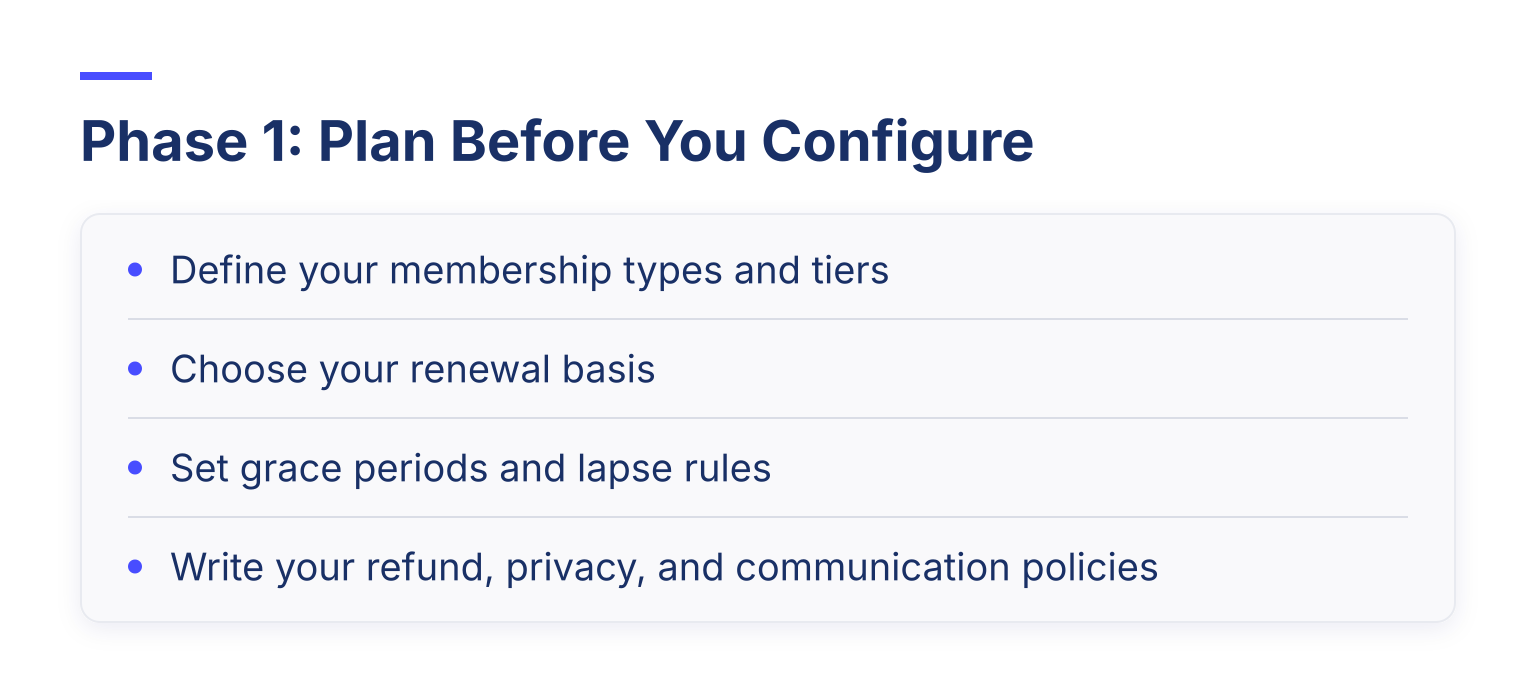
- [ ] Define your membership types and tiers. List each type you offer (individual, family, student, corporate, lifetime) with its fee, term length, and who qualifies. If your tiers are not settled yet, our guide on how to structure membership tiers walks through the options.
- [ ] Choose your renewal basis. Will memberships renew on the member's join date or on a fixed calendar year? Rolling terms from the join date spread your workload across the year; calendar-year renewals concentrate it but keep everyone on one schedule.
- [ ] Set grace periods and lapse rules. Decide how long a lapsed member keeps access before benefits stop, and what reinstatement looks like.
- [ ] Write your refund, privacy, and communication policies. Know what is refundable, what data you collect and why, and what members agree to receive from you.
One tip from guides on building a membership management system from scratch: settle your structure first, then your processes, then the tools that fit both. Most organizations do it the other way around and end up forcing their rules into software that was never built for them.
Phase 2: Member Database Setup Checklist
The database is the foundation. Everything else reads from it.
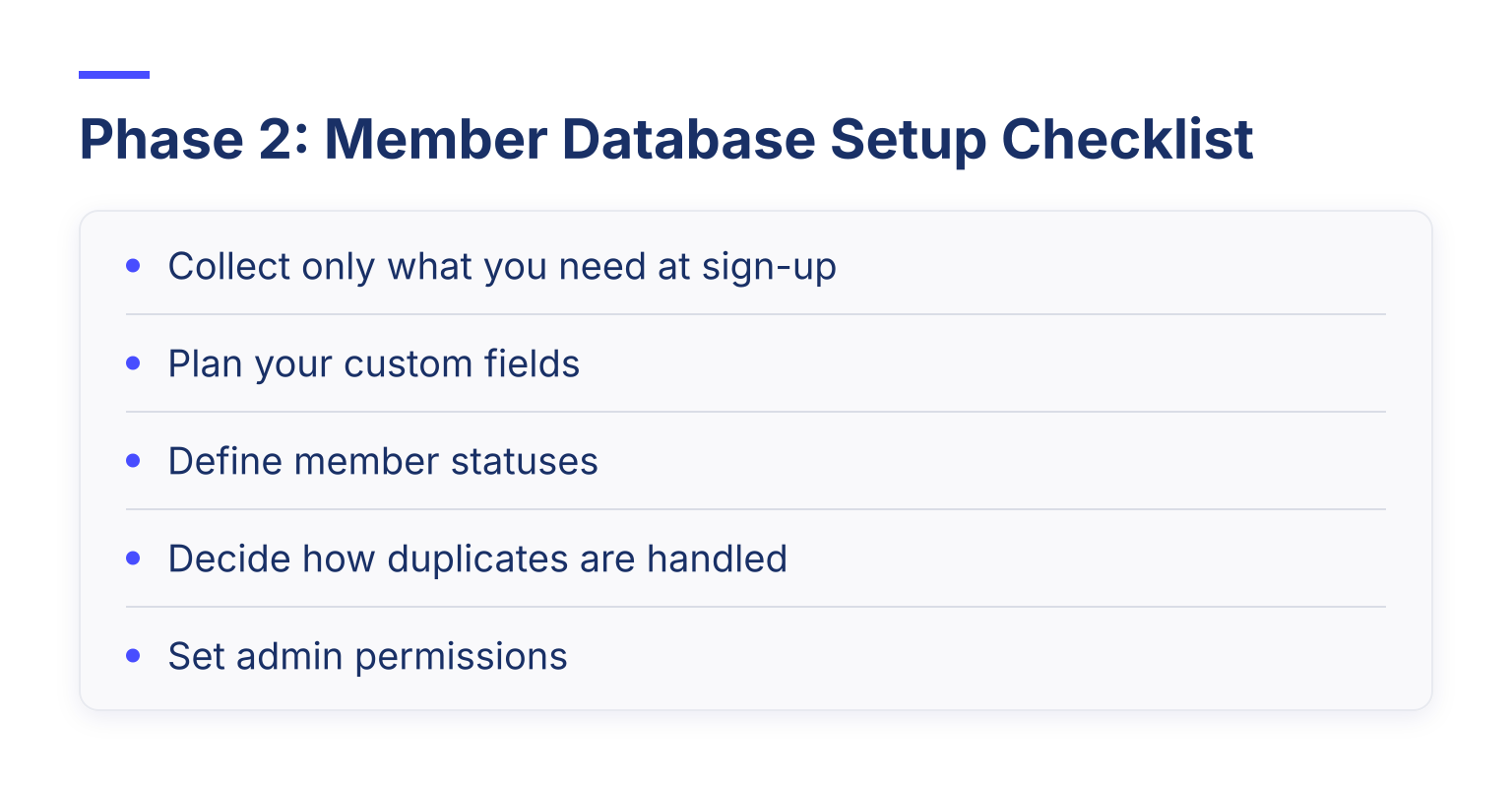
- [ ] Collect only what you need at sign-up. Every extra field adds friction to joining. Name, email, membership type, and payment details usually cover the join itself; you can gather job title, interests, and mailing address during onboarding instead.
- [ ] Plan your custom fields. Decide which fields are visible to members, editable by members, and admin-only. Notes you keep private, like board discussions about a member, belong in admin-only fields.
- [ ] Define member statuses. Typical statuses include active, pending, lapsed, suspended, and archived. Know what each status means for access and benefits before you start assigning them.
- [ ] Decide how duplicates are handled. A shared family email or two records for one person is normal. Pick your matching rule now so imports do not create messy duplicate memberships later.
- [ ] Set admin permissions. Decide who gets full access, who gets read-only access, and who can edit payments. If volunteers help, limited roles protect the data they should not touch.
Before you close this phase, decide how your database stays in sync with the rest of your tools. Our guide on automating your membership database with integrations shows what changes when member data flows between systems automatically instead of being re-typed by hand.
Phase 3: Payments and Renewals Checklist
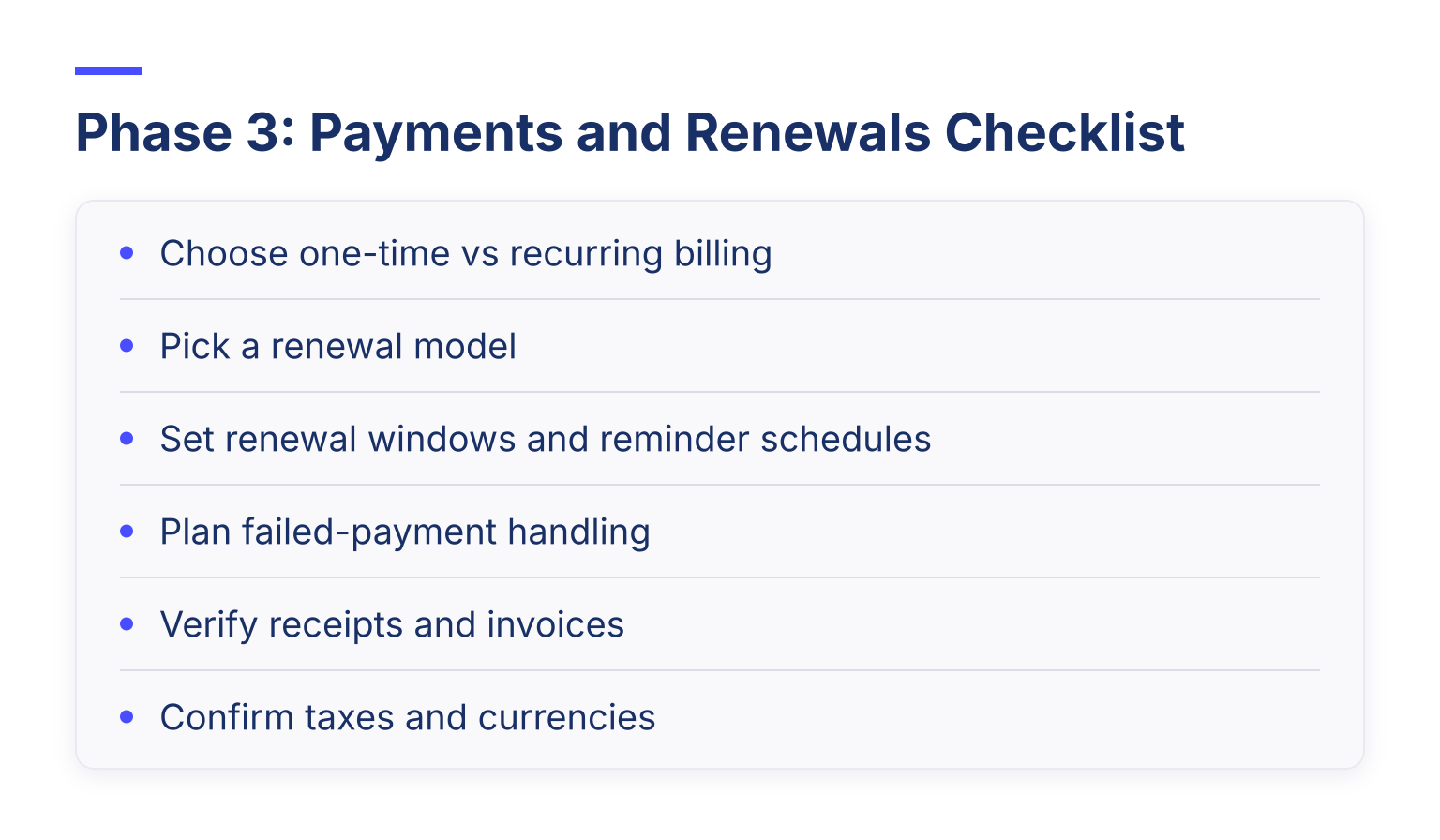
- [ ] Choose one-time vs recurring billing. One-time dues mean members pay each term manually. Recurring billing charges automatically and cuts your chase time dramatically.
- [ ] Pick a renewal model. There are two, and this guide to building a member management system with auto-renewals explains the tradeoff well: reminder-driven renewals have members actively confirm and pay each term, while card-on-file renewals charge a saved card automatically. Reminders give members control but lose more people who simply forget. Card-on-file keeps renewals frictionless but requires clear disclosure when the card is saved.
- [ ] Set renewal windows and reminder schedules. Many organizations remind members at 30, 7, and 2 days before the due date. Decide your sequence before launch.
- [ ] Plan failed-payment handling. Check that the system notifies you and the member when a charge fails, and decide what happens to benefits while the payment is unresolved.
- [ ] Verify receipts and invoices. Members should get an automatic receipt for every payment, and your treasurer needs exportable payment records.
- [ ] Confirm taxes and currencies. If you charge tax on dues or serve members in other countries, make sure the system handles it correctly at checkout.
When you work through this in a real system, the mechanics look straightforward. For example, Join It's membership payments setup covers one-time and recurring dues with renewal reminders handled automatically, so your checklist items map to configuration screens rather than manual tracking. Our guide on tracking membership dues covers the pricing side in more depth.
Phase 4: Member Portal Checklist
The portal determines how much admin work disappears.
- [ ] Members can edit their own profile. Decide which fields they can change and which stay locked to admins.
- [ ] Members can see their payment history. Invoices and receipts on demand end the "can you send me a receipt?" emails.
- [ ] Members can renew themselves. A member who can renew in two clicks is a member who renews.
- [ ] Directory visibility is under your control. If you publish a member directory, decide who appears, what shows, and how members opt in or out.
- [ ] Communication preferences are honored. Members should be able to manage consent and unsubscribing, and you should be able to sync active members to your email tool. Our guide to connecting MailChimp and your membership database shows how that sync works so your email list never drifts out of date.
Phase 5: Digital Membership Cards and Check-In Checklist
- [ ] Members can save cards to their phone. Cards that live in Apple Wallet or Google Wallet survive a website redesign and work offline.
- [ ] Cards are scannable. A QR code lets you verify membership at events or the front desk in seconds.
- [ ] Admins can verify and issue cards. Check that staff can look up a member, confirm their status, and resend or reissue a card without a support ticket. Join It issues digital membership cards for Apple Wallet and Google Wallet, which is the pattern most clubs and associations now expect.
- [ ] Test check-in end to end. Scan a real card, confirm the status reads correctly, and practice the "expired member arrives at the door" case.
Phase 6: Data Migration Checklist
- [ ] Export and keep an untouched original. Save a dated copy of your old data before you edit anything.
- [ ] Clean before you import. Fix duplicates, standardize date formats, and align your old membership labels to the new system's types. Our full guide on cleaning a membership database before import includes a step-by-step table you can copy.
- [ ] Map every field. Each column in your export needs a destination in the new system, or a documented decision to drop it.
- [ ] Import a small test batch first. Pick a sample that includes different membership types, statuses, and edge cases, and check the results before importing everyone.
- [ ] Name one data-quality owner. One person approves the final file and resolves exceptions. Committees do not finish migrations.
Phase 7: Go-Live and Training Checklist
- [ ] Train staff and volunteers. Walk each person through the tasks they will actually do: joining a member, taking a payment, checking someone in.
- [ ] Write one-page task guides. A short doc per task beats a 40-page manual nobody reads.
- [ ] Tell members what changed. Announce the new system before it goes live, explain what they need to do (create a portal login, save their new card), and give them a contact for questions.
- [ ] Soft-launch with new joins first. Let new members join through the new system before you switch renewals over. This surfaces problems while the stakes are low. Once renewals are live, retire the old process completely so nobody maintains two systems.
Independent launch checklists for membership platforms, like this membership management launch checklist, cover the same ground in the same order: core features first, then integrations, then reporting, then automation and security. You do not need every item, but the sequence is a useful sanity check on your own plan.
Phase 8: Reporting Baseline Checklist
Set these reports up in week one so you have a baseline to compare against:
- [ ] New members per month
- [ ] Renewal rate by membership type
- [ ] Lapsed and canceled members
- [ ] Failed payment count and recovery rate
You cannot improve retention you do not measure, and knowing your renewal rate before launch makes every later change meaningful. If your system supports saved reports, membership reporting that you can schedule and reuse beats running the same numbers manually every month.
Common Pitfalls to Avoid
- Staying on spreadsheets too long. Spreadsheets work for dozens of members. Past a couple hundred, manual renewals and duplicate cleanup cost more than software. Our free Excel member database templates are a useful stopgap, not a permanent home.
- Skipping the small-batch test import. A bad import into a live system is far harder to undo than one done in testing.
- Launching with renewals on day one. Soft-launch with new joins, then move renewals once the basics are proven.
- Giving every volunteer full admin access. Fewer full admins means fewer accidents and cleaner records.
FAQ
Do we need software if we only have 50 members? Maybe not yet. If dues collection, renewals, and member records all fit in one spreadsheet someone maintains reliably, keep going. Once renewals slip or one person becomes a bottleneck, it is time to move.
When do we need approval workflows for memberships? When not everyone qualifies automatically. If you vet members, require board sign-off, or offer discounted rates that need proof, choose a system that can route applications for review before membership activates.
Can multiple people manage the same membership system? Yes, and it should work that way. Look for role-based permissions so a treasurer sees payments, an event volunteer sees check-in, and sensitive notes stay admin-only.
Your Next Step
Work through the phases in order and tick each item as you go. If you want to see how a purpose-built system handles these checklist items, you can start a free trial of Join It and set up your membership types, payments, renewals, and digital cards in an afternoon, no credit card required.

Guides from the Experts
Through our work with 4,000+ organizations - we’ve put together helpful guides to assist; regardless of where you are on your journey.


A Complete Guide to Membership Organizations
Everything you need to know to manage and grow your membership business

Maximize Membership Retention: 10 Proven Strategies
Tried and true strategies that not only win membership, but keep them

Build a Membership Website: A Step-by-Step Guide
Your one-stop resource for knowing all the features your modern membership website needs
Ready to start your free trial?
Our membership software is intuitive to use and even easier to test for yourself.