How to Structure Membership Tiers
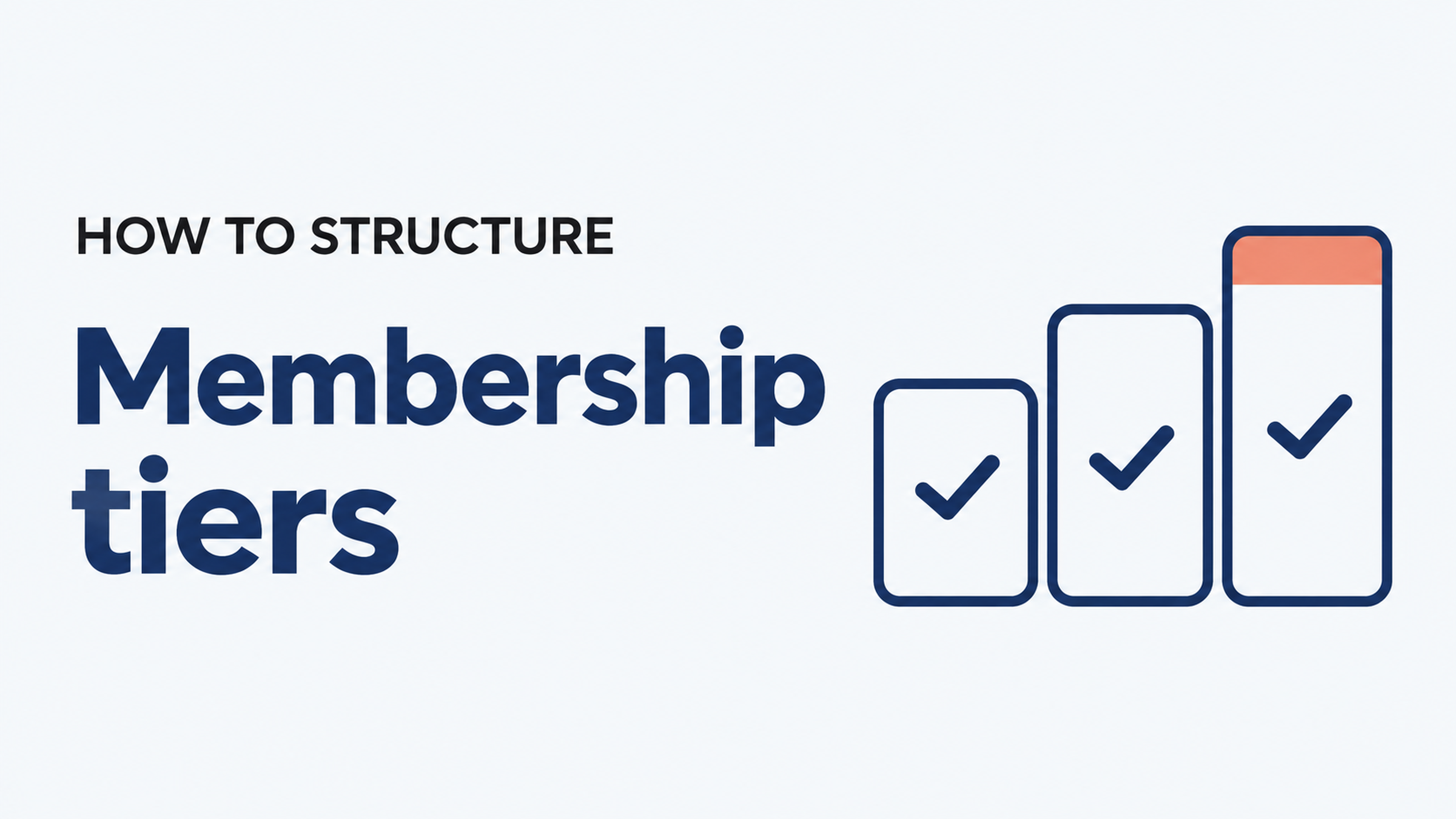


To structure membership tiers, start with who your members are, not with prices. Group them by what they need from you, give each group one clear tier, and make each step up offer a meaningful extra benefit. Most organizations do well with two or three main tiers, one highlighted "most popular" option, and a separate type for special cases like students or families.
This guide walks through the common structures, how to pick yours, and how real Join It organizations set theirs up.
What is a membership tier?
A membership tier is one level of membership with its own price, benefits and rules. Each tier can have a different billing schedule, renewal date, eligibility requirement or number of people covered.
Tiers let you meet members where they are. A student and a long-time supporter both belong to your organization, but they rarely want the same thing or can pay the same amount. Separate tiers let each of them join on terms that fit.
For a deeper look at what software needs to handle behind the scenes, see Join It's guide to multi-tier membership software.
How many membership tiers should you offer?
Two or three main tiers works well for most organizations. It gives members a real choice without making the decision feel like homework. Join It's membership pricing guide uses the same range for its worked examples.
A few things can push you to add more:
- Different kinds of members. Students, retirees or businesses may need their own type with its own eligibility rules.
- Different numbers of people. Couple, family or corporate options cover several people under one payment.
- Recognition levels. Supporters who want to give more often appreciate a named higher level.
These special types can sit alongside your main tiers without crowding the choice. Keep your public join page focused on the main options, and use hidden membership types for one-off arrangements.
If you are starting from scratch, Join It's article on how many membership tiers to offer covers free, trial and exclusive options in more detail.
What are the most common membership tier structures?
Most tier structures follow one of five patterns. Many organizations combine two, such as good-better-best levels plus a family option.
How do real organizations structure their tiers?
Frome Festival runs its Friends program on Join It. It offers Standard and Gold memberships, free recognition memberships and gift memberships. Each type has its own pricing and messages, so every group gets communication that fits. It is a simple supporter-level structure with two paid tiers and two special types.
Meepleville, a board game cafe with 250 monthly paying members at the time of its case study, keeps its public options simple and uses custom membership types it can hide when needed. That lets the team handle a family arrangement or a one-off deal without redesigning the whole program.
How do you build your membership tiers, step by step?
- List your member groups. Look at who joins today and who you want to reach. Note what each group values most, such as events, discounts, recognition or professional development.
- Pick a structure. Use the table above to choose the pattern that matches those groups. Combine two patterns only if your members really differ in both ways.
- Set your entry tier. This is where most new members start, so keep it affordable and easy to understand. Include the core benefits that make someone feel like a member.
- Make each step up meaningful. Every higher tier should add something members can name in a sentence, such as guest passes, early booking or a listing in your member directory. Avoid tiers that differ only by price.
- Highlight one option. Mark the tier you want most people to pick as "most popular" or "recommended." It gives undecided members an easy choice.
- Price from your goals. Work out the average dues you need, then set tiers above and below it. The membership pricing calculator guide walks through the math.
- Choose billing for each tier. Decide whether each tier is monthly, annual or both. Our guide to monthly vs annual membership dues can help.
- Plan the upgrade path. Make it easy for members to move up. In Join It, members can switch membership type when they renew, which is a natural moment to upgrade.
- Review once a year. Check which tiers people choose and which benefits they use. Adjust names, benefits or prices if a tier is being skipped.
What should each tier description include?
A clear tier description answers four questions at a glance: what it costs, how often it bills, who it is for and what is included. Keep benefits to a short list and use the same order across tiers so members can compare them side by side.
What should you look for in software to run membership tiers?
Your tier structure only works if your software can handle it without extra spreadsheets. When you compare options, check that you can:
- Create as many tiers as you need, each with its own price, billing schedule and renewal rules.
- Bill monthly, annually or both through recurring billing.
- Send the right renewal message to each tier with automatic renewal reminders.
- Handle households and groups, with one payer covering several people.
- Hide special types from your public join page for one-off arrangements.
- Let members upgrade themselves without contacting your team.
- See every tier in one place in a membership database you can filter by type and status.
Is Join It a good fit for tiered memberships?
Join It suits associations, nonprofits, clubs and communities that want to run several membership tiers without a dedicated IT team. Every plan includes unlimited membership types and price levels, and pricing starts under $29 a month. Members can join online, renew automatically and carry a digital membership card for their tier. If you run a member-based charity, see how Join It works as membership software for nonprofits.
Another solution may fit better if your main need is something Join It does not focus on, such as full fundraising campaigns with major-gift tracking or deep accounting features. In that case, a dedicated donor or finance platform may sit alongside or replace your membership system.
Frequently asked questions about membership tiers
What should I name my membership tiers?
Use names that tell members who the tier is for or what level it is, such as Student, Family or Patron. Names tied to your mission or community can add personality, as long as the order of the tiers stays obvious.
Should I offer a free membership tier?
A free tier can help you grow your list and build trust with people who are not ready to pay yet. Give it a few useful benefits and a clear reason to upgrade, such as event discounts or member-only content.
How far apart should tier prices be?
There is no fixed rule. Each step up should feel worth it for the benefits added. Work out the average dues you need first, then place your tiers above and below that average.
Can members change tiers in the middle of a membership?
That depends on your software and your policies. Many organizations make renewal the main moment to switch tiers, which keeps billing simple. In Join It, members can choose a different membership type when they renew.
How often should I review my tiers?
Once a year works well for most organizations, ideally before your busiest renewal period. Look at which tiers members choose, which benefits they use and what feedback you have heard.
Can I add a new tier without disrupting current members?
Yes. You can add a new tier for new and renewing members while existing members keep their current one until renewal. Let current members know about the new option so they can choose it when the time comes.
Put your membership tiers into practice
Ready to turn your membership tiers into a program that is easy to manage? Book a demo with Join It to explore how you can set up membership types, manage payments and simplify renewals for your organization.

Guides from the Experts
Through our work with 4,000+ organizations - we’ve put together helpful guides to assist; regardless of where you are on your journey.


A Complete Guide to Membership Organizations
Everything you need to know to manage and grow your membership business

Maximize Membership Retention: 10 Proven Strategies
Tried and true strategies that not only win membership, but keep them

Build a Membership Website: A Step-by-Step Guide
Your one-stop resource for knowing all the features your modern membership website needs
Ready to start your free trial?
Our membership software is intuitive to use and even easier to test for yourself.