
Member Directory Software
The member directory that powers connection
With Join It’s Member Directory, you can build a searchable, customizable directory that stays up to date and is easy to share with members or the public.



.avif)

Loved by organizations all over the world








How does the Member Directory work?
The Member Directory lets you publish a searchable list of your members — for the public or for members only. Choose exactly which fields appear, control who can access it, and keep it up to date without any manual work.

Searchable
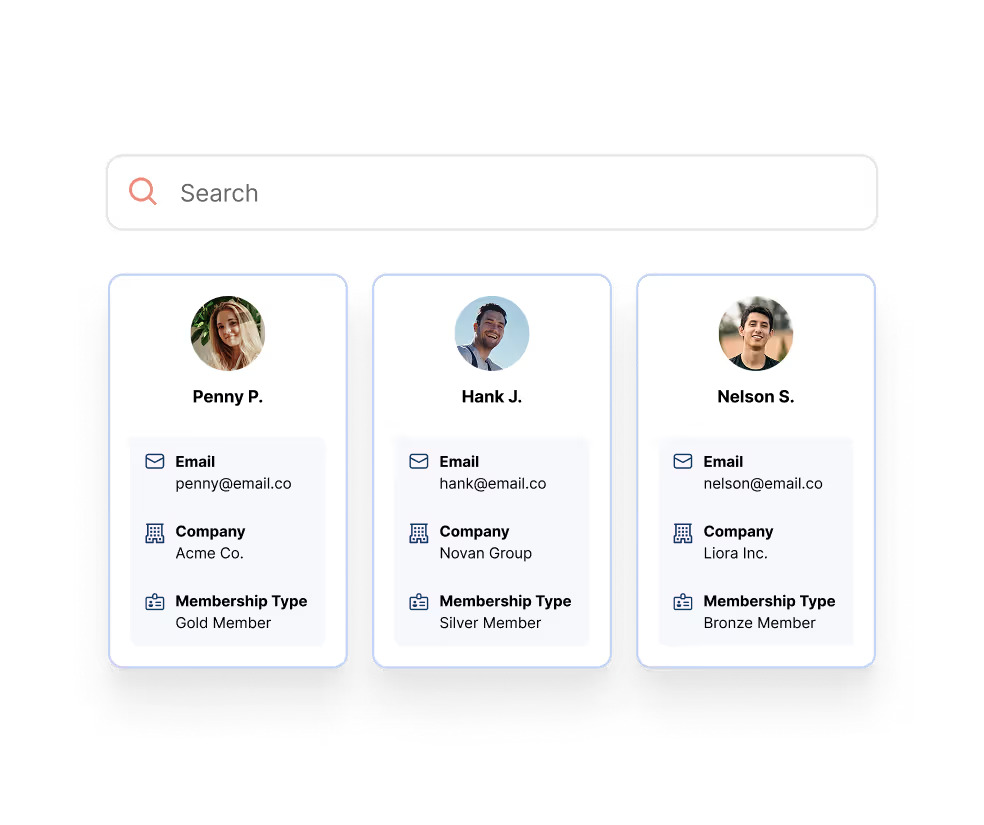
Members (or the public) can browse and search by name, company, location, or other fields you choose.
.svg)
Customizable
Select which member details appear, and reorder fields to fit your needs.
.svg)
Public or private
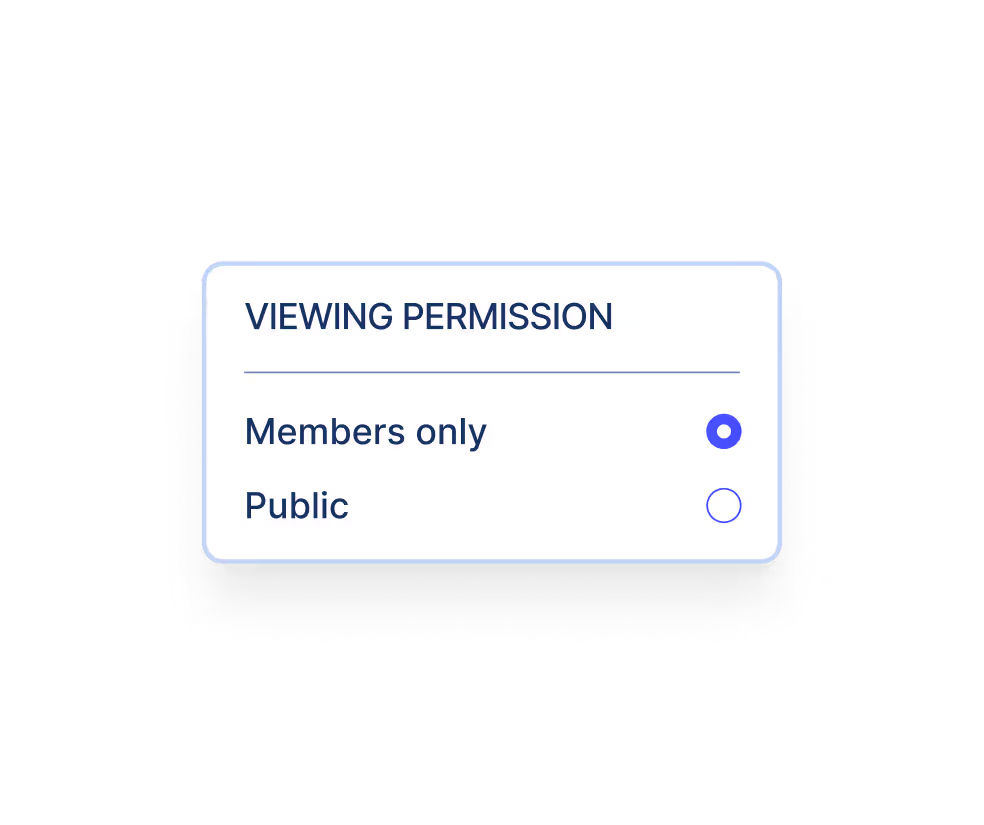
Keep the directory members-only or make it visible to the public — you decide.
A smarter way to manage your member list
Launch your Member Directory in 3 simple steps
Activate
Turn on the Member Directory easily from your Profile Settings. Just choose your visibility (public or members-only) and you’re ready to go.
Customize
Pick which fields to include in your directory (like name, company, or location), control their order, and preview the layout before publishing.
Share
Grab your directory’s unique URL and add it to your website, member portal, or welcome emails. Whether you want the public to see your vibrant community or just let members find each other — you’re in control.
Everything you need, nothing you don’t
Manage your directory directly from your dashboard — no plugins, no manual updates, no extra tools.
Easy setup
Turn on your directory from the Member Portal tab, without any confusing tools or coding required.

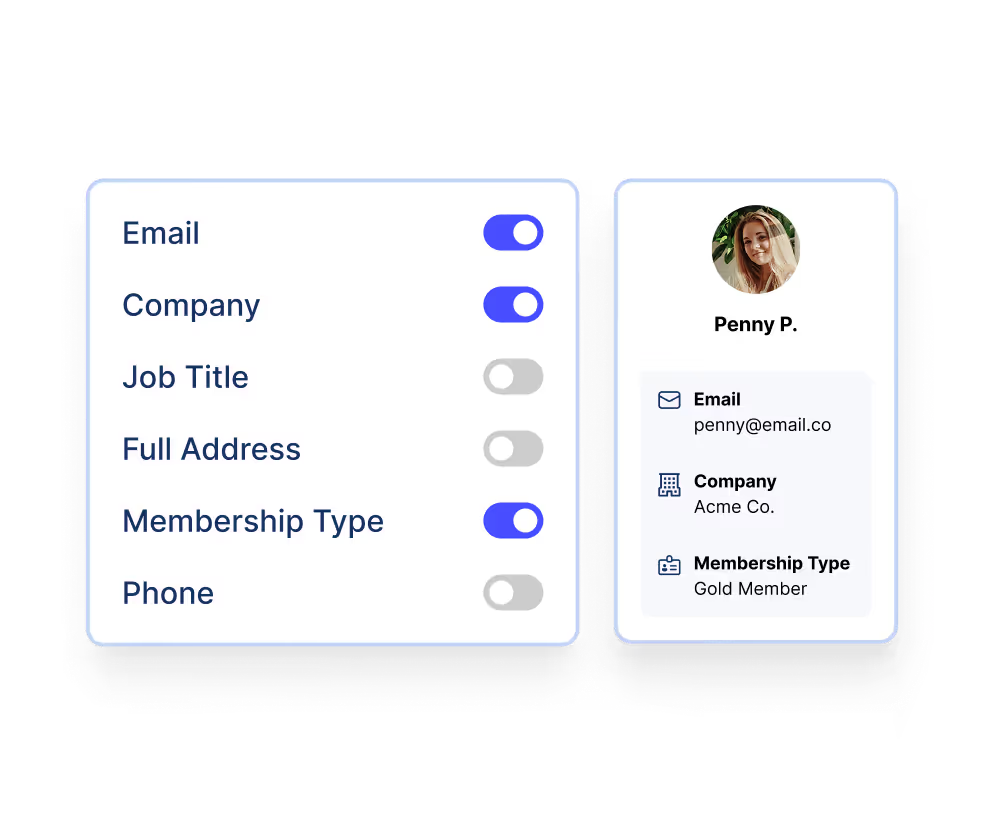
Custom fields & layout
Select which fields to show, reorder them, and preview the layout before publishing.
Search by name, company, or address
Visitors can search using multiple fields — including full address, but only if you enable it.
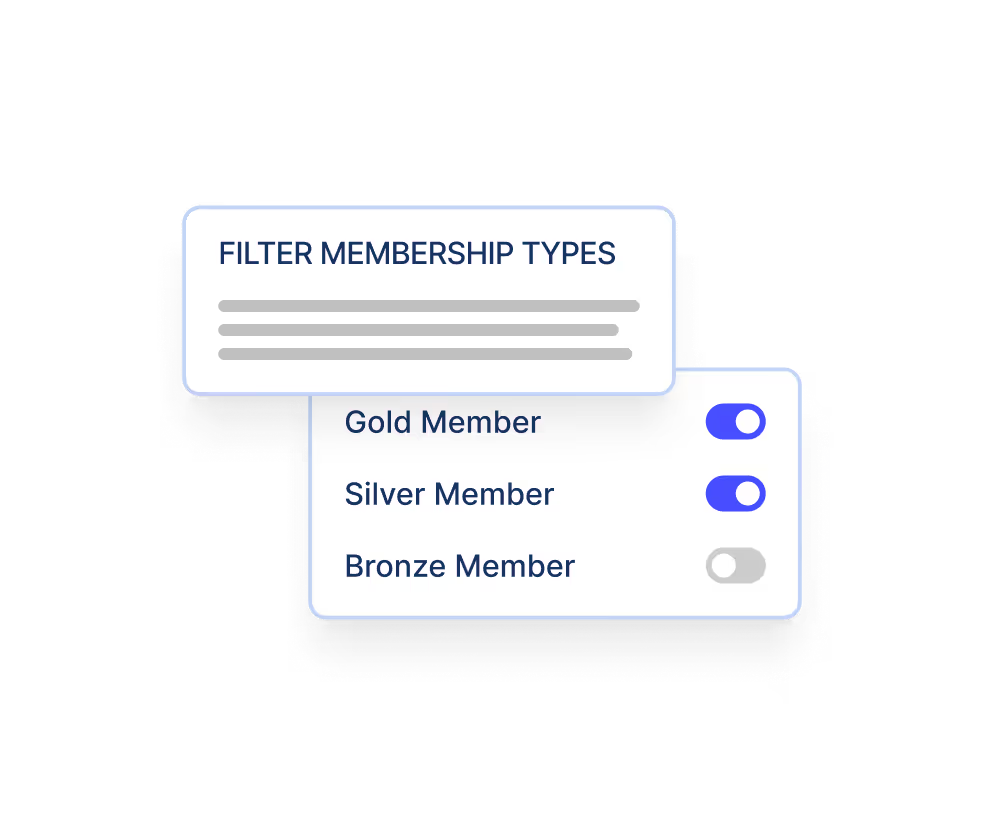
Filter by Membership Type
Choose which members appear based on membership tiers or types.
Choose who can see your directory
Whether you want to offer access as a member benefit or highlight your community to the public, the choice is built in.

Why share your member list?
Directories help your members connect, highlight the value of membership, and promote your community. Whether you're building professional connections, showcasing member businesses, or simply making your roster more transparent, a directory adds real value — with very little work required.
.svg)
Promote your members
.svg)
Foster connection
.svg)
Build trust

Top-rated customer support
4.7 Stars on Capterra



Plug in the tools you already use.
Join It sits alongside your email, accounting and event tools — so
member records, payments and registrations stay in sync without a single manual export.
Member data
Mailchimp
Constant Contact
Klaviyo
Payment data
Stripe
QuickBooks
Xero
Everything else
Eventbrite
Webhooks
API
Ready to publish your member directory?
Join It makes it simple to build, customize, and share your directory — with no extra tools, coding, or maintenance required.
We make membership management a breeze
Our mission is tohelp organizations build communities around the world by providing a constantly improving service. Our software is simple and intuitive to use and still has all of the features you need to run your membership program.
Frequently Asked Questions about our Member Directory Software
What is member directory software?
Member directory software helps organizations publish a searchable list of members so people can find, connect with, and learn more about others in the community. Join It's Member Directory is powered by your existing member data, so it stays up to date automatically.
Can I create a public or members-only member directory?
Yes. Join It lets you choose whether your member directory is visible to the public or restricted to logged-in active members only.
What information can I display in my member directory?
You decide which member details appear in your directory, such as name, company, location, membership type, or other custom fields your organization tracks.
Can members search and filter the directory?
Yes. Members or visitors can search the directory by enabled fields such as name, company, location, and other member details. Organizations can also control which membership types appear, and on eligible plans, visitors can narrow results using custom field filters.
Can members contact each other through the directory?
Yes. Join It supports optional member-to-member messaging, allowing members to contact each other through the directory when this feature is enabled by an admin.
Can members opt out of appearing in the directory?
Yes. Join It gives organizations a way to remove specific memberships from appearing in the member directory, helping you respect privacy preferences and control who is listed.
Can I embed the member directory on my website?
Yes. Join It's Member Directory can be embedded on your website using Join It's embeddable portal widgets, so visitors or members can browse the directory without leaving your site.
Which Join It plan includes the member directory?
The Member Directory is available on Join It's Total, Extra, and Enterprise plans. It is not included on the Starter plan.


