How to Set Up a Smooth Membership Registration Process



How to Set Up a Smooth Membership Registration Process
TL;DR
A smooth membership registration runs in five stages: a clear join page, a short signup form, fast payment, an instant confirmation, and a welcome email with a member card. Fix the stages in that order, and start by cutting every field you don't truly need.
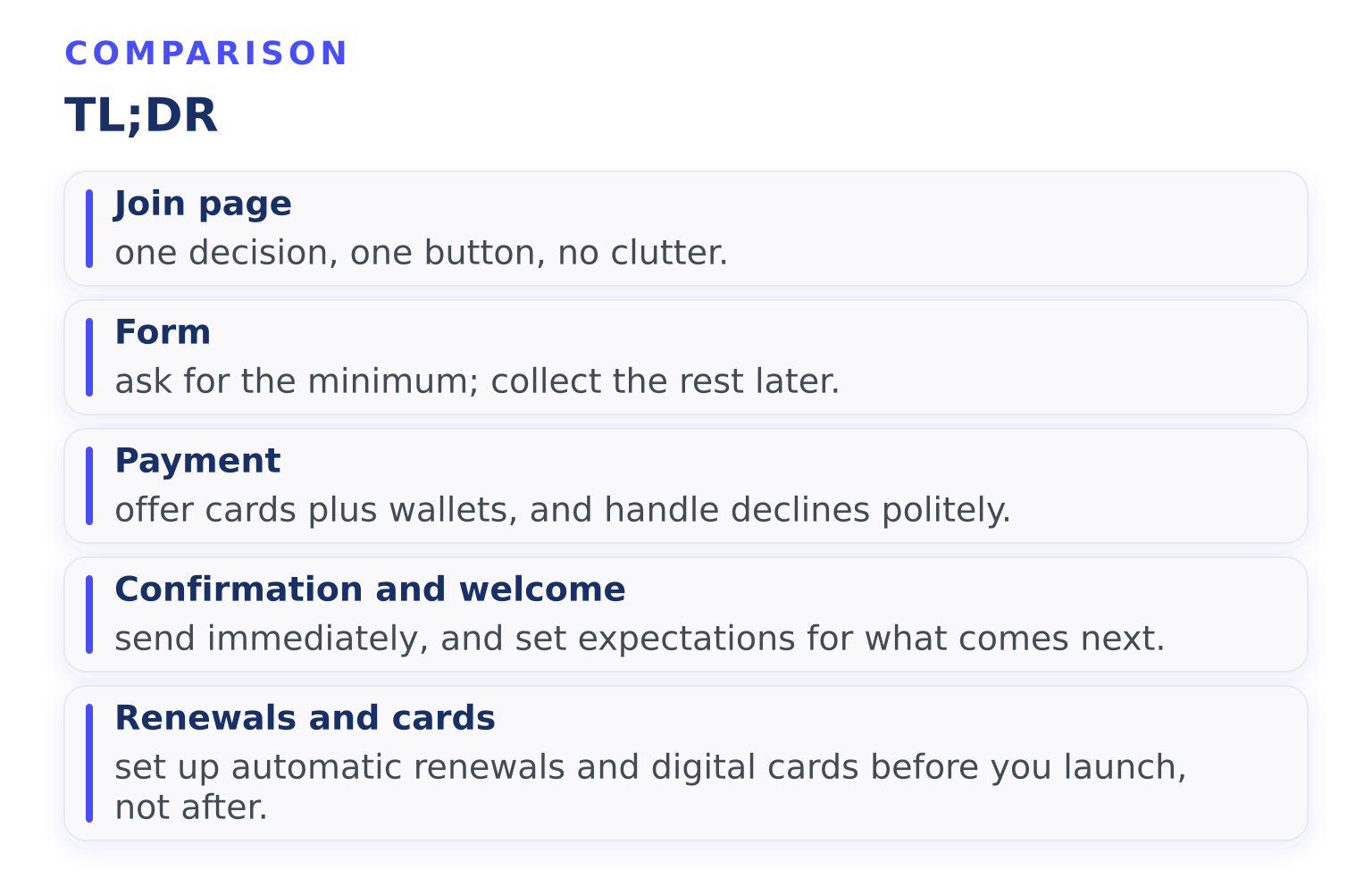
- Join page: one decision, one button, no clutter.
- Form: ask for the minimum; collect the rest later.
- Payment: offer cards plus wallets, and handle declines politely.
- Confirmation and welcome: send immediately, and set expectations for what comes next.
- Renewals and cards: set up automatic renewals and digital cards before you launch, not after.
When someone decides to join your organization, that decision is fragile. Every extra field, slow page, or missing receipt gives them a reason to quit halfway. Here's how to build a registration flow that gets people from "I'm interested" to "I'm a member" without friction.
Step 1: Build a join page that asks for one decision
Your registration starts before any form. It starts on the page where someone decides to join.
That page should answer three questions fast:
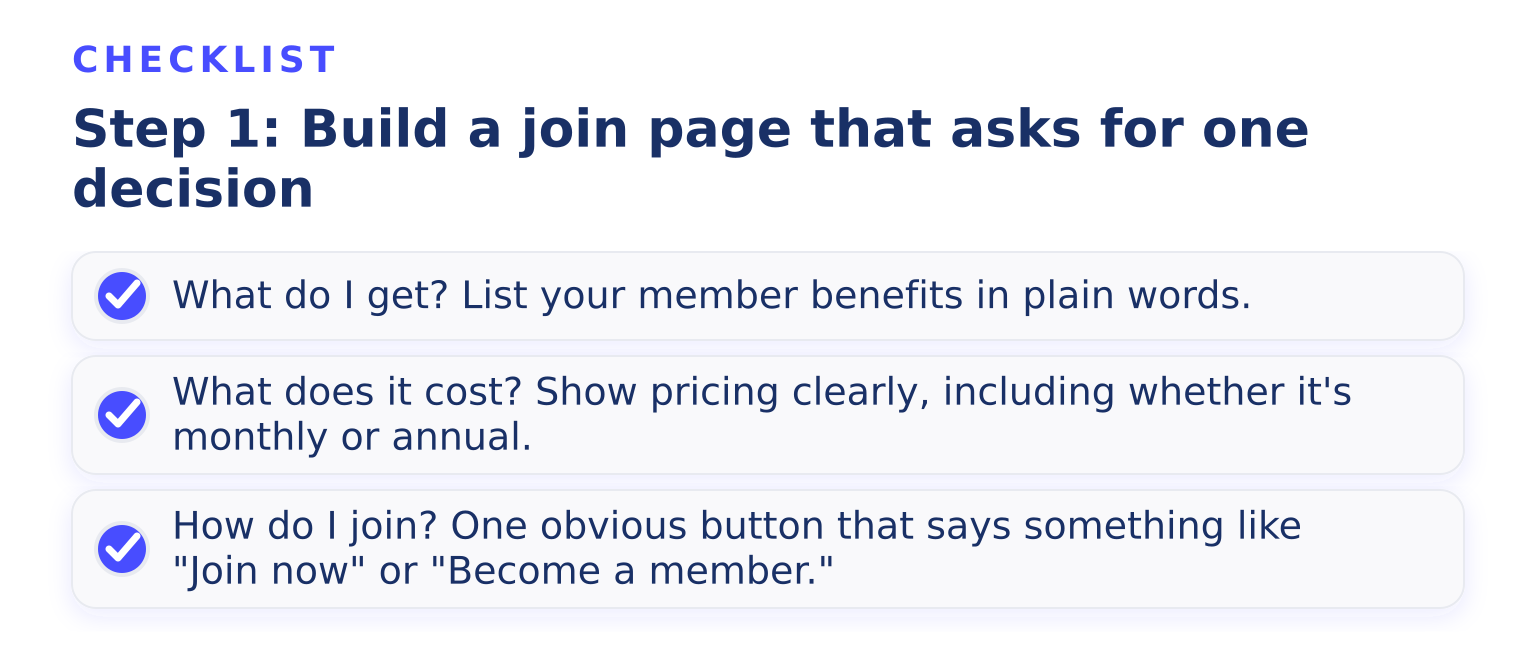
- What do I get? List your member benefits in plain words.
- What does it cost? Show pricing clearly, including whether it's monthly or annual.
- How do I join? One obvious button that says something like "Join now" or "Become a member."
If you have several membership tiers, keep the comparison short. A three-column table beats a page of paragraphs. If someone can't tell which tier fits them in ten seconds, they'll leave to think about it, and many never come back.
Avoid sending people to a generic "Get involved" page. Every extra click between the decision and the form costs you signups. Link straight from your homepage, email signature, and social profiles to the join page itself.
Step 2: Keep the signup form short
The signup form is where most registrations die. Form design research is consistent: extra required fields lower completion rates. HubSpot's form design best practices cite a case where cutting a form from 11 fields to 4 increased conversions by 120 percent. Fewer fields isn't a style choice; it's the difference between a finished registration and an abandoned one.
Before launch, audit every field on your form:
- Do we need this to create the membership? If not, drop it.
- Can we collect this later, in the member portal or a follow-up email? Then defer it.
- Do we actually use this data? If the answer is "eventually," defer it too.
Usually you need far less than you think: name, email, and the membership type. If you run a waiver or need an emergency contact for a sports club, those stay. Job title, mailing address, and "how did you hear about us" usually don't need to be there on day one.
A few small details also help:
- Put labels above fields, not inside them as placeholder text that disappears when someone starts typing. Nielsen Norman Group's user testing found that placeholder labels strain short-term memory and make errors harder to fix.
- Show errors next to the field, right away, not in one big list after submission.
- If someone enters an email that already has an account, offer a login link instead of a dead end.
If your form genuinely needs many questions, split it into two short steps with a progress indicator. A short first step feels easy, and once people start, they tend to finish.
Our membership form templates show what different organizations collect at signup, and our membership form builder lets you add or remove fields without touching code.
Step 3: Make payment quick and forgiving
If you charge dues, the payment step should take under a minute.
- Accept cards, and offer Apple Pay and Google Pay at checkout so returning members can pay with one tap.
- Show the total, the billing frequency, and the renewal date before anyone pays. Surprises at checkout cause refunds and distrust later.
- Send a receipt automatically. People check their inbox after paying; if nothing is there, they wonder whether it worked.
- Plan for failed payments. Cards expire. An automatic reminder email that says "your payment didn't go through, update your card here" recovers memberships that would otherwise quietly lapse.
If you offer both monthly and annual billing, say on the join page which one renews when. Confusion about billing dates is one of the most common sources of support emails and chargebacks.
To automate this whole stage, including recurring billing and failed payment reminders, membership management software handles it in the background so nobody on your team has to chase invoices by hand.
Step 4: Confirm, then welcome
The moment someone registers, three things should happen, ideally automatically:
- A confirmation with their receipt and membership details.
- Access to the member portal, so they can log in and see their membership right away.
- A welcome email within minutes, not days.
The welcome email matters more than most organizations realize. Research reported by the American Society of Association Executives found that only about 18 percent of associations offer personalized onboarding, while associations that personalize welcome emails and early outreach see higher engagement from the start.
A good welcome email is short and does four things:
- Thanks them by name.
- Reminds them of their key benefits, especially the ones they can use this week.
- Tells them what happens next (newsletter, events, renewal date).
- Gives one clear contact for questions.
Skip the upsell in this email. The first message should prove they made a good decision, not sell them a higher tier. If you want a starting point, our welcome email template walks through it line by line, and our new member onboarding tips cover the weeks that follow.
Step 5: Set up automatic renewals and member cards before launch
Two things are much easier to configure before your first signup than to retrofit later.
Automatic renewals. Decide your renewal policy now: does membership renew on the join date or on a fixed date each year, and is renewal automatic by default? Automatic renewals with reminder emails before each charge cut your renewal admin to nearly zero and reduce accidental lapses. Tell members clearly that renewal is automatic and how to cancel, because that transparency prevents chargeback disputes.
Digital membership cards. Issuing a digital card at signup gives new members something tangible immediately. Cards that live in Apple Wallet or Google Wallet are always with them, and they double as proof of membership at events and partner discounts. Send the card in the welcome email or make it one click from the member portal.
Common questions
Should registration be on my website or a separate page? Either works, as long as the experience is consistent. Many organizations embed a signup widget on their own site so members never feel like they left.
Free membership: do I still need all this? Yes, minus payment. A free signup is exactly the place to keep the form minimal, because there's no monetary commitment keeping a hesitant person going.
How do I know where people are dropping off? Watch two numbers: how many people who start the form finish it, and how many who finish ever log in to the portal. A big gap between finishing and logging in usually means your welcome email isn't pointing them anywhere.
What if my organization needs lots of member information? Collect it in stages. Take the minimum at signup, then ask members to complete their profile in the portal during their first week. Completion rates for later asks are higher because the person is already invested.
Your next step
Pick one stage to improve this week. If you're starting fresh, the highest-leverage fix is almost always shortening the form. If your flow already works but signups stall, look at your welcome email: is it arriving within minutes, and does it give new members one clear thing to do?
If you'd rather not stitch together forms, payments, reminders, portals, and cards from separate tools, Join It brings the whole membership registration flow into one place. Start a free trial and set up your first signup in an afternoon.
Want to know who you're working with? Learn more about us.
.avif)
Guides from the Experts
Through our work with 4,000+ organizations - we’ve put together helpful guides to assist; regardless of where you are on your journey.
.webp)

A Complete Guide to Membership Organizations
Everything you need to know to manage and grow your membership business
.webp)
Maximize Membership Retention: 10 Proven Strategies
Tried and true strategies that not only win membership, but keep them

Build a Membership Website: A Step-by-Step Guide
Your one-stop resource for knowing all the features your modern membership website needs
Ready to start your free trial?
Our membership software is intuitive to use and even easier to test for yourself.