HOA Management Software Explained: Features & Costs


Summary of the Article
HOA management software is a tool that helps a homeowners association collect dues, keep a resident roster, communicate with homeowners, store documents, and track violations and requests. Costs usually run from under $50 to a few hundred dollars a month, but the headline price often hides payment processing fees, onboarding, and migration charges.
- What it does: dues collection, resident records, communications, accounting, violations and requests, document storage.
- Who needs what: a 30-home volunteer board needs far less than a 500-unit professionally managed community.
- How to buy: list your workflows, write requirements, run the same demo scenarios at each vendor, and model three years of total cost.
If you already know you want to compare specific tools, our list of the 15 best HOA management software tools covers that. This guide teaches the category first.
HOA Management Software Explained: Features, Costs, and How to Choose
If you have just joined your HOA board, you have probably inherited a shoebox of receipts, a spreadsheet of homeowner emails, and a vague promise that "there's probably software for this." There is. But the category is noisy: vendors mix in property management features, accounting tools, and community apps, and prices that look cheap at first glance grow with your community.
This guide explains what HOA management software actually does, what it really costs, and how to evaluate options so you can build a buying checklist your board can use this month.
What Is HOA Management Software?
HOA management software is a system built around the core jobs of a homeowners association. Most products in the category handle some combination of:
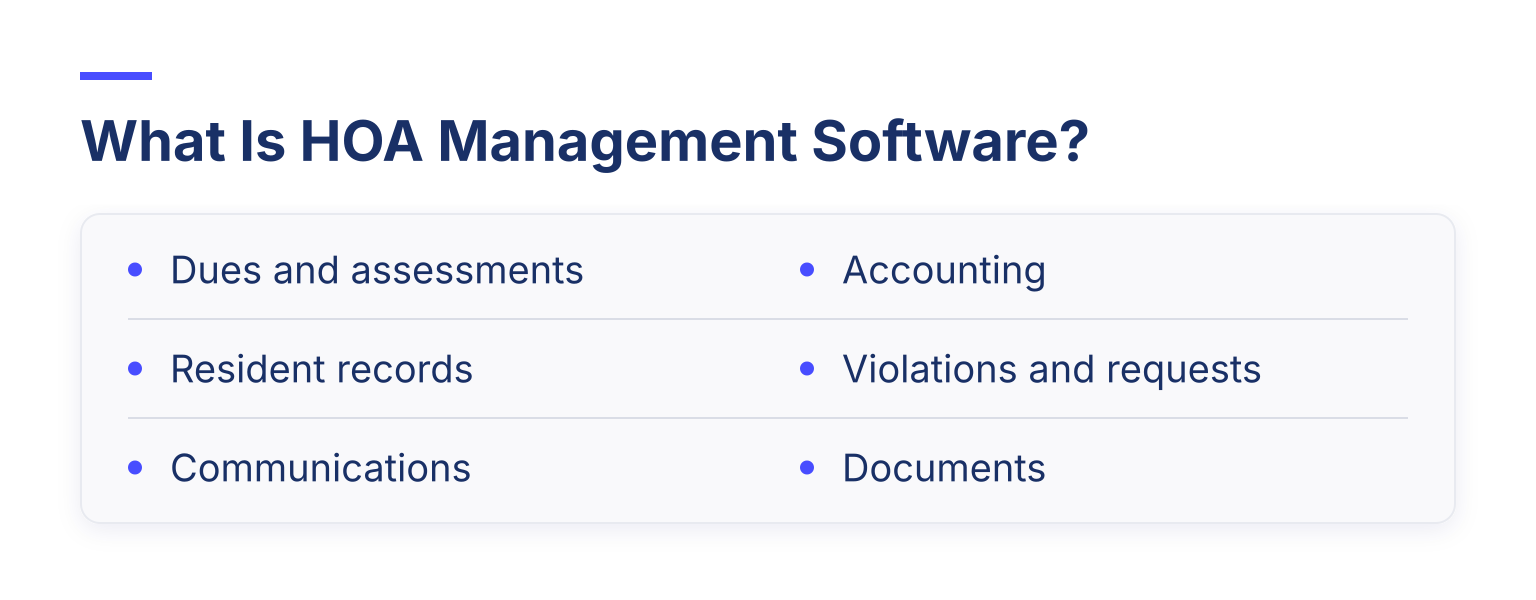
- Dues and assessments. Recurring billing, online payments, late notices, and records of who has paid.
- Resident records. A searchable database of homeowners, units, contact details, and payment history.
- Communications. Email, text, or app announcements to the whole community or specific groups.
- Accounting. Ledgers, budgets, bank reconciliation, and board reports.
- Violations and requests. Logging a lawn complaint, sending a notice, and tracking architectural change requests.
- Documents. Storing CC&Rs, bylaws, meeting minutes, and budgets where residents can find them.
No single tool does all of this equally well, which is why the "which software?" question starts with "which jobs?" (If you want a refresher on the board roles this software supports, see our guide to HOA board responsibilities.)
HOA Software vs. Property Management and Association Software
Three software categories get confused constantly, and buying in the wrong one is the most expensive early mistake.
- Property management software (like tools for landlords) is built around tenants, leases, and rent collected for an owner. An HOA is not a landlord; homeowners own their units and pay assessments to their own association. Some tools serve both markets, but a pure rental tool will fight you on assessments and owner governance.
- HOA-specific software is built around assessments, fund accounting, violations, and board governance. This is the right fit when accounting and compliance are heavy jobs.
- General association or membership software is built around members: dues, renewals, member records, communication, events, and self-service portals. For a small, self-managed HOA, the real workload is often exactly that: collect dues, keep the roster current, remind people, share documents.
A closer comparison of the association-software category is in our guide to association management software, and the parallel logic for membership tools is covered in membership management software explained.
Core Features Every HOA Should Look For
Whatever your community's size, these five jobs are non-negotiable:
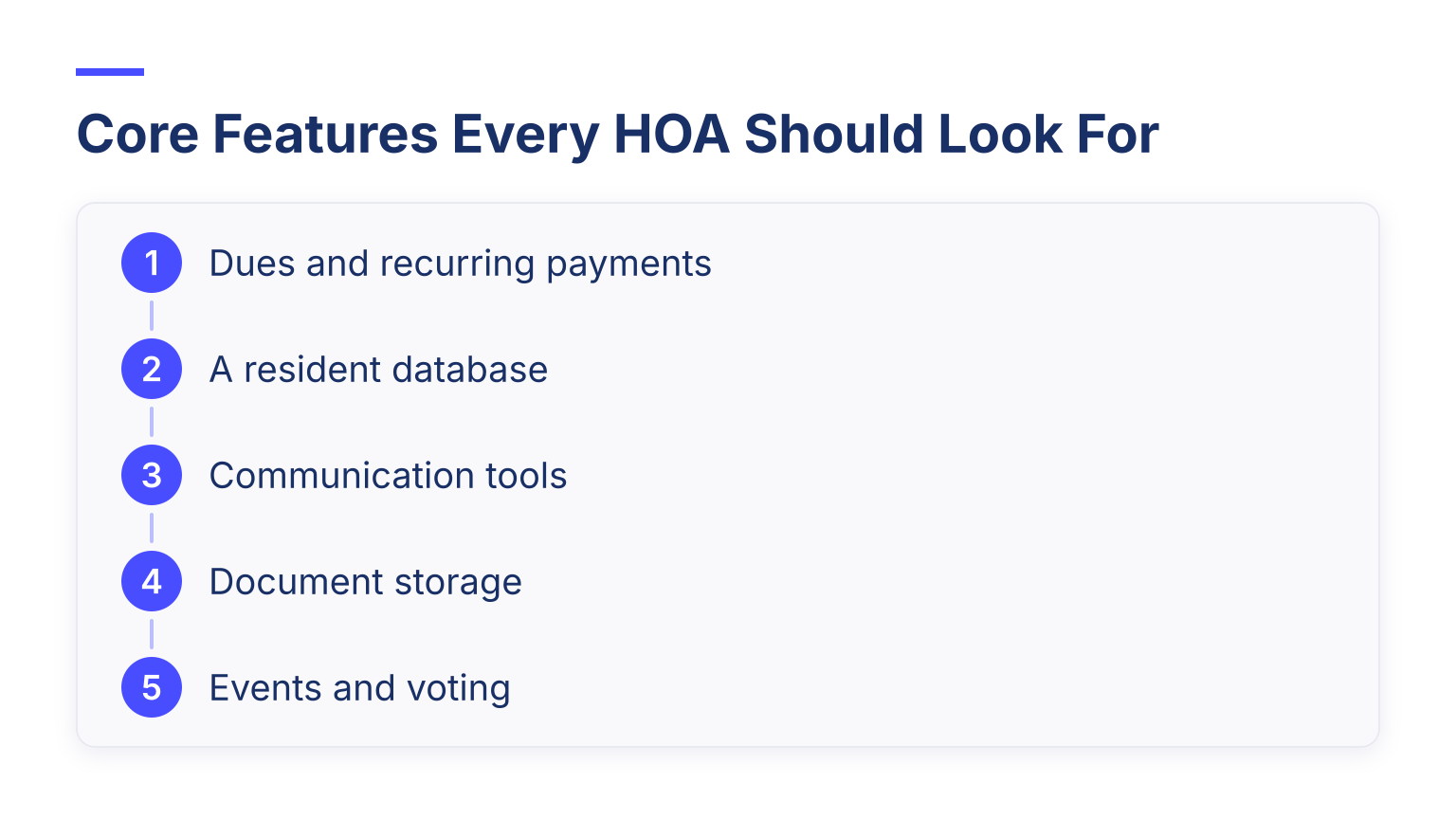
- Dues and recurring payments. Online payment by card or bank transfer, automatic reminders, and a clear view of who is overdue.
- A resident database. Every homeowner, unit, and payment history in one searchable place, not five spreadsheets.
- Communication tools. Email at minimum; text or app notifications help a lot for urgent items like water shutoffs.
- Document storage. CC&Rs, minutes, and budgets stored where residents can self-serve instead of emailing the board.
- Events and voting. Annual meetings, RSVPs, and simple polls or votes, even if handled lightly.
If a vendor makes any of these hard, keep shopping.
Features That Matter for Larger Communities
A 500-unit community with a management company needs a second tier of features that a small board can skip for years:
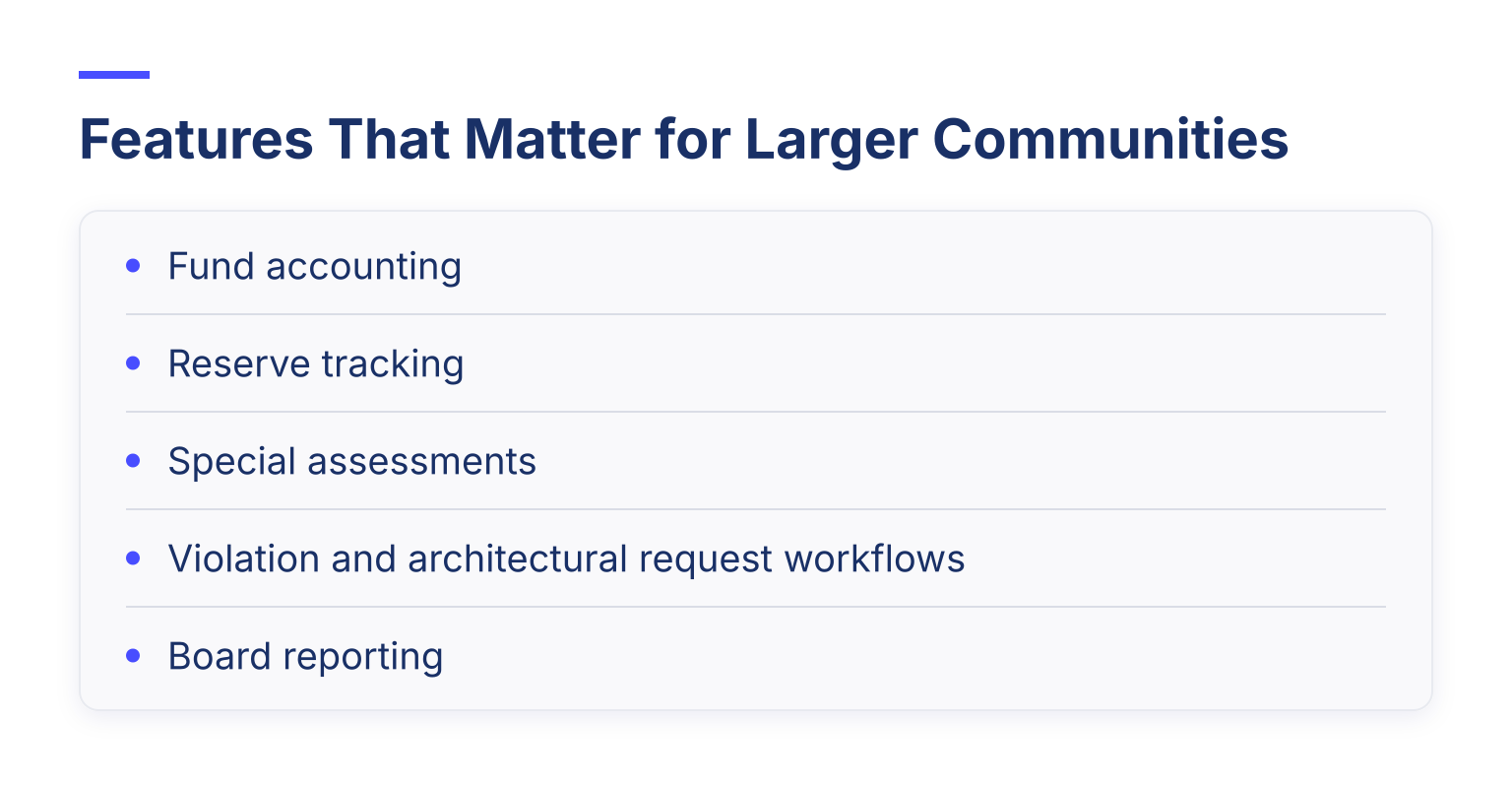
- Fund accounting. HOA books are not like a small business's books. Money is collected for specific purposes, and reserve funds must be tracked separately from operating funds so reserve cash is not quietly spent on landscaping. Background on what a proper HOA accounting system should track is available from specialist HOA accounting resources.
- Reserve tracking. Your reserve study projects major repairs years out; the software should show the current reserve balance against those projections, not just a bank balance.
- Special assessments. Charging a one-time extra assessment and tracking collection separately from regular dues.
- Violation and architectural request workflows. Logged complaints, scheduled notices, and approval chains for homeowner modification requests.
- Board reporting. Clean, exportable monthly packets: budget vs. actual, delinquency, reserve status.
How HOA Software Pricing Works
Three pricing models dominate the category:
| Model | How it works | What to watch |
|---|---|---|
| Unit-tiered subscription | A flat monthly price that jumps at unit-count thresholds (e.g., 1–25, 26–50 homes) | Price cliffs: adding a few homes can jump you a tier |
| Per-user pricing | A small monthly charge per software user. Software Advice's advisor data reports HOA tools priced this way "usually between $1 and $3 per user, with a median at $1" | Ask who counts as a user: board seats, staff, managers, or homeowners. Seven admin seats and 50 paying homeowners produce very different bills |
| Quote-based | Custom pricing, common for large or professionally managed communities | Hard to compare; get everything in writing |
For real-world ranges, Software Advice's HOA software comparison reports, from its advisors' conversations with buyers, a median flat fee of $110 per month with a typical range of $75 to $250, plus setup fees that ranged from $500 to $10,500 (median $2,000). As a concrete example of a published entry price, PayHOA's pricing page lists a plan from $49 per month (billed annually) for communities of 1 to 25 units, scaling up by unit tiers. All figures in this section were checked in November 2026. Vendor prices change often, so treat every number here as a snapshot and check the vendor's page before you budget.
The Fees the Headline Price Hides
The monthly plan is rarely the whole bill. Ask every vendor about:
- Payment processing fees. Someone pays a fee on every card or bank-transfer payment. Find out the exact rate and, importantly, who pays it: the association or the homeowner (as a convenience fee). This is a board decision, not just a price.
- Onboarding and data migration. Some vendors charge a one-time setup fee, which per the Software Advice data can run into thousands of dollars; others include import.
- Add-ons. Bookkeeping services, tax filings, mailed letters and checks, and premium support tiers are common extras.
- Contract terms. Annual billing is usually cheaper, but monthly billing gives a volunteer board an easier exit.
What a Small HOA Actually Needs First (and What It Can Skip)
If you run a 20- to 50-home community with volunteers and no management company, buy in this order:
- Online dues collection with automatic reminders.
- A clean resident database that replaces the spreadsheet.
- A resident self-service portal (people updating their own contact info saves board hours).
- Document storage for governing docs and minutes.
- Simple email announcements.
You can skip fund accounting modules, reserve-study integration, and violation workflow automation until the community or a management company makes them real jobs.
One honest example of this fit: general membership software such as Join It handles exactly the small-HOA jobs listed above, since it is built for organizations that manage member records, collect recurring dues and payments, automate renewals, run events, and give members a self-service portal with digital membership cards. Join It also maintains a dedicated HOA management page for this use case. What it does not pretend to do is HOA-specific accounting: reserve fund tracking, violation case management, and architectural review workflows need HOA-native software. If those are your heaviest jobs, start with the HOA-specific tools in our 15-tool comparison.
For a 500-plus unit community or one with a management company, invert the list: fund accounting, reserve tracking, violation workflows, and board reporting come first, and communication polish matters less than audit-ready books.
How to Choose: A Process You Can Run This Week
Borrowing the requirements-first approach used in vendor evaluation guides like ManageCasa's HOA software buyer guide and EasyHOA's selection resources, here is a selection workflow that fits a volunteer board:
- List your workflows. Write down how dues are collected today, how violations are logged, how documents are shared, and where the process hurts.
- Write requirements before demos. Turn that list into 15 to 25 must-have and nice-to-have items. Send the same list to every vendor so proposals are comparable.
- Run the same demo scenarios everywhere. Ask each vendor to demonstrate the identical five tasks: record a dues payment, run a delinquency report, submit a maintenance or architectural request, send a community announcement, and log in as a board member you are handing off to.
- Model three years of total cost. Include the monthly plan at your projected unit count (not today's), payment fees at your actual dues volume, onboarding and migration, and any add-ons you would realistically use.
- Verify data export and exit. Ask, in writing: what formats can we export, does export include payment history, and is there a fee? A tool you cannot leave is a tool that can raise prices on you later.
Gotchas Boards Hit After Buying
- Unit-tier growth. That $49 plan was for 25 homes; your annexed phase pushed you into the next tier. Model growth before signing.
- Fee pass-through surprises. Deciding homeowners pay card fees sounds free until the complaints start. Decide the policy deliberately and communicate it.
- Migration scope. Importing names is easy; importing payment histories, balances, and documents is not. Scope it explicitly.
- Vendor lock-in. No export path means every future decision is hostage pricing.
- Board handoff. Volunteers rotate yearly. Favor tools a new treasurer can learn in an afternoon, and keep admin credentials documented.
And one candid limitation: no software fixes governance problems. If your board does not hold meetings, keep minutes, or enforce rules consistently, software will digitize the dysfunction. Tools amplify a functioning board; they do not replace one.
Your Buying Checklist
Copy this into your next board packet:
- A written list of current workflows and pain points
- 15 to 25 must-have and nice-to-have requirements
- The same demo scenario run at every vendor
- A three-year total cost model, including payment fees at your dues volume
- A documented decision on who pays the processing fee
- Onboarding, migration, and setup costs quoted in writing
- Data export format and exit terms confirmed in writing
- Growth pricing checked at your projected unit count
- A handoff test: can a new board member log in and find everything?
Frequently Asked Questions
What is HOA management software? It is software that helps a homeowners association collect dues and assessments, maintain resident records, communicate with homeowners, manage accounting, handle violations and maintenance requests, and store governing documents.
How much does HOA software cost? Most small-to-midsize associations pay a flat monthly fee. Software Advice's advisor conversations put the median at $110 per month with a typical range of $75 to $250, and entry-level plans from roughly $49 per month at vendors like PayHOA. Some tools price per user instead, around $1 to $3 per user. Setup fees, payment processing, and add-ons often add more, so model total cost rather than the sticker price.
Do small HOAs really need special software? Not necessarily HOA-specific software. If your jobs are dues, records, reminders, and documents, general membership software covers them at lower cost and complexity. Move to HOA-specific tools when fund accounting, reserves, and violation workflows become real, ongoing work.
Ready to try the membership-software path for your community? Start a free 30-day trial of Join It and see how much of your board's admin work it takes over.

Guides from the Experts
Through our work with 4,000+ organizations - we’ve put together helpful guides to assist; regardless of where you are on your journey.


A Complete Guide to Membership Organizations
Everything you need to know to manage and grow your membership business

Maximize Membership Retention: 10 Proven Strategies
Tried and true strategies that not only win membership, but keep them

Build a Membership Website: A Step-by-Step Guide
Your one-stop resource for knowing all the features your modern membership website needs
Ready to start your free trial?
Our membership software is intuitive to use and even easier to test for yourself.