Private Club Membership Software: How to Choose the Right Fit


Private Club Membership Software: How to Choose the Right Fit
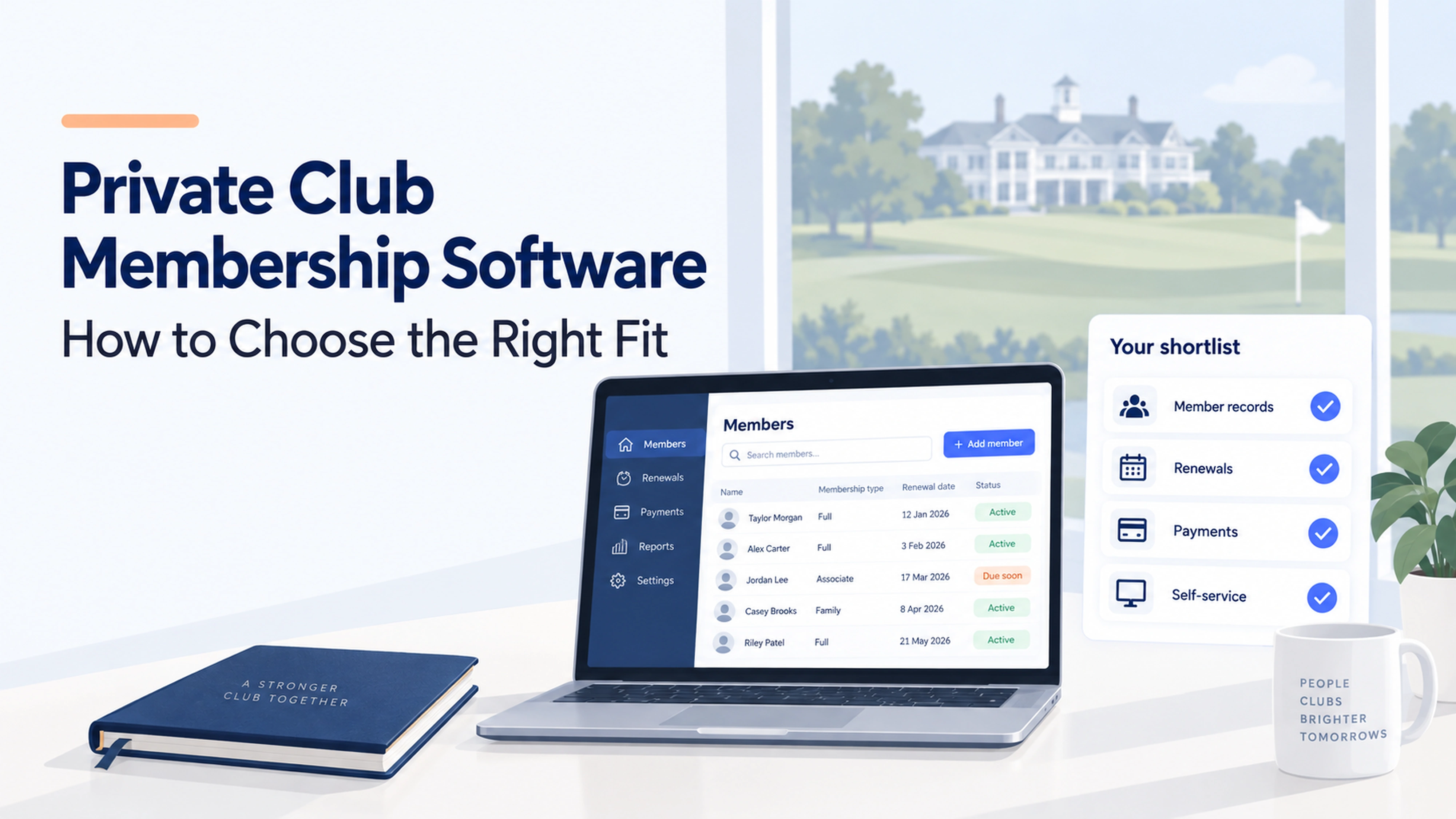
Private club membership software supports the administration of a defined membership, including records, dues and renewals. When admission depends on sponsorship or committee approval, or members receive different privileges, those rules should shape your software shortlist.
Start by mapping the journey from application to acceptance, payment and access to club services. Then identify any operational requirements, such as court bookings, golf reservations or spending charged to member accounts. Ask providers to demonstrate your rules rather than assume every membership platform includes them.
This guide is for private-club committees and managers evaluating those requirements. For a community or hobby club with open enrollment and straightforward membership administration, see our general club management software comparison.
About this comparison: Join It publishes this guide. The options below are organized by use case using vendors’ published information, not ranked from hands-on testing. Confirm the proposed package and your club’s requirements with each provider.
Do you need membership software or a full club management system?
Membership software focuses on the relationship between your club and its members: who belongs, what they owe and when they renew. A broader club management system may also connect reservations, point of sale, member statements and accounting.
Write down the work you need the software to handle. Then choose the scope.
When membership administration is the main job
Start with a membership-focused platform if your priorities are keeping records together, collecting dues, following up on renewals and helping members manage their details.
This can be a practical starting point for private social clubs and other groups whose main administrative work centers on membership. If you already have a booking or accounting tool that works, include that existing setup in your evaluation.
When facilities and spending are central
Look more closely at specialist club systems when members need to book courts or tee times, charge purchases to their accounts, or receive statements covering several departments.
Be specific about what “billing” means. Collecting an annual membership payment is a different workflow from combining dues, dining purchases and pro-shop spending on one member statement.
If your main requirement is straightforward joining and renewals for an open-membership group, compare the broader options in our club management software guide.
Which private club membership software should you shortlist?
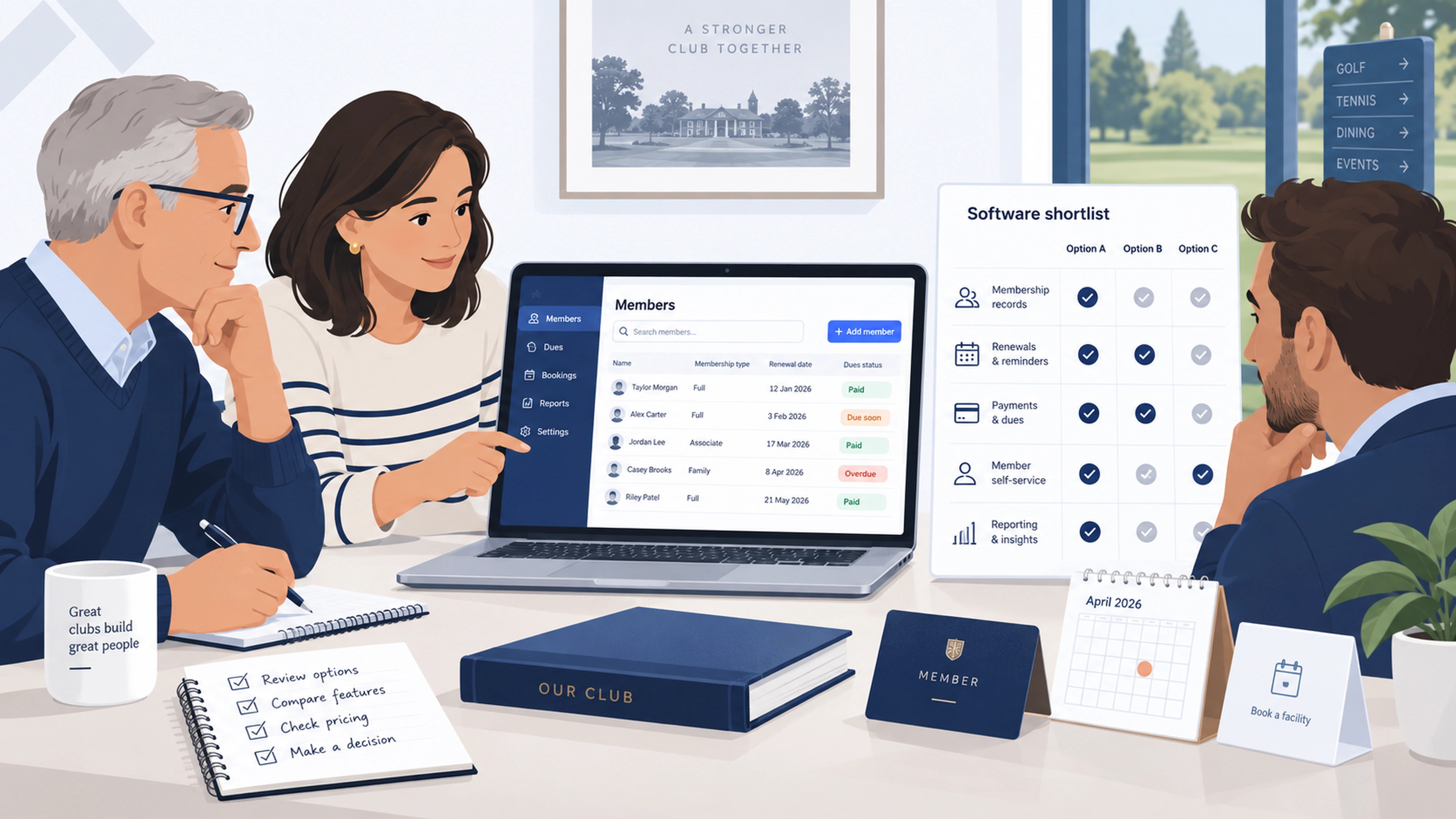
Use the comparison below to choose relevant demos. The fit descriptions are starting points for evaluation, not guarantees that every requirement is included.
Join It: for dues, renewals and member administration
Join It brings member records, recurring billing and renewal reminders into a membership-focused setup. Its member portal gives members a place to manage their membership.
Consider Join It when the committee’s immediate goal is to organize membership administration and make routine tasks easier to manage. Bring your membership categories and renewal calendar to the demo.
Check before choosing: Review the current plans against the features you need. If connected reservations, dining accounts or full club accounting are essential, include those requirements in the discussion and evaluate operational specialists too.
If your committee’s priority is member administration, explore Join It’s social club membership software for managing records, dues and renewals.
myClubhouse: for configurable memberships and approvals
myClubhouse’s membership features include configurable categories, application approvals, group memberships and subscription dates. These are useful areas to investigate when your club’s admission and renewal rules need more detail.
Check before choosing: Ask the provider to model your actual categories and approval steps. Include a household joining midseason, a member changing category and an application awaiting a decision. Review the pricing structure and confirm the payment options available to your club.
CourtReserve: for court bookings and racquet programming
CourtReserve documents court scheduling, lessons, events and member management. It also lists plan-dependent billing, invoicing and pro-shop/POS capabilities.
Consider it when managing court availability and player activity is central to the member experience.
Check before choosing: Test booking windows, guest access and limits for each membership type. Confirm which billing features and integrations are included in the proposed plan, and any additional charges.
Club Caddie: for golf clubs with connected member operations
Club Caddie’s private-club offering covers tee-time registration, member statements, minimum management and food-and-beverage operations. That makes it relevant to a shortlist where golf and member spending need to work together.
Check before choosing: Request a demonstration of a member’s activity moving from a reservation or purchase to a statement. Ask how exceptions, credits and reporting work across your departments.
Clubessential: for connected private-club departments
Clubessential’s club management software connects membership and accounting with tools for reservations, point of sale, websites and mobile experiences.
Consider it when the project involves several departments and the club wants to assess a broader operational platform.
Check before choosing: Have the provider itemize the proposed modules, integrations and implementation work. Ask both the membership team and finance team to review the same demonstration.
Jonas Club Software: for a broader private-club system evaluation
Jonas Club Software offers multiple product paths. Its browser-based Synergy platform sits alongside Jonas Club Management and Encore, so the specific product matters when assessing fit.
Check before choosing: Ask which product is proposed for your club, why it fits your operations and which capabilities are included. Confirm the migration approach and demonstrate the daily tasks your staff will actually use.
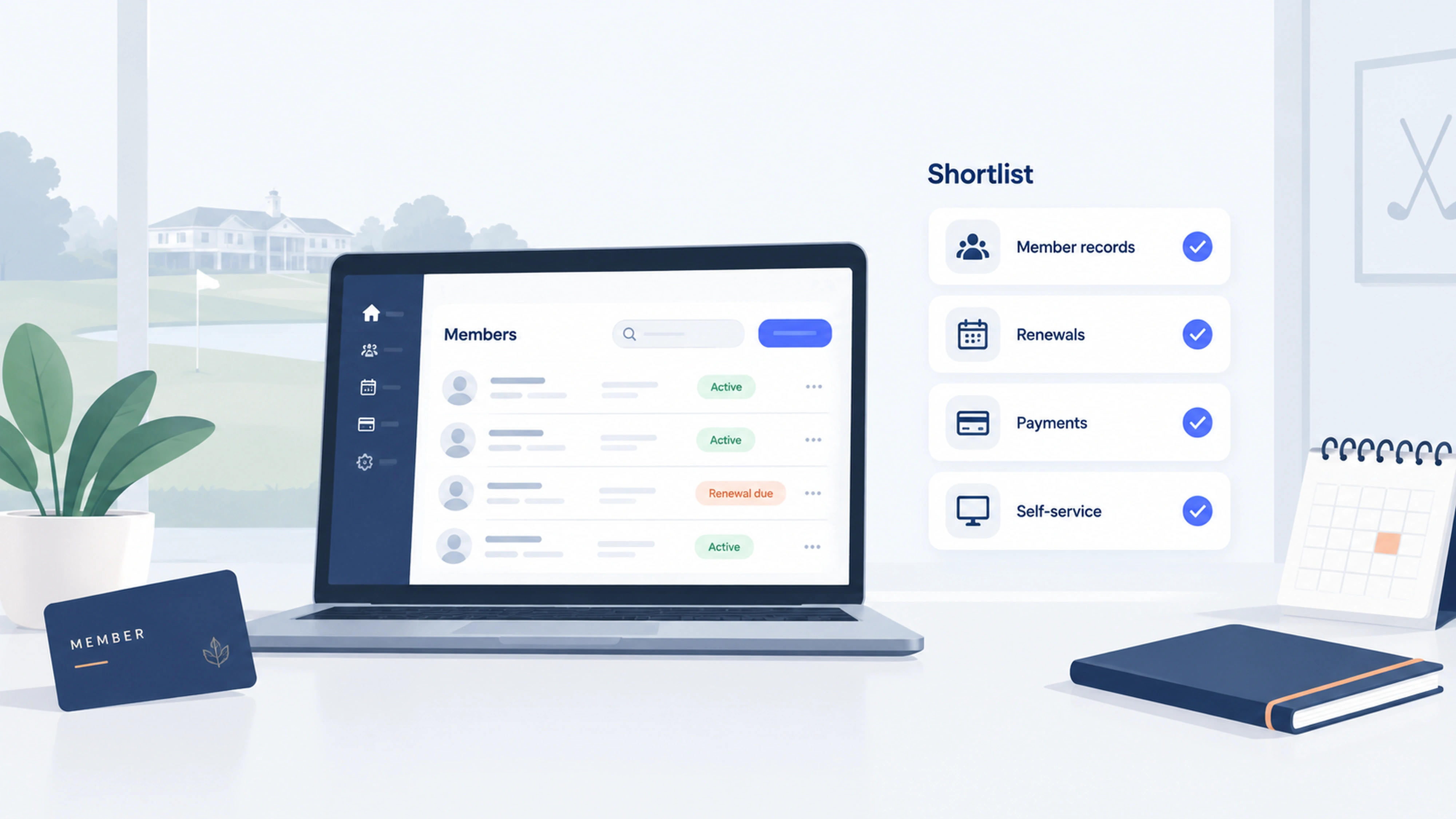
Which features should your committee test?
Ask vendors to show a complete task using realistic sample records. A feature name on a checklist does not tell you how much work the process takes.
Admissions, membership categories and privileges
Write down what happens between an application and an active membership. Does someone review eligibility? Is sponsorship required? Does a committee make the decision? When should the applicant pay?
Ask each provider to show that sequence using your own categories and rules. Include an application awaiting a decision, a household joining midyear and a member moving between categories. Confirm which steps are automated and which require staff or committee action.
If membership includes booking priority or guest privileges, test how those rules are enforced in the relevant system. An active membership record alone does not demonstrate that a booking or access rule is supported.
Dues, renewals and payment exceptions
Test both the normal process and the awkward cases. What happens when a member renews late, a payment fails, someone changes category or the club needs to issue a credit?
Confirm how the system distinguishes membership status from payment status. Your team should know which record to trust before sending a reminder or answering a member’s question.
Member self-service
Ask someone who was not involved in the software selection to try the member experience on a phone. Can they find their membership, update their information and understand what to do next?
If you want digital membership cards, include card delivery and everyday use in the test.
Committee permissions and handover
Decide who needs access to member records, payment information and settings. Ask the provider to demonstrate the relevant permissions.
Also plan for the next committee. The club should retain control of its account, billing arrangements and documented processes when a volunteer or employee moves on.
Bookings, purchases and reporting
If the club operates facilities, test the rules that matter most: member booking priority, guest charges, spending minimums or purchases charged to an account.
Ask your treasurer to review a sample report and export. Confirm whether information moves automatically into your accounting process or requires a manual step.
How much does private club membership software cost?
Compare the total cost of your proposed setup, including the subscription, payment fees, implementation, required modules and any hardware. A starting subscription price does not show the full cost of running the system at your club.
Ask every shortlisted provider to quote the same member count, locations and required workflows.
For Join It, use the pricing page to check feature availability and the distinction between service fees and payment processing fees.
Allow time for your team’s contribution too. Cleaning member records, agreeing on membership rules and testing the setup are part of the project, even when a provider assists with migration.
How should you compare demos and plan the move?
Agree on your essential requirements before seeing the software. Then use the same scenarios in every demo.
1. Write a short requirements brief
List the problems you want to solve and who experiences them. “The treasurer needs an accurate view of overdue dues” gives a provider more to work with than “better reporting.”
Separate essential requirements from preferences. Include any existing system you expect to keep.
2. Run the same member journey in each demo
Ask each vendor to demonstrate:
- A new member applying and joining.
- An existing member renewing.
- A household or category change.
- A failed payment and its follow-up.
- A booking or purchase, if relevant.
- A report and usable data export.
Record what worked as shown, what required configuration and what needs a separate tool. Leave unresolved items marked as unresolved.
3. Get the proposal in writing
Confirm the product, plan, modules, fees, responsibilities and implementation assumptions. Give each unresolved requirement an owner and a follow-up date.
Avoid treating a roadmap discussion as a feature available today.
4. Prepare and test the migration
Clean duplicate records and agree on the fields you need to retain. Decide how active memberships, renewal dates and outstanding balances will be checked.
Ask the provider about existing recurring payments before moving them. Do not assume saved payment details or billing arrangements transfer automatically.
Test a small, representative sample before the full import. Include unusual categories and renewal dates, not just the simplest records.
5. Give members a clear transition
Tell members what is changing, when they need to act and where to get help. Assign someone to handle questions during the transition.
After launch, review the first renewal or billing cycle and check that staff can complete their regular tasks.
What should the committee confirm before approving a platform?
Use this checklist to make the final decision reviewable:
- The proposed setup supports our essential membership rules.
- We have tested the tasks members and administrators will use.
- The treasurer has reviewed payment handling, reports and any accounting handoff.
- Required bookings, POS or access integrations are identified.
- The full quote explains recurring and one-time costs.
- Migration responsibilities and validation steps are agreed.
- The club controls administrator access and has a handover plan.
- Support, contract terms and data export arrangements are understood.
- Any remaining gaps have a documented workaround we accept.
If an essential requirement is still unclear, resolve it before committing.
Frequently asked questions
What is the best private club membership software?
The best fit depends on your operations. A membership-focused platform may suit a club prioritizing dues and renewals. Clubs managing courts, golf, dining or member spending should also evaluate systems built for those workflows. Compare providers using your own requirements and the same demo scenarios.
Can membership software handle private-club application approvals?
Some platforms document approval workflows, but the process varies. Ask how the system handles your application, review, acceptance and payment steps. A simple approval setting may not cover a multi-stage committee decision.
Does a small private club need a full club management system?
Club size alone does not decide the answer. Start with the work you need to manage. A small club with several facilities and member accounts may need more operational capability than a larger club collecting straightforward annual dues.
Can we keep our existing booking or accounting software?
Possibly. Confirm whether there is a supported integration, a usable export or a manageable manual process. Check which system holds the authoritative membership record and who resolves differences between systems.
How long does implementation take?
The timeline depends on data quality, configuration, integrations and the work your team must complete. Ask for a project plan based on your records and requirements. Include sample migration, testing, training and member communication before agreeing on a launch date.
How does private club software differ from general club software?
The difference is the work your club needs to manage. A private club may need admissions review, category-specific privileges or member spending accounts alongside dues and renewals. A community club with open enrollment may need a simpler setup. Test your actual rules in a demo instead of relying on a product label.
Ready to simplify your club’s membership administration?
If dues, renewals and keeping member records organized are your priorities, book a Join It demo. Bring your membership categories, renewal calendar and the tasks your committee wants to improve so you can assess the fit together.
.avif)
Guides from the Experts
Through our work with 4,000+ organizations - we’ve put together helpful guides to assist; regardless of where you are on your journey.
.webp)

A Complete Guide to Membership Organizations
Everything you need to know to manage and grow your membership business
.webp)
Maximize Membership Retention: 10 Proven Strategies
Tried and true strategies that not only win membership, but keep them

Build a Membership Website: A Step-by-Step Guide
Your one-stop resource for knowing all the features your modern membership website needs
Ready to start your free trial?
Our membership software is intuitive to use and even easier to test for yourself.