Nonprofit CRM vs Membership Management Software: Which Does Your Organization Actually Need?


Summary of the Article
A nonprofit CRM is built around the gift record: who gives, how much, and what you asked them last. Membership management software is built around the membership record: dues, renewal dates, expiry, and self-service. Pick based on where your money comes from.
- If most of your revenue is donations and grants, start with a nonprofit CRM (Bloomerang, Neon CRM, Little Green Light, DonorPerfect, or Salesforce Nonprofit Cloud).
- If most of your revenue is dues and program fees, start with membership software (Join It, Wild Apricot, or MemberClicks).
- If you have serious revenue on both sides, run both and sync them, using the membership tool as the member system of record.
What a Nonprofit CRM Is Actually Built Around
A CRM (constituent relationship management) system for nonprofits is organized around the giver. The central record is a person or organization, and the most important data attached to that record is their giving history: what they donated, when, through which appeal, and whether they responded to your last ask.

Everything else hangs off that gift record:
- Donor cultivation and moves management. Tracking a prospect from first contact, to major gift ask, to thank-you. Development staff live in these workflows.
- Appeals and campaigns. Grouping gifts by the fundraising campaign that produced them, so you can see which mailings and events actually raise money.
- Grant tracking. Which foundations funded what, deadlines, and reporting obligations.
- Donor reporting and acknowledgments. Tax receipts, thank-you letters, and year-end summaries.
Tools like Bloomerang describe exactly this purpose: one profile of every supporter with giving history, engagement signals, and outreach built around the ask. Salesforce frames its Nonprofit Cloud the same way, connecting fundraising, programs, volunteers, and outcomes on one platform.
What Membership Management Software Is Actually Built Around
Membership software starts from a different record: the membership. The center of the database is not a gift but a subscription relationship between the person and your organization, with a start date, an expiry date, and a tier.
The workflows it automates flow from that record:
- Plans, tiers, and dues. Different prices for individual, family, student, or organizational memberships, including recurring payments.
- Expiry and auto-renewal. Reminders before a membership lapses, automatic renewal charges, and win-back emails after someone lapses.
- Member self-service. A portal where members update their own contact details, download an invoice, renew without emailing you, and register for events at member pricing.
- Member cards. Physical or digital membership cards that prove current status at events and partner businesses.
This is why membership software feels nothing like a CRM to use, even though both store people and payments. One is tuned to answer "who gave, and what should we ask them next?" The other is tuned to answer "whose membership expires next month, and did they renew?"
Where the Two Categories Overlap (and Why the Names Confuse Everyone)
Both tool types store people, contact details, notes, payment histories, and email communication. That overlap is why the terms get used interchangeably, and why the phrase "membership database vs CRM" produces so many contradictory search results.
The honest picture:
- Most donor CRMs can record that someone is a "member" as a tag or a simple field. Little Green Light, for example, includes basic membership management, meaning it can track active and lapsed members, their levels, and renewal dates. But that is a thin layer over the donor record, not a self-service membership experience.
- Most membership tools include CRM-like member records. Join It, for instance, centralizes member records, memberships, payments, notes, and activity in one searchable database. But that is a member record, not a full fundraising pipeline with moves management and grant tracking.
- A few products blur the line deliberately. Neon CRM is a donor CRM whose membership functionality is an add-on module, and Wild Apricot, a membership tool, advertises a built-in email and CRM layer. When a vendor straddles both, look at which record sits at the center. That tells you which workflow will be polished and which will be an afterthought.
One note for associations: if you search for an "association CRM," you will mostly find membership software, not donor software. That is because most associations live on dues, so vendors build for the renewal calendar first.
The "Follow the Money" Decision Test
Here is the simplest test, and it works because software vendors build for the revenue their customers depend on.
Open your budget from last year. Add up your income by source.
If individual donations, grants, and fundraising events make up most of your revenue, you need a nonprofit CRM. Your most valuable workflows are cultivation, appeals, acknowledgments, and grant reports. Get those right first.
If membership dues, program fees, class fees, and member event revenue make up most of your revenue, you need membership management software. Your most valuable workflows are sign-ups, renewals, member self-service, and member communications. Get those right first.
If both sides are substantial, plan for both systems (more on that below).
One caution: many nonprofits say they have "members" when the people on that list are really donors with a nice name. Nobody pays monthly dues, gets a card, or renews on a schedule. If nobody would notice if the word "member" disappeared, you have a donor list, and a CRM is the right home for it.
Side-by-Side: What Each Tool Type Handles
| Task | Nonprofit CRM | Membership management software |
|---|---|---|
| Renewal automation | Varies; often a date field and reminder, not a full renewal workflow | Core feature: reminders, auto-renewal, lapsed member follow-up |
| Member self-service portal | Rarely the focus; some via add-ons | Core feature: members update records, renew, and register themselves |
| Member pricing and tiers | Usually a tagging level, not priced plans | Core feature: priced tiers, group and family plans, member discounts |
| Membership cards | Not typical | Core feature, including digital cards for Apple Wallet and Google Wallet |
| Moves management and major-gift pipelines | Core feature | Not the focus |
| Grant tracking and reporting | Core feature | Not the focus |
| Tax receipts and acknowledgments | Core feature | Varies; often invoices rather than charitable receipts |
| Appeals and campaign tracking | Core feature | Limited or absent |
| Donations alongside dues | Core feature | Common, but secondary to dues |
Membership-Record Systems: The Membership Software Side
The products below are widely recognized examples of membership-first tools. They show what the category is designed around. Check each vendor's site for current pricing before you shortlist.
Join It
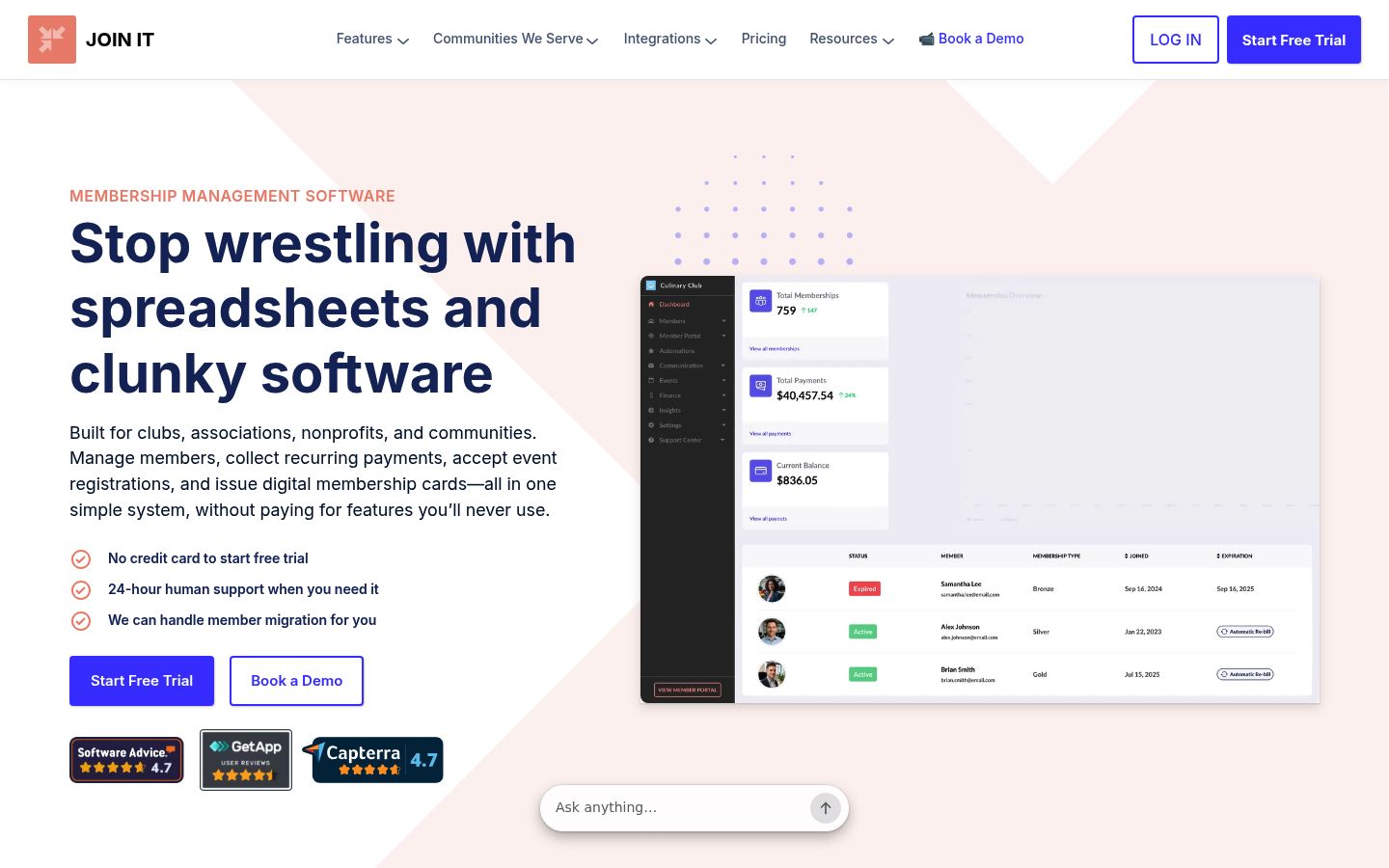
Join It is cloud-based membership management software for dues-driven organizations: associations, nonprofits, clubs, and multi-chapter groups. It centralizes member records, memberships, payments, notes, and activity in a searchable database, collects one-time and recurring dues, and automates renewals. Members get a self-service portal. The platform also runs free and paid events with member pricing and attendance tracking, issues digital membership cards through Apple Wallet and Google Wallet, and accepts donations alongside membership data.
That last point matters: for a small membership nonprofit, donations collected inside the membership tool can be enough, without a second system. The nonprofit membership software category page shows how this fits membership nonprofits specifically.
Wild Apricot
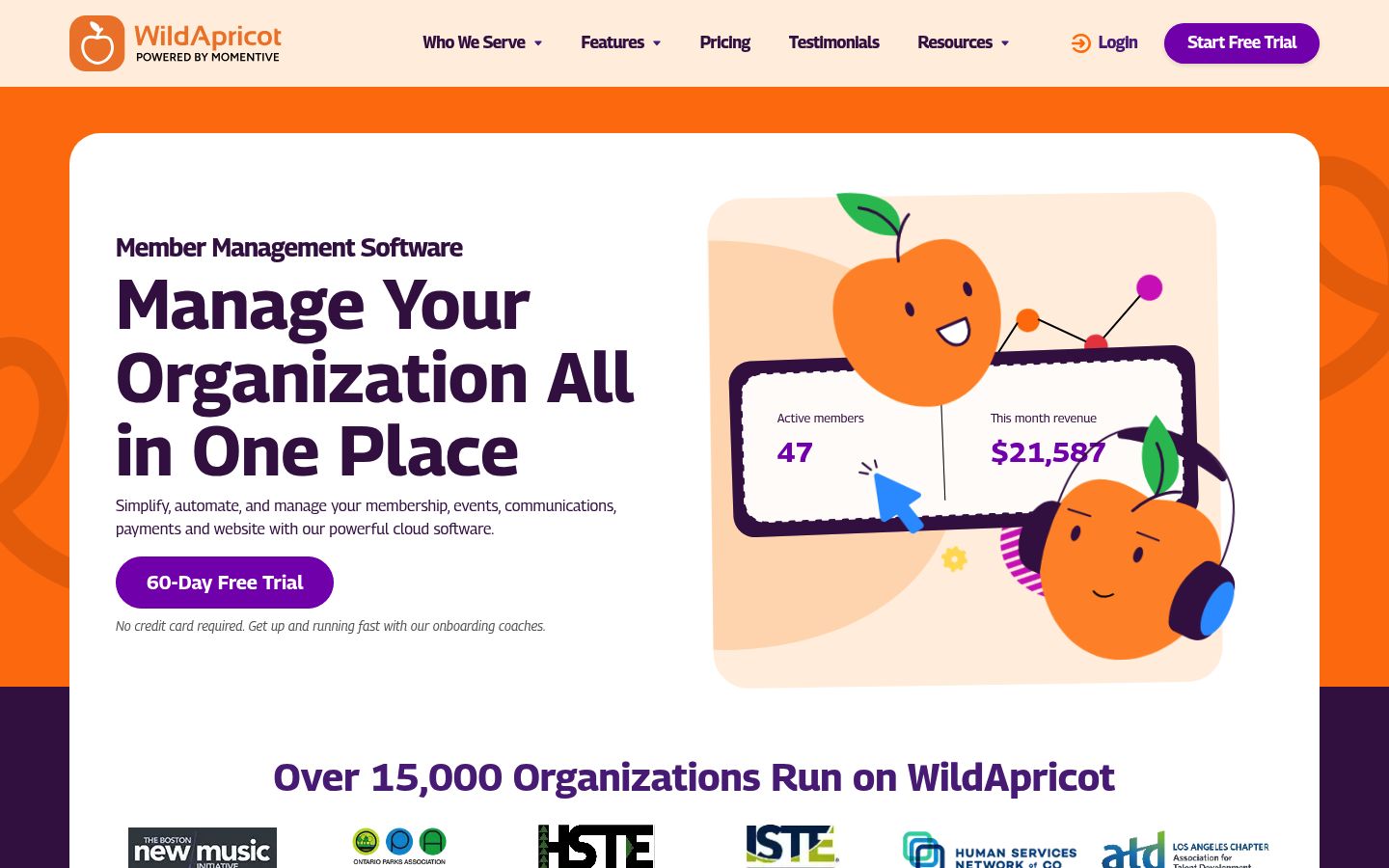
Wild Apricot is an all-in-one membership platform for small and mid-size organizations, combining a member database, automated renewals and recurring payments, event registration, a member portal, email campaigns, and a website builder. Its center of gravity is clearly the member relationship, and it also sells membership tools for multi-chapter organizations.
MemberClicks
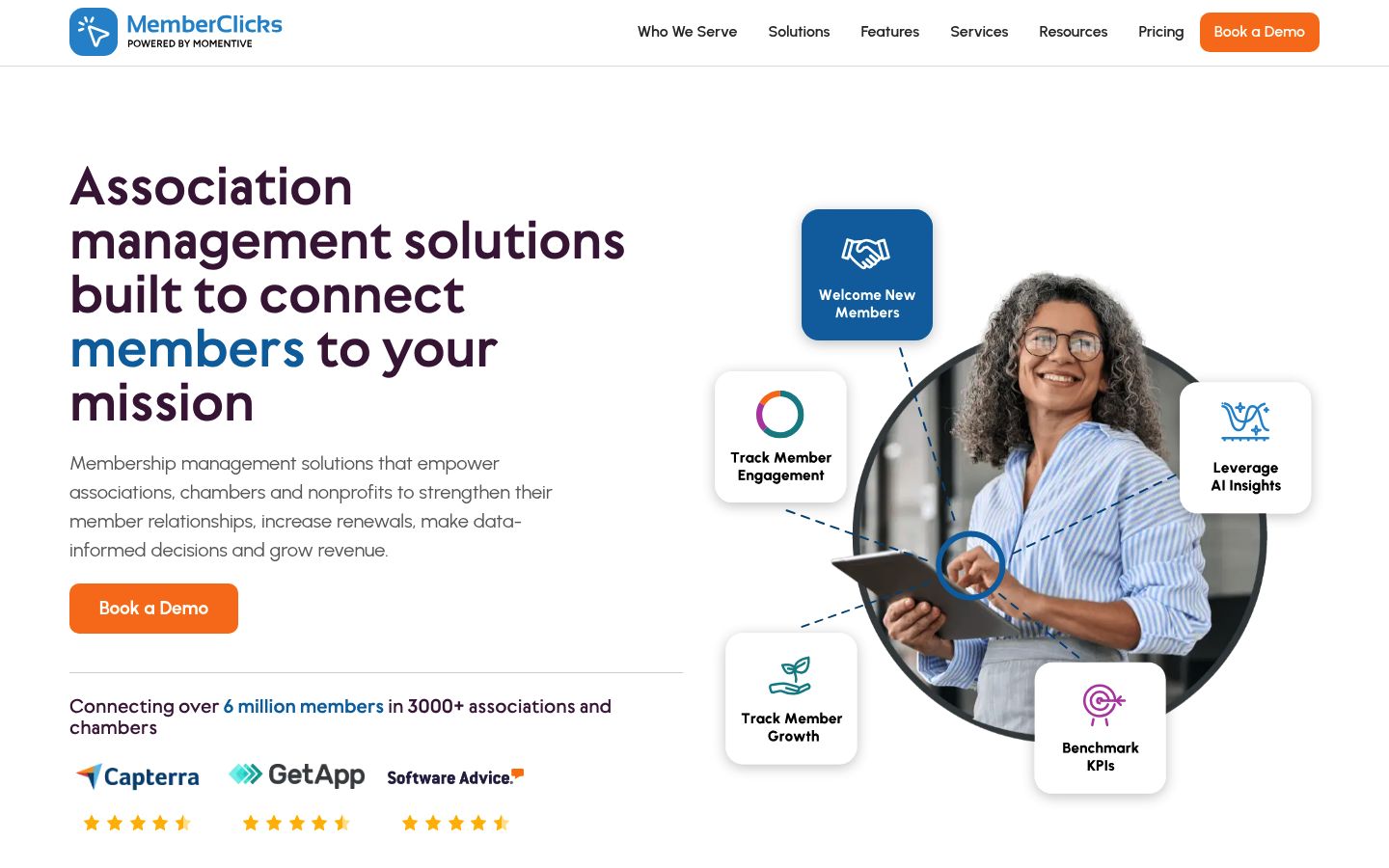
MemberClicks is an association management system (AMS) for associations and chambers, with dues and renewal automation, event management, member directories, and members-only website content. It comes in two products: Professional, for organizations whose members are individuals, and Trade, for organization-based memberships. Expect a tool aimed at associations with more administrative complexity than a very small club.
Gift-Record Systems: The Donor CRM Side
These are the standard named examples of donor-first software. Again, verify current pricing on each vendor's own site.
Bloomerang
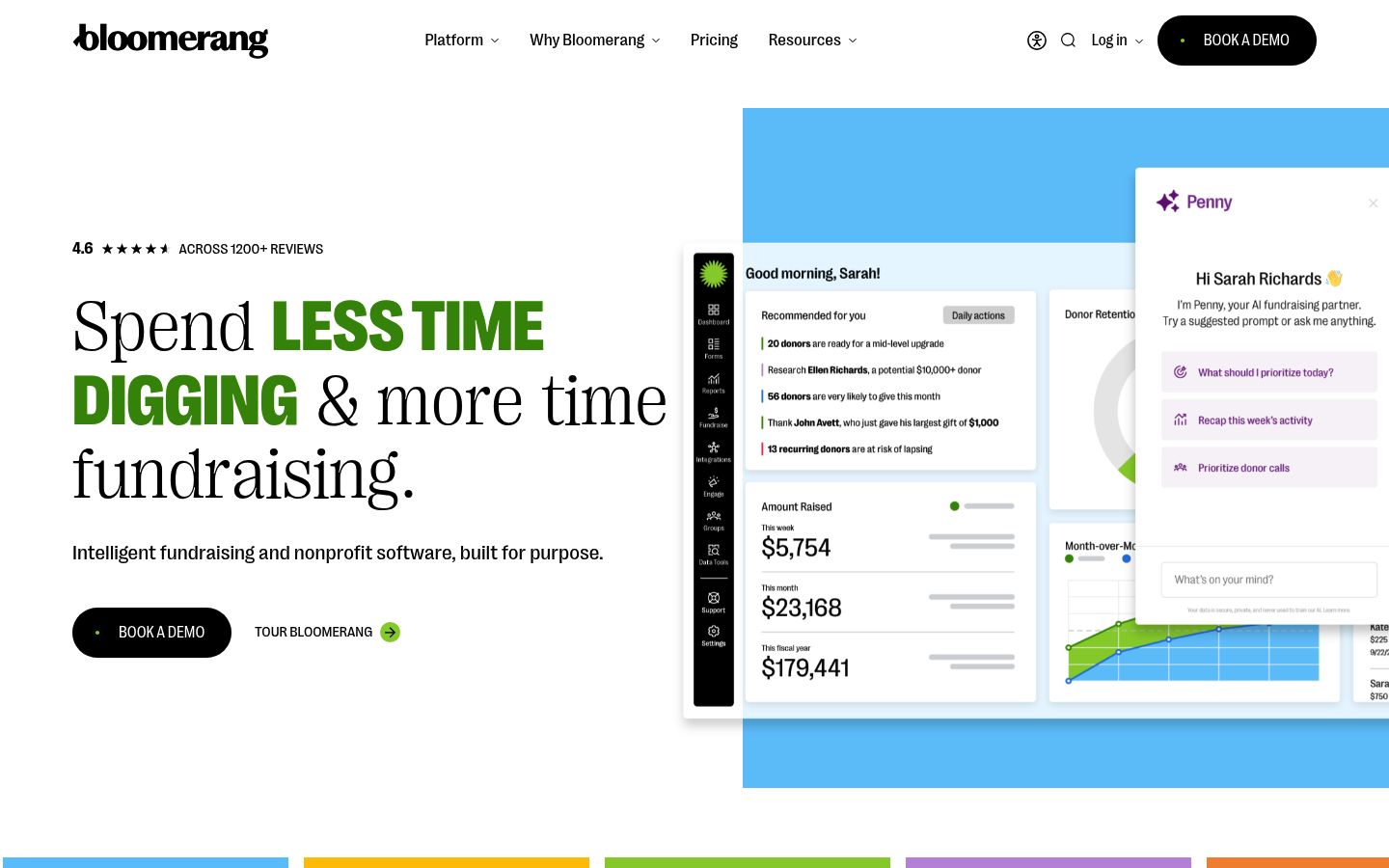
Bloomerang is a donor management and nonprofit CRM platform organized around donor relationships: one profile with giving history, engagement insights, dynamic donor groups, and automated outreach. It also lists membership and recurring giving among its capabilities, but its identity is the giving platform.
Neon CRM
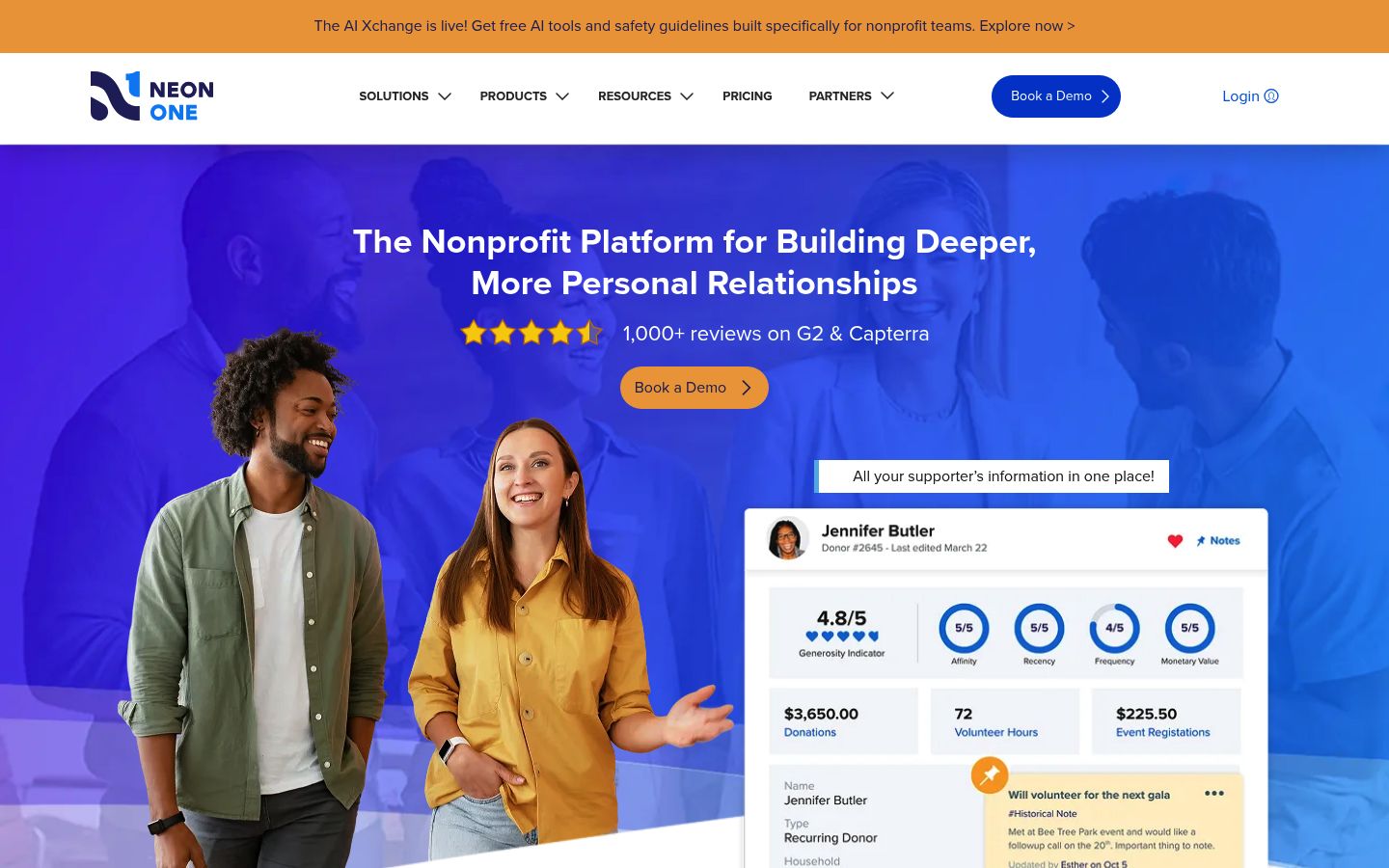
Neon CRM is a donor CRM with fundraising, communications, and reporting built in, priced on the revenue you raise rather than record counts. Memberships are available as an add-on module, not part of the base subscription. It is a good example of a CRM that handles membership capably, but as an extension of the donor record rather than the core of the product.
Little Green Light
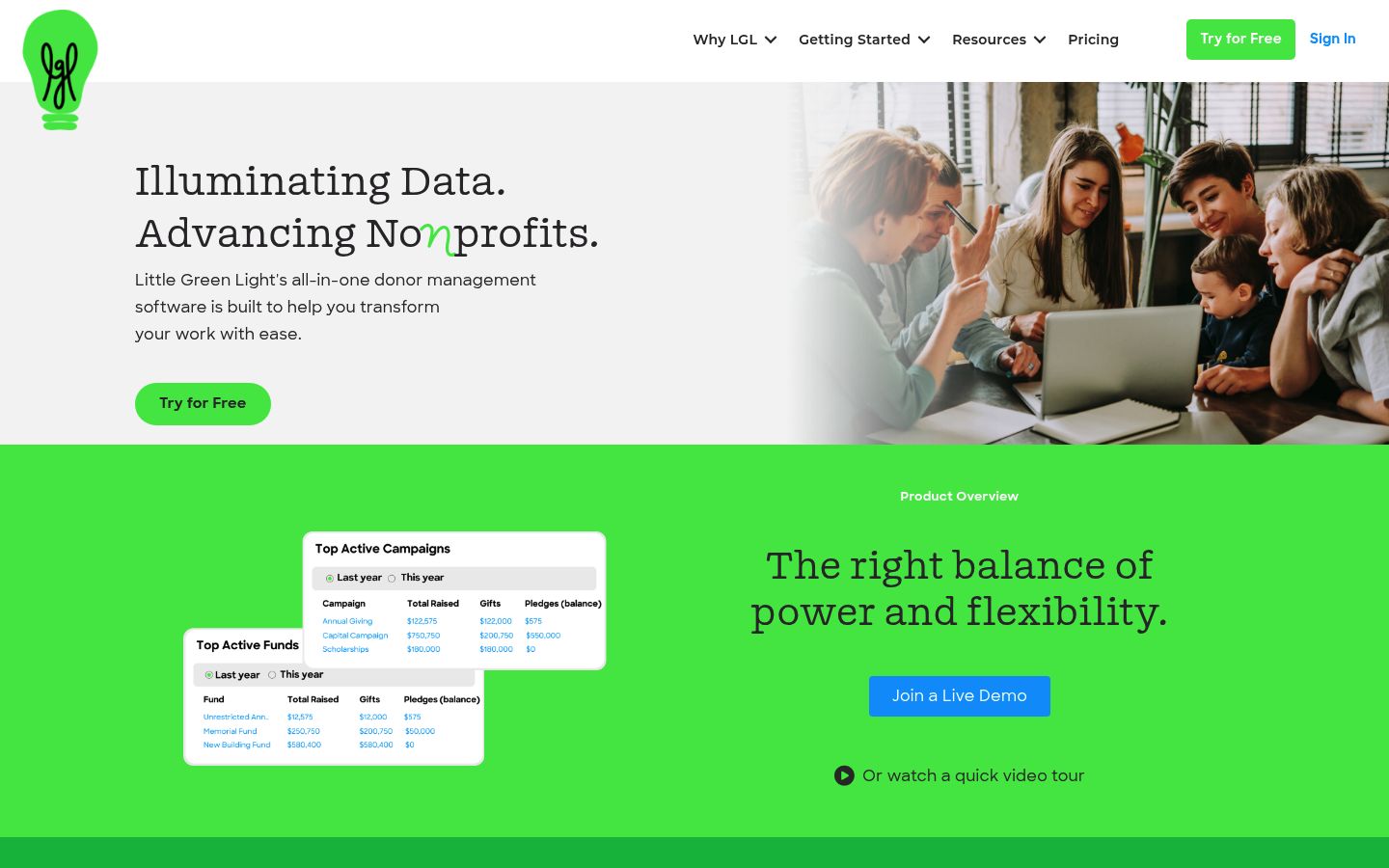
Little Green Light is donor management for small and mid-size nonprofits, with constituent records, gift tracking, acknowledgments, appeals, and grant proposals. It includes basic membership management for tracking levels and renewal dates. It is a common starting point for a first donor database.
DonorPerfect
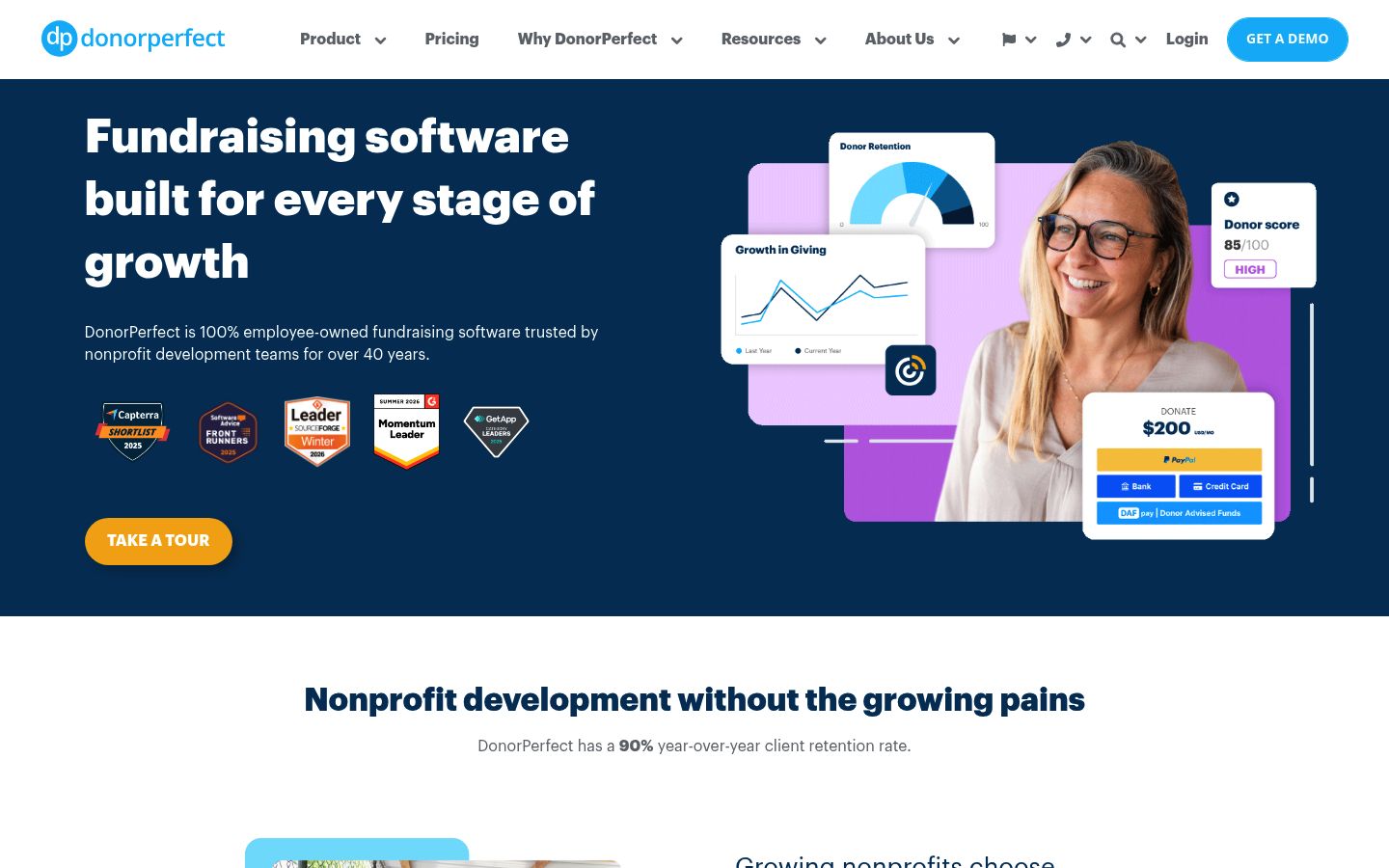
DonorPerfect is fundraising software built around donor, gift, campaign, and reporting records, with household relationships, soft credits, and acknowledgment automation. It can track memberships including upgrades and lapses, but it is built for development teams. It does not publish flat pricing; its pricing guide is quote-based.
Salesforce Nonprofit Cloud
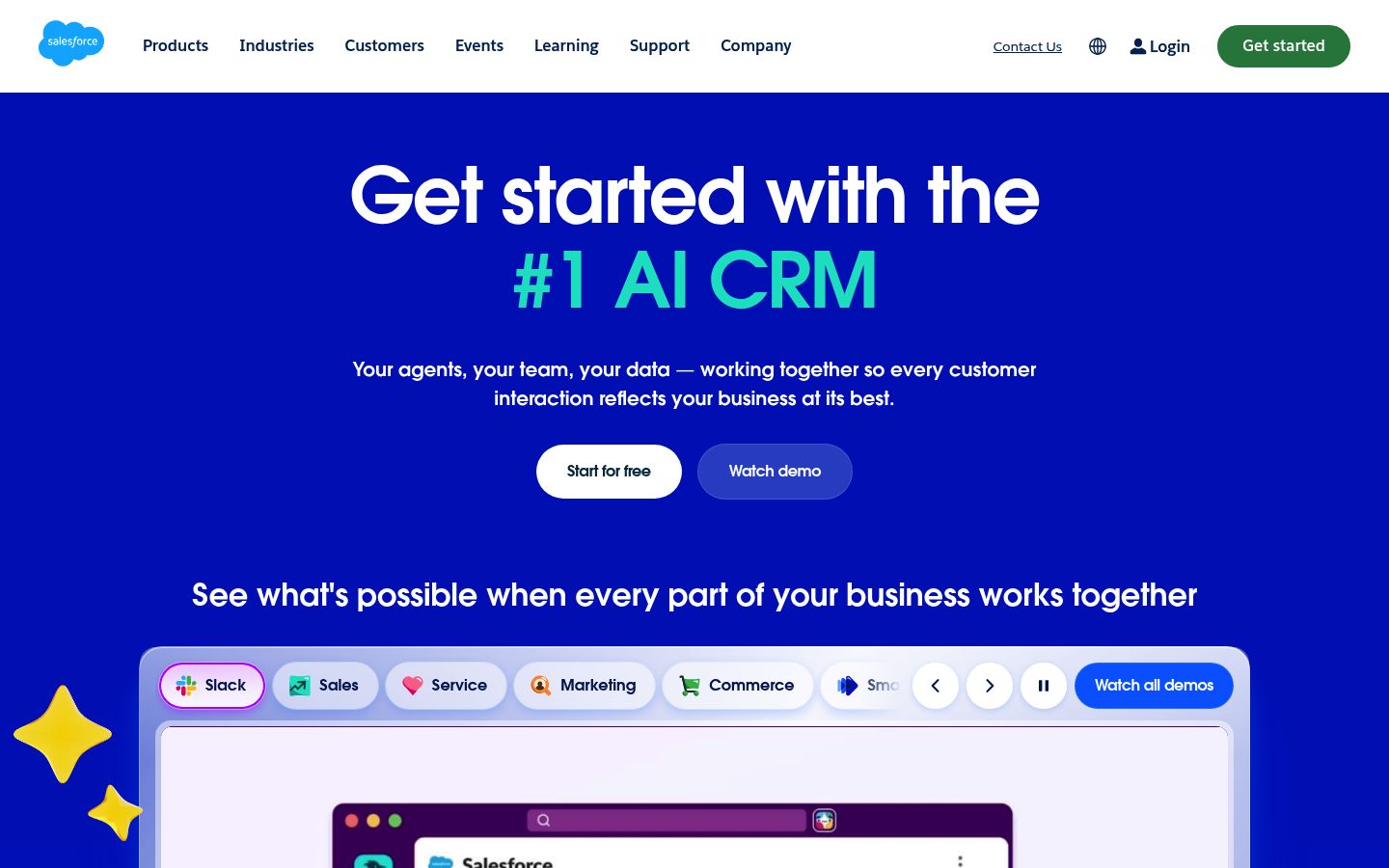
Salesforce Nonprofit Cloud is the heavyweight option: fundraising, program management, volunteer management, and outcome management on one platform. It suits organizations with dedicated staff and admin capacity, not volunteer-run clubs. Eligible nonprofits can receive free licenses through the Power of Us program, but the power comes with setup work: budget for implementation, not just a subscription.
Best-Fit Scenarios
Donor-driven nonprofit (most money from gifts and grants). A community food bank raising money from individual donors and foundations. Start with a donor CRM. Renewals are not your problem; the ask is.
Dues-driven organization (most money from membership). A professional association, cycling club, or museum friends group where everyone pays annual dues and expects a card, member pricing, and a portal. Start with membership software. Nobody on your staff is writing grant reports; everybody is chasing renewals.
Hybrid organization. An arts nonprofit with a donors circle and a paid membership tier, or a chamber of commerce collecting organization-level dues plus event and sponsorship revenue. Neither single tool type will cover both sides well. Decide which system is the source of truth for each kind of record, then connect them.
When Both Systems Are the Right Answer
If donations and dues are both major revenue lines, running one tool for both usually means one side of your operation is being run through a spreadsheet. The workable pattern is:
- The membership tool is the member system of record. Dues, renewal status, tiers, and cards live there.
- The donor CRM is the fundraising system of record. Gifts, appeals, and grant activity live there.
- You sync the two, so members who donate appear in the CRM and donors who join appear in the membership database. Join It, for example, integrates with Salesforce, HubSpot, Zoho, Kindful, and other systems via its integrations, so a single person does not become two unrelated records.
This two-system question, and how the systems relate rather than compete, is covered in depth in Membership Management Software vs CRMs: Why Your Organization Needs Both. Read that piece once you have decided which side of the line you sit on.
Two Buying Mistakes That Cost Real Money
Mistake one: buying an expensive donor CRM and doing membership admin by hand. We see this with dues-driven organizations that chose a CRM because "CRM" sounded more grown-up. A year later, a staff member is manually emailing renewal reminders and retyping payment records, because the CRM was never designed to automate a renewal lifecycle. You paid CRM prices to run spreadsheets.
Mistake two: doubling up on subscriptions you will not use. The reverse also happens: an organization buys both a CRM and a membership platform when its "members" are donors, or its fundraising is one annual event. Two subscriptions mean two logins, two data sets, and reconciliation work. Buy the second system only when the revenue and the workflows demand it.
A Five-Task Trial Test Before You Commit
Before you shortlist any vendor, do this in an afternoon:
- List the five administrative tasks your team repeats most every month. For most membership organizations, that is something like: chasing renewals, updating contact details, answering "when does my membership expire," registering people for events, and thanking donors.
- For each task, note which tool type automates it natively (CRM or membership software).
- If four or five of your tasks map to one category, that is your answer.
- Start a trial of a tool from that category and force yourself to complete all five tasks in it, not just the demo path.
- If one task still needs manual work every time, check whether the other system (or an integration) covers it before you settle.
If your five tasks land mostly on the membership side, budget-conscious readers can start with Free Membership Software for Nonprofits: Costs and Limits to see what free tiers genuinely include. Readers who land on the CRM side can shortlist from 10 Best Nonprofit CRM Platforms for Membership Orgs.
Your Next Step
Run the follow-the-money test today: one column of your budget, two categories of revenue. If dues and member payments dominate, a membership-first tool like Join It covers member records, dues, renewals, self-service, events, digital cards, and even donations alongside membership, so you can often skip a second system entirely. Try it free with no commitment and see whether your five most repeated tasks disappear: start your free trial of Join It.

Guides from the Experts
Through our work with 4,000+ organizations - we’ve put together helpful guides to assist; regardless of where you are on your journey.


A Complete Guide to Membership Organizations
Everything you need to know to manage and grow your membership business

Maximize Membership Retention: 10 Proven Strategies
Tried and true strategies that not only win membership, but keep them

Build a Membership Website: A Step-by-Step Guide
Your one-stop resource for knowing all the features your modern membership website needs
Ready to start your free trial?
Our membership software is intuitive to use and even easier to test for yourself.