10 Best Nonprofit Ticketing Software Platforms in 2026



The best nonprofit ticketing software in 2026 is the platform that creates the least operational risk for your specific event type and team, not the one with the longest feature list.
That matters because the wrong pick doesn't just waste budget. It creates long lines at check-in, donor data stuck in spreadsheets, confused guests holding comp tickets, and finance teams chasing down receipts weeks after the event.
This guide compares 10 nonprofit ticketing software platforms across pricing, fees, QR code check-in, donor CRM, and real-world tradeoffs. Whether you run community fundraisers, school events, church programs, or large galas with auctions and reserved seating, you will find the right fit below.
There is no single best platform for every nonprofit. But there are clear winners for specific situations.
Key Takeaways
What Is Nonprofit Ticketing Software, and What Makes It Best for Nonprofits?
Nonprofit ticketing software is the system that connects event registration, ticket sales, payment collection, attendee data, donor records, check-in, receipts, and post-event follow-up into one workflow.
That sounds like a lot. And it is.
But here is why it matters: a supporter buys a ticket, enters their details, pays, gets a confirmation, shows up and checks in, receives the right receipt, and ideally becomes a contact your team can follow up with after the event. When that chain breaks at any point, staff end up in spreadsheets doing manual reconciliation.
The best ticketing software for nonprofits handles that full chain reliably for your event type. For a small community dinner, that might mean a simple hosted page with QR tickets. For a 500-person gala with auctions and sponsorship packages, it means reserved seating, guest claiming, mobile bidding, and sponsor fulfillment reports.
What separates nonprofit event ticketing software from generic tools is the fundraising layer. Charities and nonprofits need donation prompts during checkout, donor record creation from ticket purchases, tax-compliant receipts, and post-event stewardship workflows. A platform built for concert promoters or corporate conferences usually does not cover those needs.
Why Nonprofits Often Need More Than a Generic Ticketing Tool
The data supports this. Giving USA reports that total charitable giving in the U.S. reached $592.50 billion in 2024, up 6.3% in current dollars. That is a massive pool of supporter dollars flowing through events, campaigns, and online giving pages.
And supporters expect modern checkout experiences. M+R Benchmarks data shows that 76% of participating organizations offer PayPal at checkout, 47% offer Apple Pay, and 40% offer Google Pay. If your ticketing platform does not support the payment methods donors already use, you are adding friction to every transaction.
Meanwhile, Blackbaud Institute reports that online giving increased approximately 11% year-over-year in 2025, with strong concentration in Q4. For event ticketing, that means platforms supporting rapid event launches and strong operational reliability during peak periods reduce real risk when budgets and timelines tighten.
Contactless, phone-based check-in has also become a baseline expectation, not a bonus feature. It reduces lines, volunteer training time, and hardware dependency, which is especially important for nonprofits running events with rotating volunteer teams.
How We Evaluated the Best Nonprofit Ticketing Software
We did not rank these platforms by review score or feature count alone. Instead, we weighted the criteria that affect what actually happens on event night and in post-event operations.
Objective criteria we weighted most:
- Pricing model and fee transparency (platform fees, processing fees, tip-supported models)
- Free plan or free trial availability
- QR code check-in and mobile scanning capabilities
- Donor CRM, constituent records, and reporting/exports
- Sponsorship packages, reserved seating, and add-on support
- Integration options and their real cost
- Support availability, especially during nights and weekends
Context-based criteria and failure points we weighted heavily:
We also looked at what tends to break in practice. This included patterns from Software Advice reviews, G2 reviews, Capterra reviews, and community discussions on Reddit and forums.
The recurring themes: event-night glitches causing long lines, lack of after-hours support, clunky admin UX, guest confusion with comp tickets, weak reporting and exports, payout delays, and donor tip prompt sensitivity.
Pricing and features were verified from official vendor sources. Where vendors do not publish pricing, we note "quote-based" and include third-party reference points where available.
Nonprofit Ticketing Software Comparison Table
Pricing verified from official sources in April 2026. Where vendors do not publish pricing, third-party estimates are noted.
The 10 Best Nonprofit Ticketing Software Platforms
Best Nonprofit Ticketing Software for Fundraising, Memberships, and Event Registration
Whether you need donation-first checkout, membership-linked event access, fee-free ticketing, or registration that feeds into a donor database, these five platforms cover the most common nonprofit ticketing needs. They range from completely free to mid-range subscription pricing, and each fits a slightly different team size and event style.
1. Join It: Best Nonprofit Ticketing Software for Member-Only Events, Recurring Programs, and Member Benefits
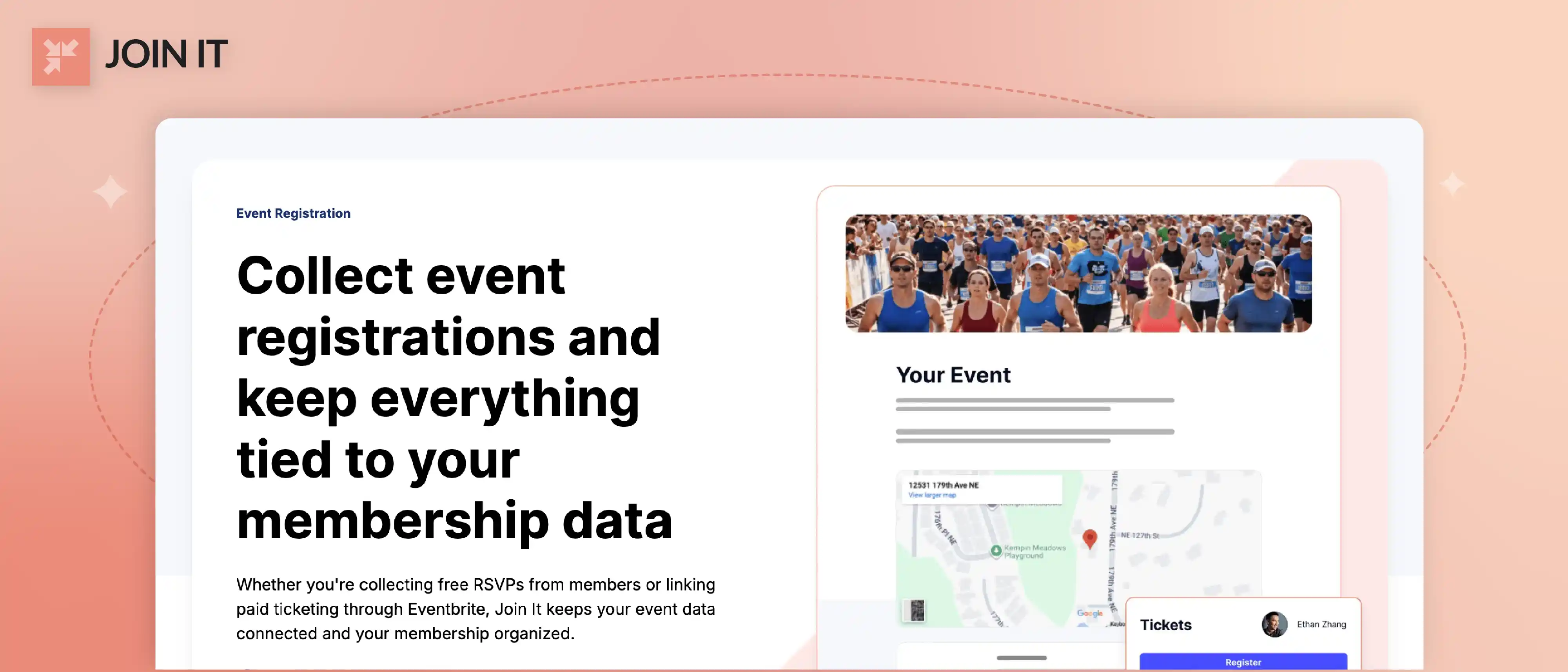
Join It is best for organizations where ticketing is tied to membership status, recurring community programs, or member-exclusive access. It is membership management software that includes event registration tools, automated renewals, and a membership CRM that treats event participation as part of the member lifecycle.
What it does well: Join It connects membership data directly to event access. Its Eventbrite integration maps member benefits to Eventbrite discount codes and access controls, records Eventbrite orders and check-in data back in Join It, and tags non-member ticket buyers as "Prospective" contacts for follow-up outreach. You can run members-only event management with member-exclusive pricing, and use digital membership cards alongside event registration. The platform also supports donation tools and integrations with Mailchimp, SurveyMonkey, and payment processors.
Pricing: Monthly plans start at $29/month (Starter) with a 3% service fee, $99/month (Total) with 2%, and $199/month (Extra) with 1.5%. Annual billing saves approximately 10%, and nonprofits receive an additional 10% discount. Payment processor fees apply separately. Join It offers a 30-day free trial with no credit card required.
What to test carefully: Join It is built around membership first. If your primary need is a standalone gala ticketing platform with auction, seating, and sponsor management, this is not the right first pick. But if your events exist to serve members, engage prospects, and drive renewals, it is a natural fit.
Best for: Associations, member-based nonprofits, alumni groups, churches with recurring community programs, and organizations where event access, member benefits, and prospect conversion are connected.
Skip it if: You need auction-heavy or sponsor-heavy gala features as your primary use case.
⭐ SoftwareAdvice rating: 4.7/5 (82 reviews)
2. Givebutter: Best Nonprofit Ticketing Software for Donation-First Events and Embedded Fundraising
Givebutter is best for nonprofits that want ticketing and fundraising in one flow. It treats ticket sales as fundraising moments, not isolated transactions.
What it does well: Givebutter lets you create hosted event pages or embed a ticketing widget directly on your website. You can set up custom ticket tiers, promo codes, and donation prompts that appear alongside the ticket purchase. The mobile app supports ticket scanning, manual guest lookup, and Tap to Pay for on-site sales. Everything feeds into a built-in nonprofit CRM for post-event follow-up.
Pricing: The base plan is free with a 0% platform fee when donor tips are enabled. If you disable tips, a 3% platform fee applies instead. Payment processing runs 2.9% + $0.30 per transaction on all plans. Givebutter Plus (advanced features like deeper analytics and automation) uses contact-based pricing starting at $29/month billed annually for under 250 contacts, scaling up to $279/month for 5,001 to 10,000 contacts. A 30-day free trial of Plus requires no payment information.
What to test carefully: Software Advice reviewers note that admins cannot process partial refunds and that some auction workflows require too many steps. On G2, a reviewer describes tipping prompts as "annoying," even though they tolerate it because the service is free. Test how your donors react to the tip prompt before going live.
Best for: Small to mid-size fundraising teams running community events, peer-to-peer campaigns, and ticketed fundraisers where online donations and ticket sales should feel like one experience.
Skip it if: You need deep reserved seating, complex sponsor bundles, or gala-level guest management.
⭐ SoftwareAdvice rating: 4.8/5 (871 reviews)
3. Zeffy: Best Free Nonprofit Ticketing Software for Fee-Sensitive Teams
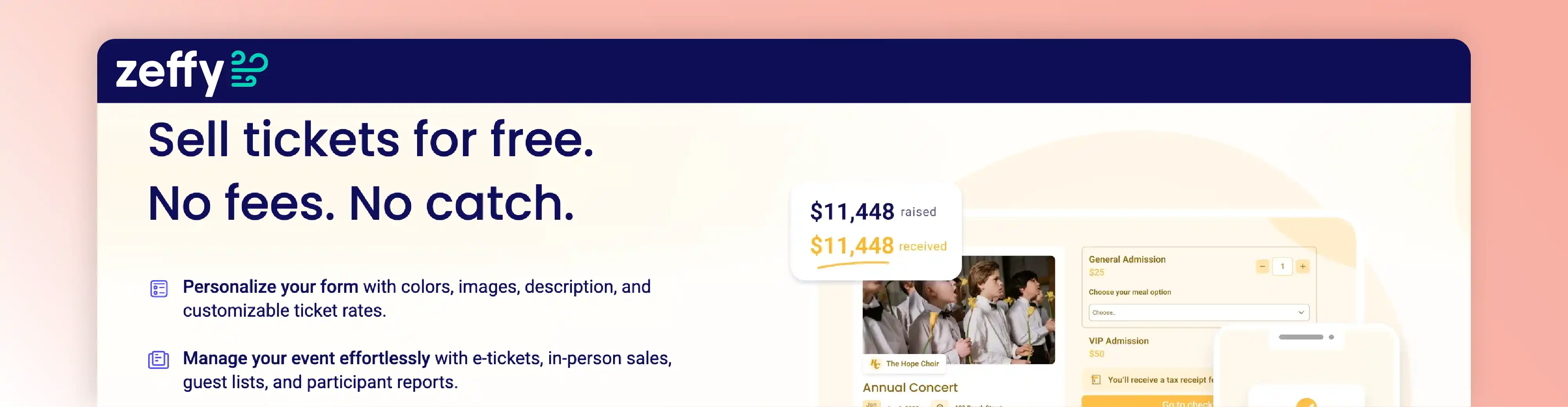
Zeffy is the strongest option for nonprofits that want to avoid direct software costs entirely. Its "$0 fees for nonprofits" positioning means no platform fee, no credit card fee, and no subscription, funded entirely by optional donor tips.
What it does well: You can create ticketed events with unlimited ticket types, run raffles and auctions, and send scannable QR e-tickets. Check-in works via phone (including Tap to Pay on iPhone). Payouts happen weekly. The platform also includes a CRM and reporting tools.
Pricing: All plans are free. No subscription, no platform fee, and Zeffy covers credit card processing costs. The company is funded by optional tips that donors can add at checkout.
What to test carefully: Community discussions on Reddit highlight that some organizations still perceive the optional tip prompt as fee-like, which can create donor questions. The same thread notes that certain in-person selling workflows require modern iPhones (XS or later), which created unexpected hardware costs for one nonprofit after they had already invested in different terminals.
Best for: Budget-constrained nonprofits, schools, churches, and community organizations running free ticketing software for nonprofit events where keeping 100% of funds raised is the top priority.
Skip it if: You need advanced gala features, deep CRM integrations, or want to fully control the checkout experience without any third-party prompts.
⭐ SoftwareAdvice rating: 4.8/5 (474 reviews)
4. Bloomerang Fundraising (Qgiv): Best for Event Registrations That Should Become Constituent Records
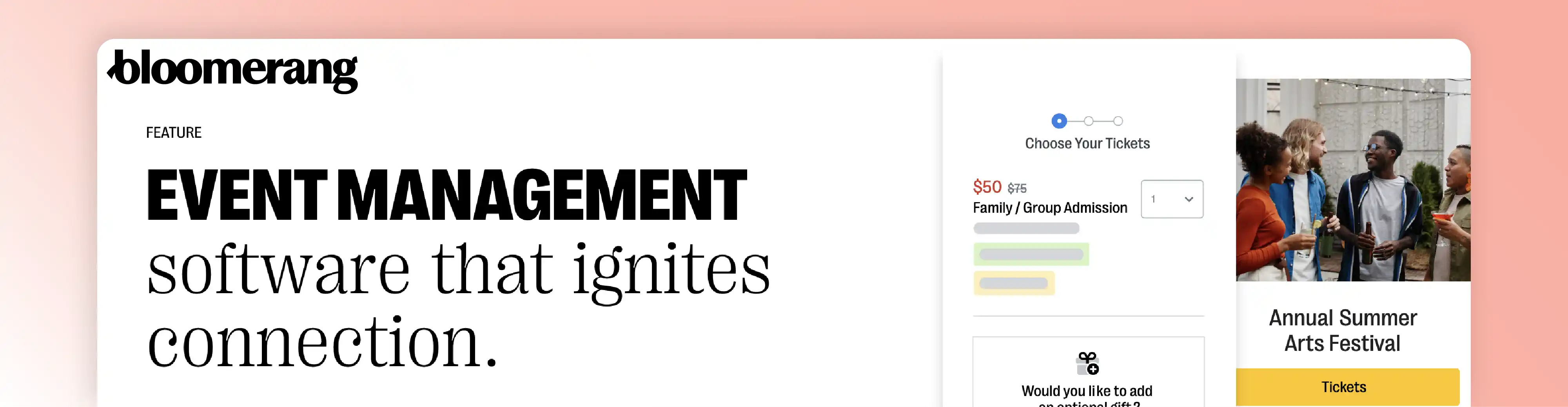
Bloomerang Fundraising (previously Qgiv) is best for established nonprofits that want event registrations to automatically flow into a broader fundraising and donor management system.
What it does well: Event registration pages support multiple ticket types, discounts, custom fields (meal preferences, accessibility needs), multi-attendee options, and QR code check-in. Drag-and-drop table seating is available in higher tiers. The platform supports hybrid, virtual, and in-person events. Most importantly, every registration automatically creates a constituent record, which means ticket buyers do not become a data silo.
Pricing: Bloomerang Fundraising starts at $40 per month billed annually. Processing fees are 3.95% + $0.30 per transaction, with GiftAssist allowing donors to cover fees. The silent auction module costs $259 per month or $687 per quarter. Higher-tier packages unlock QR check-in and table seating features.
What to test carefully: Software Advice reviewers describe event-night "glitches" leading to "long lines" and note limited support availability outside Monday through Friday business hours. If your fundraising event happens on a Saturday night, ask specifically about weekend and event-night support coverage before committing.
Best for: Nonprofits with a development team that wants events connected to a broader donor stack, constituent tracking, and conference ticket software for nonprofit programming.
Skip it if: You are a small volunteer-run team looking for the simplest possible setup with minimal admin overhead.
⭐ SoftwareAdvice rating: 4.6/5 (61 reviews)
5. CrowdChange: Best Nonprofit Ticketing Software for Browser-Based Volunteer Scanning
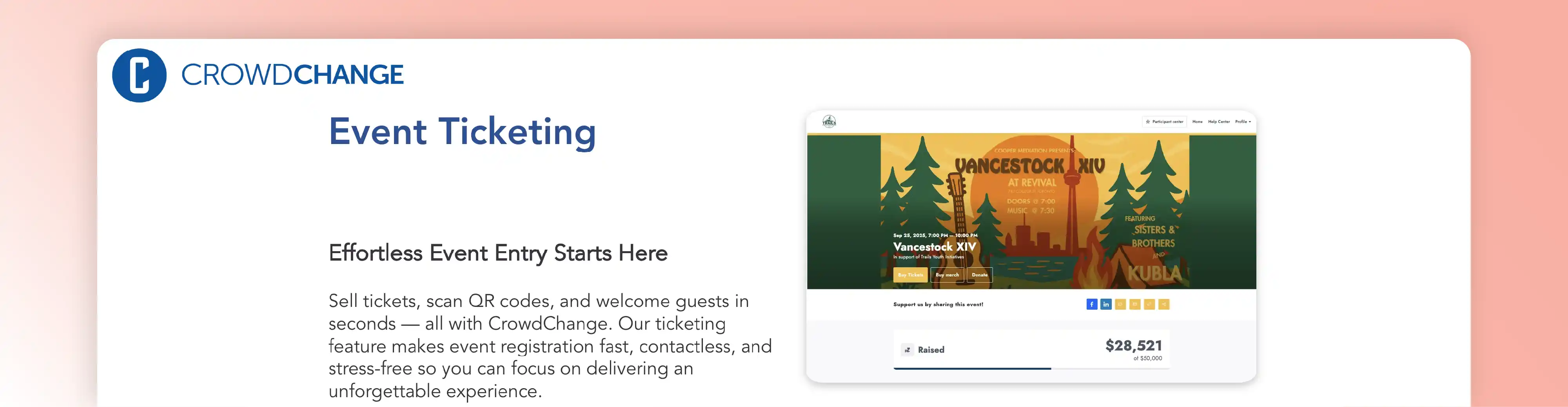
CrowdChange is best for volunteer-heavy events where you need multiple people scanning tickets without downloading an app or attending a training session.
What it does well: CrowdChange lets you invite team members and volunteers to scan tickets using just a phone camera through a secure browser link. No app download required. This makes multi-point check-in practical even with volunteers who have never used the system before. The platform supports multiple ticket tiers, sponsorships, merchandise sales, and peer-to-peer fundraising pages. Tickets are delivered as PDF attachments in email receipts.
Pricing: The Lite plan is free with transaction fees. A Single Event license costs $99 (one-time). The Base plan is $499/year (approximately $49.99/month billed annually). Professional pricing requires consultation. Transaction fee rates are not published, so confirm them directly.
What to test carefully: CrowdChange is strong for schools, sports clubs, and community groups. But if you need deep donor CRM, advanced reporting, or gala-level guest management, verify those capabilities against your requirements. Transaction fee rates should be confirmed before committing.
Best for: Schools, PTOs, sports clubs, and community organizations running events with rotating volunteer teams, especially those looking for the best ticket scanning software for nonprofits without app dependencies.
Skip it if: You need robust CRM, complex seating charts, or quote-based gala event suites.
⭐ SoftwareAdvice rating: 4.7/5 (75 reviews)
Best Nonprofit Gala Ticketing Software for Auctions, Reserved Seating, and Sponsorship Packages
Galas, auctions, and sponsor-heavy fundraising nights are a different category. The stakes are higher, the logistics are more complex, and the cost of a bad check-in experience at a $500-per-plate dinner is painful.
These five platforms are built for that level of complexity. Evaluate them on seating, sponsor bundles, guest claiming, check-in and checkout, reporting, and event-night support, not just ticket sales.
6. OneCause: Best Nonprofit Gala Ticketing Software for Large Auction Galas

OneCause (formerly BidPal) is best for larger galas where ticketing, mobile bidding, assigned seating, and sponsor management all need to work together on event night.
What it does well: OneCause combines ticket and sponsorship sales with assigned seating, mobile bidding, paddle raises, guest management, and integrated check-in/checkout. Event websites, donation pages, and auction catalogs are all part of the platform.
Pricing: The Pay-As-You-Go plan charges a $200 setup fee plus 5% of funds raised (fee is capped for small events). The Professional Auction & Event subscription costs $2,995 per year. Enterprise tiers require contacting sales for a quote. No publicly advertised free trial; sign-up requires a demo.
What to test carefully: Software Advice reviewers describe guest confusion when asked to enter a credit card to claim a complimentary ticket, believing a purchase was required. A separate review notes that electronic tickets "can be annoying for older guests who have trouble with technology." Test comp-ticket claiming, older-donor UX, seat assignment edits, and reporting depth during your demo.
Best for: Larger nonprofits and foundations running auction-driven galas and sponsor-heavy fundraising nights with 200+ guests.
Skip it if: You are running simple community events or small fundraisers where a full gala suite would be overkill.
⭐ SoftwareAdvice rating: 4.7/5 (379 reviews)
7. BetterUnite: Best All-in-One Nonprofit Ticketing Software for Gala, Auction, and Guest Workflows
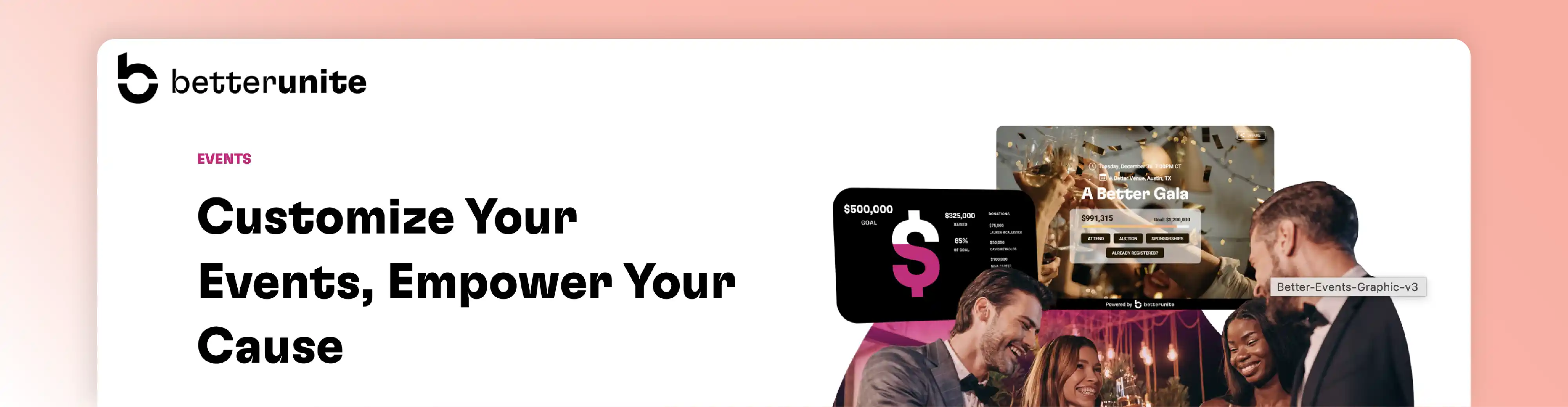
BetterUnite is best for growing nonprofits that want ticketing, auctions, donor management, and guest workflows in one connected platform without assembling multiple tools.
What it does well: BetterUnite combines ticketing, sponsorship sales, table management, check-in/checkout, auctions, raffles, and a built-in CRM with automated communications. Guests receive a link for bidding and pre-event actions. The platform positions free onboarding, data migration, and dedicated account management as part of every plan.
Pricing: Monthly plans are Core $45/month, Pro $65/month, and Premier $95/month. Annual plans offer savings: Core $450/year, Pro $650/year, Premier $950/year. The Core and Pro plans include a 2.5% platform fee. Premier allows buying down the platform fee to 1% or even 0% for a higher annual cost. A pay-as-you-go option is available for occasional events.
What to test carefully: Reviewers praise the all-in-one design but note a learning curve due to the feature-rich interface. Budget time for setup and team training, even with the included onboarding support.
Best for: Growing nonprofits that want nonprofit event management software with ticketing and donation features in one system, without needing to integrate three or four separate tools.
Skip it if: You want the simplest possible ticket sales page with zero learning curve.
⭐ SoftwareAdvice rating: 4.9/5 (37 reviews)
8. Auctria: Best Budget-Friendly Nonprofit Auction and Ticketing Software for Smaller Teams
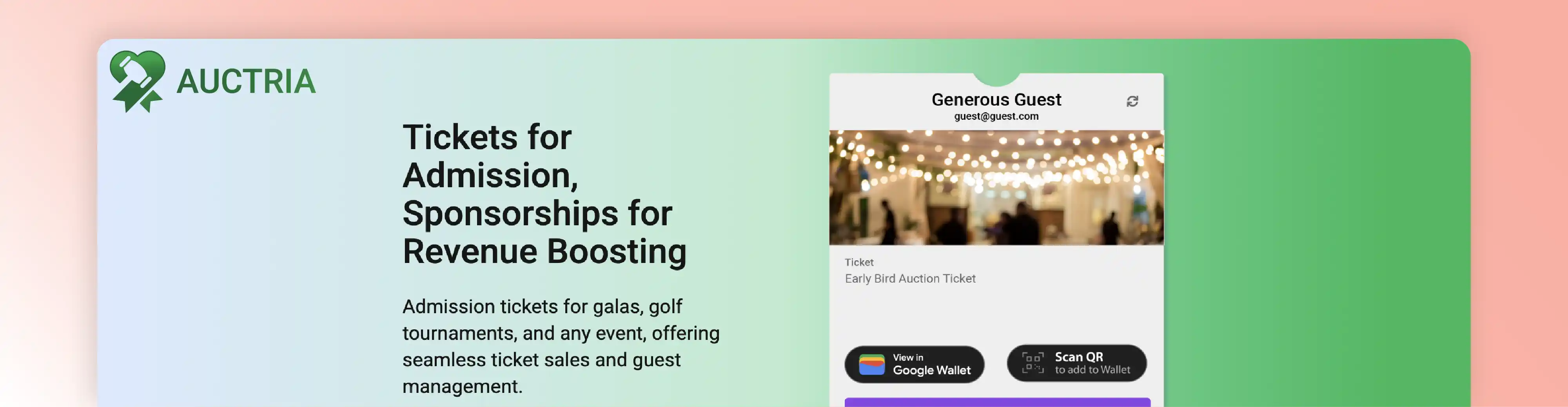
Auctria is best for smaller teams that need auction and ticketing capabilities at a lower price point than the larger gala suites.
What it does well: Auctria uses a "tickets as items" model where tickets are a special admission item that automatically creates a participant record tied to the buyer's profile. This connects ticket sales directly to guest management, seat assignments, and donor data. The platform supports e-ticket management, mobile bidding, text messaging, and event websites. A sandbox environment lets you test everything risk-free before going live.
Pricing: The Explorer plan is free (up to $10,000 raised per year, 1% credit card fee). Emerald costs $375/year (up to $50,000, 0.5% fee). Diamond costs $750/year (unlimited, 0.25% fee). Payment processor fees apply in addition. The sandbox is available for risk-free testing.
What to test carefully: Auctria offers strong value, but the interface can feel more DIY compared to higher-priced suites. Expect some learning curve, and validate the polish level of event pages and guest-facing communications against your expectations.
Best for: Smaller nonprofits, school fundraisers, and community organizations running dinner auctions or gala-lite events on tighter budgets.
Skip it if: You need the most polished guest-facing experience with dedicated event-night support staff from the vendor.
⭐ SoftwareAdvice rating: 4.8/5 (527 reviews)
9. Greater Giving: Best for Check-In-Heavy Gala and Golf Event Operations

Greater Giving is best for teams that prioritize event-night registration operations, particularly for galas, golf tournaments, and auction events where check-in flow directly affects the guest experience.
What it does well: Greater Giving's Go Time feature serves as an event-night dashboard designed to eliminate long lines at check-in. It supports multiple registration paths (VIP, pre-registered, new on-site registration) and a streamlined three-step check-in process. The platform covers ticketing, sponsorship sales, mobile bidding, and virtual/hybrid event tools.
Pricing: Greater Giving does not publish pricing on its website. Pricing is available only by contacting sales. According to a third-party source (SelectHub), pricing starts at approximately $130 per month. A free trial may be available but is not confirmed on the official site.
What to test carefully: Software Advice reviewers describe the platform as "clumsy," "glitchy," and "counter-intuitive," with criticism of outdated page formats and multi-step workflows. Demo the page builder, admin UX, and common tasks (ticket edits, guest reassignment, check-in changes) thoroughly before buying.
Best for: Nonprofits that run complex check-in operations at galas and golf events and need operational control on event night, even if the admin interface requires patience.
Skip it if: You want a modern, intuitive admin experience and self-serve page builder.
⭐ SoftwareAdvice rating: 4.4/5 (97 reviews)
10. GiveSmart: Best Nonprofit Ticketing Software for High-Stakes Events That Need 24/7 Support
GiveSmart is best for larger or higher-stakes fundraising events where 24/7 support coverage, deep guest management, and add-on sales justify a premium price.
What it does well: GiveSmart creates event landing pages for tickets, sponsorships, add-ons (mulligans, valet, merchandise, raffle tickets, donations), and mobile-friendly registration with guest management. The platform markets 24/7 customer support (with listed holidays). Table seating, text-to-donate, mobile check-in/checkout, and a donor CRM round out the suite.
Pricing: GiveSmart does not publish subscription prices. The site emphasizes a fixed subscription with no platform or ticketing fees, but requires contacting sales for pricing. Standard credit card processing fees are 3.5% (3.95% for AmEx), and donors can choose to cover fees. According to SoftwareAdvice, subscriptions start at approximately $3,000 per year. The donor CRM offers a 30-day free trial, but the ticketing/auction suite does not advertise a trial.
What to test carefully: On Capterra, users describe cost sensitivity around features and a "nickel-and-dimed" perception. Validate total cost, integration needs, and offline/admin edge cases during your evaluation. The 24/7 support claim is a strong differentiator, so ask about it directly during the demo.
Best for: Larger nonprofits and foundations running high-revenue fundraising events where event-night reliability and support coverage are worth a premium investment.
Skip it if: You are budget-constrained or running simpler events where a free or low-cost tool covers your needs.
⭐ SoftwareAdvice rating: 4.5/5 (204 reviews)
How to Choose the Best Nonprofit Ticketing Software for Your Event Type
The comparison above covers 10 strong platforms. But which is the best event ticketing software for nonprofits like yours? That depends on your organization type, event complexity, and operational capacity.
Small teams, community organizations, and first-time fundraisers: Start with Givebutter, Zeffy, or CrowdChange. Low setup burden, understandable pricing, and manageable admin. Add Auctria if your event includes an auction component.
Schools, PTOs, and school fundraisers: CrowdChange and Zeffy handle volunteer turnover and family-friendly checkout well. Auctria and Givebutter work for more established school fundraising events. BetterUnite fits if the event is more advanced.
Churches and faith-based event registration: Givebutter and Zeffy support combined donation and ticket flows with low admin overhead. Join It works well for recurring community programs with member check-in and membership-linked access. Bloomerang Fundraising fits churches with a more developed fundraising stack.
Membership organizations and recurring community events: Join It is the most natural fit here. If fundraising depth matters more than membership automation, Givebutter or Bloomerang Fundraising are strong alternatives.
Galas, auctions, and sponsorship-heavy foundations: OneCause, BetterUnite, GiveSmart, Greater Giving, and Auctria all compete here. Your decision should come down to reserved seating depth, guest claiming workflows, event-night support, and total cost.
Workshops, conferences, and hybrid fundraising events: Bloomerang Fundraising (Qgiv) handles registration complexity and hybrid support well. Givebutter and CrowdChange work for lighter programming. Join It adds value when member access matters.
Nonprofit Ticketing Software Features That Matter Most
Before committing to any event ticketing software for nonprofits, test these capabilities in a demo or trial. Features on a marketing page and features that work smoothly on event night are two different things.
QR Code Check-In and Mobile Scanning
This is table stakes for modern nonprofit events. But the details matter. Compare our guide to QR code check-in systems for a deeper look at what to evaluate.
Test whether scanning works via a dedicated app or a browser link (CrowdChange's browser approach is notable for volunteer-friendly events). Check manual lookup speed for guests who forgot their tickets. Verify multi-point entry support. And confirm what happens when WiFi drops, because it will.
Online Donations, Donor CRM, and Post-Event Follow-Up
Ticket buyers should not become a data silo. The best donation software connects event transactions to donor records, segmentation, and follow-up workflows.
Test whether ticket purchases create constituent or donor records automatically. Check export quality and CRM sync options. Verify that post-event acknowledgement emails include the right tax language. Platforms like Bloomerang Fundraising create constituent records from registrations by default, while others require manual exports or Zapier connections.
Multiple Ticket Types, Sponsorship Packages, and Reserved Seating
Simple ticket sales are easy. The complexity comes with tables, sponsor bundles, add-ons, meal and accessibility questions, guest claiming, waitlists, and seating edits.
If your event includes reserved seating and sponsorship packages, test those workflows end to end. Ask a volunteer to try claiming a comp ticket. Edit a seating chart after tickets have sold. Add a last-minute sponsor table. These are the moments where platforms either save you time or create chaos.
Payment Methods, Fee Prompts, and Payout Timing
Supporters expect multiple payment options. If your platform only supports credit cards without PayPal, Apple Pay, or Google Pay options, you may lose conversions.
Also pay attention to fee prompts. "Donor covers fees" options can increase net revenue, but tip-supported models (Zeffy, Givebutter) require thoughtful messaging to avoid donor confusion. A Reddit discussion on ticketing comparisons highlights this exact tradeoff: free models can create checkout prompts that some patrons find unexpected.
And check payout timing. In a forum discussion about Eventbrite alternatives, a nonprofit organizer specifically cites withdrawal delays as a decisive issue because vendors required payment two weeks before the event. Weekly payouts (offered by Zeffy, for example) can solve this.
Nonprofit Ticketing Software Pricing Explained
Nonprofit ticket software pricing models vary dramatically, and headline price alone does not tell you the full cost.
Free / tip-supported models: Zeffy charges nothing and is funded by donor tips. Givebutter's base plan is free with 0% platform fee when tips are enabled, or 3% without tips. Both add 2.9% + $0.30 processing fees (Zeffy covers this; Givebutter charges it).
Subscription + platform fee models: Join It starts at $29/month plus 1.5% to 3% service fees. BetterUnite starts at $45/month plus 2.5% platform fee. CrowdChange offers a free Lite plan and paid plans from $99 (single event) to $499/year. Auctria's free plan supports up to $10,000 raised per year. Check current pricing details on each vendor's site before deciding.
Quote-based suites: OneCause, Greater Giving, and GiveSmart require contacting sales. OneCause offers a $200 + 5% pay-as-you-go option. GiveSmart subscriptions start at approximately $3,000/year according to third-party sources.
Hidden Costs Nonprofits Miss
The subscription price is often the smallest cost. Watch for CRM connector fees (Zapier, API access, or native integration costs), hardware requirements (modern iPhones for certain check-in workflows), volunteer training time, and weekend or event-night support availability. On Stack Exchange, a nonprofit-oriented question highlights that connector tools for CRM integration can be priced out of reach for smaller organizations, sometimes exceeding the ticketing subscription itself.
Nonprofit Ticketing Software and IRS Receipt Requirements
This is a section most competing listicles skip. But it matters.
When a nonprofit sells a ticket to a fundraising event, the ticket price often includes both a benefit (the dinner, the show, the experience) and a charitable contribution. The IRS requires that for any quid pro quo contribution exceeding $75, the organization must provide a written disclosure to the donor.
The IRS illustrates this with a clear example: if a donor gives a charity $100 and receives a benefit valued at $40, the charitable contribution portion is $60. Even though the deductible part does not exceed $75, the disclosure is still required because the donor's total payment exceeds $75.
The penalty for failing to provide this disclosure is $10 per contribution, capped at $5,000 per fundraising event or mailing.
What this means for your ticketing software choice: Your platform's confirmation emails, receipts, and post-event acknowledgements need to clearly separate the fair market value of what the ticket buyer received from the deductible portion. Test this in your demo. Check whether receipt templates let you customize the tax language. Verify that sponsor packages and bundled tickets handle this correctly.
A Reddit thread on ticketing portal setup describes a nonprofit trying to implement quid pro quo logic directly in the purchase flow, offering a reduced-price ticket when donations exceed a threshold. This kind of conditional logic is rarely native to ticketing platforms, so plan for manual configuration or workarounds.
Organizations should confirm specific tax treatment with qualified advisors. But your ticketing software should at minimum support the receipt and disclosure workflows that compliance requires.
When to Choose an Eventbrite Alternative for Nonprofits
Eventbrite works well for general event ticketing. But nonprofits frequently outgrow it because of fee structures, payout timing, donor data silos, and limited sponsorship or seating capabilities.
If you find yourself manually exporting attendee lists into your CRM after every event, paying connector fees to sync data, waiting on payouts when vendors need deposits, or building workarounds for sponsor packages and table assignments, it is probably time to evaluate dedicated ticketing and fundraising software for nonprofits.
A Reddit privacy concern from a nonprofit WordPress user illustrates another underappreciated issue: event registration tools embedded in broader marketing ecosystems can expose event data to search engine indexing without clear controls. Check privacy settings and public/private event behavior in any platform you evaluate.
If you are exploring broader software for nonprofits beyond ticketing, the right platform often depends on whether you need event-only tools or a connected system that handles membership, donations, and events together.
Common Mistakes When Choosing Nonprofit Ticketing Software
Choosing based on headline fees only. Free and low-fee models are powerful, but donor tip prompts, processing fees, payout timing, support coverage, and integration costs all affect true cost. Compare net revenue after all fees, not sticker price.
Ignoring support availability during nights and weekends. Most fundraising events happen on evenings and weekends. If your vendor's support team works Monday through Friday, you are on your own when check-in breaks at a Saturday night gala.
Assuming every integration is native, affordable, or reliable. CRM connectors, Zapier automations, and API-based syncs can erase the savings from a cheaper ticketing tool. Ask about integration cost and reliability before committing.
Not testing comp-ticket, older-guest, or volunteer check-in flows. These are the edge cases that create the most event-night stress. Simulate them before you choose a platform.
Overlooking reporting, privacy, and payout controls. Development teams need sponsor reports and donation summaries. Finance needs payout visibility. Communications needs to know whether events are publicly indexed. Get all stakeholders involved before launch.
Frequently Asked Questions About Nonprofit Ticketing Software
What is the best nonprofit ticketing software for small teams? Givebutter and Zeffy are the strongest starting points for small teams. Both offer free base plans, simple setup, and manageable admin. CrowdChange is another good option if browser-based volunteer scanning is a priority.
Is there free ticketing software for nonprofits with no fees? Zeffy offers genuinely free ticketing with no platform or processing fees for nonprofits, funded by optional donor tips. Givebutter's base plan is also free when donor tips are enabled (processing fees still apply). Auctria offers a free Explorer plan for organizations raising up to $10,000 per year.
What is the best nonprofit ticketing software with QR code check-in? Most platforms on this list support QR check-in, but the implementation varies. Givebutter uses an app-based scanner with manual lookup fallback. CrowdChange uses browser-based scanning with no app required. Bloomerang Fundraising (Qgiv) and Greater Giving offer QR check-in in higher-tier plans.
Can nonprofit ticketing software handle sponsorship packages and reserved seating? Yes, but only the gala-focused platforms do this well. OneCause, BetterUnite, GiveSmart, and Greater Giving all support sponsorship packages, table management, and reserved seating. Auctria handles it at a lower price point. Simpler tools like Givebutter and Zeffy are not designed for complex seating or sponsor bundles.
What should churches look for in event registration software? Churches typically need combined donation and ticket flows, low admin overhead, and support for recurring community programs. Givebutter and Zeffy cover this well. Join It adds value for churches with membership-style community access and recurring event programs.
What should schools look for in school event ticketing software? Volunteer turnover, family-friendly checkout, sponsorship support, and budget sensitivity are the key factors. CrowdChange and Zeffy handle these well. Auctria fits when an auction component is involved.
When should a nonprofit switch from Eventbrite to a dedicated platform? When you are manually copying attendee data into your CRM, paying connector fees that exceed the ticketing subscription, waiting too long on payouts, or building workarounds for sponsor tables and donation receipts. Any of those signals means a nonprofit-focused platform will likely reduce your operational burden.
Can nonprofit ticketing software generate receipts for partially deductible tickets? The software should support customizable receipt templates that separate the fair market value from the deductible portion. Test this during your demo. The IRS requires written disclosure for quid pro quo contributions exceeding $75, so your platform needs to handle this correctly.
How much does nonprofit ticketing software cost? It ranges from free (Zeffy, Givebutter base, Auctria Explorer) to $3,000+ per year for premium gala suites (GiveSmart, OneCause Professional). Most mid-range options fall between $29 and $99 per month plus transaction fees. Always compare total cost including processing fees, platform fees, and integration costs.
What should nonprofits test before committing to ticketing software? Run a complete test event. Sell a ticket, check in a guest, process a refund, export a report, and generate a receipt. Then have a volunteer do the same thing without training. If both workflows feel manageable, the platform is probably a good fit for your team.
Ready to connect your events to membership data and donor follow-up? You can start your free trial of Join It with no credit card required, or book a demo to see how membership-linked ticketing works for your organization.
Sources
- Giving USA. U.S. Charitable Giving Grew to $592.50 Billion in 2024
- M+R Benchmarks. Key Findings 2025
- Blackbaud Institute. 2025 Trends in Giving
- Software Advice. Bloomerang Fundraising Reviews
- G2. Givebutter Reviews
- Capterra. GiveSmart Reviews
- Reddit. Event Ticketing Software Comparisons
- MoneySavingExpert Forum. Alternatives to Eventbrite for Non-Profit Ticket Sales
- Software Advice. Givebutter vs Mightycause
- Software Advice. OneCause Profile
- Software Advice. OneCause Reviews
- Software Advice. Greater Giving Reviews
- Stack Exchange. Event Ticketing Solution with Dynamics CRM
- IRS. Quid Pro Quo Contributions
- IRS. Substantiating Charitable Contributions
- Reddit. Suggestions for Ticketing Portal
- Reddit. Nonprofit Event Registration Software

Guides from the Experts
Through our work with 4,000+ organizations - we’ve put together helpful guides to assist; regardless of where you are on your journey.
.webp)

A Complete Guide to Membership Organizations
Everything you need to know to manage and grow your membership business
.webp)
Maximize Membership Retention: 10 Proven Strategies
Tried and true strategies that not only win membership, but keep them

Build a Membership Website: A Step-by-Step Guide
Your one-stop resource for knowing all the features your modern membership website needs
Ready to start your free trial?
Our membership software is intuitive to use and even easier to test for yourself.