Membership and Event Management Software: A Buyer's Checklist (2026)


Summary of the Article
Membership and event management software is one platform that holds your member records and runs event registration, payments, and check-in in the same place. It is usually the better choice when your members, not the general public, drive most of your event signups. A separate event tool only wins when your events are big, complex, and mostly open to outsiders.
This checklist walks you through five stages so you can compare vendors with evidence instead of impressions:
What Membership and Event Management Software Is
The category does what its name says: it manages your members and your events in one system. Your member records, dues, renewals, and payment history live in a database, and the same database powers event registration, member-only pricing, attendance tracking, and a self-service portal.
The alternative is a membership tool plus a separate event platform. That setup can work, but it creates a data gap. When someone registers for an event in the second tool, your membership system may never know. You end up exporting spreadsheets, cross-checking attendance against dues status by hand, and paying two subscriptions.
Choose one combined system when: most of your event attendees are members, you need member-only pricing or access rules at registration, and check-in should reflect membership status on the day.
Choose two tools when: you run large public conferences with session scheduling, sponsor halls, or speaker management that membership platforms rarely handle well. Paying for a specialist event tool makes sense there.
The honest tradeoff: a combined system trades event depth for connected data. We cover that tension in more detail in our guide to membership and event management software, including when one system beats two.
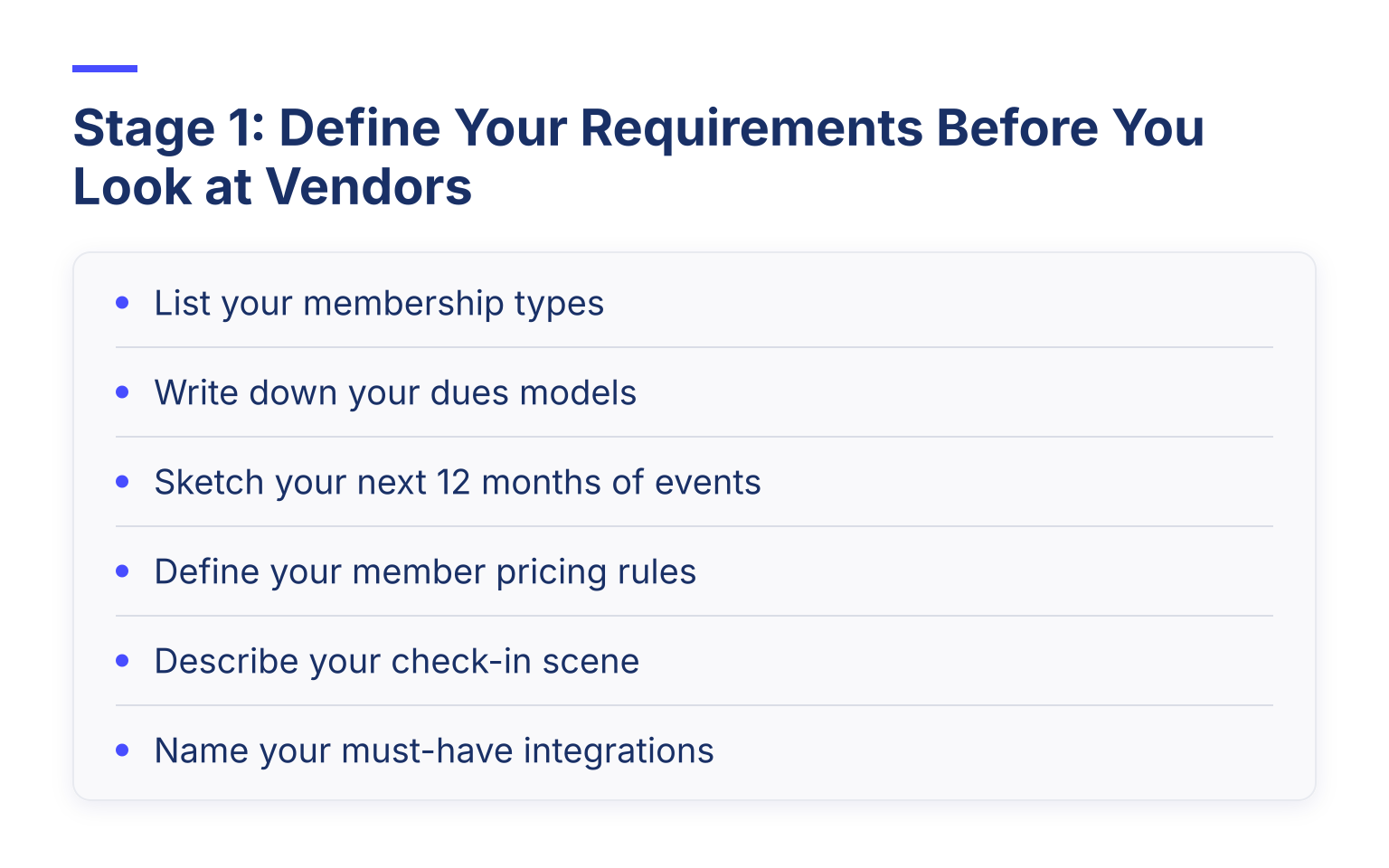
Stage 1: Define Your Requirements Before You Look at Vendors
Most bad software purchases start with a demo, not a list. Write these six things down first. Each one becomes a test you can reuse against every vendor.
Stage 2: Score Vendors on the Core Capability Checklist
With your requirements on paper, score each vendor against eight capabilities. These separate platforms that genuinely connect membership and events from ones that bolt an events module on afterward.
The event rows carry the most weight for this purchase. Our complete guide to events for membership organizations goes deeper on what member event programs need at each stage.
Stage 3: Run These Demo Exercises, Not Just a Tour
Vendor demos are rehearsed. Hand the vendor a scenario instead and watch what happens. Six exercises, about five minutes each.

- The status-change test. Set up a test member, register them for a members-only event, then change their status to expired. Pass condition: their registration is blocked or flagged immediately, without you editing the event.
- The write-back test. Register a test member for a paid event. Pass condition: the registration and the payment both appear on that member's record with no re-entry.
- The renewal test. Trigger a renewal reminder, then simulate a failed card payment. Pass condition: the system retries or notifies, and the member's record shows what happened.
- The check-in test. Check in your test member using a QR code, digital card, or email lookup. Pass condition: attendance lands on the member record and check-in takes seconds.
- The portal test. Log in as the member. Update an email address, view the event registration, download a receipt. Pass condition: all three work without admin help.
- The export test. Ask to export your full member dataset as CSV. Pass condition: every field you entered comes out, including custom fields.
If a vendor cannot complete an exercise live, note which one. A workaround in the demo becomes your weekly workaround after the purchase.
Stage 4: Read the Pricing Signals
Software pricing in this category hides more than it shows. Three signals tell you what a quote will really cost.
1. What does the price follow? Most platforms price one of three ways: by the contacts in your database, by your active members, or by a flat tier. Each grows differently. Per-contact plans get more expensive when prospects and lapsed members pile into your database. Per-member plans rise with your success, which one industry explainer calls a "success tax" on recruitment. Flat tiers are predictable, but read the caps, because a tier that ends at 500 members turns renewal season into an upgrade. MemberRun's comparison of membership software pricing models walks through the tradeoffs of each structure in detail.
2. What sits on top of card processing? Card networks charge a percentage on every transaction. Stripe's published pricing lists 2.9% plus 30 cents per successful transaction for domestic cards. That fee is normal. The signal to watch is a second percentage that the software vendor adds on top of its subscription, sometimes on dues or event tickets. Ask for it by name: "Do you add any fee of your own to payments?"
3. Is pricing published? Many vendors, especially larger association systems, publish no price at all. MemberRun's cost analysis of association management software found that 11 of 20 vendors in its buyer's guide publish no pricing, and one-time setup fees range from zero to more than $20,000. Unpublished pricing is not automatically a scam, but it usually signals quote-based selling, custom implementation, and a longer contract. It also means the comparison work falls on you.
If budget is tight, our guide to free membership software for nonprofits explains what free plans include and where their limits usually bite.
Stage 5: Ask These Questions in Every Demo
Bring the same seven questions to every call so the answers are comparable.

Write down answers verbatim. Vague answers are data points too.
Red Flags and Honest Tradeoffs
Watch for these three patterns as you evaluate.
The 30-Minute Trial Test Plan
Most vendors offer a free trial. Use this plan on any of them, on your own, without a salesperson on the call.
Score each vendor out of 30, one point per minute that went smoothly. Two vendors on the same scale beats two demos you half remember.
What Passing Looks Like in Practice
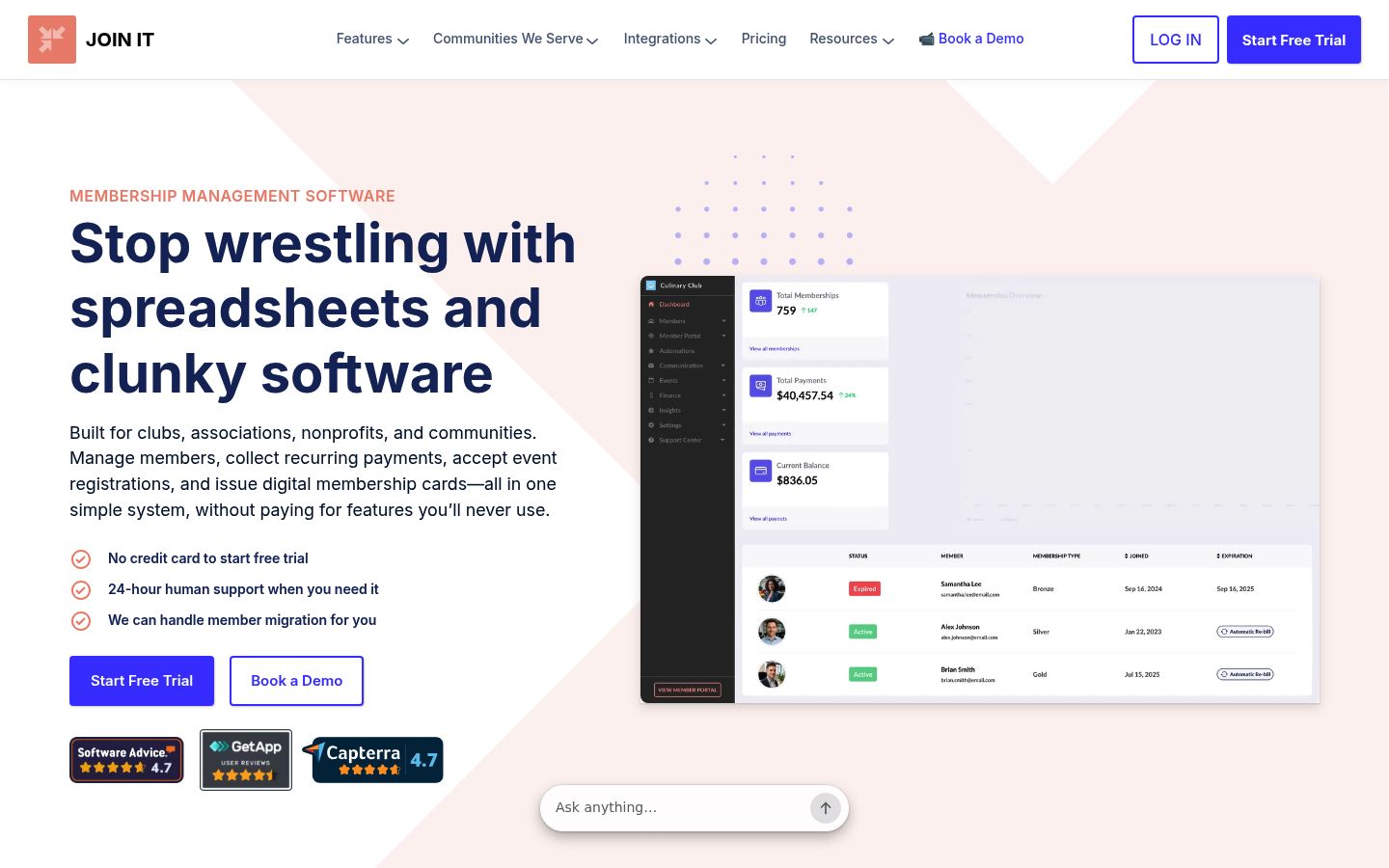
To make the checklist concrete, here is how one criterion looks when a platform passes. Join It is a cloud-based membership platform that connects member records, dues and renewals, digital membership cards for Apple Wallet and Google Wallet, and a member portal in one system. Its event registration runs inside that same system: free and paid events with member registration, pricing controls, payments, and attendance tracking, all writing back to the member records you already manage.
You can see how that works on the event registration feature page, or read more about the platform at joinit.com.
We are obviously not neutral about this, so hold Join It to the same standard as everyone else: run the same demo exercises and the same 30-minute trial test before you decide anything.
The Next Step
Shortlist two or three vendors, then score each one on the capability table, run the six demo exercises, and model the total annual cost including processing and setup fees. For a deeper feature-cost-fit framework to score against, our guide on how to compare membership management software extends this checklist step by step.
When you are ready to test a combined system hands-on, you can start a free trial of Join It, no credit card required, and run the 30-minute test plan on your own data.

Guides from the Experts
Through our work with 4,000+ organizations - we’ve put together helpful guides to assist; regardless of where you are on your journey.


A Complete Guide to Membership Organizations
Everything you need to know to manage and grow your membership business

Maximize Membership Retention: 10 Proven Strategies
Tried and true strategies that not only win membership, but keep them

Build a Membership Website: A Step-by-Step Guide
Your one-stop resource for knowing all the features your modern membership website needs
Ready to start your free trial?
Our membership software is intuitive to use and even easier to test for yourself.