Digital Membership Card Software: How to Choose (2026)


Summary of the Article
Digital membership card software issues, updates, and verifies membership cards that live in a member's phone wallet instead of their pocket. You have two routes: a standalone wallet-pass platform you feed from your existing member list, or a membership management platform where the card is driven by the member record. The single most important question when choosing: does the card update itself when a member renews, upgrades, or lapses?
A printed or PDF card is still a valid third option, and this guide covers when that tradeoff makes sense.
Digital Membership Card Software: How It Works and How to Choose
If your organization still prints membership cards, you already know the pain: reprints every renewal cycle, stale expiry dates, and members who forgot the card at home. Digital membership card software promises to end all that. This guide explains what these systems actually do, the tradeoff between wallet cards and printed or PDF cards, the two types of software you can buy, and a practical way to evaluate them before you spend anything.
What Digital Membership Card Software Actually Does
Digital membership card software does three jobs:
The best systems do this from one source of truth: the member record. That matters more than any design feature, and it drives the biggest decision you'll make, which we'll get to in a moment.
How Wallet-Based Cards Work
A wallet card is a pass that lives inside Apple Wallet or Google Wallet, the same place a member keeps boarding passes and loyalty cards. Members add it with one tap from a link you send by email, a QR poster, or your website. No app download is required.
Once the pass is in the wallet:
Apple publishes its own Wallet developer documentation, and Google documents the Wallet API behind its passes, if you want to understand what's technically happening under the hood. For choosing software, though, the practical point is simple: a good system handles the pass infrastructure for you, including the issuer accounts, certificates, and update delivery that building this yourself would require.
Wallet Cards vs Printed and PDF Cards
Wallet cards aren't automatically right for every organization. Here's the honest tradeoff:
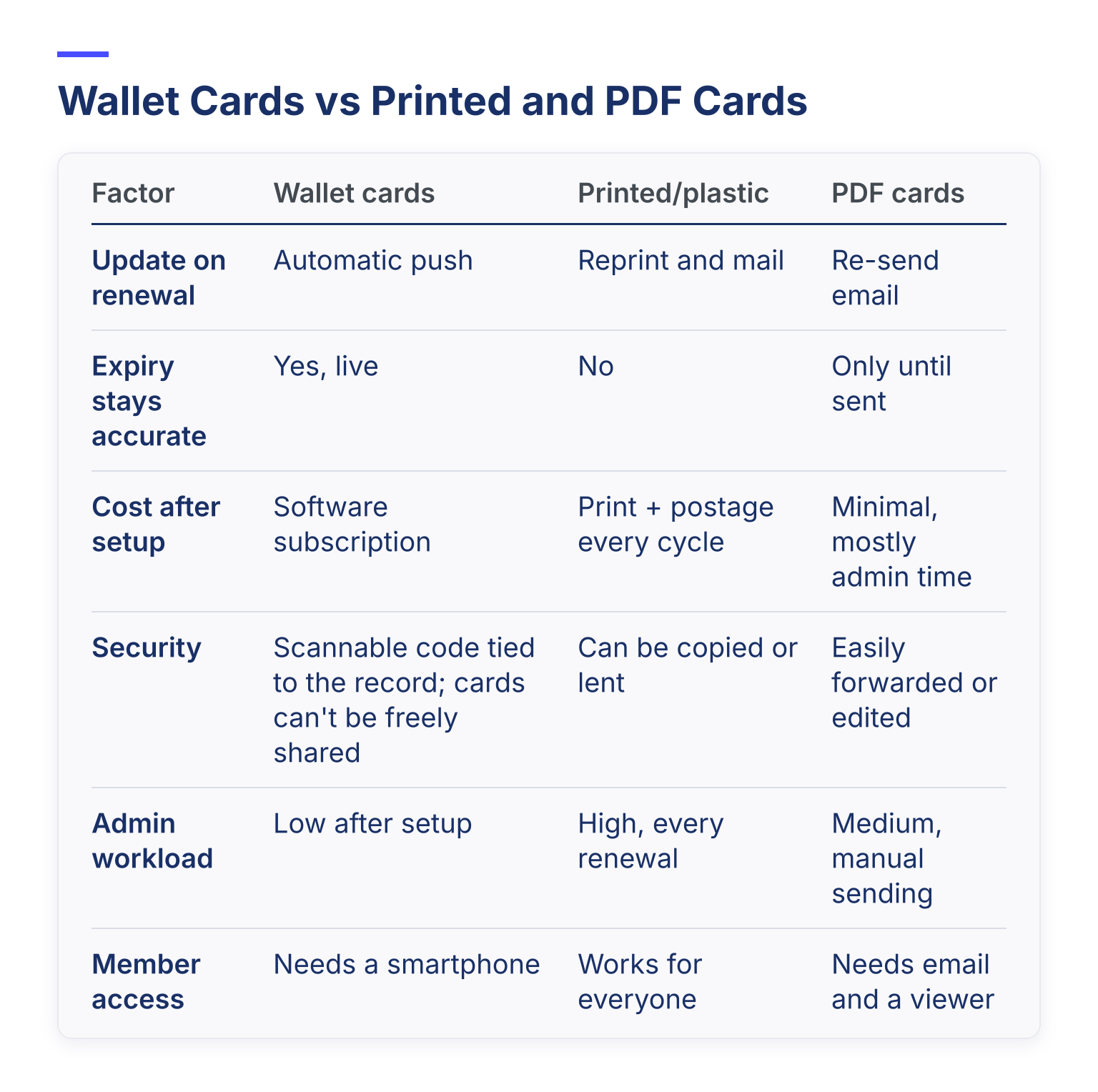
FactorWallet cardsPrinted/plasticPDF cardsUpdate on renewalAutomatic pushReprint and mailRe-send emailExpiry stays accurateYes, liveNoOnly until sentCost after setupSoftware subscriptionPrint + postage every cycleMinimal, mostly admin timeSecurityScannable code tied to the record; cards can't be freely sharedCan be copied or lentEasily forwarded or editedAdmin workloadLow after setupHigh, every renewalMedium, manual sendingMember accessNeeds a smartphoneWorks for everyoneNeeds email and a viewer
Two honest notes. First, if a chunk of your members don't use smartphones, printed cards remain a real need, and some systems (like Member Jungle) email a card image members can store or print as a fallback. Second, if you searched this topic expecting card printers, that's a different product: physical card printing hardware. This guide is about software, and software systems that also offer print-ready exports can cover the overlap.
For a deeper look at why organizations switch, see 12 benefits of digital membership cards.
The Two Categories of Software (This Is the Big Decision)
Almost every product on the market falls into one of two buckets, and picking the wrong bucket is the most common buying mistake:
1. Standalone wallet-pass platforms. These are pass engines. They create and manage Apple Wallet and Google Wallet passes, but they don't know what a membership is. You bring the member database: import a spreadsheet, or sync your existing system over an API. Every renewal, tier change, or lapse has to flow into the pass engine from somewhere you own.
2. Membership management platforms with native cards. Here the card is a feature of a full membership system. The member record, dues, renewals, and the card are one thing. When a member pays, the card updates. When a payment fails, the card can reflect it. Nobody re-imports anything.
A simple way to picture the difference: on a pass platform, a renewal is an event you must feed to the card. On a membership-aware platform, the renewal is the card update.
The Deciding Question
Ask every vendor one question: when a member renews, upgrades, or lapses, does the card update automatically, with no admin work?
Neither is wrong. A pass engine makes sense if you love your current membership system and only want cards. A membership-aware platform makes sense if you'd rather not maintain plumbing between two systems.
Who the Main Options Suit
These are credible options across both categories, described so you can shortlist from your own situation. Always confirm current features and pricing on each vendor's site.
Join It
Join It is cloud-based membership management software built for membership organizations: associations, nonprofits, clubs, and multi-chapter groups. It centralizes member records, payments, and renewals, and issues digital membership cards through Apple Wallet and Google Wallet as part of the platform. Because dues, renewals, and cards live in the same system, the card reflects the member record directly, and members get a self-service portal for their own details. The tradeoff: it's a full platform, so it's the right shape when you want membership management and cards together, not a card bolt-on to a system you're keeping. You can see the card feature in detail on the Digital Membership Cards feature page.
PassKit
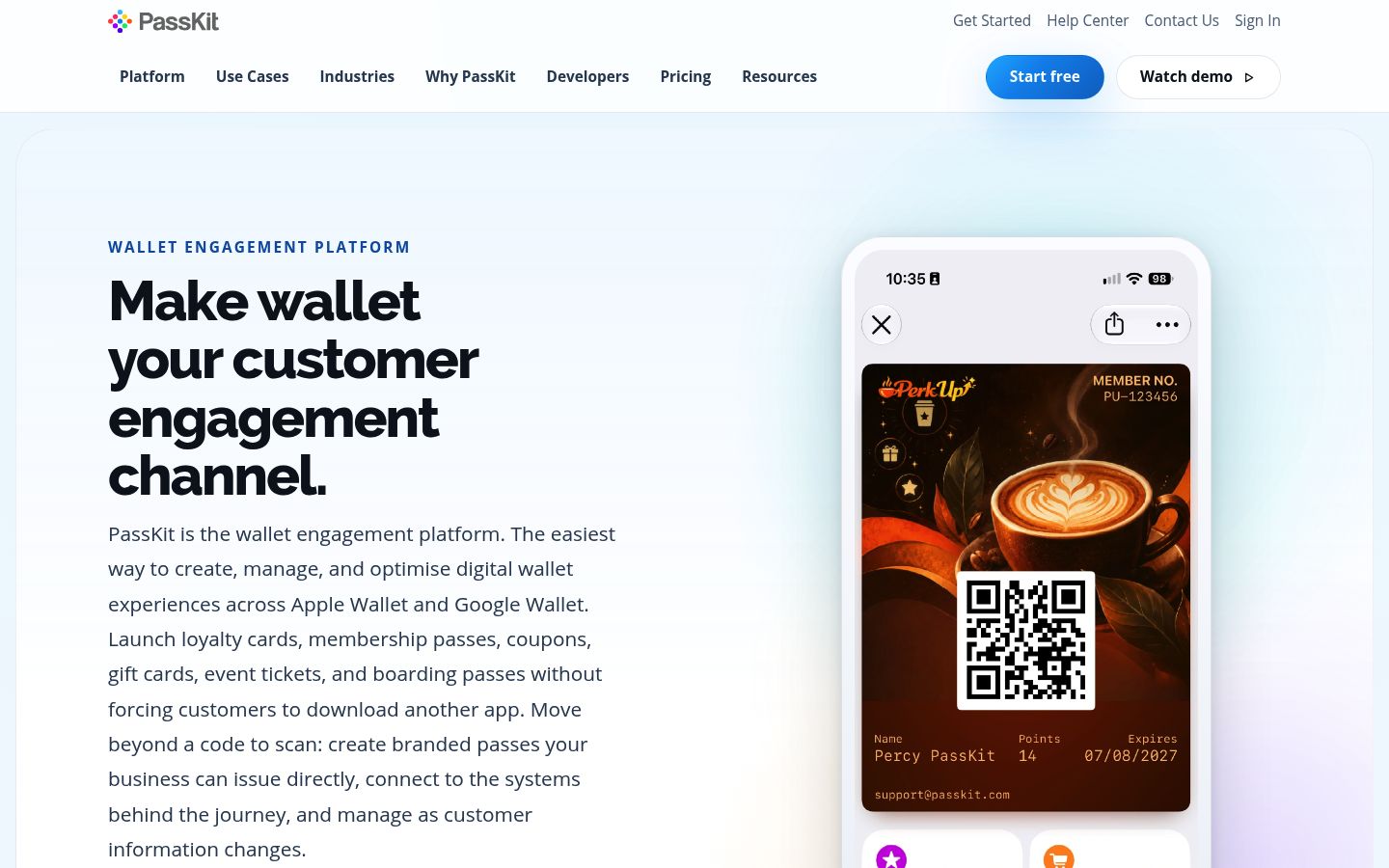
PassKit is a wallet engagement platform for Apple Wallet and Google Wallet passes of many kinds: membership, loyalty, coupons, and tickets. It's a standalone pass engine, so it fits organizations that already run a membership system and want to connect cards to it by API. On pricing: PassKit publishes its model openly on its pricing page as a platform fee plus pass volume, with a 45-day trial, billed monthly in arrears. Read the counting rules on its rate card before you compare quotes, because how passes are counted changes the bill.
Passcreator
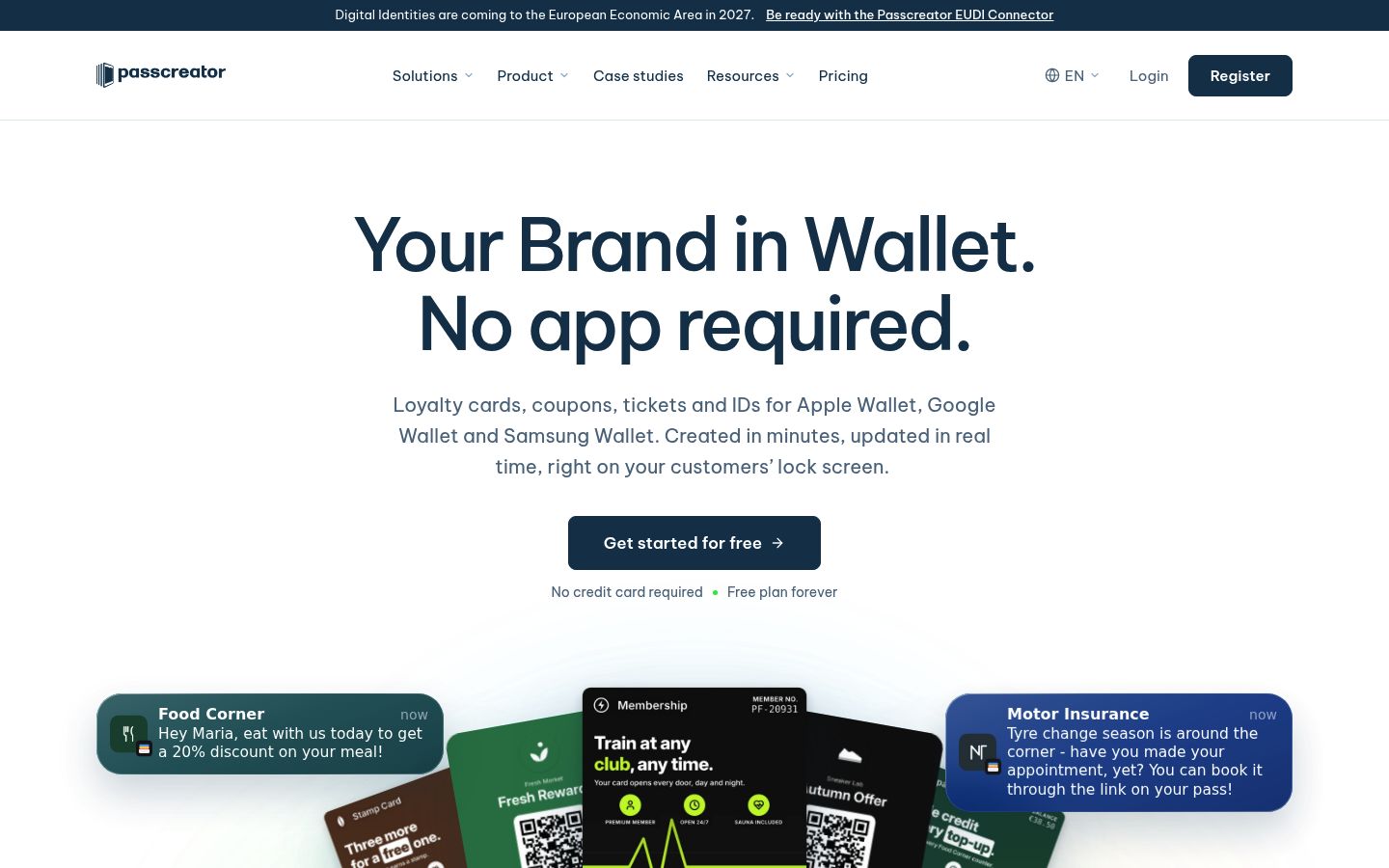
Passcreator is a browser-based pass platform for Apple Wallet, Google Wallet, and Samsung Wallet. You design passes in a drag-and-drop editor with a live preview for all three wallets, then distribute them by landing page, QR code, email, CRM, or API. Its own material describes membership passes fed from your membership system by API or import, real-time updates to status and validity, push notifications to the lock screen, and check-in by scan with its Smart Scan app. One caveat from its own documentation: Samsung Wallet support is being rolled out project by project, so confirm it applies to yours if Samsung matters to your members. Like PassKit, it's in the standalone pass category: strong card tooling, and your member data stays yours to supply.
Memberlytic
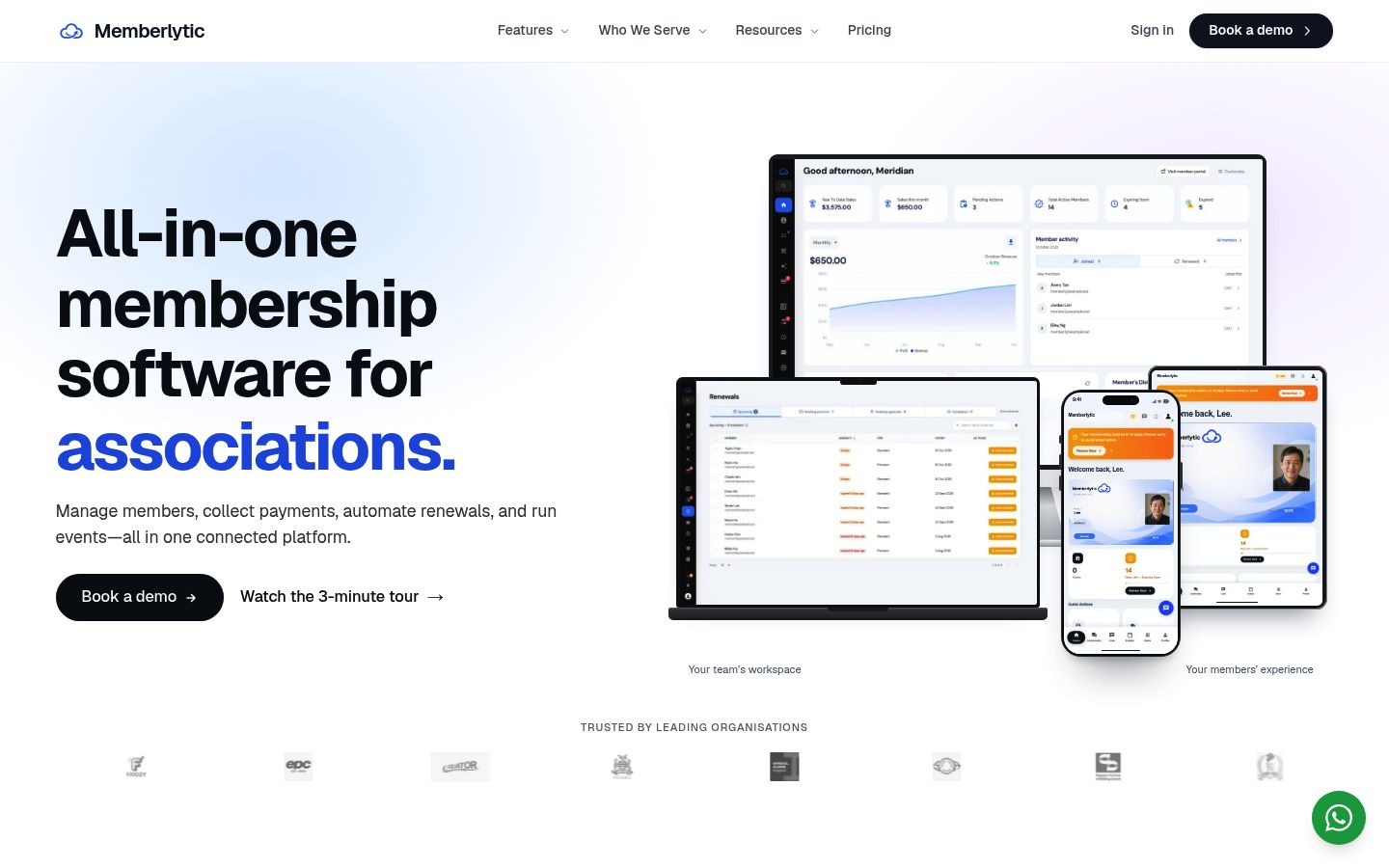
Memberlytic sells digital membership card software that works with the member database you already run. On its digital membership cards page, it describes two modes side by side: standalone cards issued from a CSV or Excel import or kept in sync over a REST API, or the same cards connected to its own member database, where a renewal or payment updates the card the moment it clears. Either way, cards are native Apple Wallet and Google Wallet passes with QR verification and live expiry updates. If you're unsure which category you need, that dual mode makes it a useful product to evaluate both ways.
Member Jungle
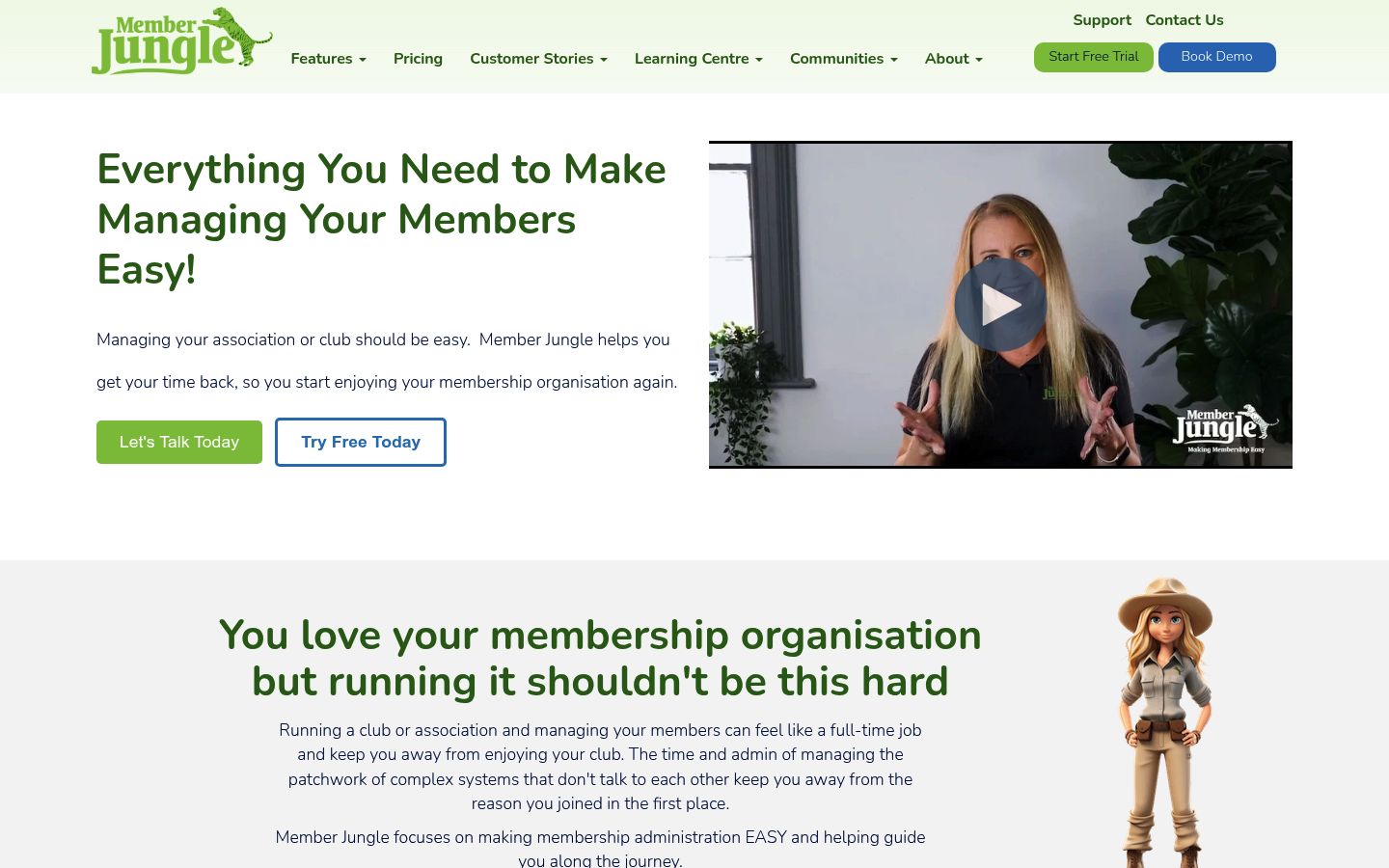
Member Jungle is a membership platform for clubs and groups. Its digital membership card feature puts cards in several places at once: the member mobile app, the members' login area, emailed as a jpg image members can print, and addable to Apple or Google Wallet. Its support documentation notes that wallet cards update when a membership renews or expires, and every member gets a QR code and barcode that the club's app can scan for check-in and attendance tracking. If your members value an app as a club hub, this category overlap is worth a look. For how an app compares with a portal approach, see Member App vs Member Portal.
WildApricot
WildApricot is a widely used membership management platform covering member databases, renewals, recurring payments, events, and communications for small and mid-sized organizations. As with any broad platform, check specifically how its membership card capabilities work with your members' phones and your check-in setup before committing, since card features vary more between platforms than core membership features do.
Evaluation Criteria: What Strong Looks Like
Score every option against these criteria. "What strong looks like" is your benchmark in a demo.

Pricing Models: How to Compare Quotes That Don't Compare
Vendors price digital membership cards in very different units, which makes comparing quotes treacherous:
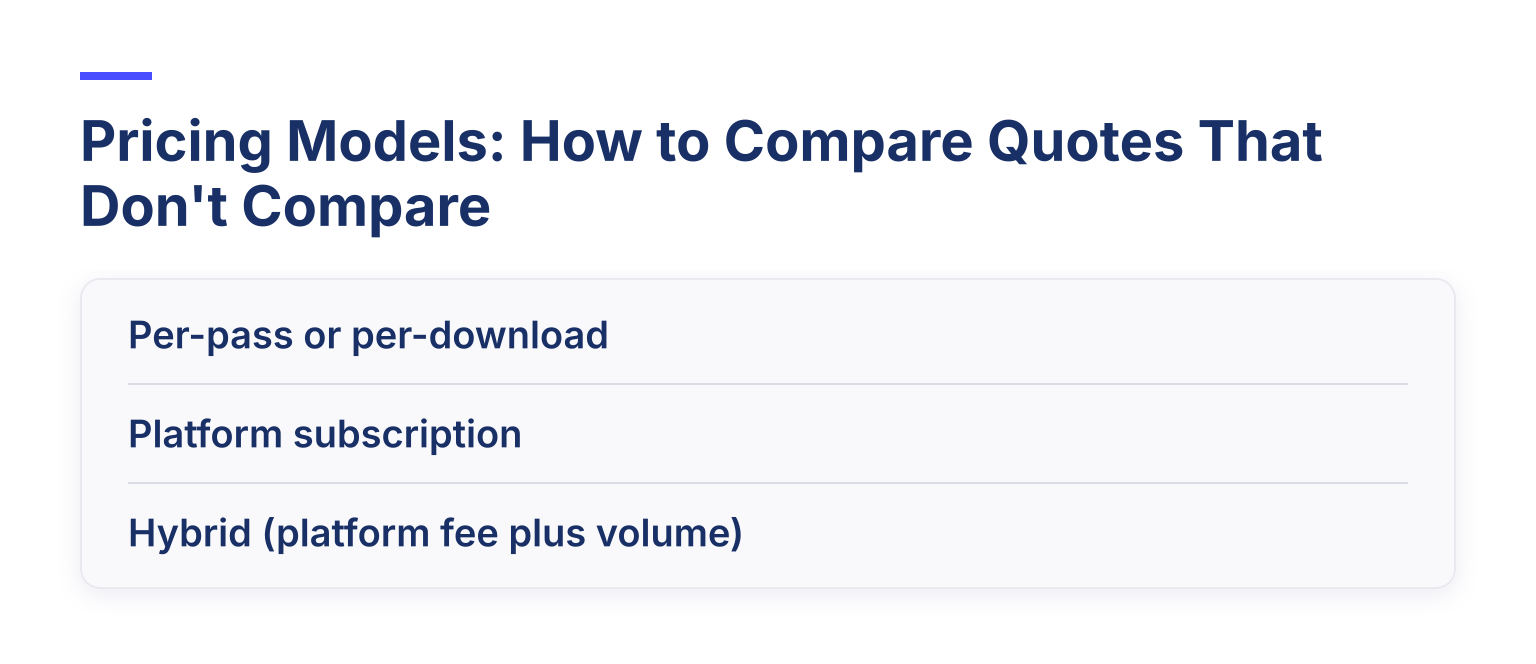
Before comparing, run the same scenario through every quote: 500 members, 60% renewing annually, a 5% lapse rate, and one tier change per member per year. The vendor with the clearest answer to that scenario is usually the one you can live with. For budget-conscious buyers, the broader guide to affordable membership management software covers how platform pricing generally works.
A 4-Step Evaluation Workflow
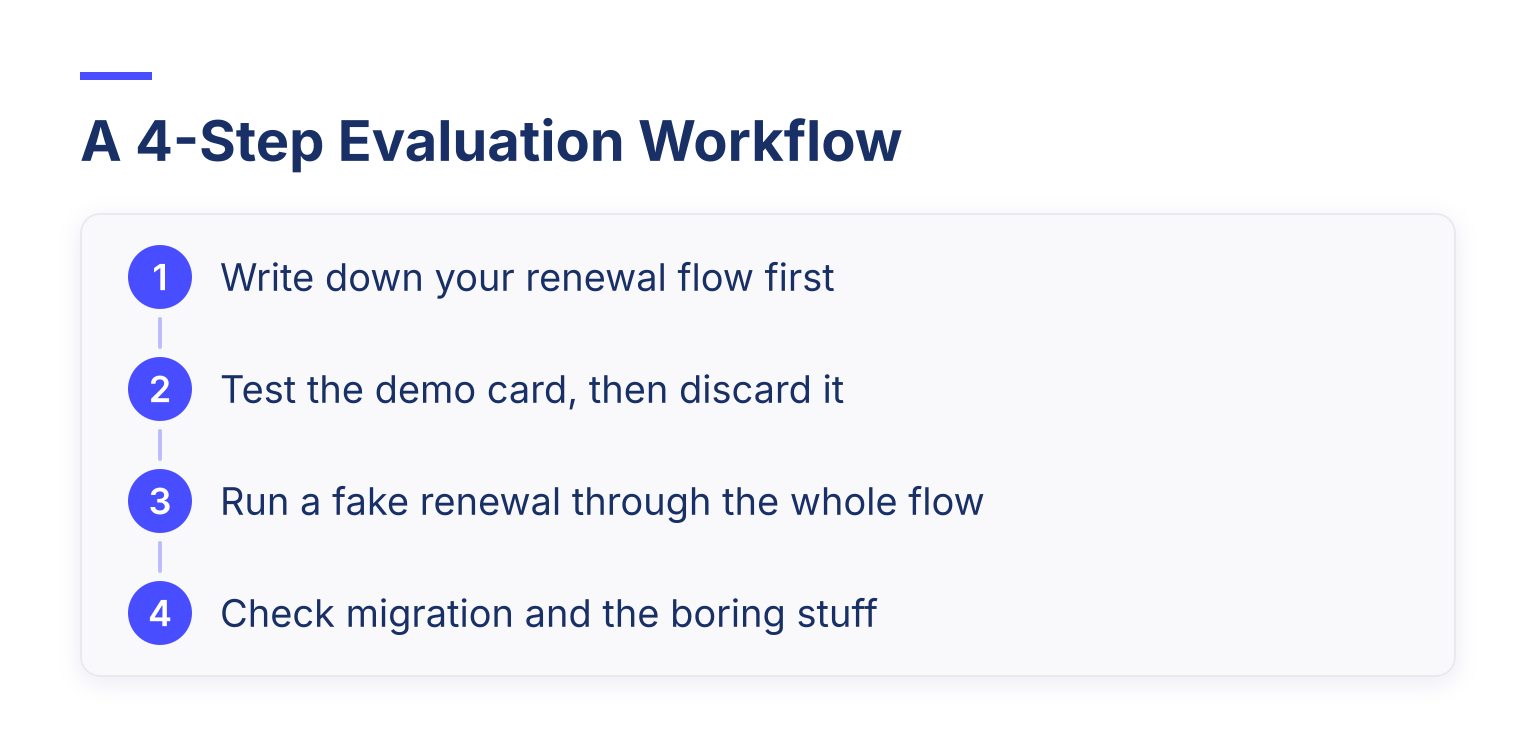
If you want the card side in practice, the guide to creating digital membership cards with QR codes walks through the setup itself.
Common Questions and Pitfalls
Does the card require members to install an app? Some systems do. Wallet passes don't, which is the main advantage of the Apple/Google Wallet route. If a demo starts with "download our app," ask what the wallet-native option looks like.
Are card updates metered? Some pass engines charge per update or per reissued pass. If updates are billed per event, a busy renewal season becomes a bill you didn't forecast. PassKit's pricing FAQ, for example, is explicit about how pass records are counted per billing month; look for that level of clarity from any vendor you're quoted.
Do reissue costs apply? If a member changes their name, phone, or tier, a system that treats that as a "new card" may charge you again. Membership-aware platforms treat it as the same card, updated.
What about migrating our existing database? Ask what formats they import (CSV and Excel are the usual baseline), whether duplicate records get merged, and whether member self-service sign-up is available so members can fix their own details. Data cleanup is where most card projects actually stall.
Is a digital card enough by itself? For access control and identity, usually yes, with QR verification. For members who want a keepsake or don't use smartphones, offer a printable fallback if the software supports one.
If you're still weighing the whole platform decision rather than just the cards, the guide on how to choose membership management software covers the wider evaluation, and the breakdown of what membership management software is helps if you're new to the category.
Where to Go Next
Shortlist two or three options from the categories above, then run the four-step workflow with your real renewal numbers. If the membership-aware route fits, Join It offers a free trial so you can issue a real wallet card to a real member and watch what happens at their next renewal. Most of the decision, in the end, is one demo test: renew a member, and see if the card keeps up.

Guides from the Experts
Through our work with 4,000+ organizations - we’ve put together helpful guides to assist; regardless of where you are on your journey.


A Complete Guide to Membership Organizations
Everything you need to know to manage and grow your membership business

Maximize Membership Retention: 10 Proven Strategies
Tried and true strategies that not only win membership, but keep them

Build a Membership Website: A Step-by-Step Guide
Your one-stop resource for knowing all the features your modern membership website needs
Ready to start your free trial?
Our membership software is intuitive to use and even easier to test for yourself.