Member App vs Member Portal: Which Does Your Organization Need?



Member App vs Member Portal: What Your Organization Actually Needs
TL;DR
A member portal is a website where members log in to manage their membership. A member app is a mobile application your members install on their phone. Wallet-based digital cards change the math: for many organizations, a portal plus cards saved to Apple Wallet or Google Wallet covers most of what a custom app would do, without asking members to download anything.
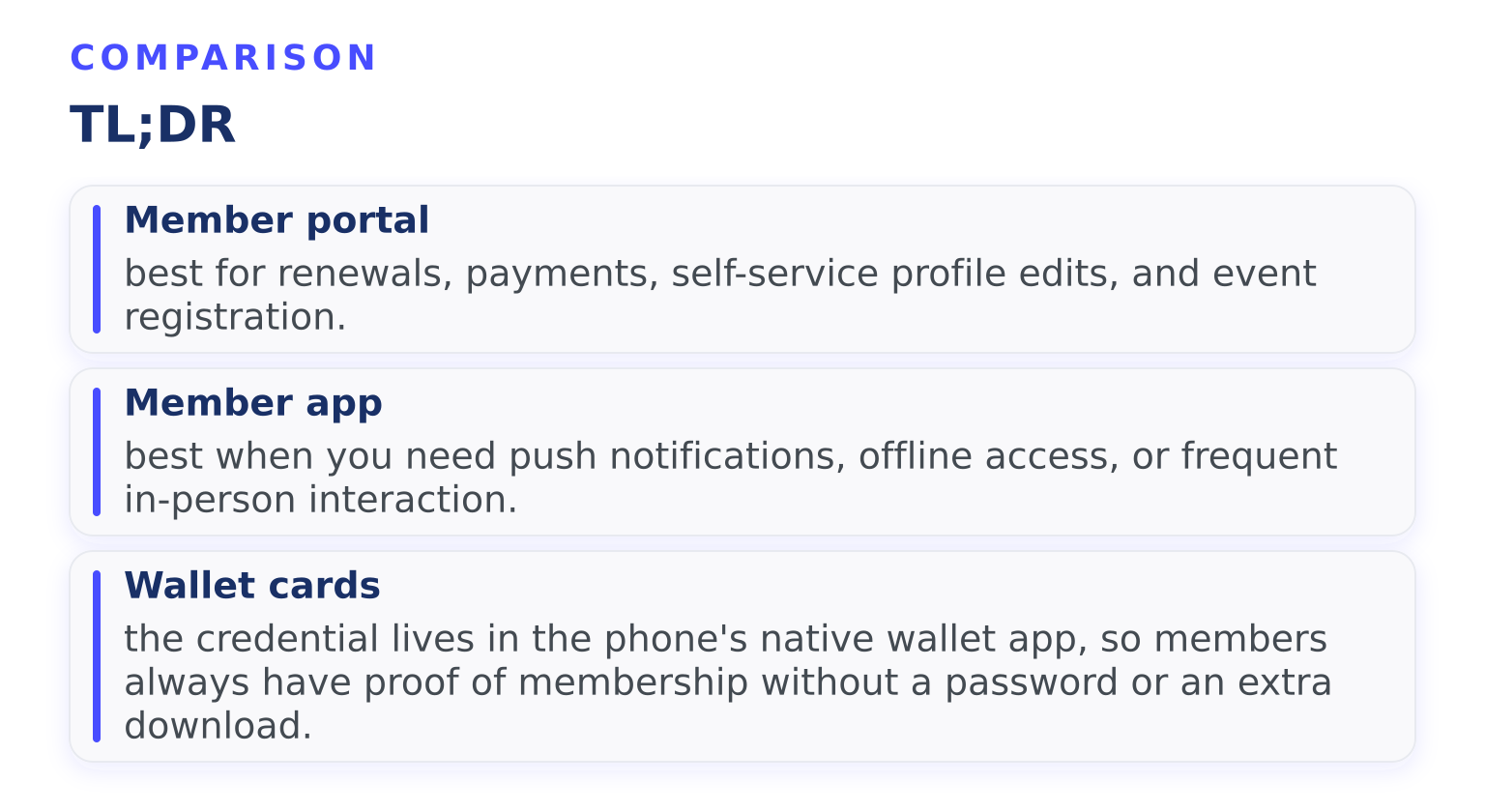
- Member portal: best for renewals, payments, self-service profile edits, and event registration.
- Member app: best when you need push notifications, offline access, or frequent in-person interaction.
- Wallet cards: the credential lives in the phone's native wallet app, so members always have proof of membership without a password or an extra download.
What a member app actually is
When people search for a "member app" or "membership app," they usually mean one of two things:
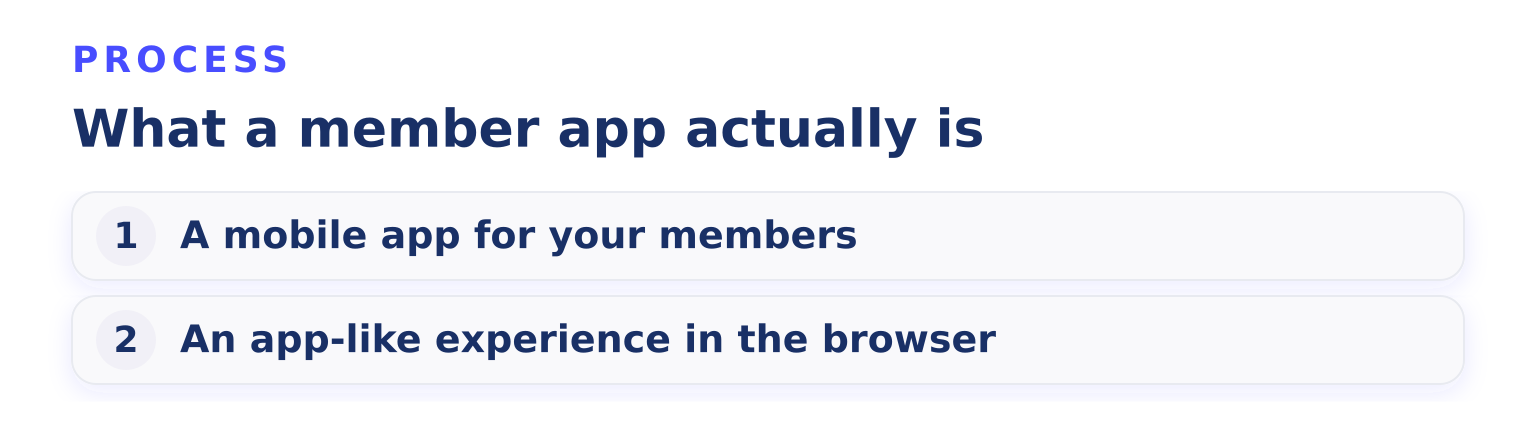
- A mobile app for your members. Your organization commissions or buys an app. Members download it from the App Store or Google Play, log in, and use it to renew, register for events, view directories, or show their membership card.
- An app-like experience in the browser. A responsive member portal that works well on a phone. Members bookmark it or you email them a link. Nothing gets installed.
Both solve the same underlying problem: members want to manage their membership from their phone, and admins want fewer emails asking "how do I renew?"
What a member portal actually is
A member portal is a password-protected web page tied to your membership database. Members log in from any device, including a desktop computer, and can typically:
- Update their contact details and preferences
- Pay dues or switch membership tiers
- Download receipts and invoices
- Register for events
- View or download their membership card
The portal is the self-service side of your membership management software. The admin side (reports, member records, billing settings) stays behind the scenes. If you want to see how this works in practice, Join It's member portal is a typical example: members log in, view their membership, and handle renewals on their own.
The honest tradeoffs: app vs portal
This decision comes down to your members' behavior and your budget for maintenance. Here is how the two approaches compare.
FactorMember appMember portalGetting members to use itRequires a download, account creation, and app updatesA link in an email works from any devicePush notificationsYes, nativelyLimited (usually email instead)Offline accessPossibleNeeds internetCost and upkeepOngoing app-store compliance, updates, and supportMaintenance handled by your software providerSmall-organization fitOften overkillUsually the right starting point
App adoption is the trap most organizations underestimate. If your members interact with you a few times a year, few will install an app for it. An app earns its keep when members interact weekly: gyms, sports clubs with weekly sessions, or communities with daily activity. If daily interaction and community features matter to you, a community app may make more sense than a membership app; we compare the options in our guide to community apps.
How wallet-based digital cards change the equation
Here's the part that reshapes the decision. The most common reason organizations build a member app is so members can show proof of membership at the door. Wallet cards solve that without an app.
A digital membership card can be saved to Apple Wallet on iPhone or Google Wallet on Android, alongside boarding passes and event tickets. Apple's Wallet developer documentation describes how passes get there: they're distributed by app, email, or web, and the user adds them with a tap, with no related app required. Passes can even update automatically, so a renewed membership refreshes the card's expiry date without the member doing anything.
That means:
- Members don't download or remember a password. The card is already on their phone.
- The card works offline, because it lives on the device.
- Staff can scan the card's barcode or QR code at check-in.
For many clubs and associations, the combination of portal (for self-service) + wallet cards (for check-in) covers what they hoped an app would do. You can read more about delivery options, including in-app cards vs wallet cards vs link-based cards, in our digital membership cards guide.
When a member app still makes sense
A dedicated app earns its cost in a few situations:
- You send push notifications that members need in real time, like practice cancellations or last-minute venue changes.
- Members check in or interact daily, and the app becomes part of their routine.
- You want members-only content inside a branded space, with the app icon acting as a constant reminder of the organization.
If you go that route, treat the app as a feature layer on top of your membership database, not a replacement for it. Your records, payments, and renewals still need a system of truth. Our checklist of must-have features in a membership management app covers what to look for before committing.
A simple decision path
Work through these questions in order:
- Do members mostly need to renew, pay, and edit their own details? A portal handles this. Start there.
- Do members need to prove membership at the door? Add wallet-based digital cards. No download required.
- Do you need real-time push alerts or daily member interaction? Then consider a member app.
- Is your team small and admin capacity limited? Lean toward the portal-plus-cards setup. Apps add an ongoing maintenance burden.
Common questions
Can members use a portal on their phone? Yes. A modern portal is web-based, so it works in a mobile browser. The difference is that nothing is installed and there are no push notifications.
Do digital membership cards require an app? No. Wallet passes are added from an email link, a web page, or the portal itself. That's one of their main advantages over in-app cards.
What happens to the wallet card when someone renews or lapses? Wallet passes support updates, so a card can refresh its status without the member reinstalling anything. A lapsed membership can remove or change the card.
Is a member app the same as a member portal? No. The portal is a website login; the app is installed software. They can share the same database underneath, but members experience them differently.
Next step
The fastest way to test the portal-plus-wallet-cards approach is to try it with your own member list. You can start a free trial of Join It's membership management software and see how members respond to self-service renewals and cards that save straight to Apple Wallet or Google Wallet, before deciding whether an app is worth the extra investment.
.avif)
Guides from the Experts
Through our work with 4,000+ organizations - we’ve put together helpful guides to assist; regardless of where you are on your journey.
.webp)

A Complete Guide to Membership Organizations
Everything you need to know to manage and grow your membership business
.webp)
Maximize Membership Retention: 10 Proven Strategies
Tried and true strategies that not only win membership, but keep them

Build a Membership Website: A Step-by-Step Guide
Your one-stop resource for knowing all the features your modern membership website needs
Ready to start your free trial?
Our membership software is intuitive to use and even easier to test for yourself.