Best Membership Database Software for Small and Mid-Sized Organizations


Summary of the Article
The best membership database software depends on how many member records you keep, how much cleanup you want to do yourself, and how much of the admin suite you actually need. We judged every option on the member record itself: search, custom fields, duplicate handling, import and export, and reporting.
- Join It: best fit for small and mid-sized organizations that want a simple, searchable member database with renewals, payments and cards handled in the same place.
- Wild Apricot: best all-in-one coverage, but contact-based pricing charges you for lapsed members and event guests too.
- Raklet: affordable plans with a free tier, plus flexible custom fields and directories.
- Neon CRM: best for nonprofits that want members and donations in one database, with revenue-based pricing and unlimited records.
- Member365: CRM-style record management for associations, priced by custom quote.
- Glue Up: broad association suite for mid-sized organizations, starting around $3,000 a year.
- MemberPlanet: simple database, dues and payments for volunteer-run groups, with a free basic plan.
- MembershipWorks: low-cost database that plugs into your existing WordPress, Squarespace or Weebly site.
Most people don't need a bigger database. They need one they can search, clean and trust. This article helps you find that, then test it with your own data before you buy.
What a Membership Database Actually Needs to Do
Before comparing products, it helps to get specific about the job. A membership database is the system of record for your members. When it works, anyone on your team can answer this question in under a minute: who is a member right now, at what level, and when does it renew?
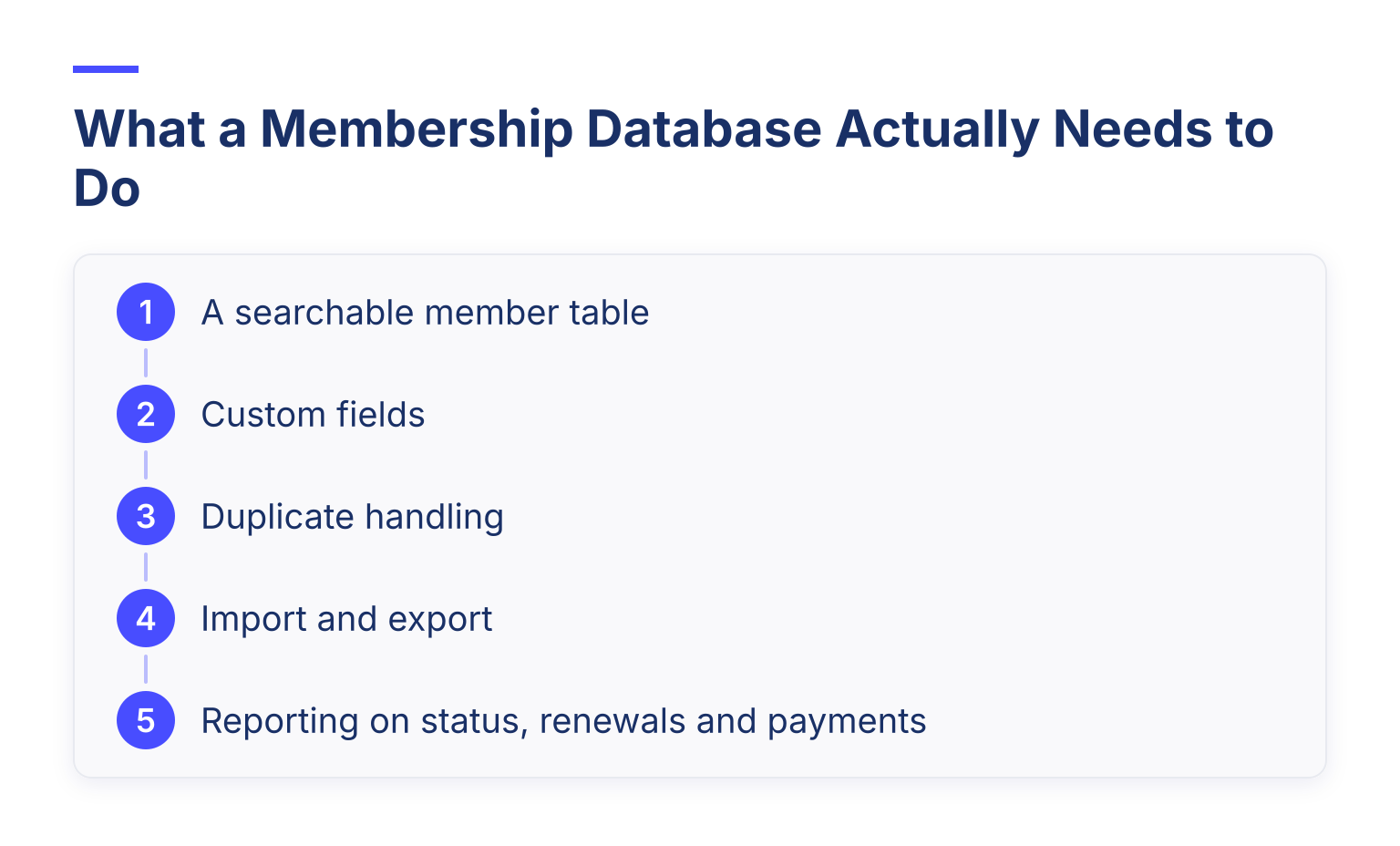
Look for these five things in any tool you evaluate:
- A searchable member table. You should be able to search by name, email or membership status, then filter by any field you care about, like city, tier or join date.
- Custom fields. Every organization tracks something unusual: certification numbers, shirts sizes, committee roles, dietary needs. The database should let you add fields without calling a developer.
- Duplicate handling. Double entries creep in whenever you import a spreadsheet or run an event. Good software lets you find and merge duplicates instead of leaving you to clean them by hand.
- Import and export. You need to get years of member data in, and get it back out if you leave. Check both directions before you commit.
- Reporting on status, renewals and payments. You'll want to know how many members are active, who lapsed this month, and what you collected, without building the report yourself in a spreadsheet.
If you're still running your member list in a spreadsheet, that's fine to start. But spreadsheets don't renew members, take payments, or let volunteers log in safely. If you're deciding whether to move off Excel, our guide to creating a membership database in Excel includes a free template, and there's also a set of free member database templates if you're starting from scratch.
One related point: a database and a CRM overlap, but they're not the same. A CRM is built around relationships and fundraising pipelines; a membership database is built around status, dues and renewals. If you're not sure which you need, our membership CRM comparison breaks down the difference. And if you want the wider admin-suite comparison rather than the record-focused view here, see the 8 best membership software options.
The Shortlist
Here's the list at a glance. Each product gets its own section below, judged on the member record first.
All prices below come from each vendor's own pricing page. Confirm current pricing on those pages before you buy.
Join It
Join It is cloud-based membership management software built around a searchable member database. It centralizes member records, memberships, payments, notes and activity in one place, so the record you search is the same record your renewals and payments update.
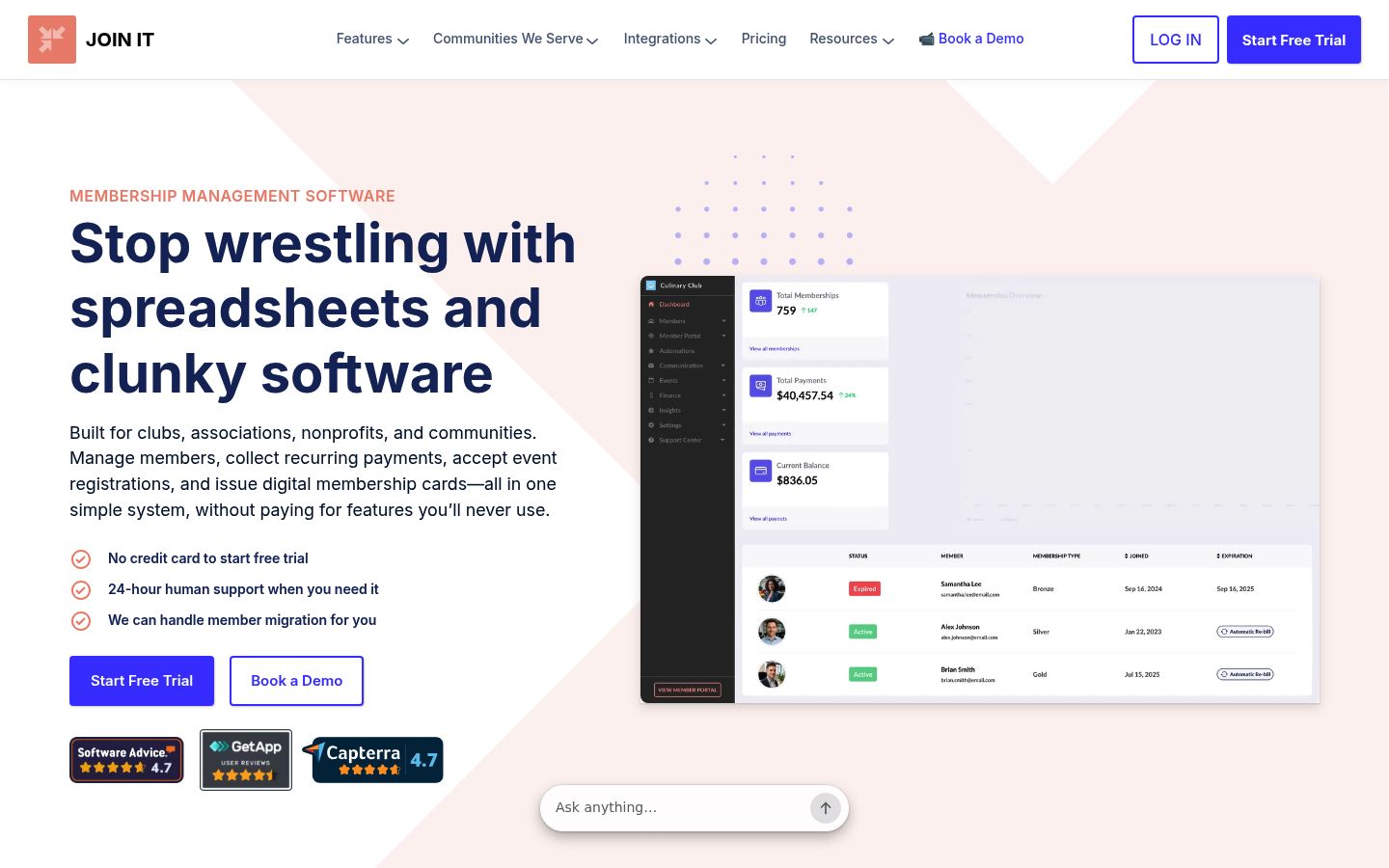
On the database criteria: Join It gives you a member table with search and filtering, custom fields on member records, and admin-only fields for private notes. Duplicate records can be found and merged. Exports let you take your data out, and importing existing members is free on every plan. Reporting covers membership status, renewals and payments, with saved custom reports.
Beyond the record itself, Join It handles recurring payments and renewal reminders, issues digital membership cards through Apple Wallet and Google Wallet, runs member check-in and events, and syncs with tools like Mailchimp and QuickBooks. Members get a self-service portal.
Pricing starts at $29/mo for Starter, with Total at $99/mo and Extra at $199/mo, plus Enterprise for larger organizations. Pricing scales with your member count, annual billing saves 10%, and eligible nonprofits get another 10%. Paid memberships and paid events carry a service fee of 1.5% to 3% depending on plan, with Stripe's separate processing fee on top. Details are on the Join It pricing page, and a full free trial needs no credit card.
Tradeoff: Join It is deliberately simple. If you need a full website builder, learning management, or enterprise governance modules, it may be lighter than you want. Its member database feature page shows exactly how the record system works.
Wild Apricot
Wild Apricot is the most common all-in-one answer for small associations, and its member database is genuinely capable: a cloud-based contact database with real-time search and filtering, membership automation, custom forms and a dynamic online directory.

The catch is the pricing model. Wild Apricot charges by the number of contacts in your database, not the number of members. Contacts include lapsed members, event registrants, donors and newsletter subscribers. A group with 400 members and a few years of event guests can easily cross 1,000 contacts and pay for a much bigger plan. Current pricing starts at $66/mo for 100 contacts on monthly billing, dropping to $56.10/mo on a two-year prepay, with every plan including the same features and a 60-day free trial. See the Wild Apricot pricing page for current numbers.
Tradeoff: strong feature coverage and a mature product, but plan for how many contacts you'll accumulate, not just how many active members you have.
Raklet
Raklet combines a member database with community features like a news feed, job board and directories, which suits clubs and communities where members interact with each other, not just with admins.
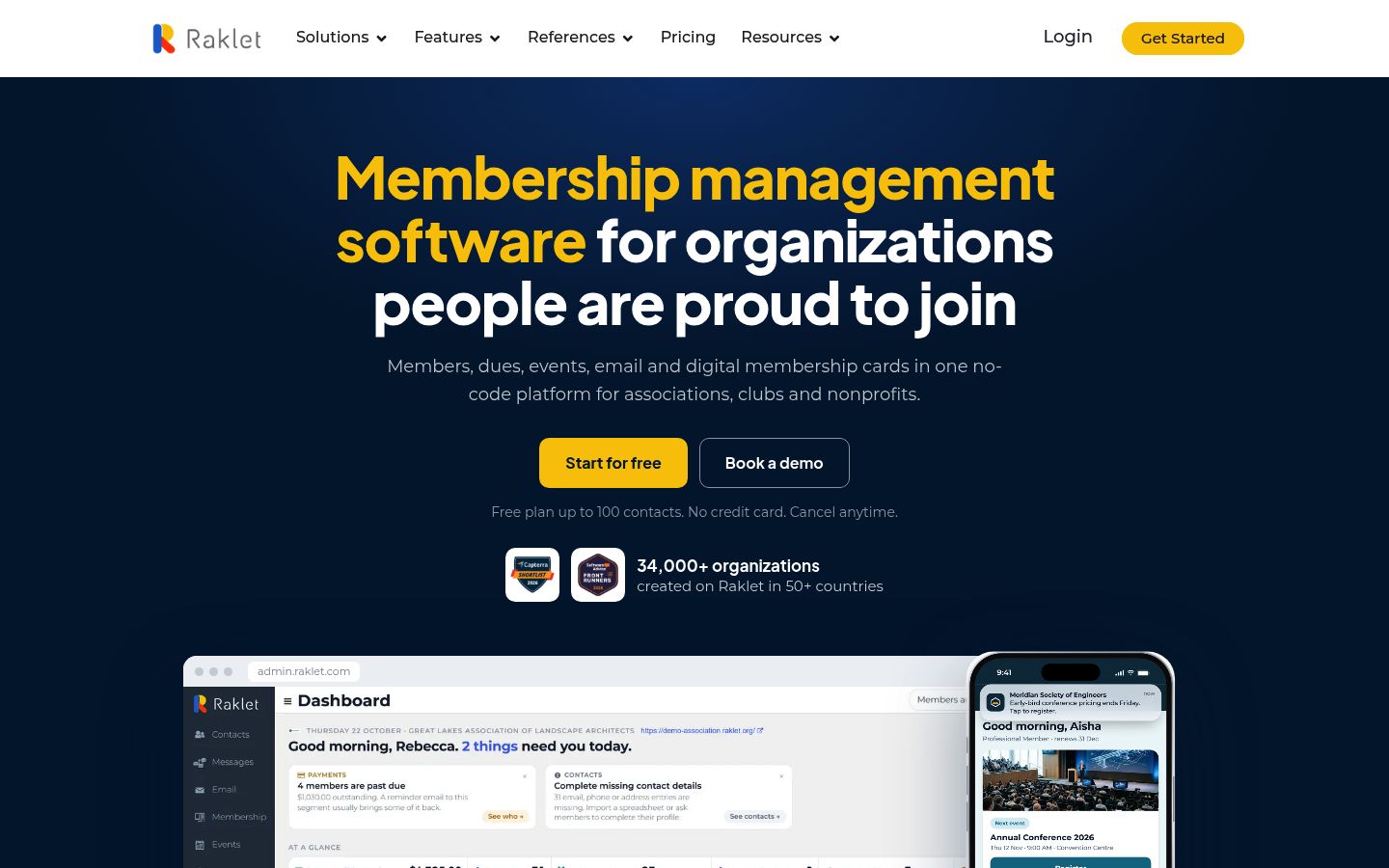
On the record side, Raklet offers custom fields (up to 20 on Premium), multiple customizable directories with filtering, digital membership cards, and individual and corporate memberships. It has a genuinely free plan for up to 100 contacts, then paid plans from $49/mo billed annually for 500 contacts. Transaction fees run from 4% + $0.60 on the free plan down to 1% + $0.60 on Premium, which adds up if you process a lot of payments. Full details are on the Raklet pricing page.
Tradeoff: affordable entry and flexible fields, but transaction fees and add-on pricing mean the real cost grows with payment volume and customization.
Member365
Member365 is built for associations that want CRM-style record management: deeper member profiles, activity tracking and workflow automation rather than a simple flat table.
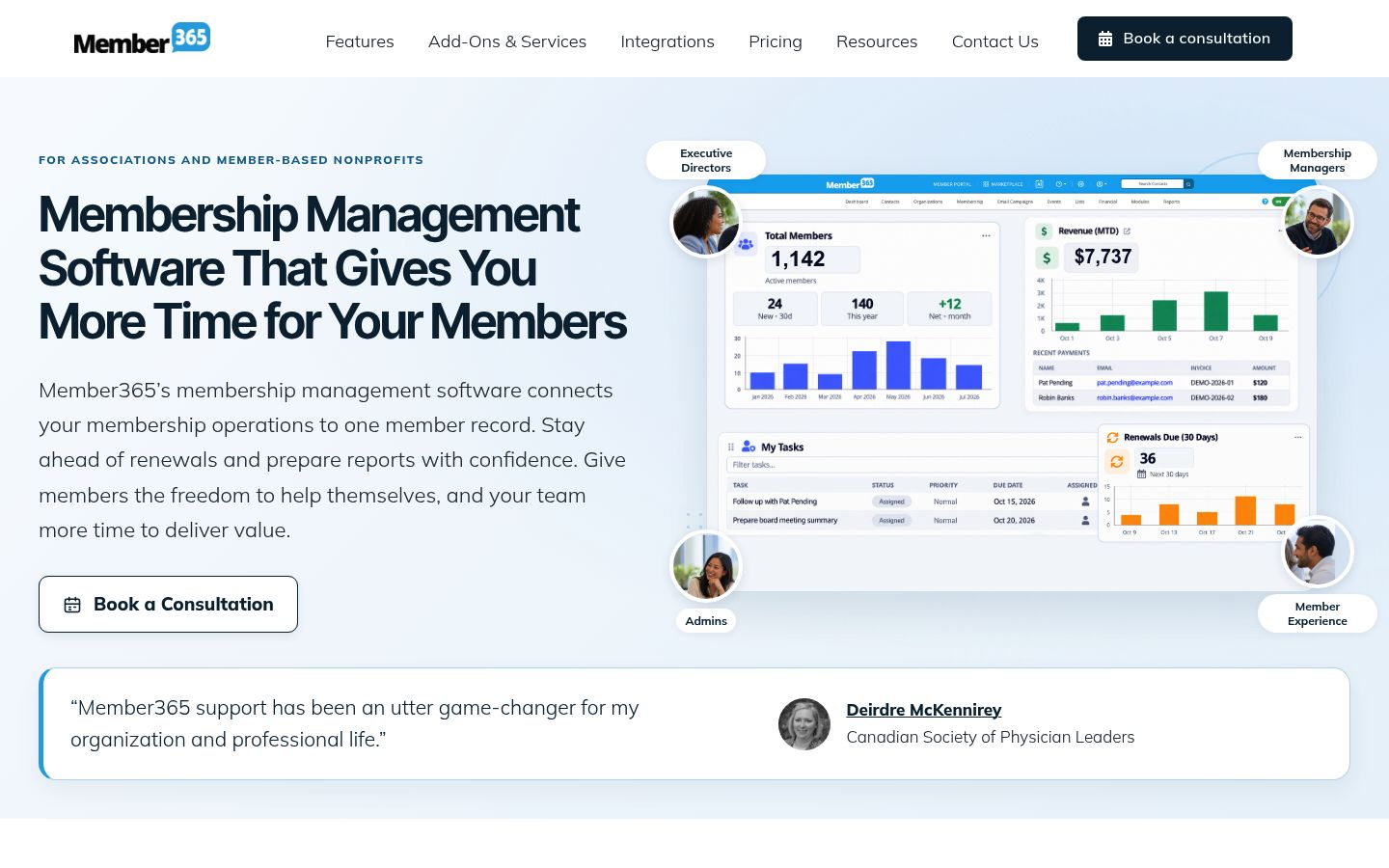
Its own pricing page describes custom quotes shaped around your membership operations, with a one-time setup fee covering data preparation, configuration and training, and a free trial to explore first. Its FAQ states that plans start at $299/month. Because the quote is custom, you'll need a conversation to get real numbers; see the Member365 pricing page.
Tradeoff: strong fit for associations with staff capacity and structured membership operations, but overkill for a volunteer-run club, and onboarding help comes with a setup fee.
Neon CRM
Neon CRM is the pick for nonprofits that want members and donors in one database. Supporter profiles combine memberships, donations, event attendance and volunteer hours, so a single record tells you the person's whole relationship with your organization.

Its pricing is unusual in a good way: based on your organization's annual revenue, not record count. Every tier includes unlimited records, users, emails and reports, so you never delete a lapsed member just to save money. Pricing starts at $99/month, and membership features (levels and tiers, member portal, automated renewals) are a paid add-on at +10% of your CRM plan. Details are on the Neon CRM pricing page.
Tradeoff: the membership module is an add-on rather than the core, and revenue-based pricing means organizations raising a lot pay more even with the same member count. Fundraising-focused nonprofits get the most value.
Glue Up
Glue Up is a broad all-in-one suite for associations: membership management, events, CRM, email communications, online payments and more, with multi-chapter and multi-language support at the enterprise tier.
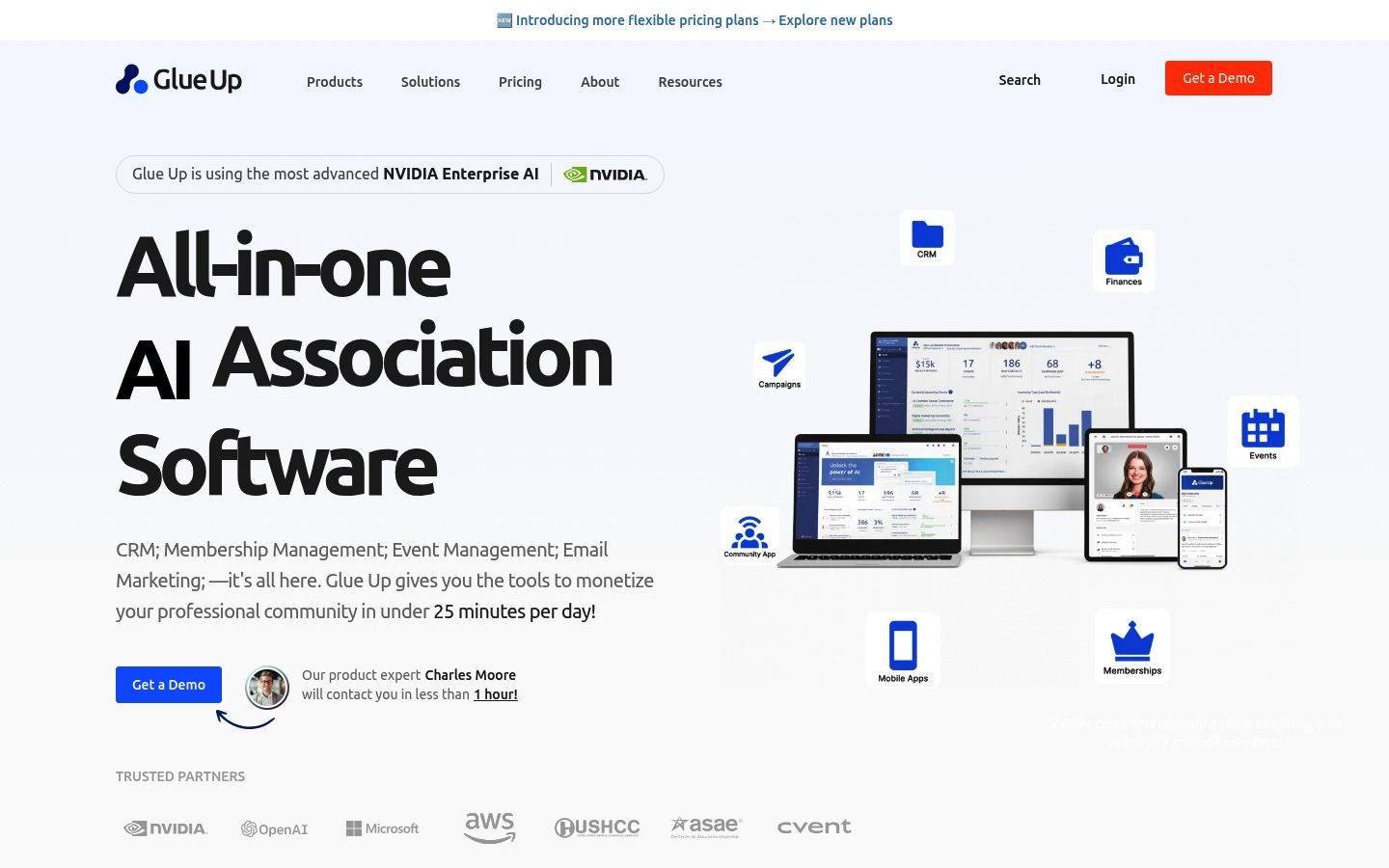
The member database sits inside that wider suite. If your mid-sized association wants one platform for memberships, events, communities and communications, Glue Up covers it in one system. Pricing on its own page starts from $3,000 to $6,500 per year for the Essential plan, with Advanced from $8,000 to $18,500 per year and Enterprise custom, all billed annually. See the Glue Up pricing page.
Tradeoff: real breadth, real cost. At this price point it's aimed at organizations with a budget and staff, not volunteer-run groups.
MemberPlanet
MemberPlanet is a straightforward fit for volunteer-run groups and multi-level organizations: a member database with unlimited members and admins, interactive directories, membership cards, dues collection, events and donations.
The free basic plan covers small groups starting out. Paid subscriptions start at $50/month for 1,000 campaign emails, and enterprise options exist for chapter-based national organizations. Watch the transaction math: subscriptions carry a platform fee (2% on the $50 Standard plan) plus a 3% + $0.30 processing fee per online payment. Details are on the MemberPlanet pricing page.
Tradeoff: easy to adopt and generous with members and admins, but per-payment fees take a bigger bite than subscription-only tools, so calculate your real cost on typical dues.
MembershipWorks
MembershipWorks takes a different approach: instead of hosting your whole website, it plugs into the WordPress, Squarespace or Weebly site you already have and adds the membership system on top.
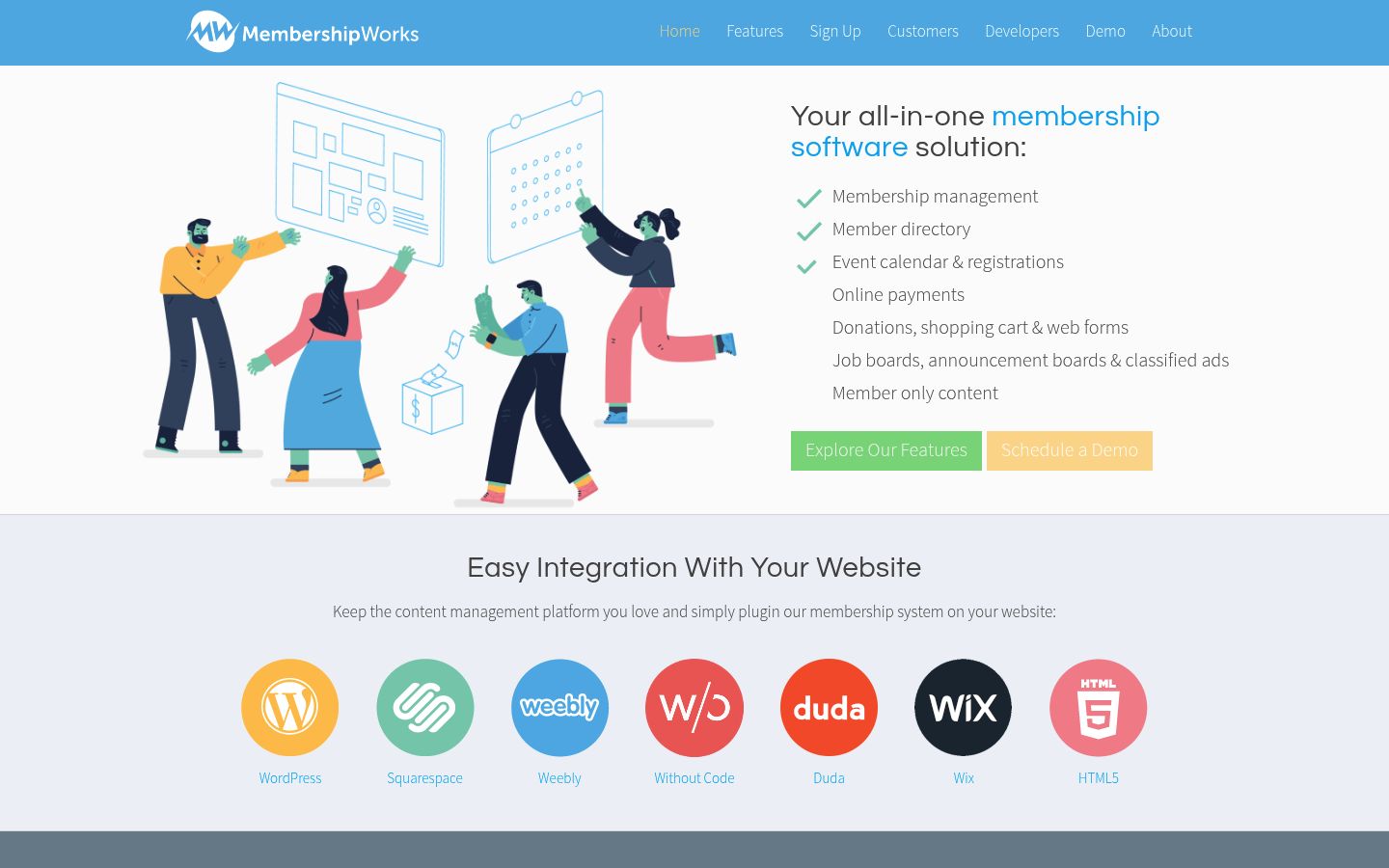
The database itself covers memberships, a member directory, events with registration and payments, donations and forms, with multiple administrators and one-on-one support included. Pricing is by account count: free up to 50 accounts, then from $35/month for up to 300, $59 for 600, and up from there. There's no free trial, but a 30-day money-back guarantee, and MembershipWorks takes no cut of your payments; only your payment gateway's fees apply. See the MembershipWorks pricing page.
Tradeoff: the lowest-cost dedicated option here, but your website stays your own responsibility, and the interface is more utilitarian than the all-in-one tools.
How Pricing Models Change Real Cost at Your Member Count
Sticker prices mislead, because these tools bill in different units:
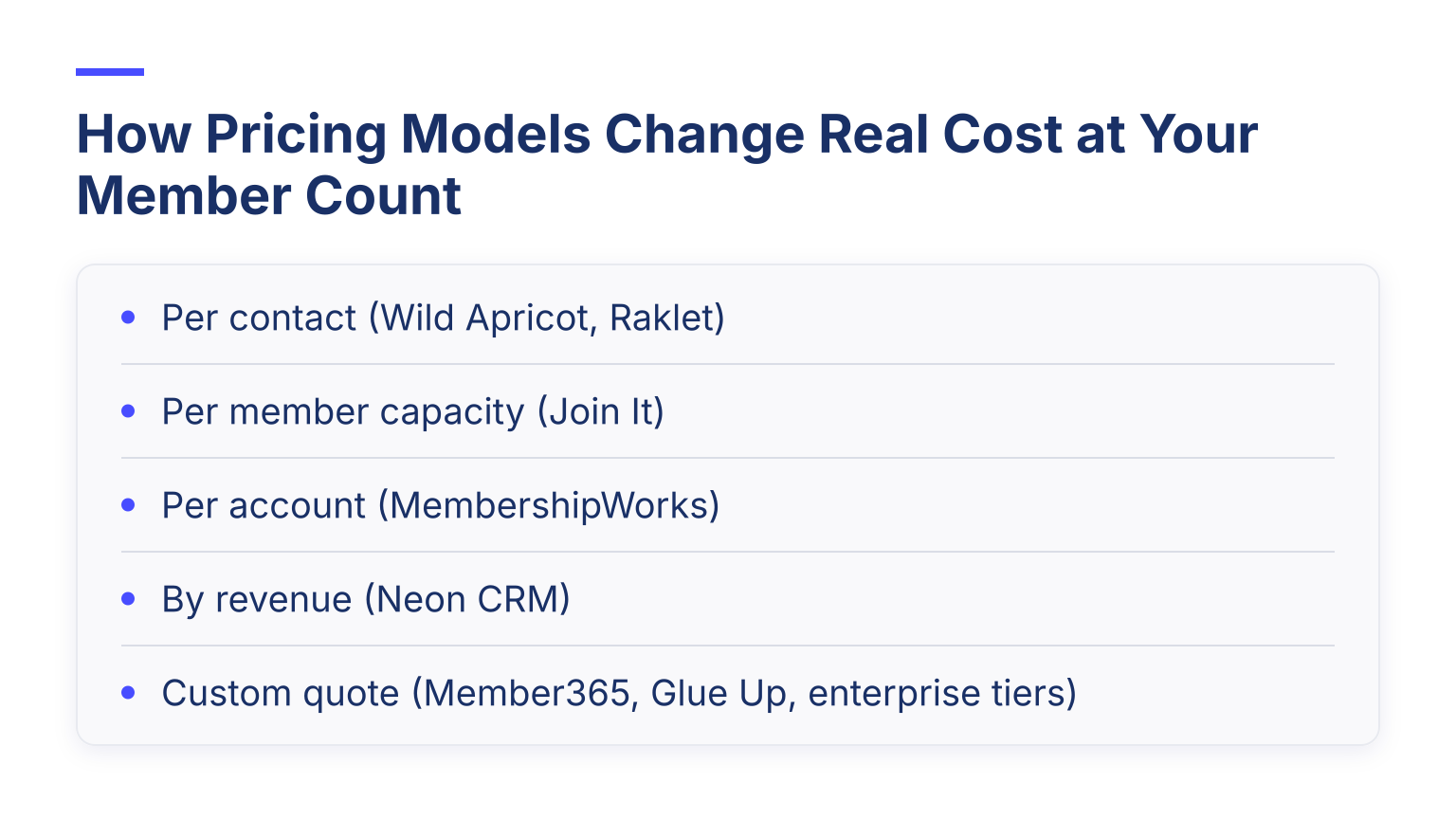
- Per contact (Wild Apricot, Raklet): you pay for everyone in the database, including lapsed members and event guests. Your cost grows with every year of history you keep.
- Per member capacity (Join It): you pay for the active members you manage, and you can export or archive history without upgrading.
- Per account (MembershipWorks): only members who need a login count, so public event guests and donors don't push you up a tier.
- By revenue (Neon CRM): your database can grow forever free of charge; your bill rises with annual revenue instead.
- Custom quote (Member365, Glue Up, enterprise tiers): price reflects scope and services, so you learn the number only after a sales conversation.
At 100 members the cheapest entry wins easily. At 2,000 members with five years of event history, a per-contact tool may cost several times what a per-member tool does. Model your own numbers at 500 and 2,000 members before deciding.
Test Any Database with Your Own Data Before You Buy
Every tool on this list looks good in a demo. Yours is the real test. Before you commit:
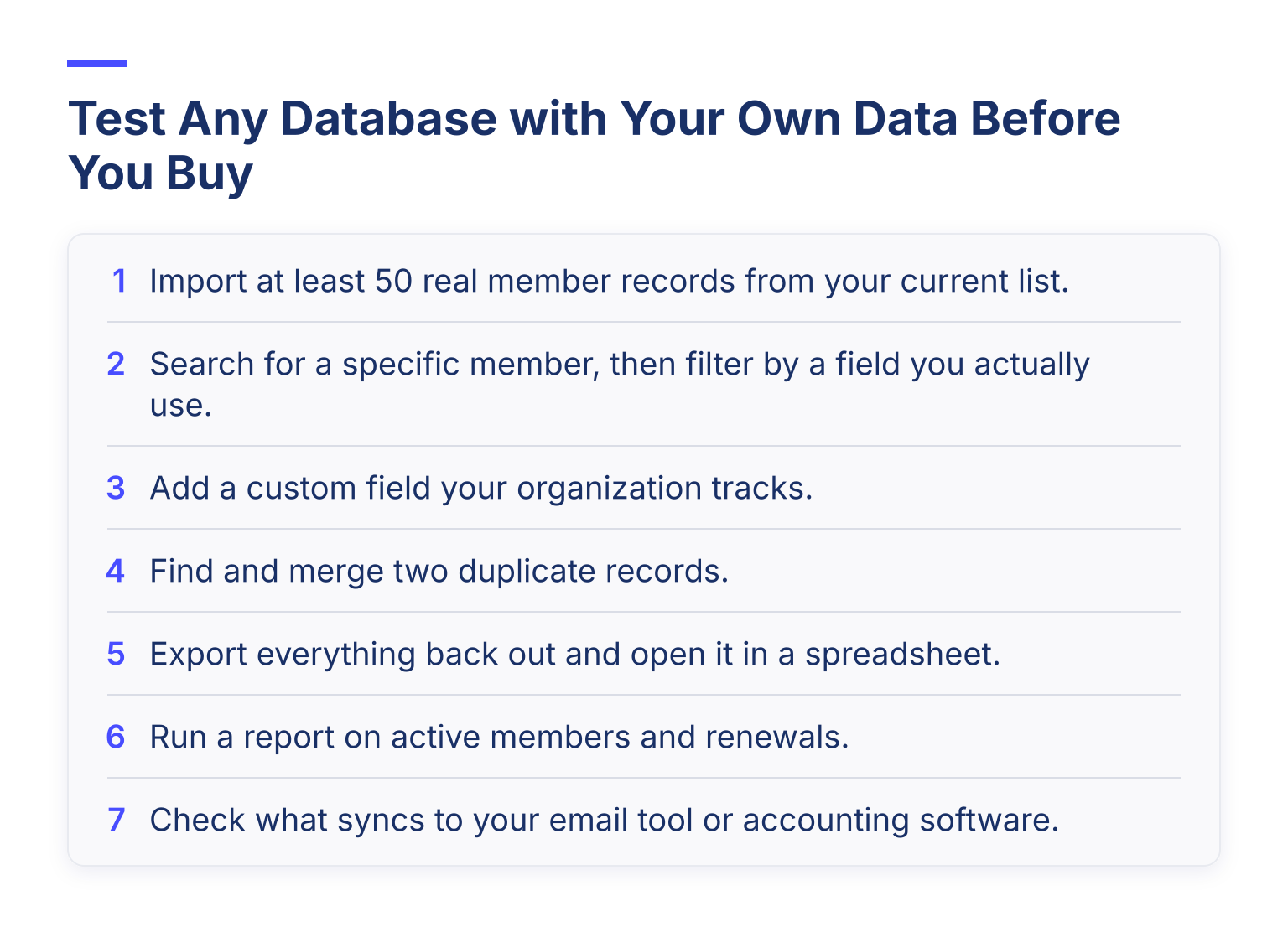
- Import at least 50 real member records from your current list.
- Search for a specific member, then filter by a field you actually use.
- Add a custom field your organization tracks.
- Find and merge two duplicate records.
- Export everything back out and open it in a spreadsheet.
- Run a report on active members and renewals.
- Check what syncs to your email tool or accounting software.
If a vendor fails two or more of these with your data, cross it off. A free trial exists for exactly this purpose, so use it on real records, not fake ones.
The Bottom Line
Start from your member count and your cleanup capacity, not the longest feature list. Join It fits small and mid-sized organizations that want the searchable database, renewals, payments and cards in one simple system. Wild Apricot and Glue Up suit buyers who want the broadest suite and can absorb contact-based or annual pricing. Neon CRM wins for nonprofits uniting members and donations, Member365 for CRM-style association records, Raklet and MembershipWorks for tight budgets, and MemberPlanet for volunteer-run groups.
If Join It sounds like the fit, start a free trial of the membership management software and run the checklist above with your own member list.

Guides from the Experts
Through our work with 4,000+ organizations - we’ve put together helpful guides to assist; regardless of where you are on your journey.


A Complete Guide to Membership Organizations
Everything you need to know to manage and grow your membership business

Maximize Membership Retention: 10 Proven Strategies
Tried and true strategies that not only win membership, but keep them

Build a Membership Website: A Step-by-Step Guide
Your one-stop resource for knowing all the features your modern membership website needs
Ready to start your free trial?
Our membership software is intuitive to use and even easier to test for yourself.