Best Membership CRM: 5 Options for Different Organization Needs
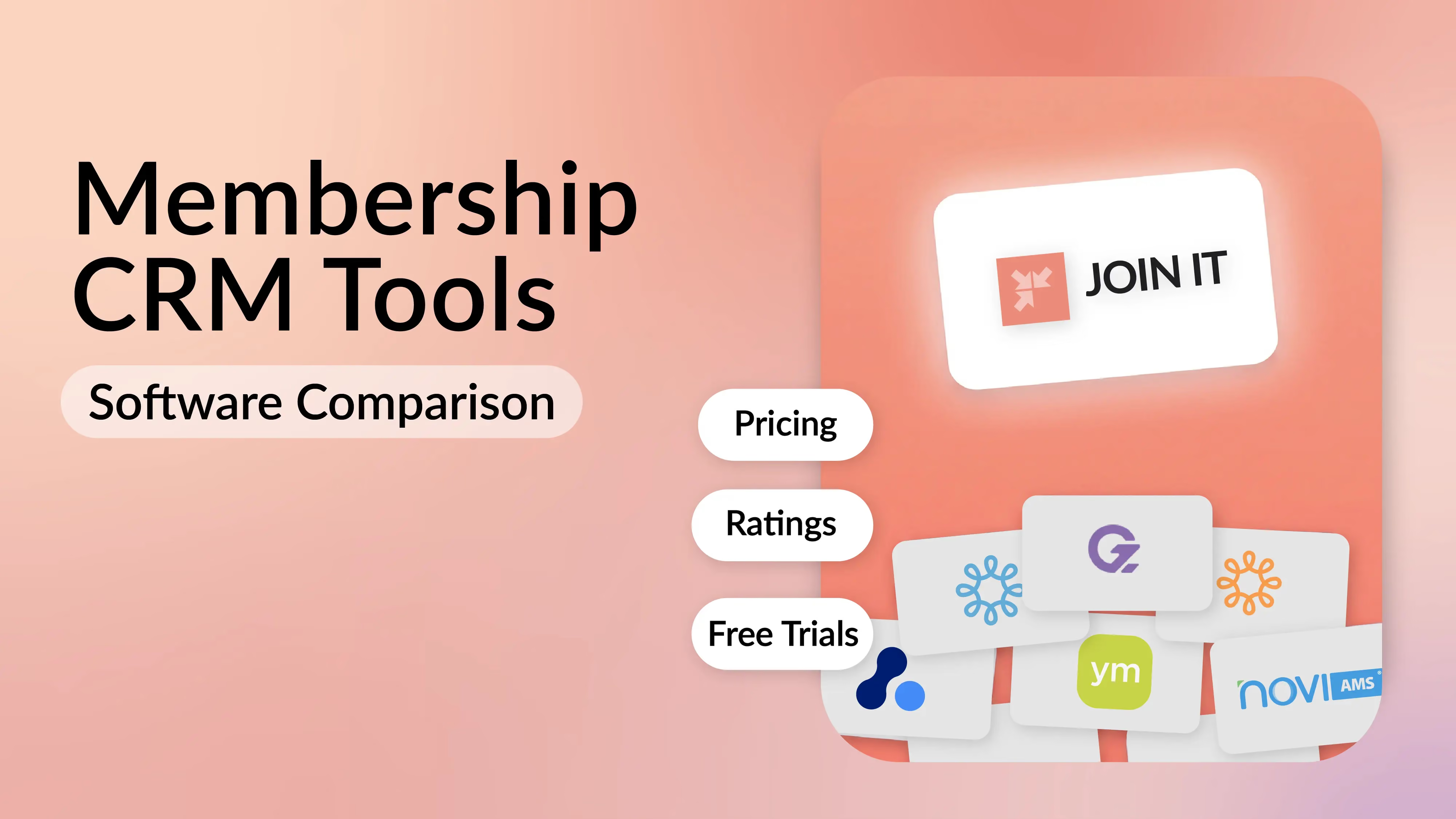


The best membership CRM is the one that connects your member records to the work your team does every week: collecting dues, managing renewals, updating details and helping members. Shortlist Join It for focused membership administration, WildApricot for combined website and membership tools, ClubExpress for club operations, Neon CRM for fundraising alongside membership, and Novi AMS for associations built around QuickBooks Online.
Your choice becomes easier when you start with a real workflow. Can a new member join, pay, update their information and renew without your team correcting the record at each step?
This guide is published by Join It. The comparisons below use official product information and focus on suitability. They are not a scored product test, and the order is not a ranking.
What should a membership CRM do?
A membership CRM connects information about a person or organization with their membership relationship. That includes their membership type, status, renewal date and relevant payment or communication history.
A useful membership database gives your team an accurate record. The surrounding workflows determine how much of the administration you can complete from that record.
If you are still deciding between a general CRM and dedicated membership software, start with our membership software versus CRM guide. Here, the question is more specific: which platform fits the membership work you need to manage?
Compare five membership CRM options
Treat the table as a starting shortlist. Ask each provider to demonstrate your requirements using the plan you would actually buy.
Join It: for focused membership administration
Join It is worth considering when your main goal is to keep membership records, payments and renewals organized while continuing to use tools your team already knows.
Its member database supports custom fields, membership status and history, filtering and exports. Members can use the member portal to keep their information current.
For a practical trial, build one membership type, add a small sample of records and walk through the member experience. Check how the information appears to both an administrator and a member.
Join It also offers connections to tools including Mailchimp, Eventbrite and QuickBooks. Check each connection's data flow and plan requirements. An integration listing does not mean every field moves in both directions.
Cost and fit: Join It starts under $29 a month with annual billing at the entry member capacity. Pricing depends on plan, member capacity and billing frequency; service fees and Stripe processing fees apply separately to paid transactions. Review the current pricing and feature table using your member count. Organizations with extensive fundraising, certification or association accounting requirements should compare those workflows directly with specialist platforms.
WildApricot: for membership, website and events in one platform
WildApricot suits organizations looking at their public website and membership administration together. Its membership module supports membership levels with different fees and renewal structures.
The contact database also supports importing and exporting contacts. This matters when your records include people who interact with your organization without holding a paid membership.
What to test: Ask a volunteer to update a member, publish an event and find a renewal record. If you want to keep an existing website, test the relevant application or event widget there.
Cost and fit: Review the plan limits against your full contact list, then confirm the current subscription and payment costs. A member count and a contact count can produce different budgeting assumptions.
ClubExpress: for clubs with household and operational needs
ClubExpress deserves a place on a club's shortlist when the membership structure is more complicated than one person paying one fee.
Its documentation describes primary, secondary and tertiary member relationships, including family and business memberships. Access differs by member role, which makes a realistic household test particularly useful.
It also supports additional member questions during joining or renewal, with different visibility and editing settings.
What to test: Create the household or business membership you actually offer. Check who can log in, renew, edit records and receive communications. Ask for an export of the linked records before deciding.
Cost and fit: Get a written total covering your membership size, setup and selected modules. For example, ClubExpress identifies its cycling Ride Log as an extra-cost feature. Evaluate the whole configuration your club needs.
Neon CRM: for nonprofits combining membership and fundraising
Neon CRM is a useful candidate when your team needs a joined-up view of members and donors. Its official CRM and module pricing page lists a membership module with a member portal, levels, automated renewals, member-only directories and reporting.
The key buying question is how much of the wider nonprofit workflow you need in the same system.
What to test: Follow a person who joins, donates and attends an event. Ask how staff can distinguish those relationships, report on them and avoid treating a donation as a membership payment.
Cost and fit: Neon lists a CRM starting price of $99 per month, with pricing based on organizational revenue. Memberships add 10% of the CRM subscription; the events and volunteer modules have separate charges. Request an estimate for the complete setup, including onboarding and payment processing.
Novi AMS: for associations centered on QuickBooks Online
Novi AMS is designed for associations and gives QuickBooks Online integration a central role in its product.
Its membership management tools are relevant when your association needs to connect individual contacts, organizations and membership administration.
What to test: Bring the person responsible for finance into the demonstration. Use one joining payment, one renewal and one correction to check how records and accounting transactions move between systems.
Cost and fit: Novi's pricing page groups organizations by annual revenue. Ask for the subscription, onboarding scope and any additional services applicable to your organization. This is a more useful comparison than setting an entry subscription beside a fully configured association system.
Use the same five-task demo test for every provider
A polished demonstration can make several tools look suitable. Give each provider the same short brief so you can compare the actual work.
1. Import a realistic sample
Include an active member, an expired member, an organization or household where relevant, and a record with missing information. Check how custom fields and renewal dates are mapped.
Ask what happens when an existing record is imported again. Have the provider explain the duplicate-handling process before you upload your full database.
2. Complete a joining and renewal journey
Test on a phone as well as a computer. Confirm the difference between paying once, receiving a renewal reminder and authorizing an automatic recurring payment.
Those are separate behaviors. Your team should be able to explain exactly which one a member has chosen.
3. Handle an exception
Use a realistic case: a member pays offline, changes membership type or needs a payment correction. Check which steps are automatic and which require staff action.
Record who can make the change and where another administrator can see what happened.
4. Verify one essential integration
Choose the connection you rely on most. Ask what triggers an update, which fields move, which system controls the record and how failures are identified.
If a connection needs another subscription or technical setup, put that cost and owner in your comparison.
5. Export the information you would need to leave
Request a sample export containing membership status, renewal dates and the fields you use. Check whether payment history, notes and relationships need separate exports.
A contact spreadsheet is useful, but it may not contain everything required to rebuild your membership process elsewhere.
Compare the total cost of running the system
Build your budget using the same member count, payment volume and required workflows for each provider.
Compare both the first year and a typical later year. A one-time implementation charge and an ongoing transaction fee affect the budget differently.
Frequently asked questions
Is a membership CRM the same as a general CRM?
The categories overlap, but the configuration matters. A general CRM may support membership through customization or connected software. Check whether dues, renewal dates, member access and membership status work together in the setup you are evaluating.
Which membership CRM is best for a small team?
Start with the jobs your team repeats most. If those are joining, collecting dues and renewing members, test a focused platform such as Join It. If your team also runs substantial fundraising or complex association accounting, compare products built around those requirements.
Can we keep our existing website and email platform?
Often, yes, through supported integrations, forms or widgets. Confirm the specific connection, its plan requirements and how it works on your site. Test the complete member journey before assuming the systems will work together.
Can we migrate without asking every member to join again?
Member records can often be imported, but payment arrangements need a separate check. Ask how existing recurring payments, renewal dates, outstanding balances and member access will be handled. A successful data import does not by itself migrate every payment authorization.
Choose the CRM your team can run confidently
Shortlist two or three products that fit your membership model. Run the same demo tasks, compare the full cost and have the people doing the administration try the routine work.
If your priority is organized member records, dues and renewals, start a Join It trial or book a demo. Bring a sample of your membership types and one awkward renewal case so you can test the details that matter to your team.

Guides from the Experts
Through our work with 4,000+ organizations - we’ve put together helpful guides to assist; regardless of where you are on your journey.
.webp)

A Complete Guide to Membership Organizations
Everything you need to know to manage and grow your membership business
.webp)
Maximize Membership Retention: 10 Proven Strategies
Tried and true strategies that not only win membership, but keep them

Build a Membership Website: A Step-by-Step Guide
Your one-stop resource for knowing all the features your modern membership website needs
Ready to start your free trial?
Our membership software is intuitive to use and even easier to test for yourself.