Top 12 Booster Club Software in 2026
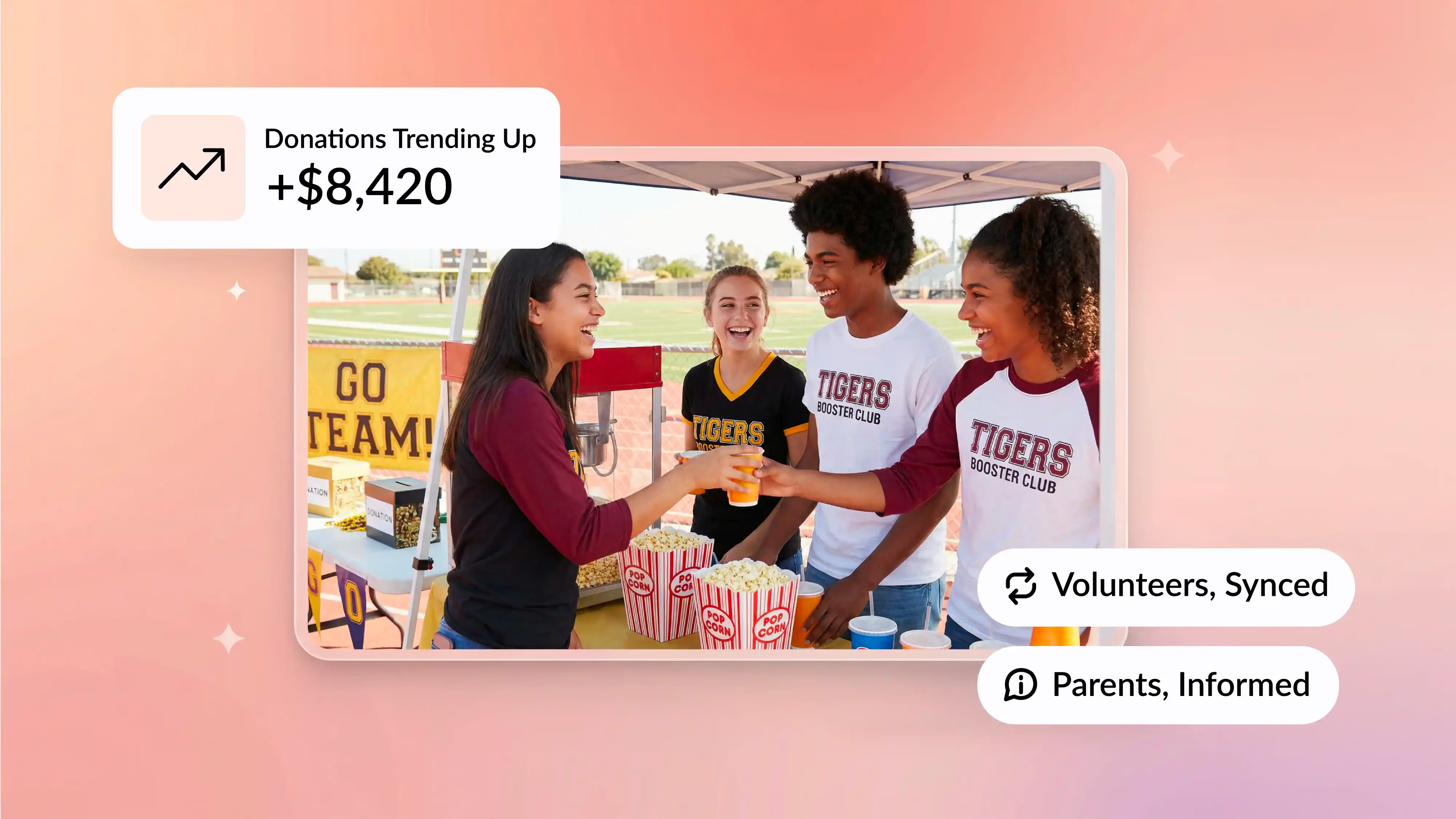


It's 11 PM on a Thursday night.
The football game ended three hours ago. The concession stand brought in $847 in cash and checks. And you're sitting at your kitchen table trying to reconcile everything in an Excel spreadsheet that hasn't been updated since 2024.
Your phone buzzes. Another parent asking if they paid their dues yet. You honestly have no idea.
Sound familiar?
If you're running a booster club in 2026, you already know the drill. Between collecting membership fees, coordinating volunteers for Friday night games, tracking fundraiser sales, and keeping the treasurer from tearing their hair out, it's a lot.
The good news? Modern booster club software can actually fix most of this chaos.
This guide breaks down 12 platforms for managing everything from dues collection to volunteer scheduling. You'll see actual pricing (no "contact us for a quote" nonsense), real user ratings from Software Advice, and honest takes on what works and what doesn't.
By the end, you'll know exactly which features matter for your club type, whether you're running a high school athletic program or a middle school band.
Let's dig in.
Key Takeaways
What Is Booster Club Software?
Let's start with the basics.
Booster club software is a platform designed to help parent-led organizations manage memberships, collect dues and donations, coordinate volunteers, track finances, and communicate with members.
Think of it as membership management software built specifically for the chaos of running a school support group.
Some platforms go all-in-one. Others specialize in one thing, like accounting or volunteer scheduling. The right fit depends on what your club actually needs.
The Job It Does
Here's what good booster club software replaces:
Instead of: A spreadsheet + cash box + paper receipts
You get: Unified online payments, automated tracking, and real-time reporting
Instead of: Group texts and Facebook threads
You get: Structured messaging, event reminders, and a shared calendar
Instead of: Manual receipt printing
You get: Automated acknowledgments and digital membership cards
The goal is simple. Reduce the busywork so volunteers can focus on actually supporting the team or program. The same idea applies to volunteer-led sports groups, and this guide to cricket club membership software is a good example.
Booster Club Software vs. a Stack of Tools
A lot of clubs cobble together their own "system."
Maybe you're using:
- SignUpGenius for volunteer shifts
- Venmo or Zelle for collecting money
- QuickBooks for the treasurer
- Email or Facebook for announcements
- Google Sheets for tracking everything else
That works. Kind of.
But here's the problem: every handoff between tools is a potential breakdown. Someone forgets to update the spreadsheet. A Venmo payment doesn't get logged. The new fundraising chair has no idea where last year's data lives.
An all-in-one platform eliminates most of those gaps. You trade five logins for one. You trade manual data entry for automatic syncing.
Not every club needs that. But if you're juggling multiple sports, running big fundraisers, or turning over leadership every year, consolidation pays off fast.
Why Booster Clubs Need Modern Software
Let's talk about the real pain points.
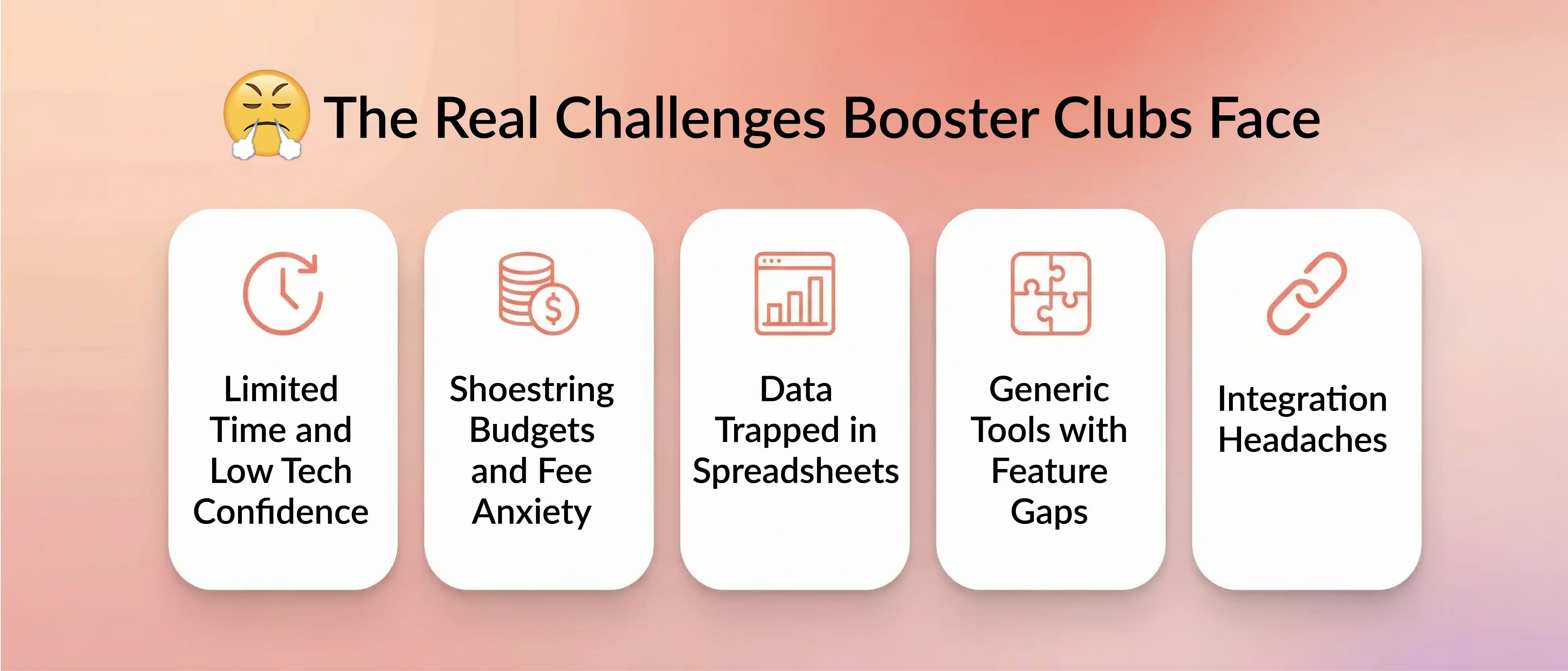
Limited Time and Low Tech Confidence
Booster clubs are run by busy parents. Most of them didn't sign up to become database administrators.
According to discussions on Reddit's marching band community, the number one concern is ease of use. If the software has a steep learning curve, people just won't adopt it.
One band booster treasurer switched from QuickBooks to MoneyMinder and called it a game-changer because they could "manage budgeting and reimbursements without prior QuickBooks experience."
What to look for: Intuitive interfaces, drag-and-drop features, templates, and live customer support. If your 60-year-old treasurer can figure it out in 10 minutes, you're on the right track.
Shoestring Budgets and Fee Anxiety
Money is always tight.
Every dollar spent on software fees is a dollar that didn't go toward new uniforms or travel expenses. That's why transaction fees are such a hot-button issue.
In that same Reddit thread, one parent complained that their family avoided using Cheddar Up "because the site charges a fee." Even small percentages add up when you're running dozens of transactions.
What to look for: Transparent pricing. Some platforms let donors cover fees. Others offer free tiers with basic features. Always compare subscription costs AND per-transaction fees before committing.
If you're still tracking everything manually, a free Excel template for member databases can be a stepping stone. But eventually, the time saved with real software outweighs the cost.
Data Trapped in Spreadsheets
Let's say your club has been around for 10 years.
You probably have a decade of member lists, financial records, and event history sitting in Excel files on someone's personal laptop. When that person steps down, the new treasurer inherits a mess.
Migrating that data feels overwhelming. But most modern platforms support CSV imports. Some even offer assisted onboarding.
One tip: plan your migration during the off-season (like summer). Import data in small batches. Test before going live.
The payoff is huge. Future officers inherit a clean, centralized system instead of a box of old files.
Generic Tools with Feature Gaps
Sometimes clubs try general-purpose software and hit a wall.
One MoneyMinder user noted, "It's great for budgeting, but it doesn't print checks." If your treasurer writes 20 reimbursement checks a month, that's a deal-breaker.
Similarly, a basic CRM might not have roster management or event ticketing. A generic sign-up tool might lack payment integration.
What to look for: Purpose-built features for booster workflows. Things like:
- Membership tiers with auto-renewals
- Volunteer shift tracking
- Spirit wear sales
- Budget vs. actual reports
- Check printing (if you still use checks)
If you're comparing membership platforms to CRMs, this guide on membership software vs. CRM breaks down the differences.
Integration Headaches
The more tools you use, the more manual syncing you do.
Maybe your email list lives in Mailchimp. Your accounting is in QuickBooks. Your volunteer sign-ups are in SignUpGenius. Keeping everything in sync is a part-time job.
What to look for: Platforms that integrate with the tools you already use. Look for:
- QuickBooks or Xero exports
- Zapier connections
- Email marketing integrations (Mailchimp, Constant Contact)
- Stripe or PayPal for payments
If a platform plays well with others, you can often keep your favorite tools and just replace the parts that aren't working.
Booster Club Software Trends in 2026
The space is evolving fast. Here's what's happening right now.
Cloud and Mobile-First Platforms
Over 85% of nonprofits prefer cloud-based software today. Booster clubs are following suit.
Why? Because parents manage everything from their phones. They don't want to log into a desktop app to RSVP for a volunteer shift or check if they paid their dues.
If the platform doesn't have a solid mobile app (or at least a responsive website), it's going to frustrate users.
All-in-One Platforms on the Rise
The ideal booster club platform combines membership management, fundraising, event scheduling, communication tools, and financial reporting in one place.
Vendors have noticed. More platforms are expanding their feature sets to become true all-in-one solutions.
That doesn't mean you have to use every feature. But having everything under one roof reduces handoffs and login fatigue.
Automation and AI Showing Up
This isn't sci-fi stuff. It's practical automation like:
- Auto-renewal reminders for memberships
- Automated donation receipts
- Segmented email campaigns based on giving level
- Budget variance alerts
Some platforms are starting to add AI-powered insights. For example, predicting which members are likely to renew or suggesting optimal fundraiser timing based on past data.
It's early days, but expect more of this over the next few years.
Online Fundraising Innovations
Digital giving is exploding.
Modern platforms support:
- Text-to-give campaigns
- Peer-to-peer fundraising (where supporters create their own pages)
- Recurring monthly donations
- Venmo, Cash App, and Apple Pay integration
- Even crypto donations in some cases
Younger donors expect these options. If your only payment method is checks, you're leaving money on the table.
Security and Compliance Focus
As more money flows through these platforms, data security matters.
Look for:
- PCI-compliant payment processing
- SSL/TLS encryption
- Audit trails for financial transactions
- Role-based permissions (so not everyone has access to everything)
If your club is a registered 501(c)(3), some platforms also help with IRS Form 990 reporting and donor acknowledgment letters.
Key Challenges Booster Clubs Face (and How Software Solves Them)
Let's break down the specific problems and what to look for in a solution.
Problem: Limited Time and Tech Expertise
What it causes: Volunteers burn out trying to learn complicated software. Adoption fails. You're back to spreadsheets.
What to look for: Platforms with intuitive UX, onboarding support, and templates. Some vendors offer live training sessions for new admins.
Real example: One Reddit user praised MoneyMinder for making treasurer duties manageable without prior accounting software experience.
Problem: Shoestring Budgets and Fee Anxiety
What it causes: Clubs avoid adopting tools because they can't justify the cost. Or worse, they choose a cheap tool that doesn't do what they need.
What to look for: Clear pricing structures. Free tiers where possible. Options to pass processing fees to donors. Nonprofit discounts.
Real example: Givebutter and Donorbox both offer free fundraising with optional donor-covered fees. Cheddar Up has a "Free Forever" plan for basic payment collection.
Problem: Data Migration from Spreadsheets
What it causes: Clubs delay switching because they're scared of losing historical data.
What to look for: CSV import support. Onboarding assistance. Platforms that let you test with dummy data first.
Tip: Migrate during a slow period (summer or off-season). Import in small batches. Verify accuracy before going live.
Problem: Generic Tools with Feature Gaps
What it causes: You end up with multiple subscriptions to cover all your needs. Or you make do without critical features.
What to look for: Purpose-built booster club software or modular platforms that let you add features as needed.
For example, if tracking membership dues is critical, make sure the platform handles recurring payments and auto-renewals natively.
Problem: Integration Headaches
What it causes: You spend hours copying data between tools. Updates don't sync. Things fall through the cracks.
What to look for: Native integrations with QuickBooks, email marketing tools, and payment processors. API access or Zapier connections for custom workflows.
If your club already has a website, check if the software embeds cleanly into WordPress or other CMS platforms.
Biggest Complaints About Booster Club Software (From Reviews)
It's worth knowing what frustrates people before you commit.
Bugs, Glitches, and Unreliable Payments
Nothing kills trust faster than a payment system that doesn't work.
According to a BoosterSpark analysis, frequent payment processing failures and login errors plague some competing platforms.
When you're running a ticket sale for a big game, you can't afford downtime.
What to look for: Platforms with high uptime guarantees. Read recent reviews on Software Advice or Capterra to see if bugs are a recurring issue.
Poor Customer Support
When something breaks, you need help fast.
Many complaints on review sites mention slow or unhelpful support. One frustrated user on Trustpilot wrote, "No one will answer or return calls."
For volunteer-run organizations without in-house IT, responsive support is critical.
What to look for: Live chat, phone support, or at least next-business-day email responses. Check if the vendor offers training resources, video tutorials, or a searchable help center.
Unclear or High Fees
Fee structures can be confusing.
Some platforms advertise "free" but then take a 3.95% cut on every transaction. Others have low platform fees but high processing fees. Some charge per admin user.
One Reddit user specifically called out Cheddar Up's transaction fees as a reason their family avoided the platform.
What to look for: Complete transparency. Ask:
- What's the subscription fee?
- What's the processing fee for credit cards?
- What about ACH transfers?
- Are there per-transaction platform fees?
- Can donors cover fees?
- Are there volume discounts?
Get this in writing before you sign up.
Steep Learning Curve and Clunky UX
If volunteers can't figure out the software, it won't get used.
Complaints about dated interfaces, buried settings, or lack of tutorials are common on older platforms.
What to look for: Modern, clean UI. Logical navigation. Mobile-friendly design. Bonus points if there's a free trial so you can test it with actual users before committing.
What People Are Saying About Booster Club Software (Real Discussions)
Let's look at what actual booster parents and treasurers are recommending.
Reddit: The Real Talk
In a Reddit thread on r/marchingband, several parents shared their tech stacks.
One band booster treasurer described moving from QuickBooks to MoneyMinder:
"I've been relatively pleased with MoneyMinder. It only costs us $300/year. The budgeting reports are easy, and donor receipt emails are automated."
But they noted one major drawback:
"The one thing I wish it did is print checks. I've written more checks by hand this past year than in the previous 40 years!"
Other parents in the thread praised:
- The BAND app for communication (replacing chaotic group texts)
- SignUpGenius for volunteer scheduling
- Cheddar Up for payment collection (though some disliked the fees)
One student chimed in:
"My family has never used Cheddar Up because the site charges a fee."
The takeaway? Many clubs use a combo of specialized tools because no single platform does everything perfectly
Key Features to Look For in Booster Club Software
Let's break down the must-haves by category.
Booster Club Fundraising Software Features
If raising money is your top priority, look for:
Online donations and recurring giving. Let supporters set up monthly contributions. Make it easy to give with one-click options.
Peer-to-peer fundraising. Enable team members or parents to create their own fundraising pages. Great for walkathons or sponsor-a-thons.
Ticket sales and event registration. Sell tickets for games, banquets, or auctions directly through the platform.
Sponsorship management. Track corporate sponsors, sponsorship levels, and renewal dates.
Fee transparency. Know exactly what you're paying in platform fees and processing fees. Some platforms let donors cover these costs.
Platforms like Donorbox and Givebutter excel here.
Booster Club Membership Software and Dues
For clubs where membership is central:
Membership tiers and pricing. Create different levels (Booster, Supporter, Champion) with varying benefits.
Automatic renewal systems. Send reminders when memberships are about to expire. Let members auto-renew with saved payment methods.
Member directory. A searchable, permission-based directory so parents can connect.
Digital membership cards. If your club offers activity passes or VIP perks, digital membership cards make life easier.
Join It excels in this category with strong membership management features and automated renewals.
Booster Club Volunteer Management and Event Signups
Coordinating volunteers is one of the biggest time sinks:
Volunteer signup forms. Let people claim shifts online. Set capacity limits per slot.
Automated reminders. Send email or text reminders a day before someone's shift.
Concession schedules and event signups. Track who's working the snack bar, ticket booth, or merchandise table.
SignUpGenius dominates volunteer coordination. But some all-in-one platforms like SportsPlus also handle this well.
Booster Club Communication Software
Keeping everyone informed is critical:
Mass email and announcements. Send messages to all members or specific groups (like baseball parents only).
SMS texting. Text reminders for events or volunteer shifts get higher open rates than email.
Messaging app or chat. Some platforms offer in-app messaging to reduce reliance on Facebook groups.
Shared calendar and events. A centralized calendar where everyone can see upcoming games, practices, and meetings.
The BAND app is popular for this. But integrated communication tools in platforms like Join It or TeamSnap can replace multiple apps.
Booster Club Accounting Software (Treasurer-Grade Basics)
Your treasurer will appreciate software that handles:
Bookkeeping tools. Track income and expenses by category. Reconcile with bank accounts.
Financial reporting. Generate budget vs. actual reports, profit and loss statements, and treasurer's reports.
Reimbursement tracking. Let people submit expense requests online. Approve and track payments.
Income and expense tracking. Categorize every dollar so you know where money is going.
Bank integrations. Sync with your bank account or connect via PayPal, Stripe, or Venmo.
MoneyMinder and Aplos are built specifically for this.
Booster Club Website Builder and Spirit Wear Store
If you need an online presence:
Website builder. Create a simple site with templates. No coding required.
Online store for spirit wear. Sell branded t-shirts, hoodies, and gear. Some platforms integrate with print-on-demand vendors.
Fundraising store. Run online sales for cookie dough, wrapping paper, or other fundraisers.
If building a membership website is on your roadmap, that guide can help.
Platforms like SportsEngine and LeagueApps include website builders. For spirit wear, some clubs use Bonfire or CustomInk alongside their main platform.
Pricing and Fees for Booster Club Software (How to Compare Correctly)
This is where things get tricky. Let's break it down.
The 4 Common Pricing Models
1. Subscription + processing fees
You pay a monthly or annual subscription. Plus a percentage on every transaction.
Example: Join It charges $29-$199/month plus 1.5-3% per transaction.
2. Platform fee per transaction
No subscription fee, but the platform takes a cut of every payment.
Example: Cheddar Up's free plan charges 3.95% + $0.95 per transaction.
3. Free tier + paid add-ons
Basic features are free. You pay to unlock advanced features or lower fees.
Example: Donorbox is free with 2.95-3.95% fees. Upgrade to Pro for 1.75% fees and extra features.
4. Optional tipping / donor-covered fees
Donors can cover processing fees. If they do, you keep more.
Example: Givebutter uses this model. No platform fee if donors cover costs.
Fee Checklist
When evaluating a platform, ask:
✅ Processing fee (card/ACH)
✅ Platform fee (if separate from processing)
✅ Payout timing (next day? weekly?)
✅ Chargeback and refund policies
✅ Per-admin pricing (or unlimited users?)
✅ Annual discount rules (most platforms offer 10-25% off for annual billing)
Get this info upfront. Don't sign up for a "free trial" only to discover hidden costs later.
How We Evaluated These Platforms
Here's how we assessed each tool.
Selection Criteria
We scored each platform based on:
Fit for booster workflows. Does it handle dues, fundraising, volunteers, communication, and financial reporting?
Fee transparency. Are costs clear and reasonable?
Ease of use. Can a non-technical parent figure it out?
Support quality. Is help available when things break?
Integrations. Does it play well with QuickBooks, email tools, and payment processors?
Ratings and reviews. We pulled SoftwareAdvice ratings and review counts for every platform.
Data Sources
Pricing: Taken directly from official pricing pages. No guessing. No "contact sales" estimates.
Reviews: SoftwareAdvice is the primary source. We cross-referenced with G2 and Capterra where helpful.
Sentiment: Pulled from Reddit, TechSoup forums, and Stack Exchange discussions cited in our research.
We didn't just copy vendor marketing copy. We dug into real user feedback to see what actually works (and what doesn't).
Top 12 Booster Club Software in 2026 (Quick Comparison)
Here's a side-by-side look at all 12 platforms.
The Top 12 Booster Club Software in 2026 (Reviews + Pricing)
Now let's go deep on each platform.
1. Join It
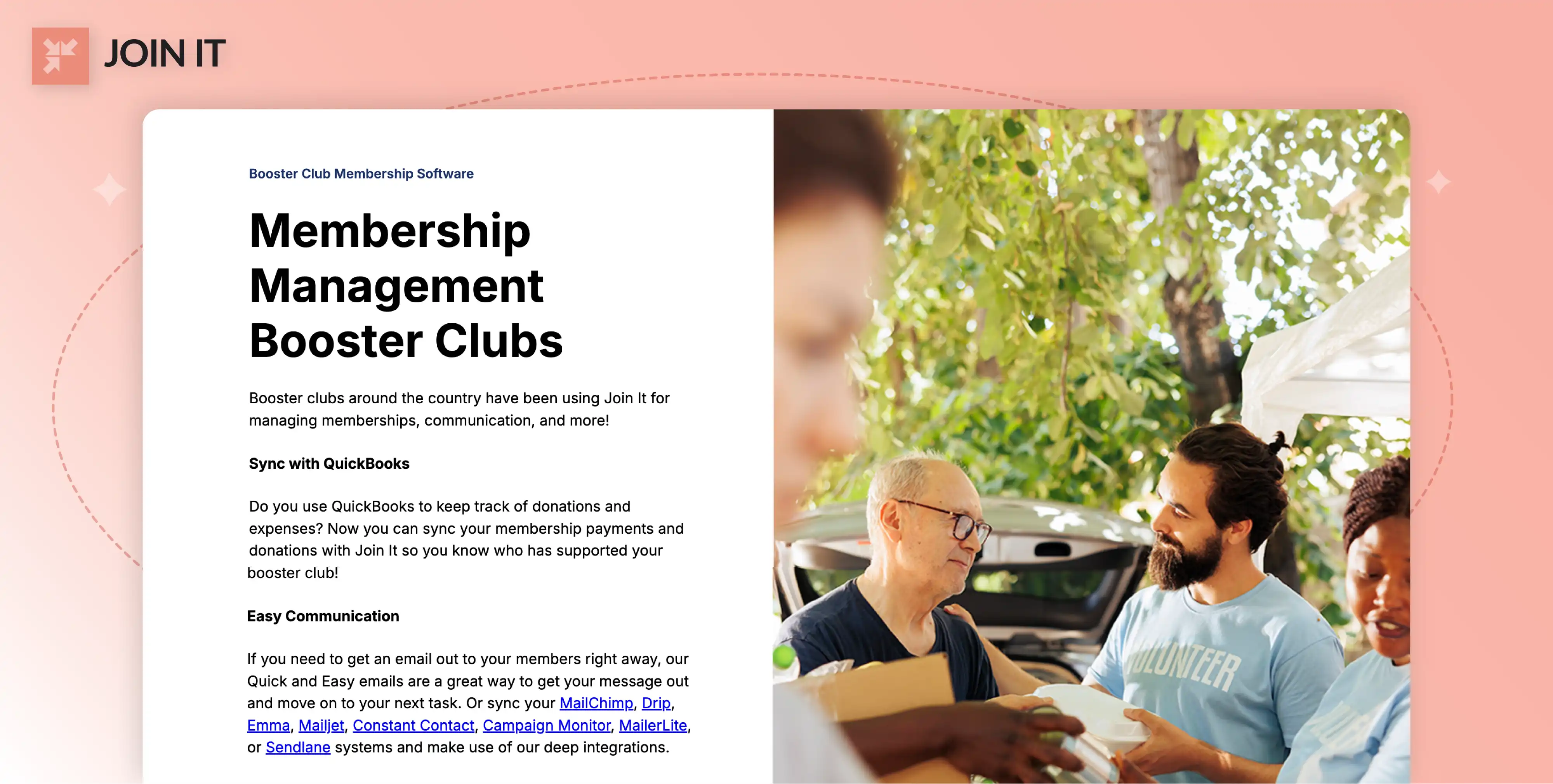
What it is: Join It is a membership management platform that helps clubs and associations sell memberships, collect donations, and automate renewals. It's cloud-based and built for organizations that need recurring revenue.
Best for: Booster clubs where membership dues and renewals are central. Great for groups that want to replace spreadsheets with a real CRM.
Booster-club-oriented features:
- Create unlimited membership types with custom fields and recurring payments
- Automated renewal reminders and digital membership cards
- Accept online/offline payments at events, sync transactions with QuickBooks
- Automated emails, unlimited automations, and CRM integrations
Pricing (monthly):
- Starter: $29/mo + 3% service fee; includes custom fields, automations, automated emails, 3 admin seats
- Total: $99/mo + 2% service fee; adds digital cards, embeddable widget, check-in features, 5 admin seats
- Extra: $199/mo + 1.5% service fee; includes custom domain, removed branding, push notifications, dedicated account manager, 10 admin seats
Pricing (annual): Save 10%. Starter $26.10/mo, Total $89.10/mo, Extra $179.10/mo. Nonprofits get an additional 10% discount.
Free trial: 7 days, no credit card required.
Platform fees: 1.5-3% service fee depending on plan.
SoftwareAdvice rating: 4.9/5 from 105+ reviews.
Start a free trial and see how Join It simplifies booster club memberships, renewals, and payments.
2. MoneyMinder

What it is: MoneyMinder is accounting and treasurer software designed for volunteer-run organizations like booster clubs. It centralizes bookkeeping, budgeting, account integrations, and reporting.
Best for: Treasurers who need simple, nonprofit-friendly accounting without the complexity of QuickBooks.
Booster-club-oriented features:
- Categorize deposits/withdrawals, reconcile bank accounts, produce treasurer's reports
- Track dues and payments, send statements and receipts
- Create budgets by fund or category, compare actuals vs. budget
- Connect to PayPal, Stripe, Venmo, and 12,000+ banks for automated transaction import
- Store forms, receipts, and 1099s; manage reimbursements and payables
- Help center, guides, and podcasts designed for volunteer treasurers
Pricing (annual): $299/year (~$25/mo), flat rate for unlimited users. No setup fees or per-user charges.
Free trial: 30 days, no credit card required.
Platform fees: None. MoneyMinder is accounting software and doesn't process payments itself.
SoftwareAdvice rating: 4.8/5 from 40+ reviews (fewer reviews because MoneyMinder is smaller).
User sentiment: Users like MoneyMinder's simplicity and strong customer service. One Reddit user said, "It only costs us $300/year, and I can manage budgeting without prior QuickBooks experience." The main complaint? It doesn't print checks.
3. Cheddar Up

What it is: Cheddar Up is an online payment and membership platform that makes it easy to collect dues, fundraise, and manage event registrations. It's known for its simple, form-based approach.
Best for: Collecting payments with forms for small events, fundraisers, or one-off sales. Great for clubs that need a quick, no-commitment tool.
Booster-club-oriented features:
- Create pages to collect monthly dues, membership fees, or donations using 13 customizable question types, e-signatures, and custom receipts
- Support for peer-to-peer fundraising, recurring payments, ticket sales, discount codes, shipping/taxes, and item variations
- Sign-up forms with waitlists, start/stop dates, and QR codes; unlimited pages on paid plans
- eCheck processing and QuickBooks sync; inventory tracking
Pricing (monthly):
- Free Forever: $0/mo, 5 items per page, one form/sign-up per page, free withdrawals
- Pro: $15/mo (paid annually); unlimited items/forms per page, waivers, e-signatures, item variations, e-check payments, lower processing fees
- Team: $35/mo (paid annually); unlimited managers, ticketing, custom website, waitlists, nonprofit badge, advanced reporting
- Partner: Custom pricing for large organizations with dedicated manager and partner dashboard
Platform fees:
- Free plan: 3.95% + $0.95 per credit card transaction
- Pro/Team: 3.59% + $0.59; e-check fee 1.59% (min $1) or flat $0.95 for Team
- Organizers may pass fees to payers or absorb them
Free trial: The Free Forever plan functions as a perpetual free tier.
SoftwareAdvice rating: 4.8/5 from 76+ reviews.
User sentiment: Users value the modern checkout experience and ability to pass fees to payers. Some wish for more robust reporting and integrated communication tools. One Reddit parent noted, "My family has never used it because the site charges a fee."
4. Omnify

What it is: Omnify is an all-in-one class and membership management platform used by clubs and community centers. It offers schedule management, membership tiers, forms and waivers, payment processing, and a mobile app.
Best for: Clubs that run classes, camps, or programs alongside memberships. Think gymnastics clubs, martial arts, or sports academies.
Booster-club-oriented features:
- Create members-only spaces with tiered pricing, exclusive benefits, auto-recurring membership plans, and online payment processing
- Manage members via the Omnify GO mobile app; track attendance, attach benefits to memberships, provide discounts
- Roster management, schedule listings, waitlists; collect custom forms and waivers
- Sell gift cards and bundles; autopay options for recurring donations
Pricing (monthly):
- Growth Pro: $149/mo (or $112/mo paid annually) for up to 5 team members and 1,000 clients; 2% transaction fee
- Accelerate Pro: $349/mo (or $262/mo annually) for 10 team members and 5,000 clients; 1% transaction fee
- Scale Pro: From $599/mo with 0.5% transaction fee and unlimited clients
Pricing (annual): 25% discount when billed annually.
Free trial: 14 days. Credit card details usually required to activate paid subscription at the end of the trial.
Platform fees: Transaction fee of 0.5-2% per booking (varies by plan).
SoftwareAdvice rating: 4.5/5 from 80+ reviews.
5. Aplos

What it is: Aplos is a cloud-based accounting and fund management platform designed for nonprofits and clubs. It provides fund accounting, budgeting, donations and pledges, donor management, and compliance reports.
Best for: Booster clubs that are 501(c)(3) registered and need nonprofit-grade accounting with donor management.
Booster-club-oriented features:
- Track money by fund or project, import bank transactions, reconcile accounts; generate monthly reports and IRS Form 990
- Manage contact records, send acknowledgments, pledge tracking, recurring donations; online giving pages with tax-deductible receipts
- Prepare budgets by fund or department, create custom reports, share with board members
- Connect to merchant processors, PayPal, and QuickBooks; assign user roles and permissions
Pricing (monthly):
- Lite: $79/mo; includes 2 users, balance sheet and income statement by fund, bank reconciliation, custom reports, board portal, 1099 management, unlimited support
- Core: $129/mo; adds budgeting, accounts payable and receivable, recurring transactions, third-party integrations, role-based permissions
- Advanced: $229/mo for organizations with larger budgets; includes budgeting by fund, department, and project, data visualizer, and more
Pricing (annual): 50% off for the first three months; additional discounts may apply for annual subscription.
Free trial: 15 days, no credit card required.
Platform fees: Not applicable. Aplos is accounting software; transaction fees depend on integrated payment processor.
SoftwareAdvice rating: 4.5/5 from 400+ reviews.
6. Donorbox
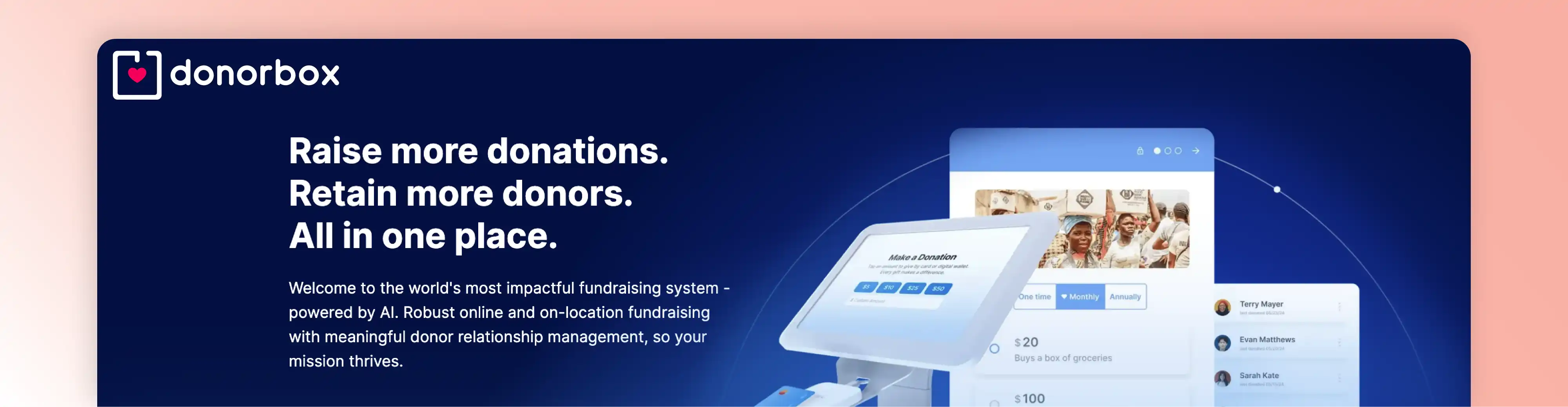
What it is: Donorbox is a fundraising platform for nonprofits that offers donation forms, crowdfunding, peer-to-peer campaigns, event ticketing, and membership management.
Best for: Booster clubs where fundraising is the top priority. Great for groups running multiple campaigns or events throughout the year.
Booster-club-oriented features:
- Create monthly/annual membership tiers with customizable benefits and pricing; donors can self-manage membership and update payment methods
- Unlimited donation forms/pages and crowdfunding campaigns with QuickDonate one-click giving
- Sell tickets with sliding-scale pricing; enable supporters to create their own fundraising pages
- Integrations with QuickBooks, Zapier, CRM and marketing tools; support for stock and crypto donations on Pro and Premium plans
Pricing (monthly):
- Standard (Free): No monthly fee; platform fee 2.95-3.95% per donation
- Pro: $150/mo (discount with annual billing); reduced platform fees 1.75-2%, 10 staff users, AI features, advanced customizations, API access, CRM integrations
- Premium: Custom pricing; fees 1.6-2%, includes dedicated account manager, custom domain, lowest fees, fundraising coaching
Platform fees:
- Standard plan: 2.95-3.95%
- Pro: 1.75-2%
- Premium: 1.6-2%
- Membership program charges 3.95% platform fee plus payment processing fees (2.9% + 30¢ for cards or 0.8% ACH capped at $5)
Free trial: Free standard plan; no time-limited trial because core features are free.
SoftwareAdvice rating: 4.8/5 from 630+ reviews.
7. SignUpGenius
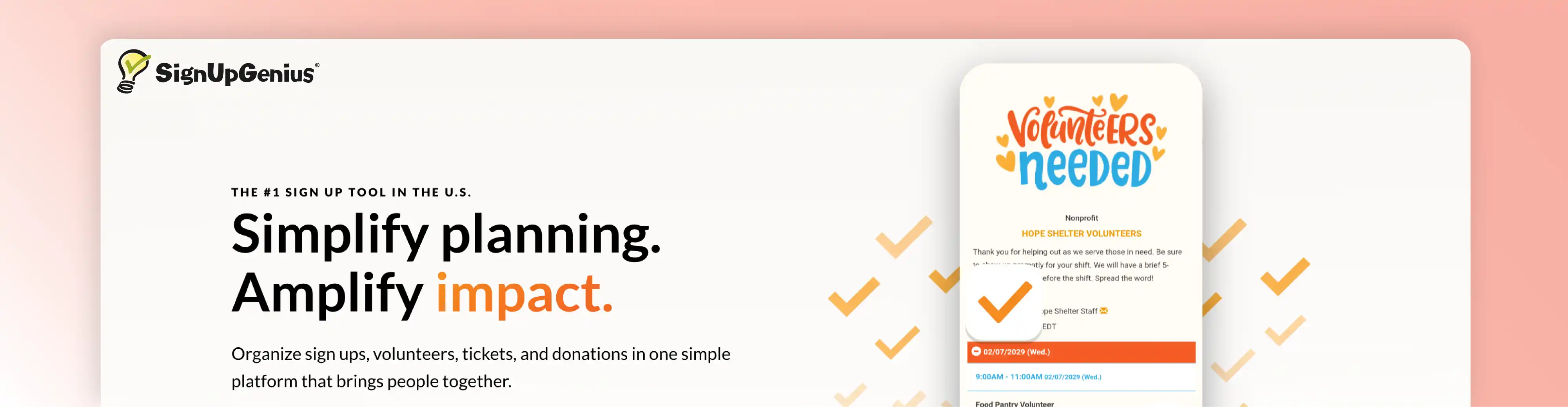
What it is: SignUpGenius helps organizations create online sign-ups for events, volunteers, and payments. It's the go-to tool for coordinating volunteers and eliminating the "reply-all" email chains.
Best for: Volunteer scheduling and event coordination. Perfect for concession stand shifts, ticket sales, and parent involvement.
Booster-club-oriented features:
- Create unlimited sign-up pages with multiple formats, waitlists, and start/stop dates
- Collect payments or donations directly on sign-ups; integrate with Stripe for secure processing
- Gather member information, waivers, and files; set sign-up slot capacity and limit sign-ups per family
- Send automatic confirmations, custom reminders, and text invites; calendar sync and locking features
Pricing (monthly):
- Basic: Free; unlimited sign-up pages, automatic confirmations/reminders, simple group management tools, payment collection (with processing fees)
- Starter: $8.99/mo or $107.89/year; one ad-free sign-up, custom questions, text invites, premium themes
- Essentials: $22.49/mo or $269.89/year; 10 ad-free sign-ups, more custom questions, administrators, waitlist management, auctions, start/stop dates
- Premium: $44.99/mo or $539.89/year; unlimited ad-free sign-ups, 20 admins, custom URLs, slot images
- Enterprise: Custom pricing with branding control, custom landing pages, embedded sign-ups, SSO
Free trial: No separate free trial because the Basic plan is free.
Platform fees: Payment processing via Stripe includes standard fees; no extra SignUpGenius fees.
SoftwareAdvice rating: 4.6/5 from 1,983 reviews.
8. Givebutter
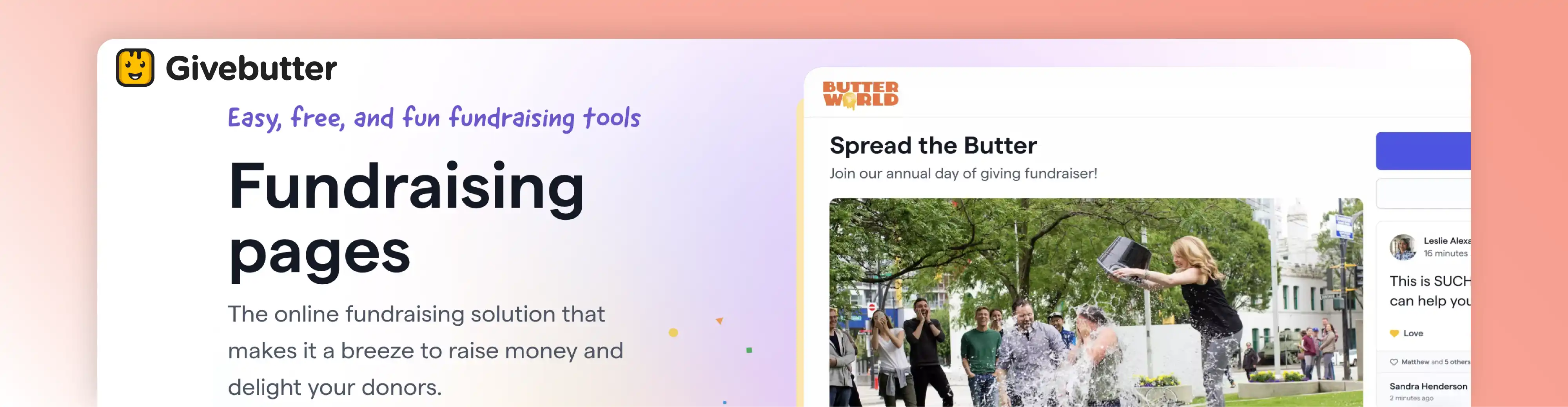
What it is: Givebutter is a fundraising suite offering donation forms, peer-to-peer campaigns, events, auctions, and membership management. It uses an optional tip-based model so organizations can access core fundraising features for free.
Best for: Booster clubs that want modern, fee-free fundraising with minimal upfront cost.
Booster-club-oriented features:
- Create membership forms with customizable levels (annual/quarterly/monthly) and automated receipts and renewal reminders
- Accept Venmo, Cash App, PayPal, Apple/Google Pay, credit/debit cards, and ACH to meet parents' preferences
- Segment members by giving level, tag donors, use email/text workflows to welcome new members and send renewal reminders
- Run campaigns where supporters create their own fundraising pages; integrated ticketing and auctions
Pricing (monthly): Core platform is free. When tips are enabled, 0% platform fees apply with donors covering processing fees. When tips are disabled, a flat 3% platform fee plus standard processing fees (2.9% + 30¢ cards, 1.9% + 30¢ ACH) apply.
Givebutter Plus: Starts at $29/mo (for ~5,000 contacts) with a 30-day free trial. Adds advanced automation, drag-and-drop email editor, task management, discounted direct mail, and QuickBooks integration.
Free trial: Givebutter Plus offers a 30-day free trial; the core fundraising platform has no time limit.
SoftwareAdvice rating: 4.8/5 from 871 reviews.
9. TeamSnap
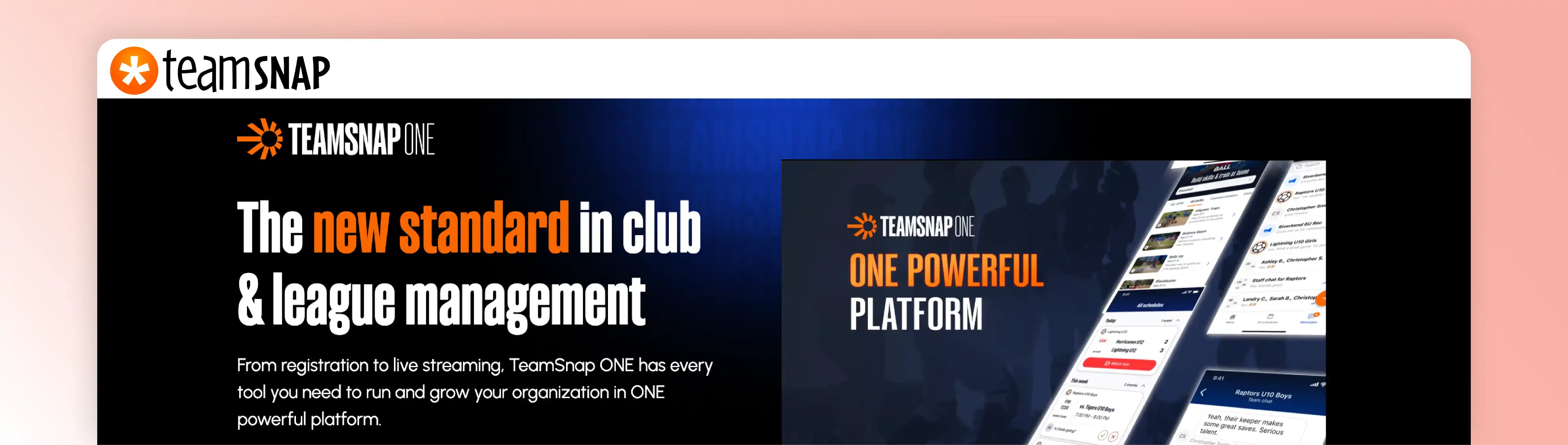
What it is: TeamSnap provides tools for sports teams and organizations to manage rosters, schedules, communication, and payments. It offers a mobile app for coaches, parents, and players to track availability, share calendars, and send messages in real time.
Best for: Sports-heavy booster clubs that need team rosters, game schedules, and real-time communication.
Booster-club-oriented features:
- Create practice/game schedules, track player availability, send automatic reminders in the top-rated mobile app
- Comprehensive registration with custom forms, flexible payment plans, integrated invoicing; no administrative fees but online payment processing fees apply
- Email and text messaging, live chat, event reminders, built-in live streaming (for clubs and leagues)
- Assign snacks or duties, manage volunteers, track tasks; integrate with team store for fundraising
Pricing: TeamSnap does not publicly list exact prices for its team plans. Third-party sources report that single-team plans typically range from ~$9.99/mo (Basic) to ~$17.99/mo (Ultra) when billed monthly, with discounts for annual plans. For clubs and leagues, pricing is customized and requires contacting sales.
Processing fees for invoices are 3.25% + $1.50 per transaction (passed to recipient). TeamSnap does not charge extra administrative fees.
Free trial: Free plan available for single teams (limited roster and features). Paid plans do not advertise a time-limited trial.
SoftwareAdvice rating: 4.2/5 from 330+ reviews.
10. SportsEngine

What it is: SportsEngine HQ is a comprehensive club management platform that offers payments and invoicing, online registration, scheduling, member management, websites, safety compliance, and a free team mobile app. It caters to youth sports clubs, leagues, and associations.
Best for: Large booster clubs or multi-sport athletic departments that need enterprise-level features.
Booster-club-oriented features:
- Customizable registration forms with payment plans, invoicing, integrated payment processing; list programs publicly and manage waitlists
- Maintain member database with rosters, schedules, mobile app; volunteer management and background screening services
- Unlimited email and messaging, team app for schedules and live updates; safety reporting and document storage
- Built-in team apparel stores and sponsorship matching tools
Pricing (monthly):
- Free plan: $0/mo plus processing fee 3.5% + $2.00 per transaction; includes payments and invoicing, program listings, team stores, sponsorship finder
- Premium plan: $69/mo or $749/year; processing rate 3.25% + $2.00 per transaction; adds online registration, mobile app, rosters and schedules, websites, safety services
- SportsEngine Motion: $295 one-time sign-up plus 1% technology fee and 2.9% + $0.30 processing fee; designed for clubs needing class management and payments (no monthly fee)
Free trial: No free trial; free plan can be used indefinitely with processing fees.
SoftwareAdvice rating: 4.2/5 from 198 reviews.
11. LeagueApps

What it is: LeagueApps is a youth sports management platform that offers online registration, payment processing, scheduling, communication, website management, and reporting. It supports multiple registration models and flexible pricing rules.
Best for: Multi-team leagues and associations that need advanced registration and scheduling tools.
Booster-club-oriented features:
- Support for registration by team, agent, or group; capacity rules; early-bird discounts and variable payment plans
- Collect membership fees and donations; processing fees are a percentage of each online transaction (organizers can add processing fees or fixed amounts to invoices)
- Mobile app (LeagueApps Play) for team communication including announcements, chat, photo sharing; scheduling tools for games and practices; websites built using WordPress templates
- Track invoice history, member database, standings, website analytics
Pricing: LeagueApps does not charge subscription fees; instead, organizations pay a transaction processing fee equal to a percentage of each payment. Refunds processed through the platform return the full amount minus 2% of the refunded total. There may be optional annual add-ons (e.g., custom website or communication app). Exact percentage fees are not publicly disclosed and require contacting sales.
Free trial: No published free trial; prospective customers must request a demo.
SoftwareAdvice rating: 4.4/5 from 61 reviews.
User sentiment: Reviewers like the robust registration and scheduling tools and the mobile app. Critiques focus on transaction fees and the need to contact sales for pricing.
Watch-outs: Lack of transparent pricing is annoying. Also, if you're a single-team booster club, this might be overkill.
12. SportsPlus

What it is: SportsPlus is a modern all-in-one platform for sports clubs, leagues, and governing bodies. It provides registration, payments, scheduling, leagues and tournaments, website builder, communication, facility management, fundraising campaigns, volunteer sign-up, membership management, and a mobile app.
Best for: Sports booster clubs that want comprehensive functionality at a reasonable price.
Booster-club-oriented features:
- Customizable and conditional registration forms, collect waivers, offer discounts/items; support for monthly membership and payment plans; player, team, and tournament registration; PDF document uploads
- Low processing charges; accept cards/ACH; custom invoices; auto installment collection; no per-registration fee or additional SportsPlus processing charges
- Game, practice, and event scheduling with recurring patterns, semi-automated scheduling, reminders, RSVP; league/tournament tools generate schedules, standings, brackets
- Responsive website with custom domain and templates; centralized message center with multi-channel delivery, custom templates, automated reminders, advanced group communication
- Team app for schedules, rosters, RSVPs, volunteer sign-up, chat, pictures/videos, privacy controls
- Run fundraising campaigns with team referrals, anonymous donations, reports; volunteer sign-up with hour tracking and work-bond refunds; membership directory with recurring dues and expiration reminders
Pricing (monthly):
- Bronze: $33/mo (billed annually, $396/yr) for up to 100 members
- Silver: $58/mo ($696/yr) for up to 350 members
- Gold: $98/mo ($1,176/yr) for up to 1,000 members
- Gold Plus: Custom pricing for unlimited members
Annual discount: Plans are billed annually; monthly cost shown above reflects annual subscription divided by 12.
Free trial: 14 days with access to all features. Credit card requirement not specified.
Platform fees: No SportsPlus processing charges and no per-registration fee; payment processing fees (through Stripe) apply but are described as "low."
SoftwareAdvice rating: 4.4/5 from 39 reviews.
Which Booster Club Software Fits Your Club Type?
Not every tool fits every situation. Here's how to think about your options based on your club's focus.
High School Booster Club Software (General)
What you need: Multi-event support, volunteer coordination, membership renewals, financial reporting.
Consider: Platforms with strong membership management (like Join It), all-in-one sports operations (SportsPlus), or treasurer-focused accounting (MoneyMinder).
Why: High school booster clubs typically support multiple sports or programs. You need a platform that can handle complexity without overwhelming volunteers.
Athletic / Sports Booster Club Software
What you need: Rosters, game schedules, team communication, registration.
Consider: Platforms built specifically for sports operations, like TeamSnap, SportsEngine, LeagueApps, or SportsPlus.
Why: These platforms handle sports-specific needs. If you're managing multiple teams, these tools make scheduling and communication way easier.
Marching Band / Band Booster Club Software
What you need: Dues collection, communication, fundraising, volunteer coordination.
Consider: A combination approach. Join It handles membership and communication well. Add SignUpGenius for volunteer shifts and Cheddar Up for quick event payments.
Why: Band boosters often run lots of small fundraisers and need constant parent communication. A combo approach covers most bases without breaking the budget.
PTO/PTA Style Groups
What you need: Similar to booster clubs but often with tighter school district rules.
Consider: Platforms with flexible payment options (Cheddar Up for one-off events, Donorbox for fundraising campaigns, SignUpGenius for volunteers).
Why: PTAs often can't accept donations directly (depending on district rules). Payment collection tools that work with existing bank accounts are ideal.
Gymnastics Booster Club Software (Program-Specific)
What you need: Class-like scheduling, membership tiers, recurring payments.
Consider: Omnify (built for class-based programs) or Join It (for membership management).
Why: Gymnastics clubs often sell memberships tied to specific classes or levels. Omnify handles this natively with its scheduling features.
Run a Test Drive
Before committing, test 2-3 platforms with actual volunteers.
Set up dummy data. Have the treasurer try running a report. Have a parent try signing up for a volunteer shift. Have the fundraising chair try creating a donation page.
Does it feel intuitive? Or frustrating?
Real-world testing reveals issues that marketing pages don't.
Booster Club Software FAQs
What is the best booster club software in 2026?
The best booster club software depends on what your club struggles with most. Join It is a strong option for membership dues, renewals, and member management. MoneyMinder fits accounting focused clubs, Donorbox and Givebutter suit fundraising, and TeamSnap or SportsEngine work better for sports operations.
Is there free booster club software?
Yes, several booster club software tools offer free plans or entry level options. Join It offers a free trial for testing membership workflows, while Cheddar Up, Donorbox, Givebutter, SignUpGenius, and SportsEngine have free plans with fees or feature limits. Free options are useful, but usually come with tradeoffs.
What is the best booster club accounting software?
If accounting is your biggest concern, Join It can help on the membership and payment side, but dedicated treasurer tools may still be better for bookkeeping. MoneyMinder is built for volunteer run groups, while Aplos is more advanced for nonprofit accounting, donor tracking, and board level financial reporting.
What is the best booster club treasurer software, including free options?
For treasurers, the right software depends on whether you need full bookkeeping or simpler payment tracking. Join It helps organize dues, recurring payments, and member records, while MoneyMinder is more focused on budgeting and reports. Free setups usually combine spreadsheets, bank tools, and payment apps, which can get messy fast.
What are the best money collecting apps for school booster clubs?
For collecting money, Join It works well when dues and renewals are part of a broader membership setup. Cheddar Up and Givebutter are popular for fast payment collection, while Stripe and PayPal are common general tools. The best choice depends on whether you need quick one time payments or ongoing member billing.
What is booster club online registration software?
Booster club online registration software helps parents sign up for memberships, events, programs, or payments without paper forms. Join It handles membership registration well, especially for recurring dues. Platforms like SportsEngine, LeagueApps, Omnify, and Cheddar Up also support registration, depending on whether your focus is sports, scheduling, or simple payment forms.
What is the best software for sports booster clubs or athletic booster clubs?
For athletic booster clubs, the best software depends on how much of your work revolves around teams and schedules. Join It is useful for memberships and renewals, while TeamSnap, SportsEngine, LeagueApps, and SportsPlus are often a better fit for rosters, game communication, and multi team coordination.
Can booster clubs use points systems again?
Some booster clubs still explore points systems, but whether they are allowed depends on school district rules, state guidance, and your club bylaws. Join It and similar platforms can track membership levels or custom fields, but legal and policy review matters first. Always confirm with your district before bringing points back.
How do automatic renewal systems work for booster memberships?
Automatic renewal systems charge members again when their membership period ends, unless they cancel first. Join It supports this by storing payment details securely, sending reminders, and renewing memberships automatically. Omnify and Donorbox also offer renewal workflows. This helps clubs reduce lapses and makes membership revenue more predictable.
Conclusion: How to Choose Booster Club Software Without Regretting It
Here's the truth: There's no perfect platform.
Every tool has trade-offs. Some are great at fundraising but weak on accounting. Others nail volunteer coordination but lack communication tools.
The key is to pick the one that solves your biggest problem.
If your treasurer is drowning, start with accounting software. If membership renewals are a mess, look at platforms with automated renewal features. If volunteer coordination is chaos, focus on sign-up tools. If you're running lots of fundraisers, test donation platforms. If you manage multiple sports teams, evaluate sports-specific platforms.
And remember: You don't have to go all-in on day one.
Start with one tool. Get comfortable. Then layer in others as needed.
Most importantly, involve your actual volunteers in the decision. Let the treasurer test the accounting features. Let a parent try the sign-up process. Let the fundraising chair experiment with donation pages.
Real-world testing beats marketing promises every time.
For more guidance on membership management strategies or improving membership retention, those resources can help you think through what features matter most for your specific situation.
Good luck!

Guides from the Experts
Through our work with 4,000+ organizations - we’ve put together helpful guides to assist; regardless of where you are on your journey.
.webp)

A Complete Guide to Membership Organizations
Everything you need to know to manage and grow your membership business
.webp)
Maximize Membership Retention: 10 Proven Strategies
Tried and true strategies that not only win membership, but keep them

Build a Membership Website: A Step-by-Step Guide
Your one-stop resource for knowing all the features your modern membership website needs
Ready to start your free trial?
Our membership software is intuitive to use and even easier to test for yourself.