Member Directory Software: How to Build a Directory Members Actually Use


Summary of the Article
Member directory software stores your member records, turns them into searchable profiles, controls who sees what, and keeps everything in sync with your membership database. You have three realistic paths: a spreadsheet, a directory module inside membership management software, or a purpose-built directory tool.
The features that decide whether members actually use it: opt-in privacy, good search and filters, self-service profile editing, and data that never goes stale.
What member directory software actually does
A member directory sounds simple: a searchable list of your members. The software behind it does four separate jobs.
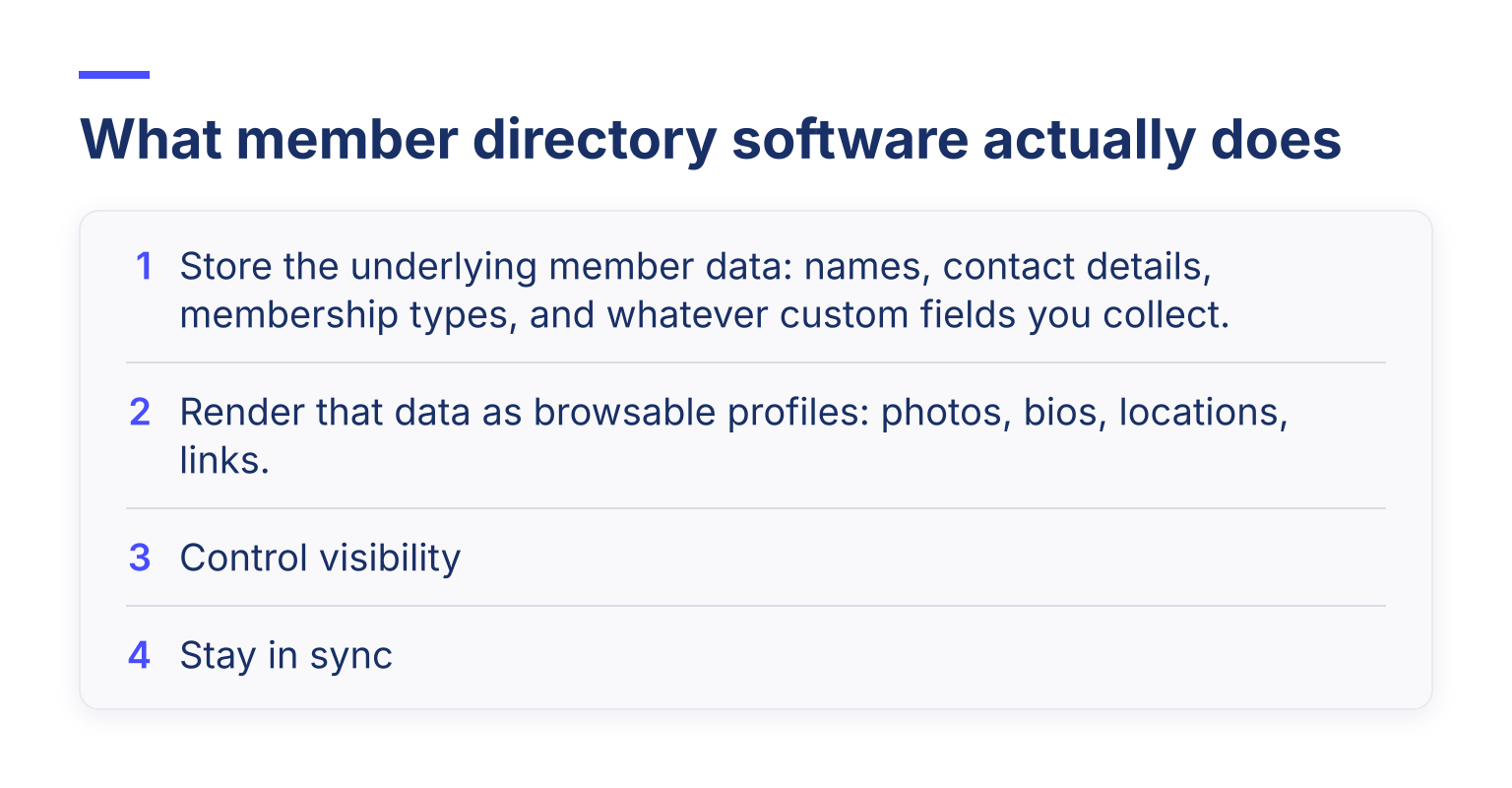
That fourth job is where most directories quietly fail. If the directory is a separate list from your membership database, you end up with two versions of the truth: people who left last year still appearing, new members missing. Software only counts as member directory software if the directory reads from the same database your renewals and payments run on.
If you're still at the "what is a membership directory?" stage, start with our membership directory explainer, then come back here to pick the tool.
The two categories of member directory software
Almost every product on the market falls into one of two buckets. An independent 2026 buyer's guide to member directory software draws the same line, and it's the fastest way to avoid comparing tools that aren't built for the same job.
Directories built into membership platforms. Here, the directory is one module of a system that also handles your database, dues, renewals, events, and member portal. WildApricot's membership management feature set is an example of this category: a searchable, customizable directory alongside payments and a member portal. The tradeoff is straightforward: you get a directory that is automatically correct (renewal lapses, the profile disappears) with zero extra data entry, but the directory's features are only as deep as the platform offers.
Purpose-built directory platforms. These tools make the directory itself the product: richer profiles, stronger public search, more customization of the public-facing site. Brilliant Directories, for example, builds its entire platform around directory and membership websites, with searchable listings, profile pages, and SEO treated as the core product rather than an add-on. You get more control over how the directory looks and ranks, but it usually lives outside your membership database. You'll manage two systems, and the sync problem from earlier becomes your problem.
A third option exists too: custom or "headless" builds where a developer builds the directory on your own database. Only worth it if the directory is genuinely core to your business model.
If you want to skip the framework and browse actual tools, our roundup of the best digital directory software compares 16 options across both categories.
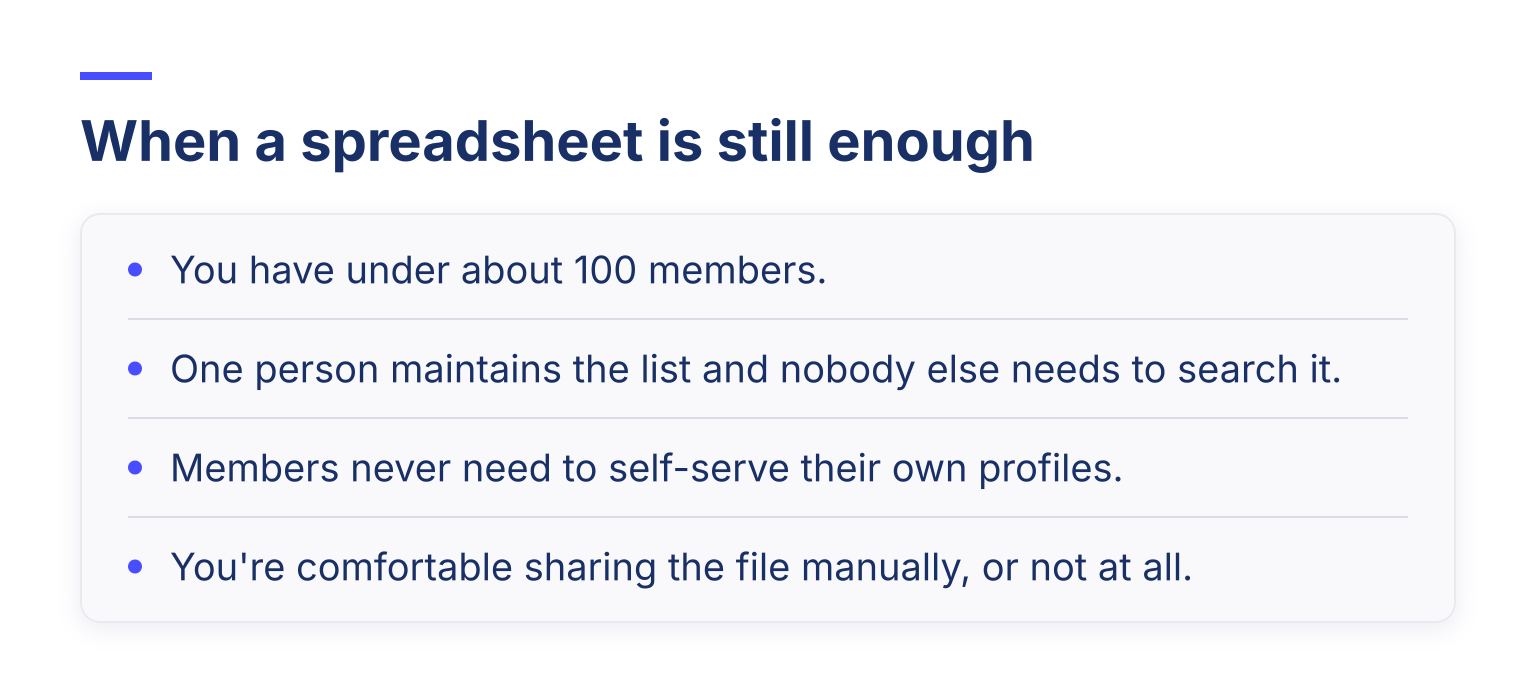
When a spreadsheet is still enough
Software is not always the answer. A spreadsheet (Excel or Google Sheets) works well when:
The exact pain points that justify buying software look like this: members emailing you their new phone numbers and you updating them by hand; members asking "who else is in the club?" and you having no good answer; concerns about who can see whose personal data; or multiple chapters each keeping their own list. If you're still in spreadsheet territory, our guide to creating a membership database in Excel includes a free template.
The moment two of those pain points appear together, spreadsheets start costing more in volunteer hours than software costs in money.
Seven criteria that actually matter when you evaluate

1. Field-level visibility and privacy controls
You need to decide, per field, who sees what. Home address should probably be admin-only. Email might be members-only. Business name and website might be public. A good tool lets you set this per field, not just per directory. Ask specifically: can I make one field public while keeping another in the same profile private?
2. Public vs. members-only access
Some organizations want a public directory (chambers of commerce often do, because the directory doubles as a "find a local business" service). Others need everything behind a member login. Make sure the tool supports the mode you need, including an opt-out for individual members.
This is also a legal question, not just a preference. In the UK, the ICO's directory guidance requires telling subscribers what the directory contains, giving them a clear chance to opt out, and correcting or removing entries on request. Privacy rules vary by country, so check what applies to your organization.
3. Search quality and filters
Members use directories to find "someone near me" or "someone who does X." Test the search with realistic queries: partial names, city names, membership types. A directory with one keyword box and no filters gets ignored.
Usability research backs this up. Nielsen Norman Group found that search success drops from 51% on a user's first query to 32% on the second, and almost half the users whose first search failed gave up immediately, so their search usability research argues for making the first search attempt succeed. In a directory, that means filters and partial-name matching, not a single keyword box that punishes a typo.
4. Data sync with the member database
Ask directly: if a member's payment fails and their membership lapses, does their profile leave the directory automatically? If the answer involves exporting and importing, keep looking. This is where all-in-one membership database software wins structurally, because the member database and the directory are the same system.
5. Custom fields
Your directory should show what makes your organization distinctive: specialty, chapter, graduation year, boat name, whatever fits. Confirm you can add custom fields, use them as search filters, and control their visibility.
6. Multi-chapter governance
If you have chapters or branches, you'll eventually fight about who can edit which records. Look for role-based access so a chapter admin sees their chapter's members and not everyone else's.
7. Member self-service profile updates
The healthiest directories maintain themselves, because members update their own profiles. Check that members can log into a member portal, edit their details, and control what's visible. If every update routes through an admin, your data will go stale within a year.
What makes members actually use the directory
You can build a technically perfect directory that nobody opens. Four things change that:
A directory is a member benefit. If using it feels like work, it becomes a forgotten page.
Your launch path, step by step
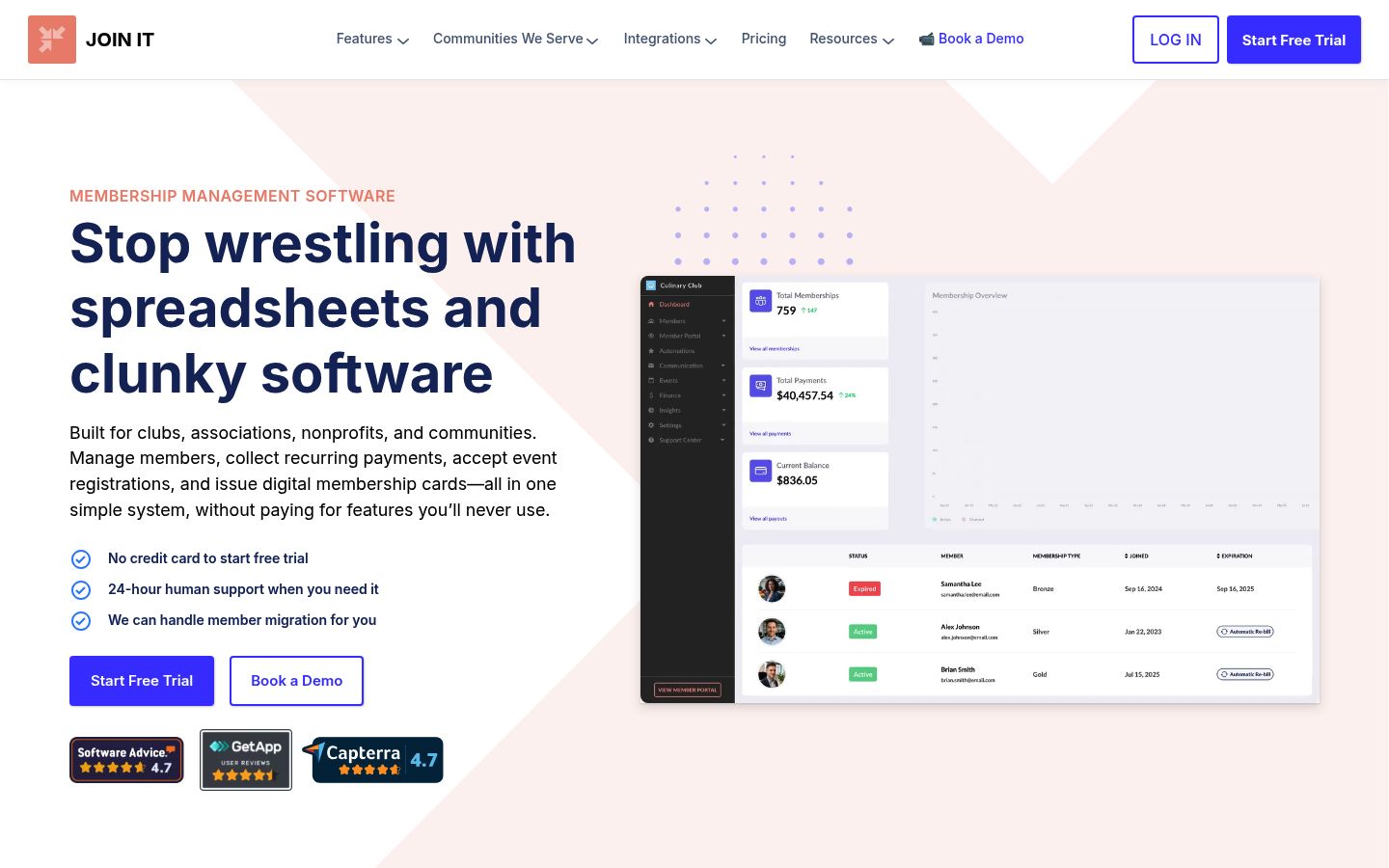
As a worked example of the all-in-one route: with Join It's member directory, the directory draws from your membership records, supports custom fields (the product updates walk through adding them to the directory), offers directory search with filters, and can be public or members-only. Because renewals and payments happen in the same system, a lapsed membership stops appearing without anyone touching the directory. That automatic correctness is the main reason to pick this category over a standalone tool.
Common pitfalls to avoid
How to evaluate a vendor during a free trial
Most vendors, including Join It, let you try the software before paying. Don't test with fake data. Bring a real export of your member list and do this:
If the trial can't answer those six questions cleanly, the tool won't answer them after you've paid either. If it can, you've found software that will give you a directory members actually use.
Ready to test this with your own member list? Start a free trial of Join It and see how your directory looks built on your real data.

Guides from the Experts
Through our work with 4,000+ organizations - we’ve put together helpful guides to assist; regardless of where you are on your journey.


A Complete Guide to Membership Organizations
Everything you need to know to manage and grow your membership business

Maximize Membership Retention: 10 Proven Strategies
Tried and true strategies that not only win membership, but keep them

Build a Membership Website: A Step-by-Step Guide
Your one-stop resource for knowing all the features your modern membership website needs
Ready to start your free trial?
Our membership software is intuitive to use and even easier to test for yourself.