Membership Tracking Software: How to Track Dues, Attendance and Engagement


Summary of the Article
Membership tracking software keeps three things straight for your organization: who has paid their dues, who showed up, and what each member has done over time. Spreadsheets can start you off, but they break down once renewals, events, and a growing roster pile up.
Most organizations searching for "membership tracking software" don't need an enterprise system. They need to stop wondering who lapsed, who attended, and who owes money. That's the problem this guide solves.
What "Membership Tracking" Actually Means
Vendors use "tracking" loosely, so it helps to pin down the three jobs it does in practice:
1. Dues and payment status. Who has paid, who hasn't, who's about to renew, and who lapsed last March. You should be able to open a member's record and see their payment and membership status at a glance, plus run a report of everyone overdue.
2. Attendance. Who came to the meeting, the event, the workshop. This includes check-in at the door and a saved history per member, not just a total headcount for the night.
3. Engagement history. The record that ties it together: payments made, emails received, events attended, notes added, renewals processed. One timeline per member instead of five half-finished spreadsheets.
Full membership management suites do all this plus websites, email campaigns, fundraising, and more. Tracking software, as most people mean it, is the core of that: a member database with dues, attendance, and activity history you can actually pull reports from. If you want the broader category comparison, our roundup of the best membership management software covers 15 options.
Signs You've Outgrown Spreadsheets
A spreadsheet works fine for 30 members and one annual renewal. It stops working when any of these sound familiar:

If you're still on paper or Excel, our free member database templates can tide you over. But once dues money and compliance questions are involved, a dedicated tool usually pays for itself in avoided mistakes.
The Tracking Feature Checklist
Use this list when you evaluate any tool. If a vendor can't show you these five things, the "tracking" label is decoration.
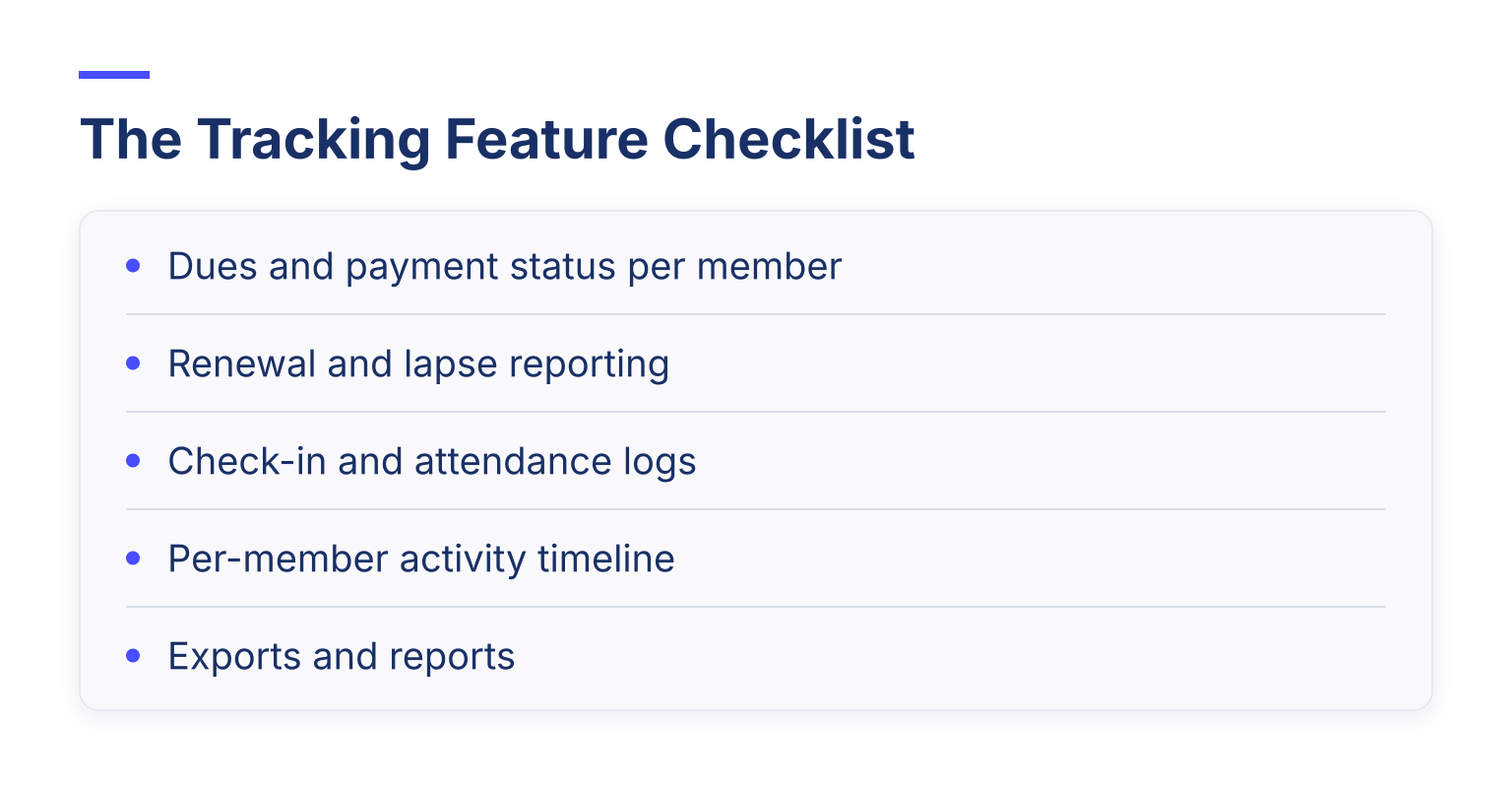
Reporting deserves extra weight. A tool that tracks everything but can't produce a renewal report or an attendance export just moves your spreadsheet problem into someone else's servers. (This is exactly what our membership reporting tools focus on: saved, exportable reports on renewals, payments, and check-ins.)
How Pricing Models Affect Tracking Value
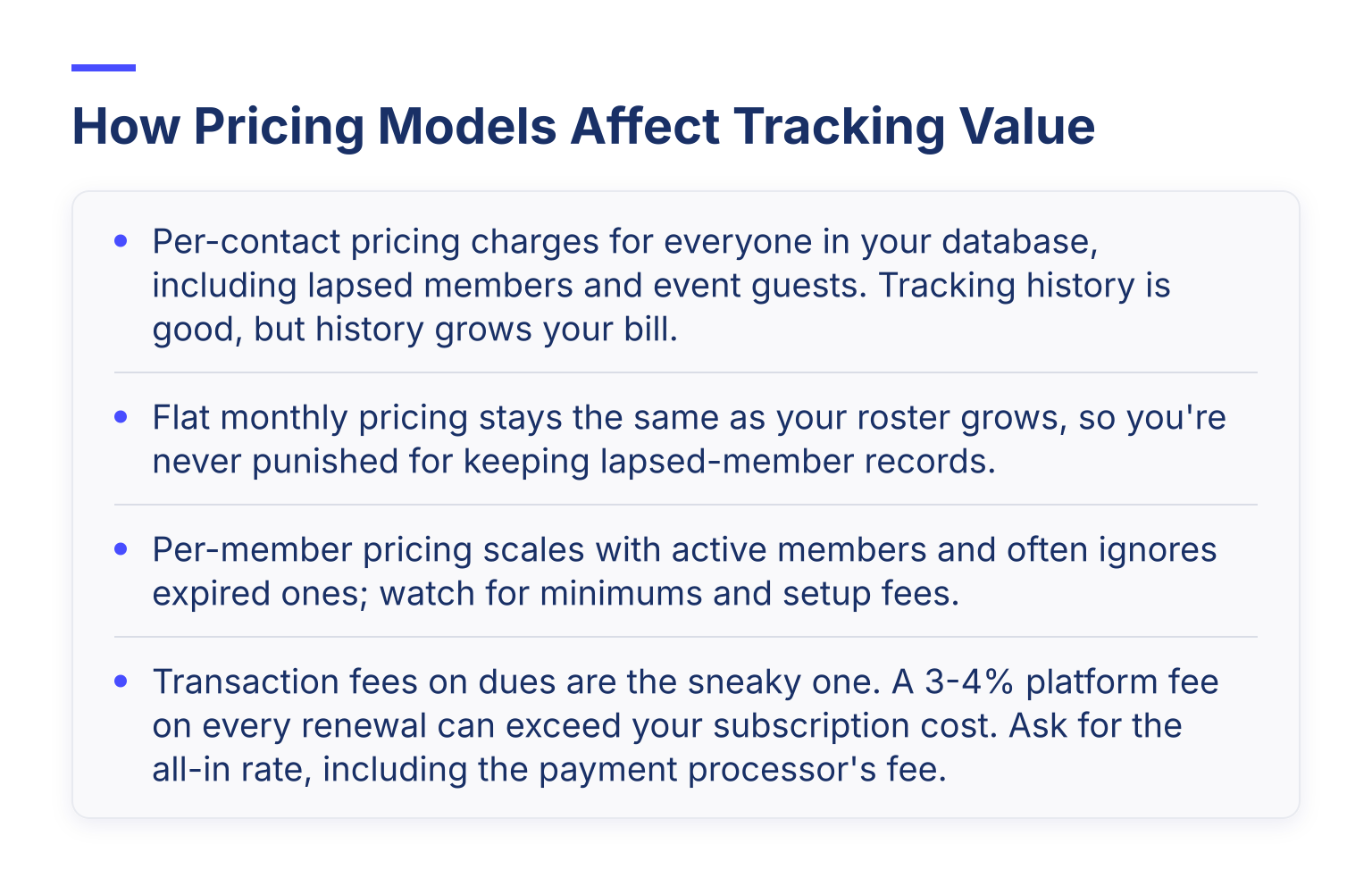
The sticker price tells you little. What matters is how the price grows and where hidden fees sit:
Six Tracking-Capable Tools Compared
All six track dues, attendance, or engagement. They differ in depth, pricing model, and how much setup they demand. If you're shortlisting the best membership tracking software for a small or mid-sized organization, this section is built for a like-for-like comparison on tracking, not a generic feature dump.
1. Join It
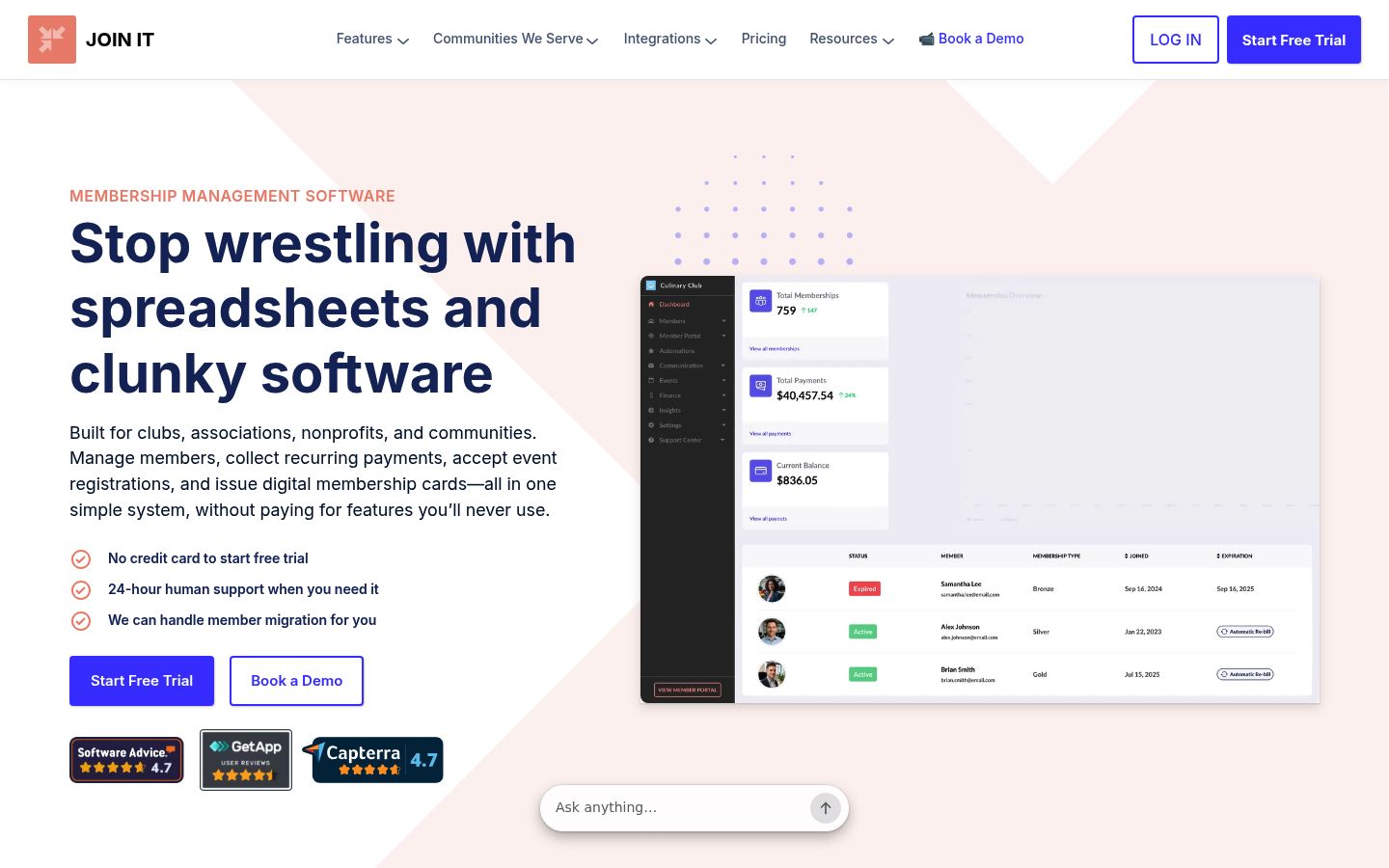
Join It is cloud-based membership management software built around a searchable member database. It covers the three tracking jobs directly: collecting one-time and recurring dues with automated renewal reminders, running free and paid events with registration and attendance tracking, and keeping payments, notes, and activity on each member record. Members get a self-service portal and digital membership cards for Apple Wallet and Google Wallet, and check-in data feeds into reports.
Best fit: small to mid-sized organizations, clubs, and associations that want dues, attendance, and member history in one simple system without an implementation project.
Tradeoff: it's focused on membership rather than trying to be a full marketing suite or community platform, so if you want built-in discussion boards or course delivery you'll pair it with other tools (it syncs with Mailchimp, Eventbrite, QuickBooks, and more).
2. Wild Apricot
Wild Apricot is one of the most established names in membership management, with member databases, event registration, payments, and email built in. Its tracking covers renewals, event attendance, and member self-service, and it offers a 60-day free trial.
Pricing is by contact count, not member count: $66/month for up to 100 contacts, $82 for 250, $154 for 500, and up to $992/month for 50,000 on monthly billing, per Wild Apricot's pricing page. Since plans are sized by the number of contacts in your database rather than active members, everyone you keep on file affects which tier you need, so rich tracking history and pricing grow together. Its pricing FAQ states there are no setup, training, or per-transaction platform fees; payment provider charges still apply.

Best fit: organizations that want an all-in-one suite and don't mind contact-based pricing.
Tradeoff: costs climb quickly as your database grows, because lapsed members and event guests count toward your contact limit too.
3. Raklet
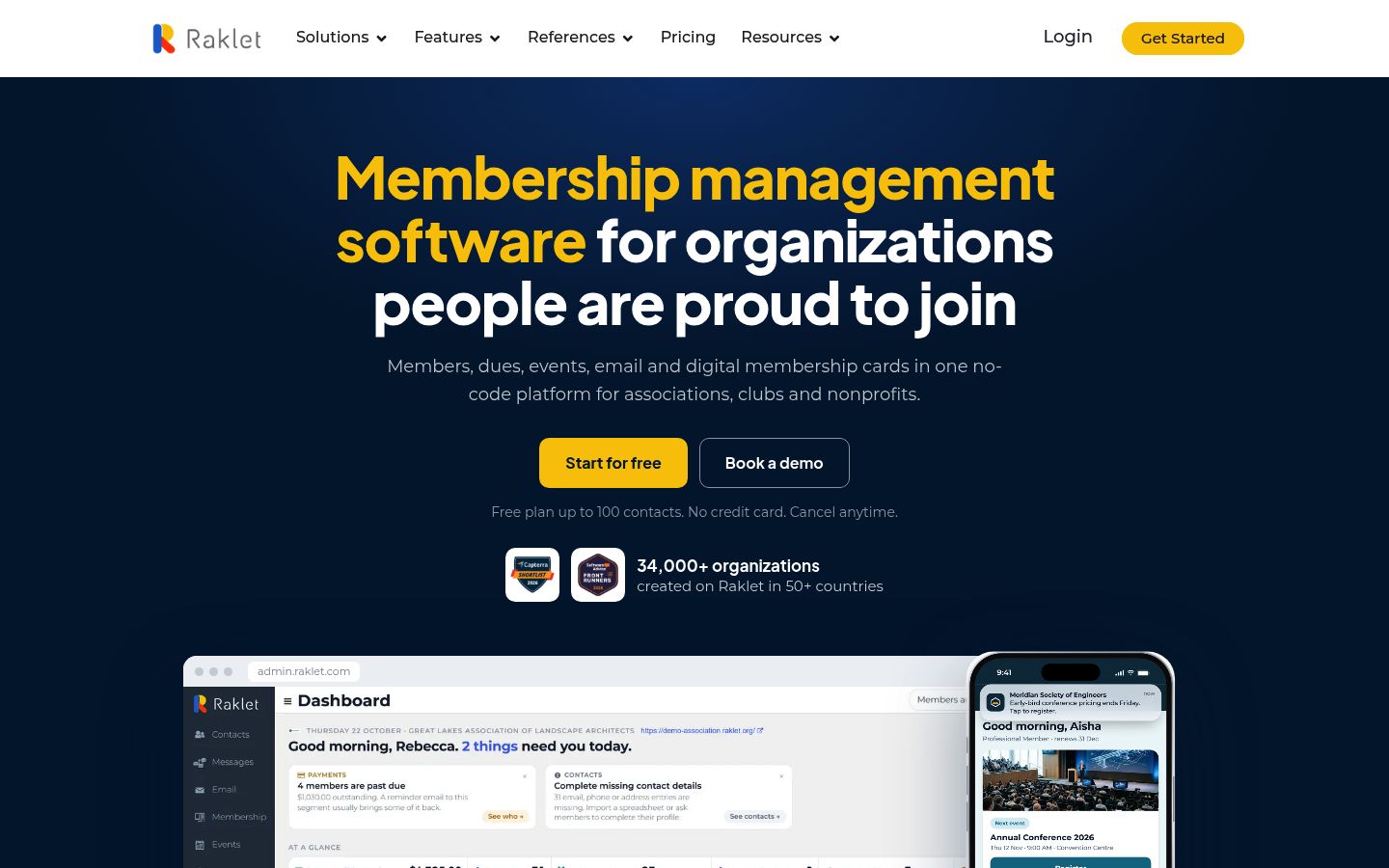
Raklet combines a member CRM with a community layer: news feeds, directories, discussion boards, and digital membership cards on all plans, including the free one.
Its pricing page shows a genuinely free plan for up to 100 contacts, Essentials at $49/month billed annually (500 contacts), and Professional at $99/month billed annually (1,000 contacts). The tradeoff is transaction fees on payments: 4% + $0.60 on the free plan, stepping down to 1% + $0.60 on higher tiers, on top of payment processor fees. Event check-in at the door starts on the Essentials plan.
Best fit: smaller organizations that want community features plus basic tracking and can start at $0.
Tradeoff: transaction fees on dues can add up, and key features like automated reminder emails wait until the Professional tier.
4. ClubExpress
ClubExpress is club and association software with deep administrative tracking. Its features include event attendance tracking and more than 400 built-in reports, which is the widest reporting library in this comparison.
Pricing is per active member per month: 42¢ for clubs up to 200 members (with a $24 monthly minimum), stepping down to 30¢ at 501-1,000 members, per ClubExpress's pricing page. Expired members don't count toward your fee, which keeps tracking history cheap to retain. There is a one-time setup fee (basic setup is $150) and no free plan.
Best fit: clubs and associations that lean on volunteers and want exhaustive built-in reporting.
Tradeoff: the interface carries more structure than simpler tools, and the setup fee plus phone-support model suits organizations that want onboarding rather than self-serve setup.
5. Zeffy
Zeffy is a fundraising platform that is 100% free for nonprofits: no subscription, no platform fee, and it even covers credit card processing, funded entirely by voluntary donor tips at checkout, as Zeffy's own help center explains. Donors can set the tip to $0.
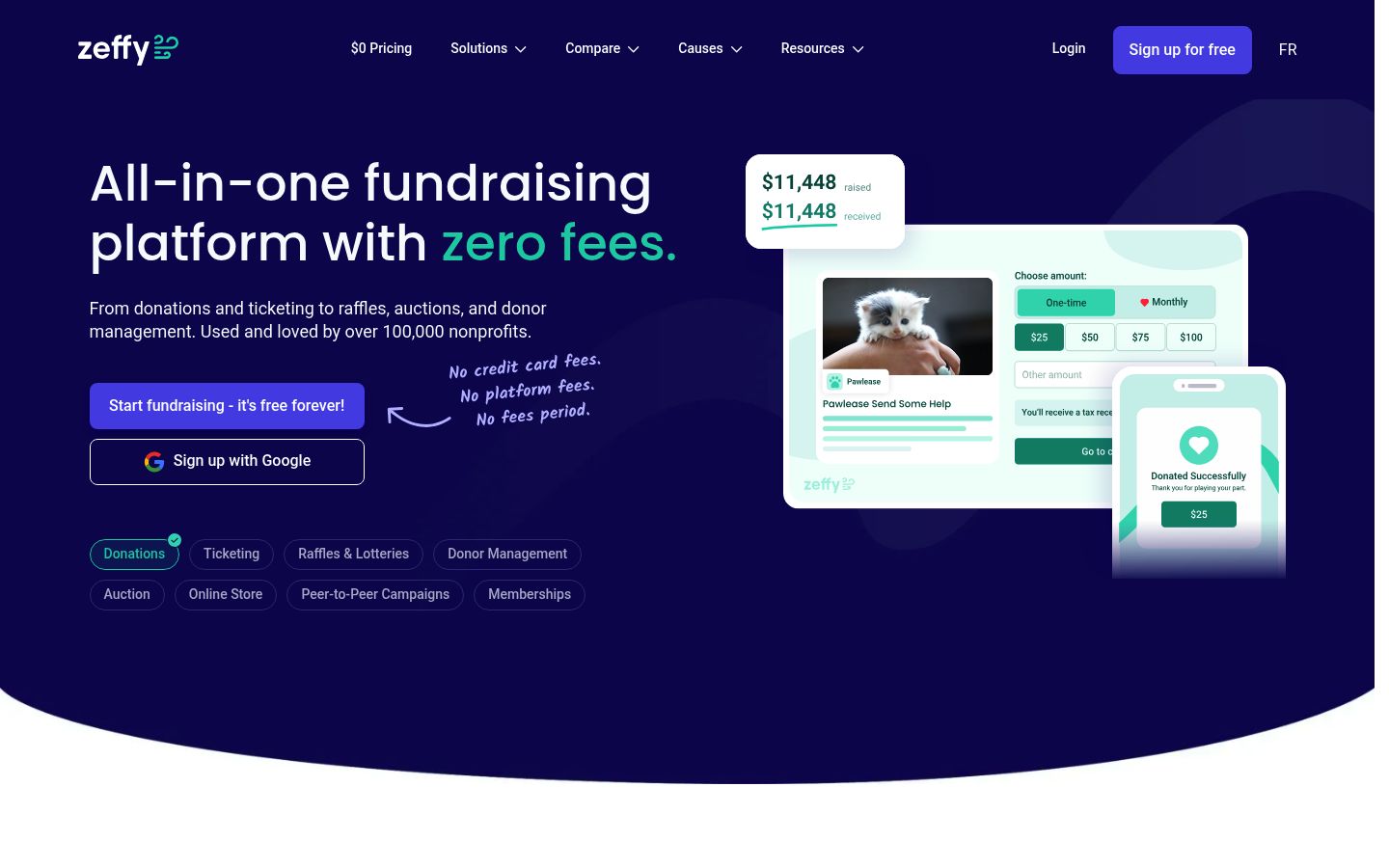
Best fit: nonprofits that primarily need donation pages, ticketing, and event forms, and want to pay nothing.
Tradeoff: Zeffy is fundraising-first. It's not a membership CRM in the same sense as the others, so per-member dues status, renewal workflows, and long-term engagement history are thinner. Treat it as a free fundraising and light-membership option, not a full tracking system. Our free membership software for nonprofits guide breaks down what free tools give you and where limits bite.
6. MemberDay
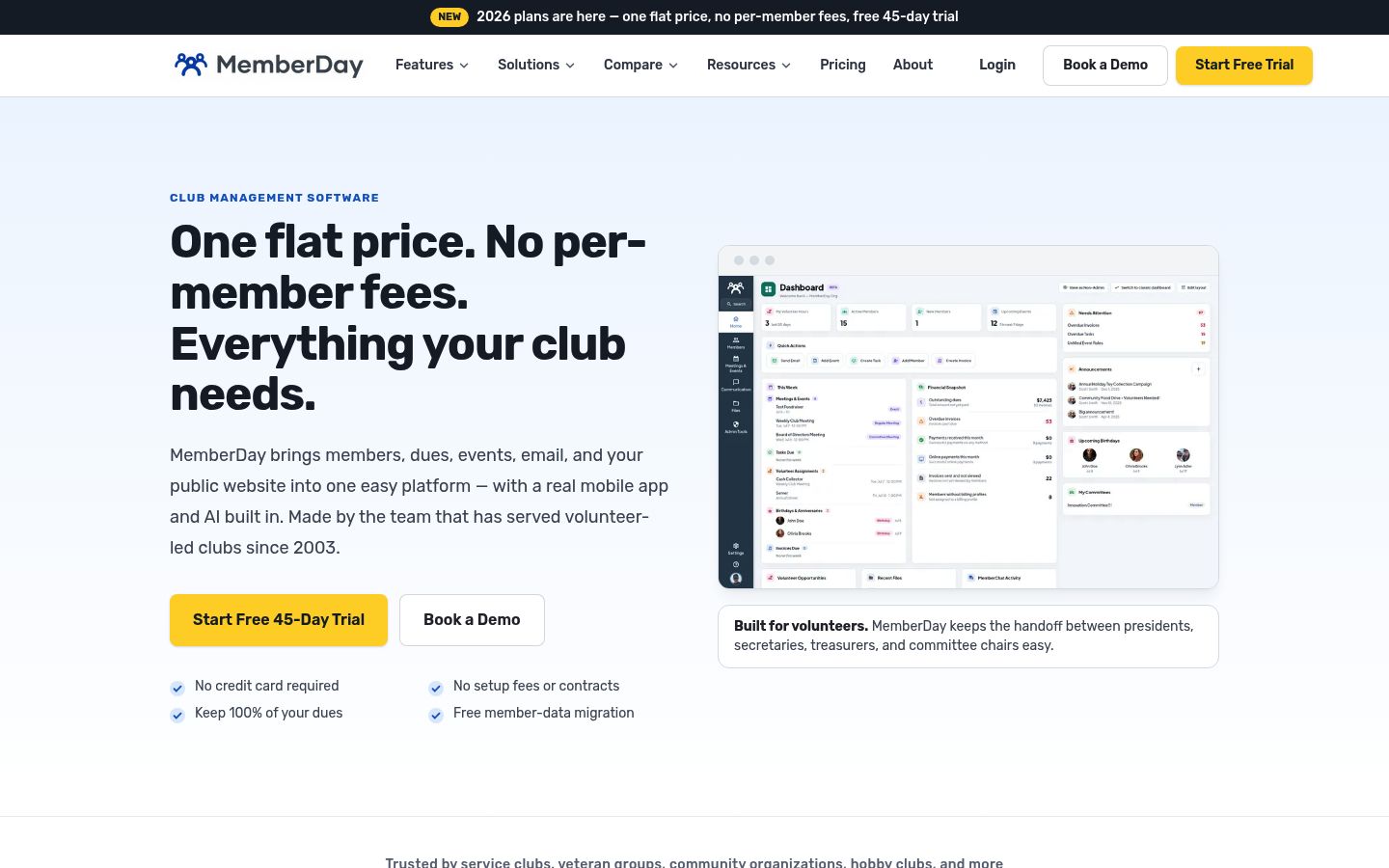
MemberDay is club management software with flat pricing and no per-member fees. Core is $29/month and Plus is $49/month, with a 45-day free trial and no payment markup if you connect your own Stripe account, per MemberDay's pricing page.
Its tracking standout is meeting check-in: Plus records recurring-meeting attendance with a tap and saves every check-in to the member's profile, so attendance history survives officer transitions. Event check-in and registration are included even in Core.
Best fit: clubs with regular meetings, like service clubs, hobby groups, and sports clubs, that care most about attendance records.
Tradeoff: it's built for clubs rather than associations with complex tiers or multi-chapter structures, and meeting check-in requires the Plus plan.
Quick comparison
How to Test Tracking During a Free Trial
Don't evaluate screenshots. Do these four things with real data in the first week of any trial:
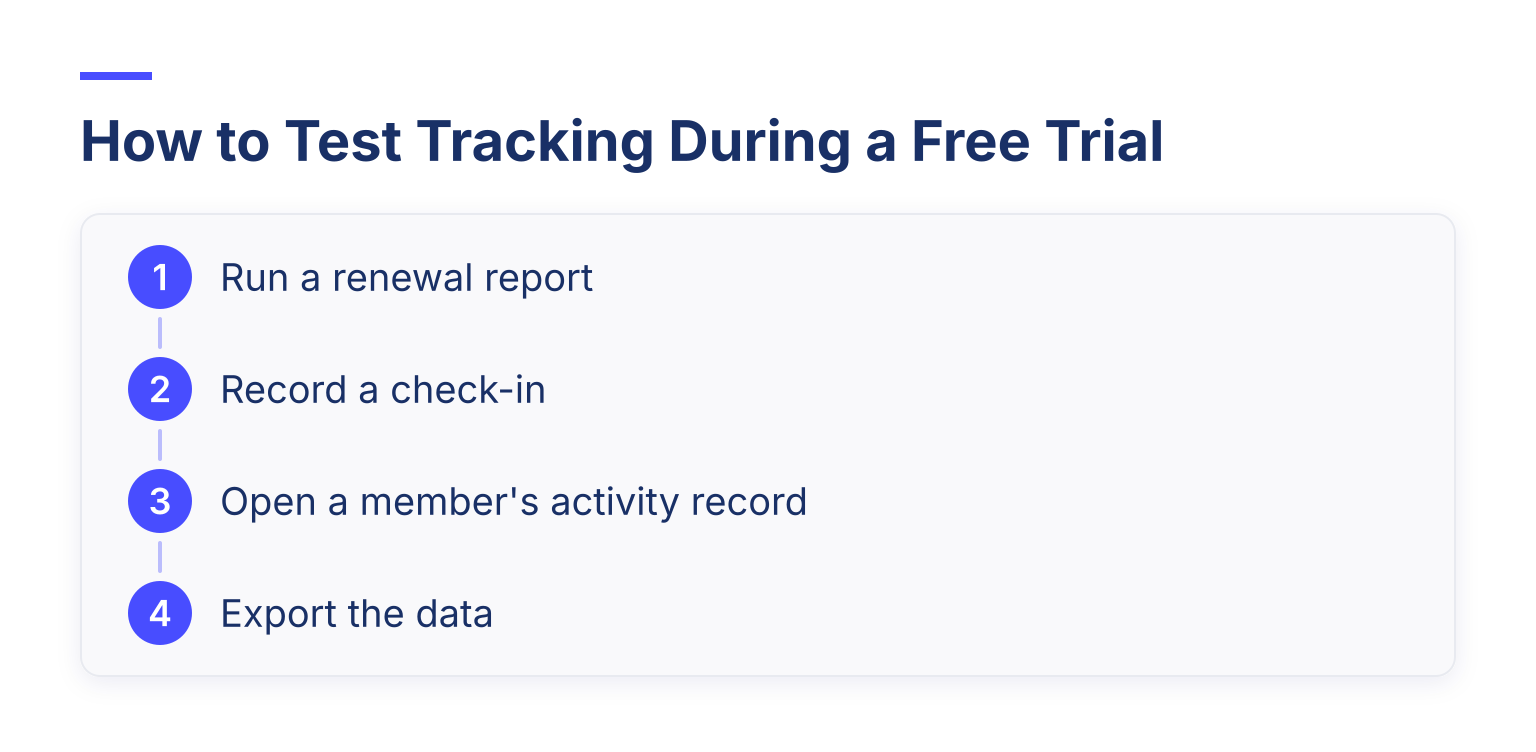
This walk-through is the fastest way to separate real tracking software from a billing page with a members tab. It works the same whether you're testing a dedicated membership tracking app or a full management suite.
When a Tracking-Focused Member CRM Fits (and When It Doesn't)
A tracking-focused member CRM like Join It fits when your core problem is exactly the three jobs above: dues status you can see, attendance you can prove, and member history you can hand to the next volunteer. It also fits when you want set-up-yourself simplicity rather than an implementation project, and when per-member or per-contact pricing punishes you for keeping good historical records.
You need a broader suite when community features are the product (discussion boards, feeds, courses), when you run complex multi-chapter governance with chapters demanding their own websites, or when enterprise procurement and integrations with Salesforce-class systems are requirements. In those cases, look at the full membership management category and shortlist for scale, not tracking.
For most small and mid-sized organizations, though, the honest answer is simpler: start with a tool that nails dues, attendance, and member records, and add breadth later. Starting a free trial of Join It takes minutes and lets you run the trial tests above on your own member list.

Guides from the Experts
Through our work with 4,000+ organizations - we’ve put together helpful guides to assist; regardless of where you are on your journey.


A Complete Guide to Membership Organizations
Everything you need to know to manage and grow your membership business

Maximize Membership Retention: 10 Proven Strategies
Tried and true strategies that not only win membership, but keep them

Build a Membership Website: A Step-by-Step Guide
Your one-stop resource for knowing all the features your modern membership website needs
Ready to start your free trial?
Our membership software is intuitive to use and even easier to test for yourself.