Membership Software for Small Business: How to Choose the Right Fit



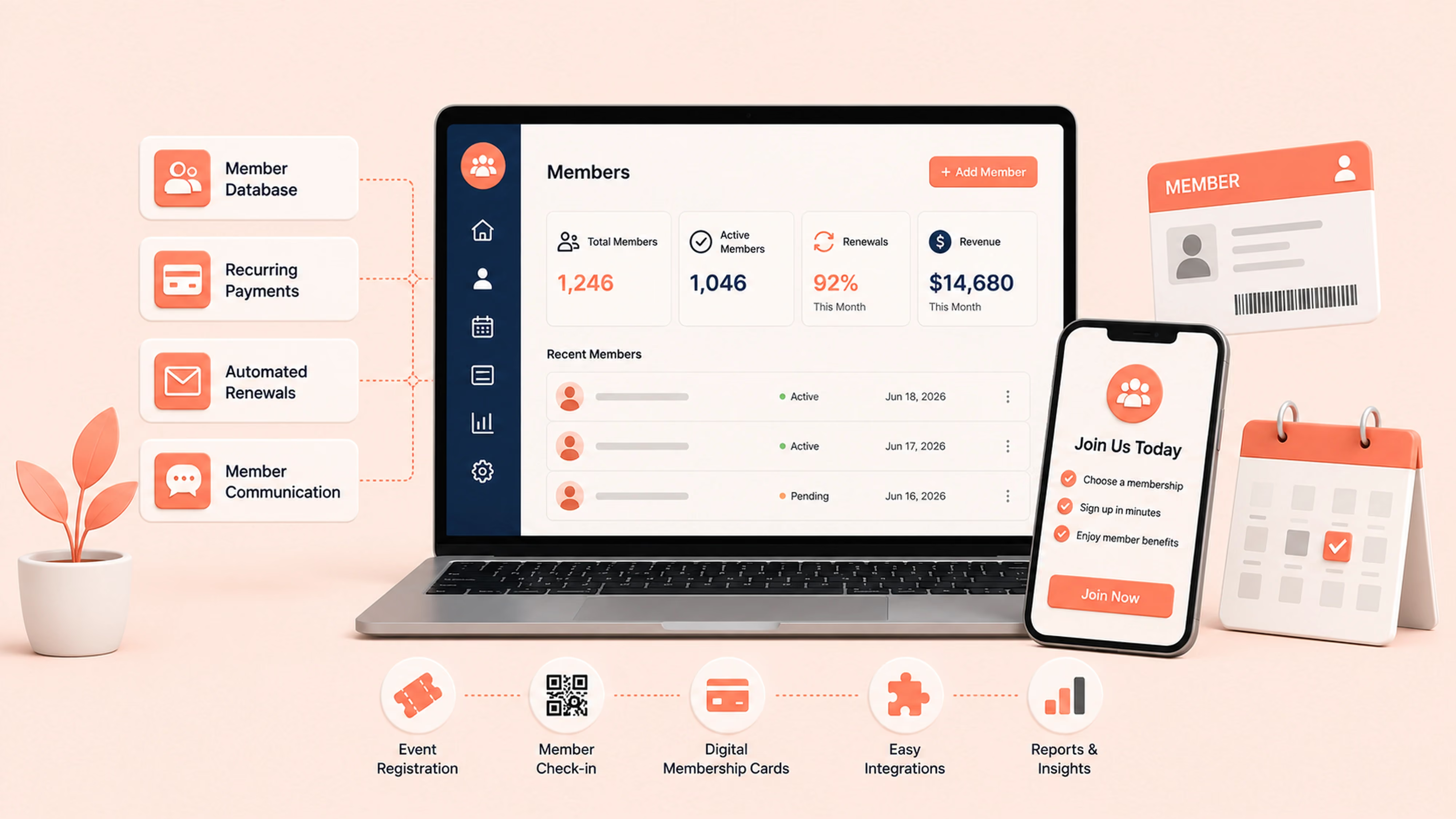
Membership software for small business is a tool that lets a small team sell, manage, and renew paid memberships or subscriptions from one place. The best options handle a member database, online sign-ups, recurring payments, and automated renewals without a big budget or an IT team. This guide covers the must-have features, practical buying criteria, typical pricing, and how to match a tool to the way your business actually runs.
Short answer: If your business earns recurring revenue from members or subscribers, look for software that combines a central member database, recurring payments, and automated renewal reminders. Prioritize ease of use, a free trial, easy data export, and pricing that fits a small team. Join It is a strong fit for simple recurring memberships and starts under $29 a month.
What is membership software for small business?
Membership software is a system that stores member records, sells and renews memberships or subscriptions, collects payments, and keeps everyone communicating from one platform. For a small business, the point is to replace spreadsheets, manual invoices, and disconnected tools with something one or two people can run.
It usually brings together a few core jobs:
- A member database that holds contact details, membership type and status
- Online sign-ups and recurring payments so people can join and pay without manual back-and-forth
- Automated renewal reminders and failed-payment notifications so revenue can be retained.
- Member communication, and often event registration and digital membership cards
This is different from a general subscription-billing tool or a point-of-sale system. Membership software is built around the member relationship, not just the transaction.
Who needs membership software (and who probably does not)
Not every small business needs it. The clearest signal is recurring, member-based revenue. If people pay you on a repeating basis for access, benefits, or belonging, membership software will save you time and reduce missed renewals.
If your day revolves around booking appointments, ringing up retail sales, or shipping products, a membership platform may work best alongside those tools rather than replacing them. Many small businesses pair a booking or POS tool with a membership system through integrations.
Must-have features to look for
Built for clubs, associations, nonprofits, and communities. Manage members, collect recurring payments, accept event registrations, and issue digital membership cards—all in one simple system, without paying for features you’ll never use.
If most of these are covered, a small business can run its whole membership operation without stitching together three or four separate products.
Practical buying criteria for a small business
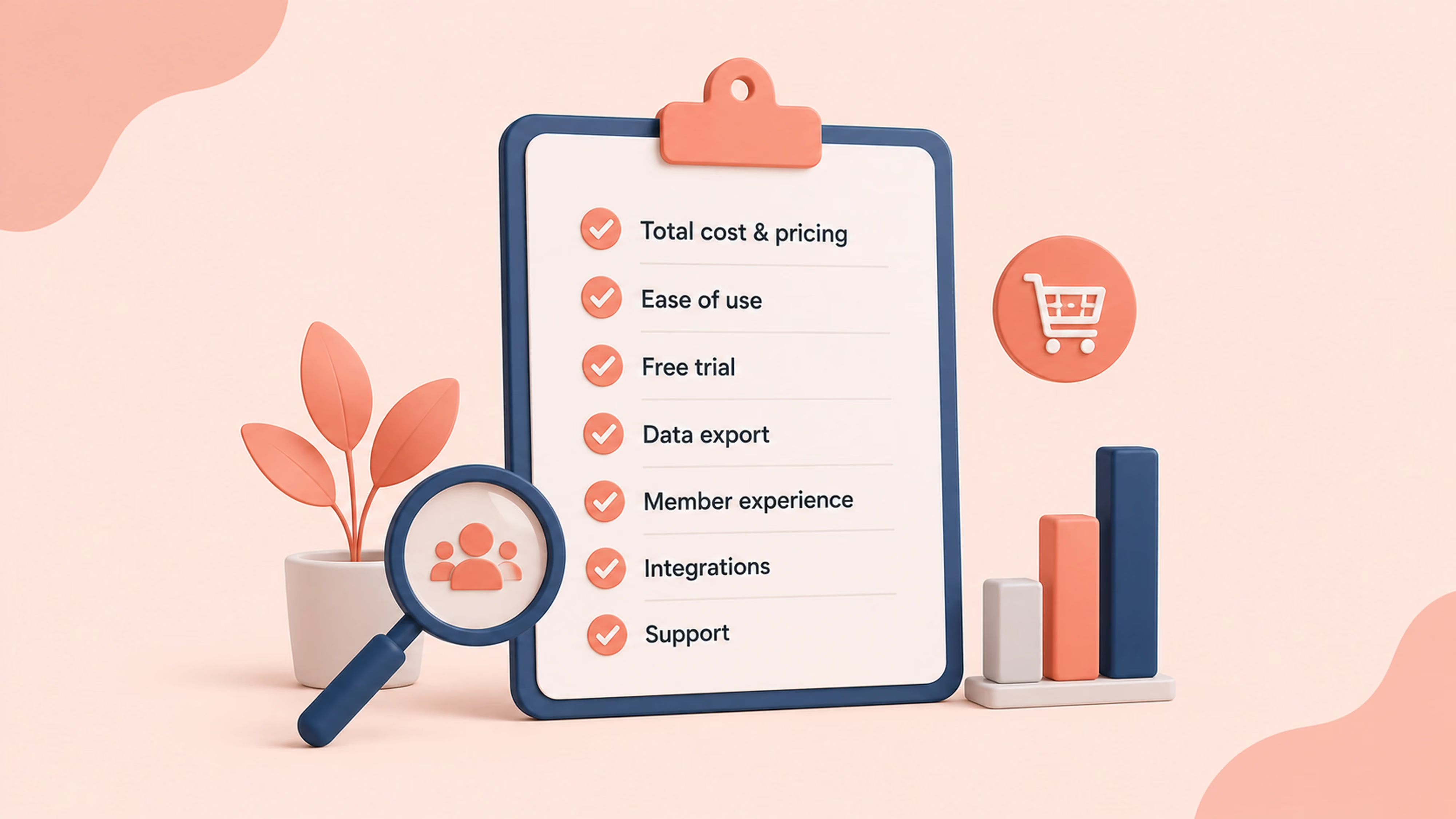
Features tell you what a tool does. This buying criteria tell you whether it will work for you:
- Total cost, not just the sticker price. Add the subscription fee and payment processing fees together. Some tools also charge for add-on modules.
- Setup time and ease of use. A small or volunteer-run team should be able to launch in days, not months.
- Free trial. Being able to test the full join-and-renew flow before paying lowers your risk.
- Data export. Make sure you can export your member data efficiently so you are never locked in.
- Member experience. A simple sign-up and renewal flow protects your revenue more than any admin feature.
- Integrations. Check that it connects to the payment processor, email tool, and accounting software you already use.
- Support. For a lean team, responsive support is worth as much as any feature.
How much does membership software cost?
Pricing varies widely by the size of your list and the features you need. Entry-level, membership-first tools are usually the most affordable option for a small business, while all-in-one association suites and operational platforms tend to cost more and take longer to set up.
Watch for three things that change the real cost: payment processing fees on top of the subscription, member-count tiers that jump as you grow, and paid add-ons for features like events or automations. For a small business, a straightforward plan with transparent pricing is usually the safer bet.
Join It starts under $29 a month, which keeps it accessible for small teams that want core membership tools without paying for enterprise features they will never use. For a closer look at how recurring dues are handled across tools, see the guide to membership billing software, or if budget is tight, the roundup of free membership management software and its tradeoffs.
Where Join It fits for small businesses
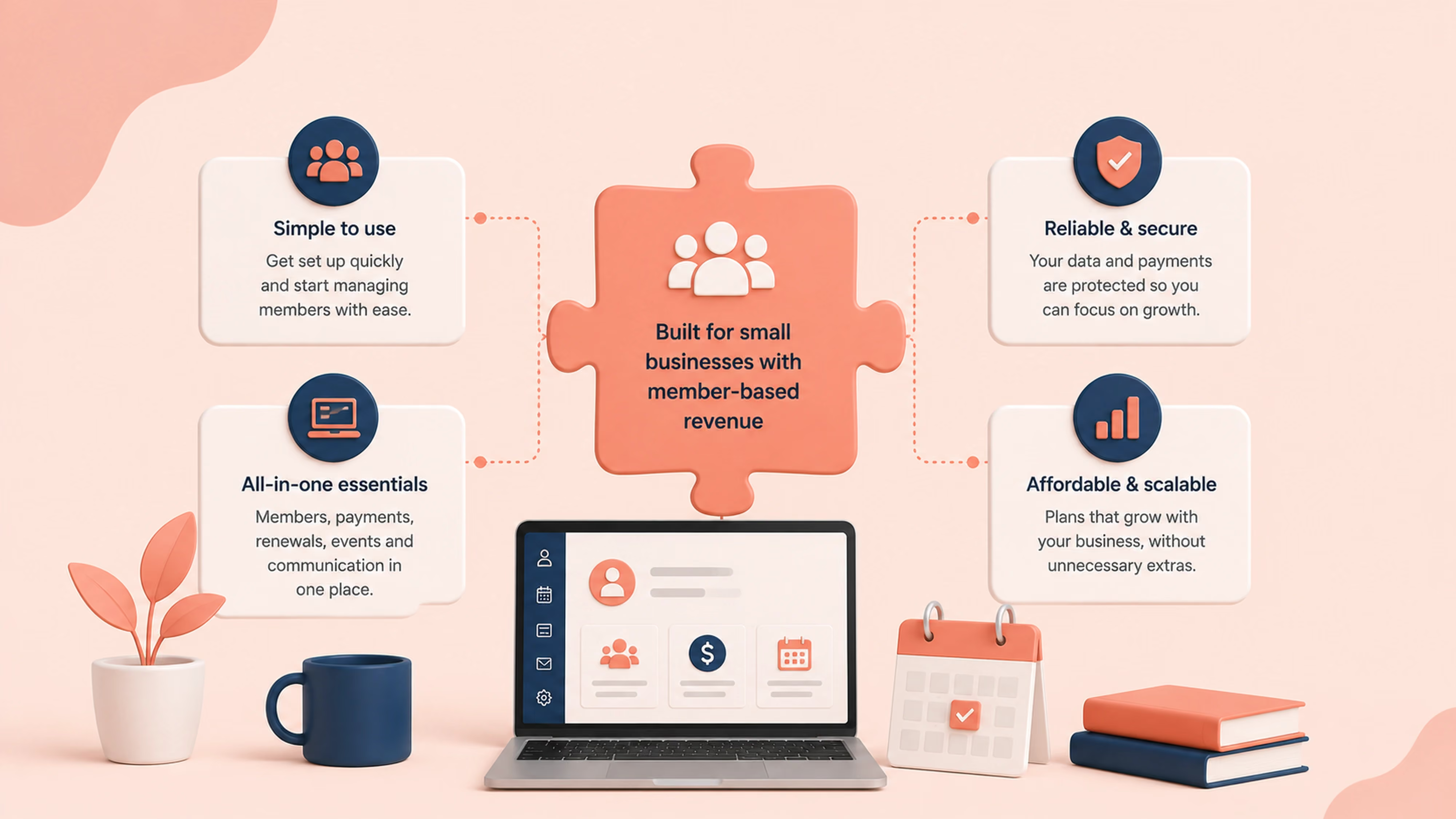
Join It is membership management software for clubs, associations, nonprofits, and businesses that run paid memberships or subscriptions. It is built to be simple enough for a small or non-technical team to run, while still automating the parts that eat up time.
For a small business, the everyday value looks like this:
- Members join and pay online, and recurring payments collect on their own
- Automated renewal reminders and failed-payment notices protect your revenue without manual chasing
- A member portal lets members manage their own details
- Digital membership cards with a QR code make loyalty, passes, and check-in simple
- Integrations connect payments, email, and accounting to your existing tools
Join It is a strong fit for businesses and organizations whose revenue is membership-based or subscription-based. If your core need is retail point of sale, inventory, or appointment booking, Join It works best alongside those tools rather than as a replacement. You can see how it maps to different setups on the page for business and services organizations, or for movement-based businesses like studios and gyms, sports and fitness clubs.
Matching the software to your business type
Different small businesses prioritize different things. Use this to sanity-check your shortlist.
Frequently asked questions
What is the best membership software for a small business?
The best choice depends on your model. If you sell simple recurring memberships or subscriptions, prioritize a member database, recurring payments, and automated renewals, and confirm the price fits a small team. Join It is a strong fit for that use case and starts under $29 a month. For a broader field, compare options in the guide to the best membership management software.
Is there free membership software for small business?
There are free plans and free tools, but most limit member counts, automations, or data export. Test the full renewal flow and an export before you rely on one. See the tradeoffs in the free membership management software roundup.
Can a small business accept recurring payments through membership software?
Yes. Most platforms collect dues automatically using a payment processor, so members are billed on a schedule without manual invoicing. Look for recurring billing with failed-payment handling built in.
Do I need separate software for events?
Not necessarily. Many membership platforms include event registration with member-only pricing, which keeps attendees connected to their member records and saves you a second tool.
How long does setup take for a small team?
Membership-first tools are usually the fastest, often days rather than weeks. Enterprise suites take longer to configure. If speed matters, favor a platform with a free trial so you can launch and test quickly.
Conclusion
For a small business, the right membership software is the one that removes manual work without adding cost or complexity. Start from your model: if your revenue is recurring and member-based, prioritize a solid member database, recurring payments, and automated renewals, then judge each tool on total cost, ease of use, and the member experience.
If that sounds like your setup, you can explore Join It's features or start a free trial to see how it fits. Have a question about your specific business? Just reach out, we are happy to help you work out whether it is the right match.
For businesses offering vehicle-care memberships, explore Join It’s membership software for auto services as a starting point for managing members and recurring payments.
.avif)
Guides from the Experts
Through our work with 4,000+ organizations - we’ve put together helpful guides to assist; regardless of where you are on your journey.
.webp)

A Complete Guide to Membership Organizations
Everything you need to know to manage and grow your membership business
.webp)
Maximize Membership Retention: 10 Proven Strategies
Tried and true strategies that not only win membership, but keep them

Build a Membership Website: A Step-by-Step Guide
Your one-stop resource for knowing all the features your modern membership website needs
Ready to start your free trial?
Our membership software is intuitive to use and even easier to test for yourself.