If you've ever managed event signups with a spreadsheet, you already know the problem.
Emails get lost. Confirmations go missing. And on the morning of your event, you're staring at a CSV file trying to figure out if "John Smith" already checked in.
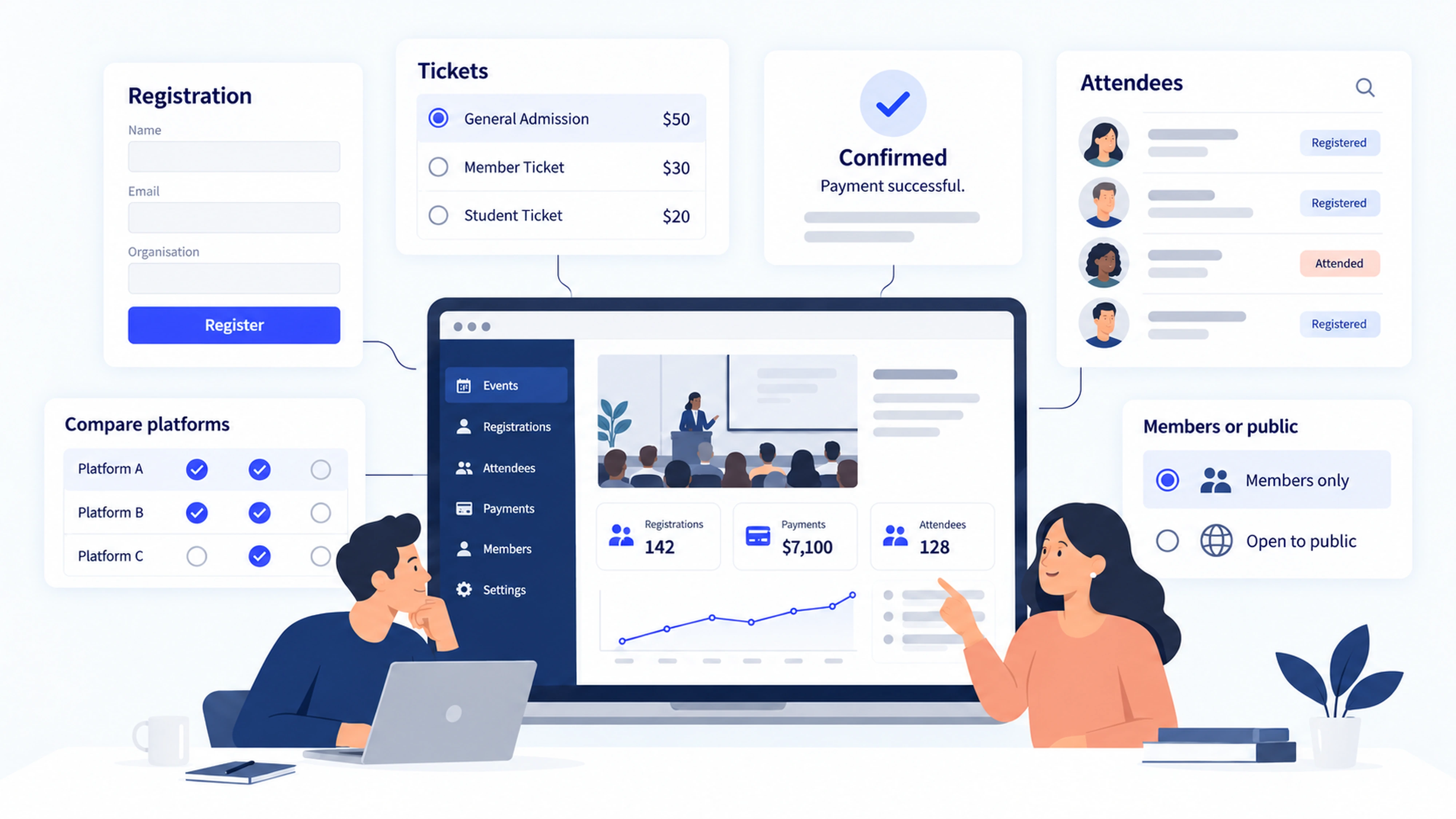
That's exactly why event registration software exists. It replaces the spreadsheets, email chains, and disconnected payment tools with one platform that handles registration, ticketing, check-in, and reporting end to end.
The global event management software market was valued at $14.37 billion in 2025 and is projected to reach $107.3 billion by 2037. That growth reflects just how central these tools have become for organizers of every size.
Definition: Event registration software manages the full attendee sign-up process, combining registration forms, ticketing, payment collection, automated confirmations, check-in, and post-event reporting in one place.
What is included: Quick picks by use case, a feature evaluation guide, transparent pricing breakdowns, real user complaints from review platforms and forums, and 15 tools reviewed across four categories.
Who is this for: Event organizers, marketing teams, associations, nonprofits, and anyone running in-person, virtual, or hybrid events who needs to choose a registration platform in 2026.
Key Takeaways
Event Registration Software At a Glance: Quick Picks
What Is Event Registration Software?
Event registration software is a platform that manages the entire attendee sign-up process for an event, from the registration form and payment collection through to check-in and post-event reporting.
Think of it as the operational backbone of your event. The benefits of event registration software become clear quickly: it replaces disconnected manual processes with automated workflows, so organizers spend less time chasing confirmations and more time running events that actually work.
Good online event registration software, including any web based event registration software you're evaluating, handles:
- Branded registration pages and custom form fields
- Ticketing, pricing tiers, discount codes, and donation options
- Secure payment processing and automated confirmation emails
- QR code check-in and badge printing on event day
- Reporting, analytics, and attendee data exports
It is different from a basic form builder. And it is different from a full event management suite. Understanding that distinction helps you pick the right tool for your actual needs.
How Event Registration Software Works
The flow is simpler than most people expect:
- Registration page and form – Organizers build a branded page with custom fields, ticket types, and pricing tiers.
- Ticketing or RSVP – Attendees select their ticket, fill out the form, and complete checkout.
- Payment and confirmation – The platform processes payment and sends an automated confirmation with a QR code or ticket link.
- Reminders and updates – Automated emails go out before the event with logistics and calendar invites.
- Check-in – Staff scan QR codes at the door using a mobile app; walk-ins can be added on the spot.
- Reporting and exports – After the event, organizers pull attendance data, revenue summaries, and registration source tracking.
Where things commonly break: forms that ask for too much information and cause drop-off, missing confirmation emails, payment failures at checkout, and registration data that refuses to sync with your CRM. The right platform eliminates most of these failure points before they happen.
Event Registration Software vs Ticketing vs Event Management Platforms
These three terms get used interchangeably online. They mean different things.
Ticketing software handles the transaction: someone buys a ticket, gets a confirmation, shows up. It works perfectly for festivals, public events, and simple paid signups.
Event registration software goes a layer deeper. It captures attendee data, manages different registration paths for speakers, sponsors, and VIPs, integrates with your CRM, and supports multi-session agendas.
Event management platforms are the full stack: registration, marketing, venue logistics, sponsorship management, budgeting, and post-event analytics all in one place.
A simple decision rule to use:
- Single public event with paid tickets? Ticketing software is enough.
- Multi-session event with different attendee types? You need registration software.
- Large conference with sponsors, exhibitors, and enterprise reporting? Go with a full event management platform.
Event Registration Software Trends for 2026
A few things are reshaping the market right now.
Hybrid is the new default. According to industry surveys, 74.5% of event planners have adopted hybrid event formats. Platforms that only support in-person or only support virtual are losing ground fast.

AI is moving from buzzword to actual feature. Around 70% of event planners now use AI tools for personalization and logistics. Some platforms have launched AI-assisted event page creation tools that draft descriptions, images, and tags from basic input in seconds.
Engagement features are becoming standard. Community hubs, live polls, gamification, and networking matchmaking are no longer premium add-ons. Attendees expect them, and platforms are building them in at lower price points.
Integrations are now make-or-break. Organizers want registration data to flow directly into Salesforce, HubSpot, or Marketo without manual CSV exports. Platforms without native CRM connections are increasingly harder to justify.
Data privacy is influencing purchasing decisions. One user in a Reddit r/SaaS thread pointed out that "Eventbrite gets access to all your guest data and can legally market other events to them. If you want your data to remain private, look at tools like Swoogo or Accelevents." That concern is now driving real platform choices, especially for B2B events where your attendee list is essentially a lead database.
Key Challenges Event Registration Software Must Solve
Rising costs and ticketing fees
Budget pressure is real. Around 40% of event planners cite budget management as a top challenge, and per-ticket fees quietly eat into your revenue if you're not watching the math.
Eventbrite charges 3.7% + $1.79 per ticket, plus a 2.9% payment processing fee per order. On a $100 ticket, that is roughly $8.49 gone.
When evaluating platforms, look at total cost: service fees, payment processing fees, add-on costs, and support tiers. A platform with a higher monthly subscription can actually cost less than a per-ticket model at scale.
Registration drop-off and form friction
"One of the biggest complaints is overly complex registration forms," according to a 2025 analysis by Event-Technology.org. "Asking for too much information upfront can overwhelm users."
The fix: only collect what you need at registration, and gather additional data later. Look for platforms that support conditional logic, showing extra fields only when relevant. Test tip: complete your own registration form on a phone. If it takes more than two minutes, you are losing people.
Integrations and data silos
CSV exports are not a CRM strategy.
If your registration platform does not connect with your email system, CRM, or webinar tool, you will spend hours every event cycle cleaning and importing data. Look for native integrations with your existing stack, or at minimum, Zapier support. For enterprise teams, API access is non-negotiable.
Learning curve and setup complexity
A platform that requires a week of training is a liability for small teams and volunteer-run organizations. When evaluating event registration software for nonprofits, schools, colleges, or community groups, ease of setup is often more important than feature depth.
Reliability and security
As one industry comparison notes, "the platform should have 99% uptime... if it's down, you can lose ticket sales,"
Look for SOC 2 compliance, PCI-DSS payment security, and published uptime SLAs before committing.
What to Look For in Event Registration Software

Registration forms and customization
The best custom event registration software lets you build forms that match your event's exact needs: custom fields, conditional logic, multiple attendee types, and group registration. For associations and membership-driven organizations, the best member and event registration software pairs this customization with a live member database. Branded registration pages matter too. Your attendees should see your logo, your colors, and ideally your domain, not a generic platform template.
Ticketing, payments, and payout timing
Look for support for free, paid, and donation ticket types along with discount codes, early bird pricing, and member pricing tiers. Payout timing is an underrated factor. Some platforms hold funds until after the event; others offer early or instant payouts. If cash flow matters to your organization, this is worth checking before you sign anything.
Onsite check-in and badge printing
Onsite event registration software should include QR code scanning, walk-in management, and badge printing. Always ask whether the check-in app works offline. At a 500-person event in a hotel basement with weak Wi-Fi, spotty connectivity can turn your check-in process into a disaster.
Email confirmations and communication
Missing or delayed confirmation emails are one of the most common attendee frustrations, and they are completely preventable with the right setup. Look for automated confirmation reliability, reminder scheduling, and the ability to segment communications by ticket type.
Reporting and analytics
At minimum, you need registration source tracking, real-time attendance data, and simple export options. For event registration software with analytics that goes deeper, look for revenue dashboards, session-level tracking, and sponsor reporting capabilities.
Integrations
Native connections to your CRM, email marketing platform, and webinar tools are the priority. For event registration software for Salesforce users or Microsoft Dynamics shops, verify each vendor's native integration list before assuming a Zapier workaround will cover the gap long-term.
Event Registration Software Pricing and Fee Models
How much does event registration software cost?
Pricing varies widely, and the cheapest-looking option is not always the cheapest when you run the full math.
Per-ticket fee: You pay a flat fee or percentage per ticket sold. Best for low-volume or infrequent events. Examples: Eventbrite, Ticket Tailor, TicketSpice.
Per-registrant fee: Charged per registration regardless of ticket price. Examples: Eventzilla, RegFox, Eventleaf.
Subscription: A monthly or annual fee covering unlimited events and registrations. Examples: RSVPify, Swoogo, Join It.
Quote-based enterprise: Custom pricing for large event volumes or complex requirements. Examples: Cvent, vFairs, Bizzabo, Hubilo.
Total cost checklist before you decide:
- Platform service fee (percentage per ticket or flat fee)
- Payment processing fee (typically 2.9% + $0.30 via Stripe)
- Monthly or annual subscription
- Add-on costs for badge printing, virtual features, white-label, or API access
- Support tier fees
Free plans and cheap event registration software
Several platforms offer genuinely useful free tiers. Eventbrite charges nothing for free events. Eventleaf unlocks all features for events under 20 registrations at no cost. RSVPify's free plan supports up to 100 RSVPs per month. Eventzilla requires no credit card and no monthly fee to get started.
For teams specifically looking for free event registration software for nonprofits or charities, Join It's stackable discounts and Ticket Tailor's 50% charity rate are worth comparing alongside the free tiers above.
What to verify on any free plan: registration caps, export limitations, whether the platform brands your pages, and whether support is included. Organizers based in Canada, Australia, or the UK should also confirm that their preferred platform supports local currency and handles applicable tax collection at checkout.
Event Registration Software Reviews: Real Complaints
What review platforms tell us
When you run an event registration software comparison across G2, Capterra, and Trustpilot, the most consistent complaints follow a clear pattern.
High fees and unclear pricing top the list.
Poor customer support is the second biggest theme.
Refund and cancellation friction hit hardest during COVID, but the complaints continue.
Steep learning curves. Reviewers repeatedly mention that most tools are complex and difficult to use without formal training.
Limited customization. Users who want fully branded registration pages consistently find that low-cost or free tools show platform logos or use rigid templates that can not be changed.
What people say on Reddit and forums
On r/nonprofit, one user noted that "Eventbrite can be limiting when it comes to customization and integration," particularly for organizations running youth classes that need flexible conditional forms.
On r/SaaS, users flagged Eventbrite's data practices directly. Once your attendees register on Eventbrite, the platform can legally market other events to them. For B2B organizers who treat attendee lists as lead data, this is a dealbreaker.
The Vendry's event planner forum produced concrete pricing intel that most vendor pages hide. One planner confirmed that Swoogo starts at a minimum of $11,800 per year, making it unsuitable for a single one-off event. Another organizer praised RSVPify's lower fees and customizability as a direct alternative to Eventbrite.
Top 15 Event Registration Software for 2026
These tools were selected based on event registration capability, fit across common event types, and the availability of credible reviews and verified pricing data.
Membership and Community Events
Some organizations run events as part of a membership experience, whether that is a professional association, a club chapter, or a nonprofit. Event registration for associations and member-driven organizations has different requirements than public ticketing. Member-only pricing, member portal access, and a direct connection between event registration and membership records are all things that generic ticketing tools handle awkwardly.
This category is for those organizations.
1. Join It

SoftwareAdvice rating: 4.7 (81 reviews) Best for: Membership organizations, associations, clubs, nonprofits, and faith-based groups
Join It is a membership management and event registration platform built for organizations that manage both members and events in the same place. It connects your member database directly to your event management features, so member-only pricing, portal access, and event registration all work without manual data juggling.
Key registration capabilities:
- Custom branded registration pages with multiple ticket types and form fields
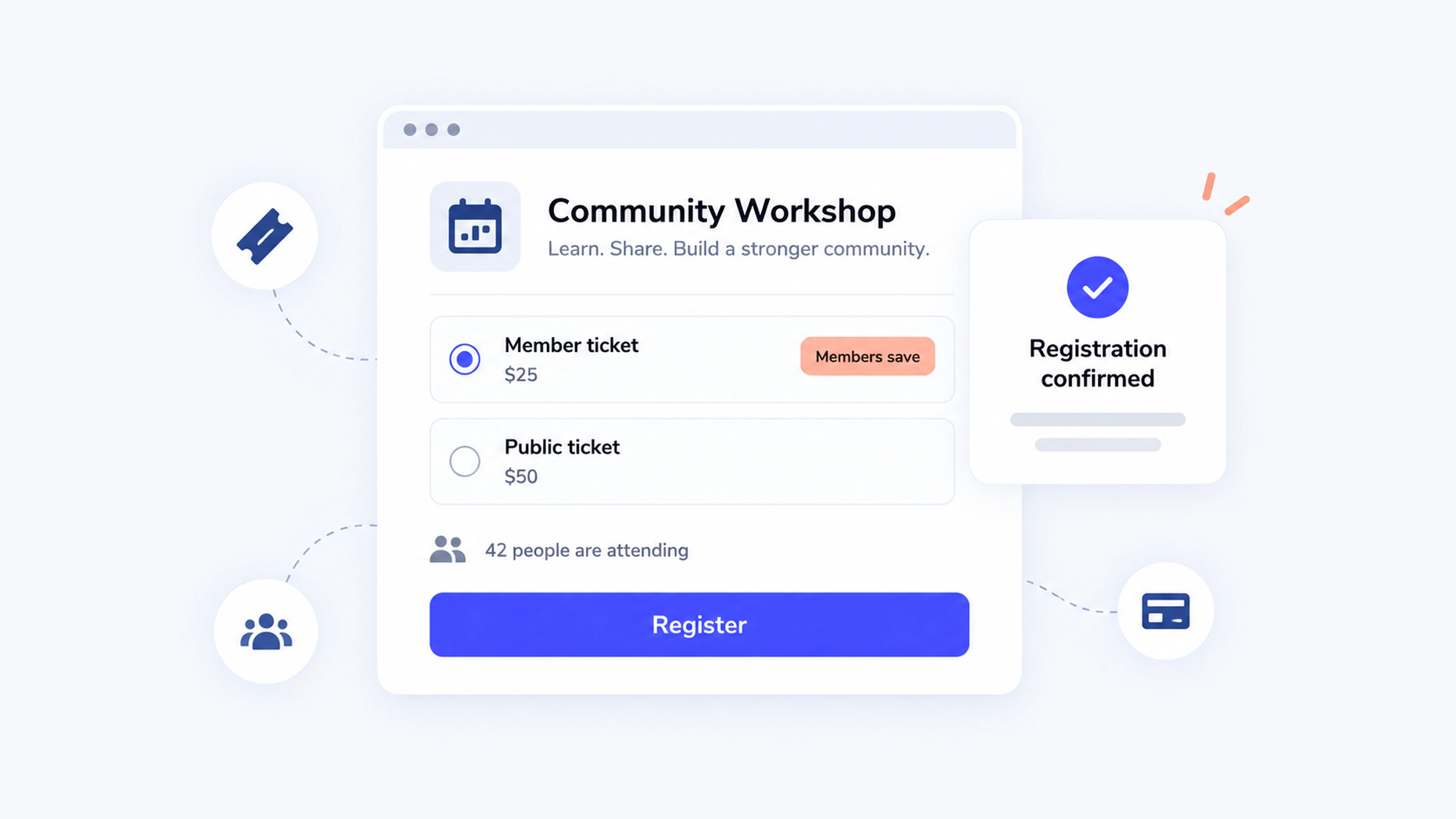
- Member-only pricing and member portal access built into the event registration workflow
- Digital membership cards with Apple Wallet and Google Wallet integration
- Mobile member check-in on higher-tier plans
- Integrations with Mailchimp, Zapier, Slack, and Stripe
If you want to understand how digital membership cards can extend the value of your events, the comprehensive guide to digital membership cards is worth reading before you build your next event registration flow.
You can browse all Join It features before starting your trial to confirm the fit for your organization's needs.
Reviewers appreciate the simple setup and cost-effectiveness for small nonprofits. The most common note: advanced event analytics are limited compared to enterprise platforms.
Pricing:
- Starter: $29/month (3% service fee, 3 admin seats)
- Total: $99/month (2% fee, 5 admin seats, check-in, digital cards, priority support)
- Extra: $199/month (1.5% fee, 10 admin seats, custom domain, push notifications)
- Enterprise: Custom pricing
- Annual billing saves 10%; nonprofits get an additional 10% discount (both stackable)
Free trial: 30 days, no credit card required
Ticketing and Low-Fee Registration
This category fits public or paid events where organizers are comparing fees, payout timing, and checkout experience. People searching for cheap event registration software or a simple low fee ticketing platform generally land here.
2. Eventbrite

SoftwareAdvice rating: 4.6 (5,730 reviews) Best for: Public ticketed events, festivals, entertainment, and community gatherings
Eventbrite is the most recognized name in event ticketing. Its built-in marketplace gives public events instant exposure to a large existing audience. The platform has also launched AI-assisted event page creation tools that can draft descriptions, images, and tags from basic input.
Key registration details:
- Custom event pages with multiple ticket types, discount codes, and donation options
- Embedded checkout widget for your own website
- QR code check-in via mobile app with payout options before event day
- Marketing integrations with Mailchimp and HubSpot
- Organizations that use Join It for membership management can connect Eventbrite directly to sync events across both platforms
Pricing:
- Free events: No platform fee
- Paid events: 3.7% + $1.79 per ticket, plus 2.9% payment processing per order
- Eventbrite Pro email marketing add-on: from $15/month
3. Ticket Tailor

SoftwareAdvice rating: 4.9 (537 reviews) Best for: Charities, attractions, festivals, and venues wanting simple, low-fee ticketing
For organizers who want simple event registration software without a steep learning curve, Ticket Tailor strips ticketing down to what actually matters: low fees, clean pages, and a check-in app that works. Free events (up to 5,000 tickets per year) cost nothing. Paid events use a flat per-ticket fee rather than a percentage, which makes budgeting predictable.
Key registration details:
- Flat-fee pricing from $0.30/ticket (prepaid credits) or $0.85/ticket pay-as-you-sell
- Unlimited events, ticket types, time-slot management, and reserved seating
- Mobile check-in app and open API for custom integrations
- Charities and B Corps receive a 50% discount on fees, making it particularly popular among UK-based nonprofits and charitable organizations
- Carbon-neutral business model
Pricing:
- Free events: Free up to 5,000 tickets/year
- Pay upfront credits: from $0.30/ticket
- Pay as you sell: $0.85/ticket, no monthly fee
4. TicketSpice

SoftwareAdvice rating: 4.9 (500+ reviews) Best for: Budget-conscious organizers wanting flat-fee simplicity and strong customization
TicketSpice keeps it genuinely simple: $0.99 per ticket plus standard credit card processing of 2.9% + $0.30. For tickets under $5, the fee drops to $0.49 each. No monthly fees, no percentage-based platform cuts, no surprises. The timed entry feature makes it a practical fit for race registrations and golf tournaments where staggered start times are part of the workflow.
Key registration details:
- Drag-and-drop registration page builder with full branding control
- Conditional logic for dynamic pricing and add-on sales
- Reserved seating, timed entry, and box-office app for onsite sales
- Text message ticket delivery and weekly payouts
- Optional upgrades: email marketing ($9/month), text messaging platform ($19/month)
Pricing:
- $0.99/ticket + 2.9% + $0.30 credit card processing
- Sub-$5 tickets: $0.49 each
- Box-office onsite sales: $0.49/ticket
- Free events: Free for organizers who also run paid events
5. RegFox

SoftwareAdvice rating: 4.8 (756 reviews) Best for: Organizers who need granular control over registration flows and dynamic pricing
RegFox delivers exceptionally low fees combined with enterprise-level customization. The RealView builder offers 40+ field types, real-time preview, and conditional logic that handles complex multi-path registration flows. It also supports payment plans, add-on purchases, and CEU certificate management.
Key registration details:
- Early-bird, group, member-only, and supply-based pricing with conditional logic rules
- Built-in CRM, email and SMS marketing, and drip campaign support
- QR code check-in and scannable badges
- Payment plans, offline payment support, and fee pass-through options
- API integration for custom workflows
Pricing:
- Standard: $0 monthly + $0.99 + 1% per paid registrant (capped at $4.99)
- Premium: $0 monthly + $1.99 + 1% per registrant (capped at $5.99)
- Professional: $499/month + $1.99 + 1% per registrant (capped at $5.99)
- Credit card processing: 2.9% + $0.30 via Webconnex Payments
Free trial: No monthly fee on Standard or Premium; test with small events at minimal cost
6. Eventzilla

SoftwareAdvice rating: 4.4 (391 reviews) Best for: Pay-as-you-go in-person, virtual, or hybrid events with no monthly commitment
Eventzilla's pay-as-you-sell model works well for organizers running events occasionally who do not want to pay a monthly subscription during quiet periods. The platform supports in-person, virtual, and hybrid formats, and includes an "Event Hub" community feature where attendees can engage before, during, and after the event.
Key registration details:
- Unlimited events with pay-as-you-go pricing tiers
- Conditional logic, custom forms, waitlists, and pre-approval workflows
- Seating plan designer and agenda builder on Pro plans and above
- Event Hub for attendee engagement and community
- Virtual event tools built into the Plus tier
Pricing:
- Basic: $1.50 per registration
- Pro: 1.9% + $1.50 per registration (adds seating plans, discount codes, agenda builder)
- Plus: 2.9% + $1.50 (adds conditional logic, white-label branding, virtual events)
- Unlimited: $5,999/year
Conference and Full Event Platforms
Conferences need more than ticketing. If you are evaluating conference registration software versus a full event platform, the gap becomes obvious once multi-session agendas, multiple attendee types, badge printing, sponsor workflows, and CRM reporting all enter the picture. This category covers platforms built for that level of operational complexity.
7. Accelevents

SoftwareAdvice rating: 4.7 (163 reviews) Best for: All-in-one in-person, hybrid, and virtual event management
Accelevents positions itself as the platform that eliminates the need to juggle separate tools for ticketing, streaming, and networking. The "fragmented workflow" problem, where organizers use one tool for registration, another for virtual, and another for check-in, is exactly what it targets.
Key registration details:
- Unlimited registration types, custom fields, and conditional logic
- QR code check-in and badge printing included across plans
- Cross-event analytics, custom reports, and API/webhook access
- Waitlist management, donations, and event website builder included
- Lower tiers charge $1.50 + 3.5% per ticket (plus Stripe or Square processing fees)
Pricing:
- Professional: from $7,500 per single event
- Business: from $13,500 for multiple events
- Enterprise/White Label: custom pricing
- Free plan available for testing; selling tickets requires an upgrade
8. Eventleaf

SoftwareAdvice rating: 4.8 (181 reviews) Best for: Conferences needing strong attendee engagement and per-attendee pricing
Eventleaf's standout feature is how it handles different registration flows for different attendee types. Speakers, sponsors, general attendees, and exhibitors each get a tailored registration experience showing only the options relevant to them. It is a genuinely powerful feature that many larger platforms charge extra for.
Key registration details:
- Multiple registration paths per attendee type, fully customizable with conditional logic
- Built-in surveys, live polling, Q&A, messaging, and gamification features
- Badge printing, QR code check-in, and leads app for exhibitors
- Payment processing: 1% of collected fees (or bring your own processor)
Pricing:
- Starter: Free up to 100 attendees/year
- Basic: $1/attendee
- Professional: $2/attendee (adds multi-session registration and virtual tools)
- Ultimate: Custom pricing
- All Ultimate features unlocked for events under 20 registrations; no credit card required
9. Swoogo

SoftwareAdvice rating: 4.7 (82 reviews) Best for: Mid-to-large conference teams running multiple events annually
Swoogo's pricing model is unusual: you pay per user, not per event or per registration. That means unlimited events, unlimited registrants, and no surprise fees based on attendance. The platform is built around bespoke registration paths with unlimited custom fields, conditional logic, and 30+ free native integrations.
Key registration details:
- Unlimited events and registrants on all plans
- Bespoke registration paths with conditional logic and cloneable workflows
- 30+ free integrations; API access on Enterprise
- Optional add-ons: Go Onsite Pro (enhanced check-in and badge printing), mobile event app, SSO
- 99.9% uptime SLA on Enterprise plans
Pricing:
- Professional: $11,800/year (1 full user, unlimited events and registrants, custom domain, check-in app)
- Enterprise: Custom pricing (adds advanced branding, API, dedicated success team, uptime SLA)
- Add-ons: Go Onsite Pro, mobile event app, and extra custom domains available separately
Free trial: Not available; demo required
10. Cvent Event Management

SoftwareAdvice rating: 4.5 (987 reviews) Best for: Enterprise-scale summits, trade shows, and corporate conferences
Cvent is the enterprise standard for complex event management. It handles venue sourcing, multi-session registration, budget management, badge printing, and deep CRM integrations all in one platform. The feature set is genuinely comprehensive. The pricing model is not transparent.
Key registration details:
- Customizable registration pages with conditional logic, waitlists, and approval workflows
- Multi-session agenda management and real-time attendee tracking
- Badge printing, onsite check-in, and exhibitor lead capture
- Native integrations with Salesforce, Marketo, and other enterprise CRMs
- Annual license plus per-registrant fees (pricing not published)
Pricing: Custom quote only; contact sales for annual license and per-registrant fee details
11. Bizzabo

SoftwareAdvice rating: 4.4 (171 reviews) Best for: B2B marketing conferences and enterprise event programs
Bizzabo combines event registration, marketing automation, and analytics into an "Event Experience OS." Native integrations with HubSpot and Salesforce mean registration data flows cleanly into your marketing stack. Optional RFID SmartBadge wearables add touchless check-in and real-time engagement data capture.
Key registration details:
- Advanced registration flows with promo codes, group discounts, and member pricing
- Mobile event app with optional Klik RFID SmartBadge wearables
- Integrated ticketing, seat assignments, and secure payment processing
- Native HubSpot and Salesforce integrations plus open API
Pricing:
- Event Experience OS: $499/user/month billed annually (minimum 3 users) or from $17,999/year
- Klik SmartBadge wearables: custom quote
Free trial: Not available; demo required
Branded and Virtual-First Experiences
Some teams, particularly corporate event marketing teams looking for corporate event registration software with design control, care most about how their registration page looks and feels. Others need virtual event registration software capable of running an entire online or hybrid experience end to end. This category covers both priorities.
12. RSVPify

SoftwareAdvice rating: 4.8 (422 reviews) Best for: Branded invitations, private corporate events, and polished guest experiences
RSVPify is built for organizations that want a polished, on-brand registration experience without hiring a developer. Its multimedia event website builder supports embedded videos, personalized welcome screens, and themed templates that actually look professional. The free tier (up to 100 RSVPs per month) makes it genuinely risk-free to try for smaller events.
Key registration details:
- Custom event websites with branded templates, video, and speaker/sponsor content blocks
- Multiple ticket types (free, paid, donation), seating chart builder, and group registration
- QR code check-in, guest list management, and capacity limits
- Conditional logic, embedded forms, and CRM integration on higher tiers
- Ticketing fee: 1.95% + $0.90 per paid ticket (plus credit card processing)
Pricing:
- Free: Up to 100 RSVPs/month, 1 active event
- Starter: $39/month or $24/month billed annually
- Plus: $125/month or $89/month annually (adds collaborators, check-in, capacity limits)
- Professional: $409/month or $299/month annually (adds advanced branding, form logic, integrations)
- Enterprise: Custom
13. Splash

SoftwareAdvice rating: 4.6 (60 reviews) Best for: Enterprise event marketing teams needing branded registration pages and CRM workflows
Splash is the go-to for event marketing teams that need beautiful, on-brand event pages connected to their CRM. It integrates natively with Salesforce, HubSpot, and Slack, and includes a mobile check-in app with onsite badge printing.
One important 2026 update: Splash's free plan was officially sunset on December 31, 2025. Older "best free tools" lists that include Splash are now out of date. All users are on paid or enterprise plans.
Key registration details:
- Branded RSVP and paid event registration with full visual customization
- Guest list management, custom registration paths, and mobile check-in
- Onsite badge printing and CRM sync
- Automated event workflows and segmented email campaigns
- Ticketing fee: 1.25% + $0.49 per ticket on paid plans
Pricing: Pro and Enterprise plans available by quote; no free tier currently
14. Virtual Pro (Hubilo)

SoftwareAdvice rating: 4.6 (154 reviews) Best for: Enterprise webinars and large-scale virtual event production
Hubilo has repositioned itself as a high-end virtual event and webinar platform, now operating under the VirtualPro/Brandlive brand. It is built for organizations running large, high-production virtual events with streaming, breakout rooms, multi-language support, and sponsor and exhibitor features. This is not a tool for occasional webinars or organizations with modest budgets.
Key registration details:
- Customizable registration forms with native or embedded workflows
- Paid ticket support via Stripe (credit/debit cards, Google Pay, Apple Pay, WeChat Pay)
- Agendas, speaker management, sponsor and exhibitor lounges, and breakout rooms
- Multi-language support and closed captioning across all tiers
- Full analytics and post-event reporting dashboard
Pricing:
- Pro 1: $15,000/year (1 admin seat, 1,000 attendees)
- Pro 4: $50,000/year (4 admin seats, 4,000 attendees)
- Pro 10: $125,000/year (10 admin seats, 10,000 attendees)
- Pro Max: Custom pricing (up to 40,000 attendees)
Free trial: Not available
15. vFairs

SoftwareAdvice rating: 4.8 (622 reviews) Best for: Virtual, hybrid, and large-scale branded events with dedicated project support
vFairs covers in-person, virtual, and hybrid events in a single platform. Its registration module includes a drag-and-drop form builder, facial recognition check-in, and pre-defined fields for travel logistics like airline preferences and meal choices. Every client gets a dedicated project manager, which sets it apart from self-serve platforms.
Key registration details:
- Custom registration forms with conditional logic and CRM sync
- Multi-page branded event websites with WCAG-compliant, multi-lingual support
- 30+ payment gateway integrations including PayPal and Stripe
- AI-assisted email sequences and segmented campaign tools
- Real-time dashboard with revenue tracking, QR code scanning, and custom reports
Pricing: Custom quote only; no published pricing
Free trial: Not available; demo required
How to Choose the Right Event Registration Software
Step 1: Define your non-negotiables
Before you look at a single demo, write down what you cannot compromise on. That might be Salesforce integration, offline check-in capability, a specific fee cap, a free tier for testing, or full data ownership through a self-hosted or open source solution. Knowing your hard limits saves hours of evaluation time.
If you are running membership-based events, reviewing your organization type first helps narrow the field to platforms actually built for your context.
Step 2: Test the full workflow
Build a test event. Register from your phone. Time how long it takes to get a confirmation email. Attempt a refund. Try the check-in app if the platform allows it.
You will learn more in 30 minutes of hands-on testing than in an hour of reading feature pages. Before committing to any platform, explore the full integration options to confirm your existing tools connect cleanly.
Step 3: Calculate total cost, not headline pricing
When you compare event registration software options side by side, total cost matters far more than the headline fee. Add up the platform fee, payment processing fee, add-ons you will actually use, and the support tier you need. That number is your real cost per event. The platform with the lowest advertised fee is not always the cheapest when you run the full math.
Implementation Checklist for Event Organizers
Before your event goes live, work through this:
✅ Registration page set up with branding, description, and event images
✅ All form fields tested on mobile (complete it yourself and time it)
✅ Ticket types and discount codes configured correctly
✅ Payment settings verified with a test transaction
✅ Confirmation and reminder emails customized, tested, and confirmed delivered
✅ Check-in app downloaded, tested, and verified to work offline
✅ Reporting exports confirmed in the format your team actually uses
✅ Privacy and consent language added to your registration form
On waitlists: The best platforms let you configure automatic waitlist promotion so when a spot opens, the next person gets notified and has a timed window to claim it. Test this flow before your event goes live. Common failure points include notification delays, expired claim windows, and capacity miscounts when group registrations are involved.
FAQ
What is event registration software?
Event registration software is a platform that manages attendee sign-ups, ticketing, payment collection, confirmation emails, check-in, and post-event reporting for live, virtual, or hybrid events.
How much does event registration software cost?
It depends heavily on the pricing model. Per-ticket platforms like Ticket Tailor start at $0.30/ticket. Subscription platforms like RSVPify start at $24/month billed annually. Enterprise platforms like Cvent and vFairs are quote-only, typically starting in the thousands annually. Always calculate total cost including payment processing fees before making a decision.
What is the best event registration software?
For public ticketed events: Eventbrite or Ticket Tailor. For membership organizations: Join It. For conferences: Cvent or Swoogo. For budget-focused paid events: TicketSpice or RegFox. For virtual and hybrid: vFairs or Hubilo. The right answer depends on your event type, budget, and team size.
What is the difference between event registration and ticketing software?
Ticketing software handles the transaction: ticket purchase, confirmation, and entry. Event registration software adds attendee data capture, CRM integration, multi-session management, and reporting. For simple public events, ticketing is usually enough. For conferences and member events, you need registration software.
How are waitlists managed in event registration software?
Most platforms let you enable a waitlist when an event reaches capacity. When a spot opens, the platform notifies the next person automatically. The best implementations include a claim window (typically 24 to 48 hours) before the spot moves to the next person. Always verify how your platform handles group waitlists and multi-session waitlists separately before your event goes live.
Conclusion
Choosing the right event registration software starts with being honest about what you actually need. The right tool does not just process sign-ups. It reduces your pre-event workload, gives attendees a smooth experience from the first click, and delivers clean data when the event is over.
Start by shortlisting two or three tools that match your event type and budget. Run a real test event in each one. Pay attention to how long setup takes, how the confirmation email looks on a phone, and whether the check-in flow is something your team can actually execute under pressure.
The 15 platforms in this list cover nearly every use case, from a $5 community event to a 10,000-person enterprise conference. The right one is whichever one your team will actually use well.
For organizations where membership and events overlap, the connection between those two functions matters as much as any individual feature. You can start a free 30-day trial with Join It to see how member-focused event registration works in practice, or book a free demo to walk through your specific use case with the team. No credit card needed.
Guides from the Experts
Through our work with 4,000+ organizations - we’ve put together helpful guides to assist; regardless of where you are on your journey.
.webp)

A Complete Guide to Membership Organizations
Everything you need to know to manage and grow your membership business
.webp)

Maximize Membership Retention: 10 Proven Strategies
Tried and true strategies that not only win membership, but keep them


Build a Membership Website: A Step-by-Step Guide
Your one-stop resource for knowing all the features your modern membership website needs
Ready to start your free trial?
Our membership software is intuitive to use and even easier to test for yourself.