iOS 27 Membership Cards vs Membership Software
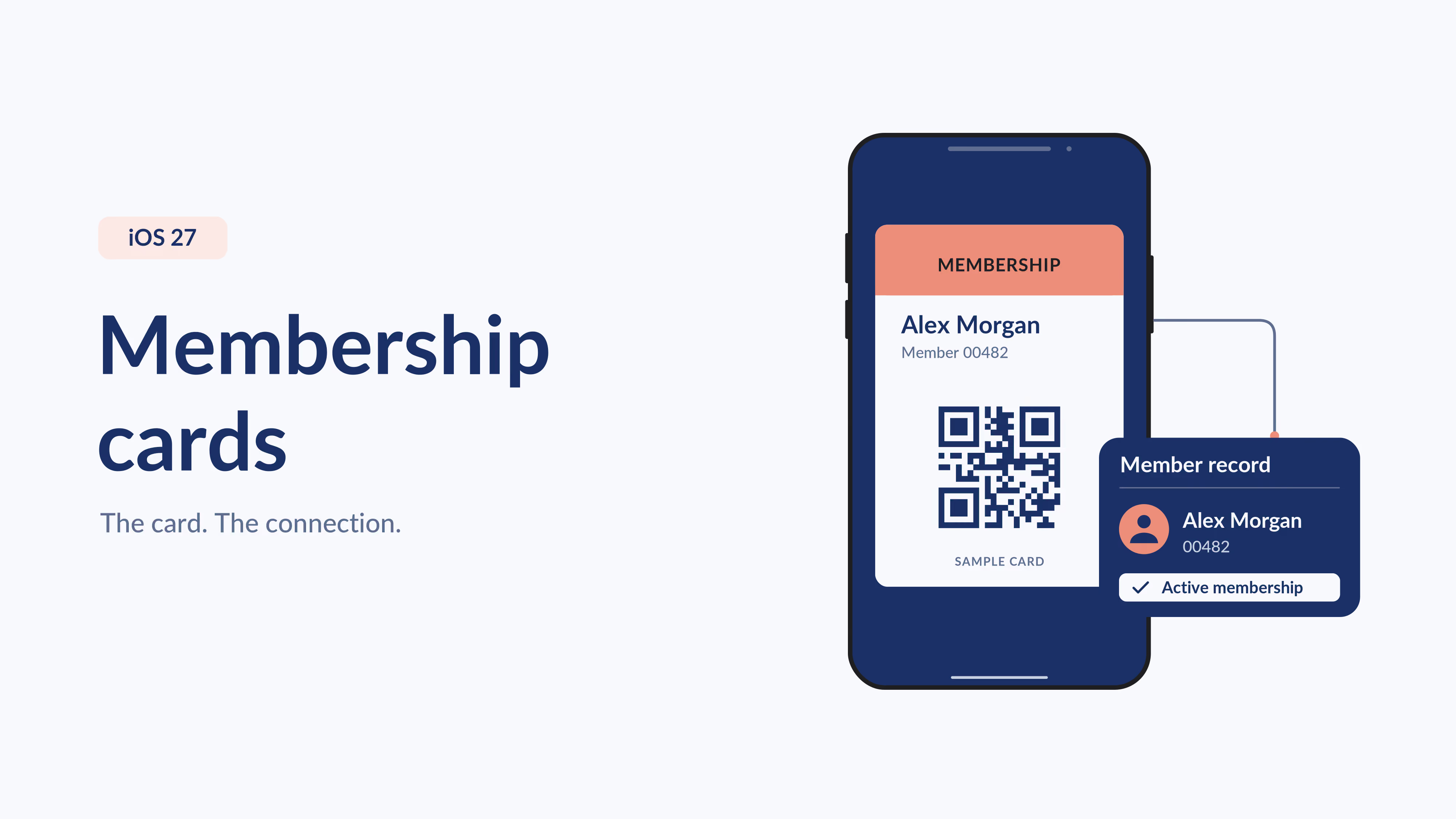


iOS 27 lets people create Apple Wallet passes from physical cards, photos or screenshots, including membership cards with a barcode or QR code. That makes a card easier to carry. Membership management software addresses the organization's next job: issuing cards, maintaining member records, handling renewals and checking eligibility. The right choice depends on whether you need a convenient copy or a connected membership process.
For clubs, associations and nonprofits, easier access to wallet cards is welcome news. Members already reach for their phones. Giving them another way to keep a card handy can make visiting your organization more convenient.
It also raises a fair question: if members can make their own digital cards, what should your organization pay for?
Start with what happens after the card is saved.
What does iOS 27's membership card feature do?
Apple's guide to creating passes in Wallet describes making passes from physical cards, photos and screenshots. It also describes a manual creation option inside Wallet.
The photo and screenshot workflow uses Apple Intelligence, with supported-device, language and regional requirements. Check Apple's current guidance for your members' devices before writing your own instructions.
For a member with a paper library or club card, the benefit is straightforward: a scannable code can be easier to find on their phone.
Creating that pass does not, by itself, establish a connection to your organization's membership database. Whether a code is accepted and how eligibility is checked still depend on the system your organization uses.
What is the difference between a wallet pass and membership management?
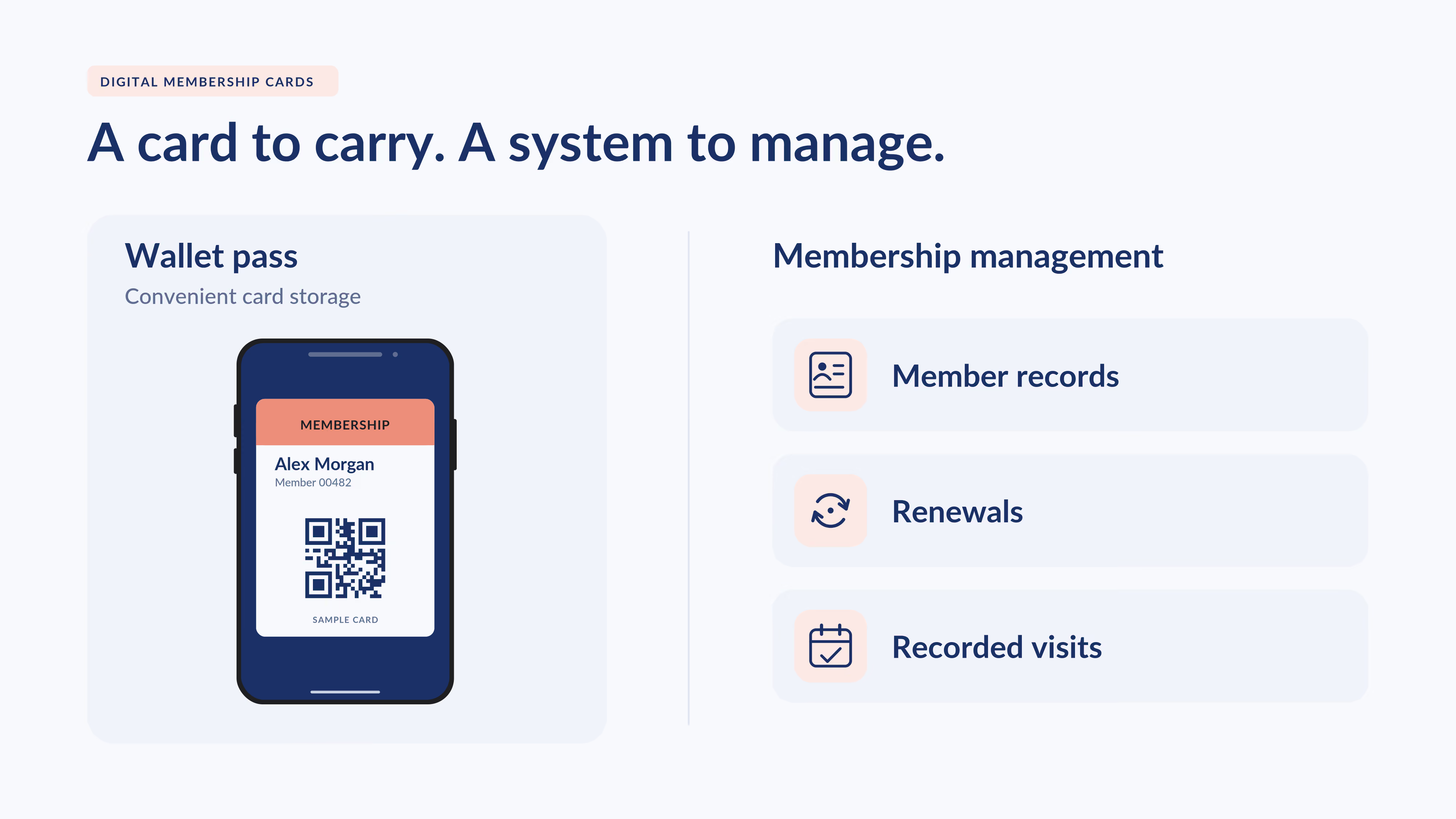
A wallet pass presents membership information. Membership management software maintains the records and processes used to run the membership.
Think about an annual club membership. A member may keep their original card for years, but their eligibility can change when they renew, change membership type or let their membership expire.
Your team needs a dependable way to answer:
- Is this membership currently active?
- Which benefits does this membership type include?
- Has the member renewed?
- Have we recorded today's visit?
A card helps identify the record you need. The membership system provides the information your team uses to make the decision.
How do self-created passes compare with connected digital membership cards?
The comparison is about the complete workflow. Apple Wallet can be the place a member keeps either kind of pass.
Why would an organization still use digital membership card software?
Send cards as part of joining
A member should know where their card comes from and how to use it.
With an organized delivery process, your team can include the card in the welcome experience and resend it when needed. That is especially useful when you manage a large membership list or rely on volunteers to answer member questions.
Keep the member record at the center
Renewals, payments and membership changes all affect how your team serves people.
Choose a system that lets staff find the member's current details without searching across separate lists. A clearly maintained membership database gives the card a useful record to point to.
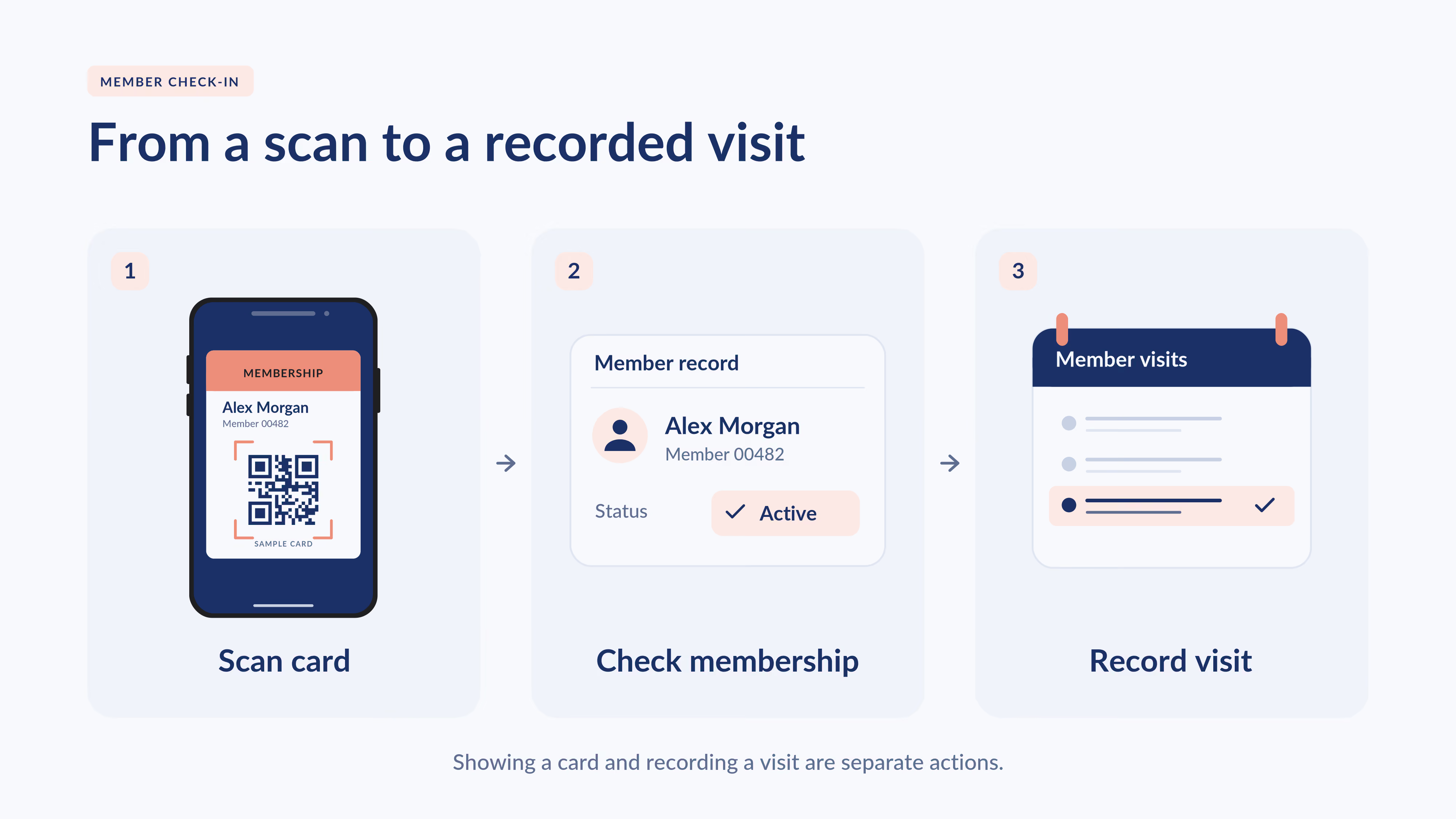
Turn a scan into a recorded visit
A barcode on a phone is useful when your team has a process for scanning it.
Join It's member check-ins let administrators record visits through a member's profile or a digital card's QR code. Check-in records can help your team understand participation.
Showing a wallet card and recording a visit are separate actions. Agree on the process your staff will follow, including how they confirm eligibility and what happens when someone cannot find their card.
How do Join It's digital membership cards fit in?
Join It provides digital membership cards for Apple Wallet and Google Wallet, connected to member records. Cards can reflect changes to membership status and expiration.
Your organization can also manage recurring payments and membership renewal reminders in Join It. The practical value is having card delivery and membership administration support the same member journey.
For example, a club can welcome a new member, provide their card, manage the membership's renewal and record a later visit. The team still needs clear rules about which membership types qualify for each benefit.
Digital membership cards are included on Join It's Total plan and above. Evaluate the plan that includes the features you need, alongside the time your team spends issuing cards and maintaining records.
For an overview of delivery and everyday use, read our practical guide to digital membership cards.
When might a self-created wallet pass be enough?
A self-created pass may be enough for an individual who wants to carry an existing card more conveniently, where the organization accepts that format.
It can also fit an organization that already has reliable membership and check-in systems and simply wants to accommodate another way of presenting the same code. Test compatibility with the system you use.
Consider dedicated membership software when your team also needs to distribute cards consistently, maintain membership types, manage dues and renewals, or review member activity.
The useful buying question is: Which membership tasks do we need the system behind the card to handle?
What should you test before choosing a solution?
Walk through a small set of real membership situations:
- A new member joins. Check how they receive and save their card.
- An existing member renews. Check which details change and when they appear.
- A membership expires or changes type. Confirm how staff see current eligibility.
- A member visits. Check how the visit is recorded and what staff can review.
- Someone needs help. Test a lost email, a failed scan and an alternative to using a smartphone.
Ask providers about update timing, device support, plan requirements and the work needed from your team. A working demonstration of these situations is more useful than a long feature list.
Frequently asked questions
Can I add a paper membership card to Apple Wallet with iOS 27?
Apple documents pass creation from physical cards, photos and screenshots, plus a manual option. Follow its device and regional guidance, and confirm that your organization accepts the resulting pass.
Does creating a wallet pass automatically update my membership?
Pass creation alone does not connect your membership to the organization's records. Your membership status comes from the organization's membership system and processes.
Can a self-created membership pass work for check-in?
It may work if the copied code is compatible with the organization's scanner and underlying system. Test it with your provider. A readable code alone does not establish that the membership is eligible for access.
Why pay for software if members can make their own cards?
Pay for the operational work your organization needs: maintaining records, distributing cards, managing renewals and recording member activity. If you only need a convenient personal copy, pass creation may meet that narrower need.
Does Join It support members who use Android?
Join It offers cards for Google Wallet as well as Apple Wallet. Include instructions for both groups when introducing your cards.
Give members a convenient card and your team a clear process
Apple's pass-creation feature makes carrying a membership card easier. For your organization, the next step is deciding how that card connects to the work of welcoming members, checking eligibility and managing renewals.
If those tasks are taking time away from your community, explore Join It's digital membership cards and use the testing checklist above to assess the whole member experience.
.avif)
Guides from the Experts
Through our work with 4,000+ organizations - we’ve put together helpful guides to assist; regardless of where you are on your journey.
.webp)

A Complete Guide to Membership Organizations
Everything you need to know to manage and grow your membership business
.webp)
Maximize Membership Retention: 10 Proven Strategies
Tried and true strategies that not only win membership, but keep them

Build a Membership Website: A Step-by-Step Guide
Your one-stop resource for knowing all the features your modern membership website needs
Ready to start your free trial?
Our membership software is intuitive to use and even easier to test for yourself.