Easiest Membership Software for Volunteer-Run Groups



The easiest membership software for volunteer-run groups helps a non-technical treasurer or membership secretary manage records, renewals and payments, then hand the work to the next committee. Join It is worth considering for those tasks: it offers a shared member database, automated emails and separate administrator access. Test the everyday work and the handover process before choosing.
You may have volunteered to support your group, then discovered that the role comes with a spreadsheet, an inbox full of renewal questions and instructions only the previous secretary understands.
You need a system you can use confidently between work, family and the activities your group exists to organize. You also need the next volunteer to inherit a manageable job.
Here is what to look for, how Join It supports that work and what to check before your next annual general meeting (AGM).
What makes membership software easy for volunteers?
Easy membership software makes the important tasks clear: finding a member, checking their status, understanding a payment and knowing what happens next. It should also make those tasks repeatable when the person responsible changes.
For a volunteer-run group, assess ease of use in three places:
- Getting started: Can you organize your records and membership types with clear guidance?
- Running memberships: Can the system handle routine reminders and reduce duplicate updates?
- Committee handover: Can another authorized volunteer use the same organization and records through their own login?
The best test is to ask the person who will actually do the work to try it. A confident demonstration by a vendor is useful, but your incoming membership secretary needs to understand the process too.
Use this checklist during a trial or demo.
Join It publishes this guide. These are practical evaluation criteria, not a claim that one platform is objectively the easiest for every organization.
Can a non-technical volunteer get started with Join It?
Join It provides a dashboard for membership administration, with documentation and support to help you get started. Its admin dashboard guide explains where to find member records, communications and other tools.
Treat “no technical skills needed” as a practical requirement: you should be able to complete everyday membership tasks without writing code. You will still need to decide how your group’s memberships work, check the setup and learn the parts relevant to your role.
Start with a small set of essentials.
Get the membership rules clear
Write down your membership categories, dues and renewal dates. Decide which memberships require a fresh payment each year and which should use recurring billing.
If your group offers household memberships, concessions or other exceptions, bring those examples to your setup conversation. Clear rules make both the software and the handover easier to understand.
Prepare the existing records
Review the list you are moving from. Remove obvious duplicates and identify information that needs checking, such as missing email addresses or uncertain expiration dates.
Join It has an import guide explaining how to prepare member information. Follow that process and validate the results before relying on the new database.
Moving existing recurring payments is a separate question from importing contact details. Ask for guidance before changing billing arrangements.
Practice the work you will do most often
Find a member, review their status and locate the renewal settings. Check the member-facing experience as well as the administrator view.
Use the Join It setup videos when you need a walkthrough. You do not need to learn every feature before making the core membership process useful.
How can a new committee take over at an AGM?
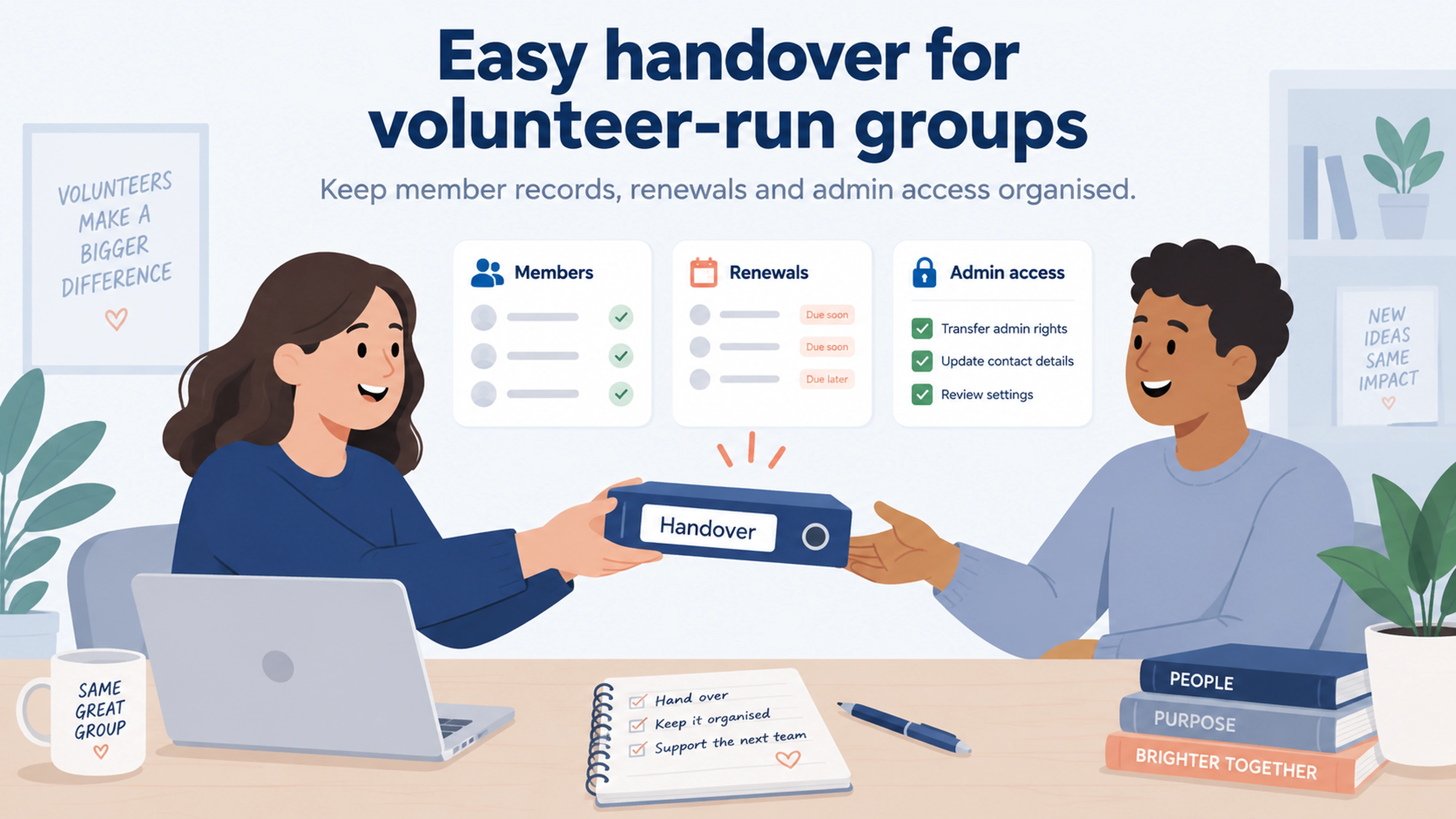
A committee handover should give new volunteers access to the organization’s existing membership system, clear responsibilities and a short set of working instructions.
In Join It, administrators can be invited into the existing organization. The incoming volunteer does not need a replacement organization simply because the committee has changed.
Invite the incoming volunteer before the outgoing person leaves
Join It’s administrator invitation guide describes the process: open Settings, select Manage Admins, enter the person’s details and choose an access level. They receive an invitation to set up their own login.
Allow time for them to accept it and check access. Confirm the available administrator seats for your package before arranging an overlap.
Match access to the responsibility
Join It documents Owner, Manager, Frontdesk and Read-only permission levels. Owner access includes sensitive settings and administrator management, while other roles have more limited permissions.
Make sure a continuing, authorized person has the access needed to manage the account. After a successful handover, an Owner can update permissions or remove an administrator whose access is no longer needed.
Changing committee roles is an access-management task. Keep the existing organization and records in place.
Review connected accounts separately
Access to Join It should not be your only handover check. Review who controls the connected payment account, email platform, website and any other services the group relies on.
For example, Stripe has its own account ownership transfer process. Giving someone access to Join It is not the same as transferring control of Stripe.
Use this checklist before the outgoing volunteer signs off.
Keep the handover note short enough to use: where to log in, the membership calendar, what runs automatically, what needs checking and where to get help. Store it somewhere the organization’s authorized committee can access.
How do automated renewals and payments reduce chasing?
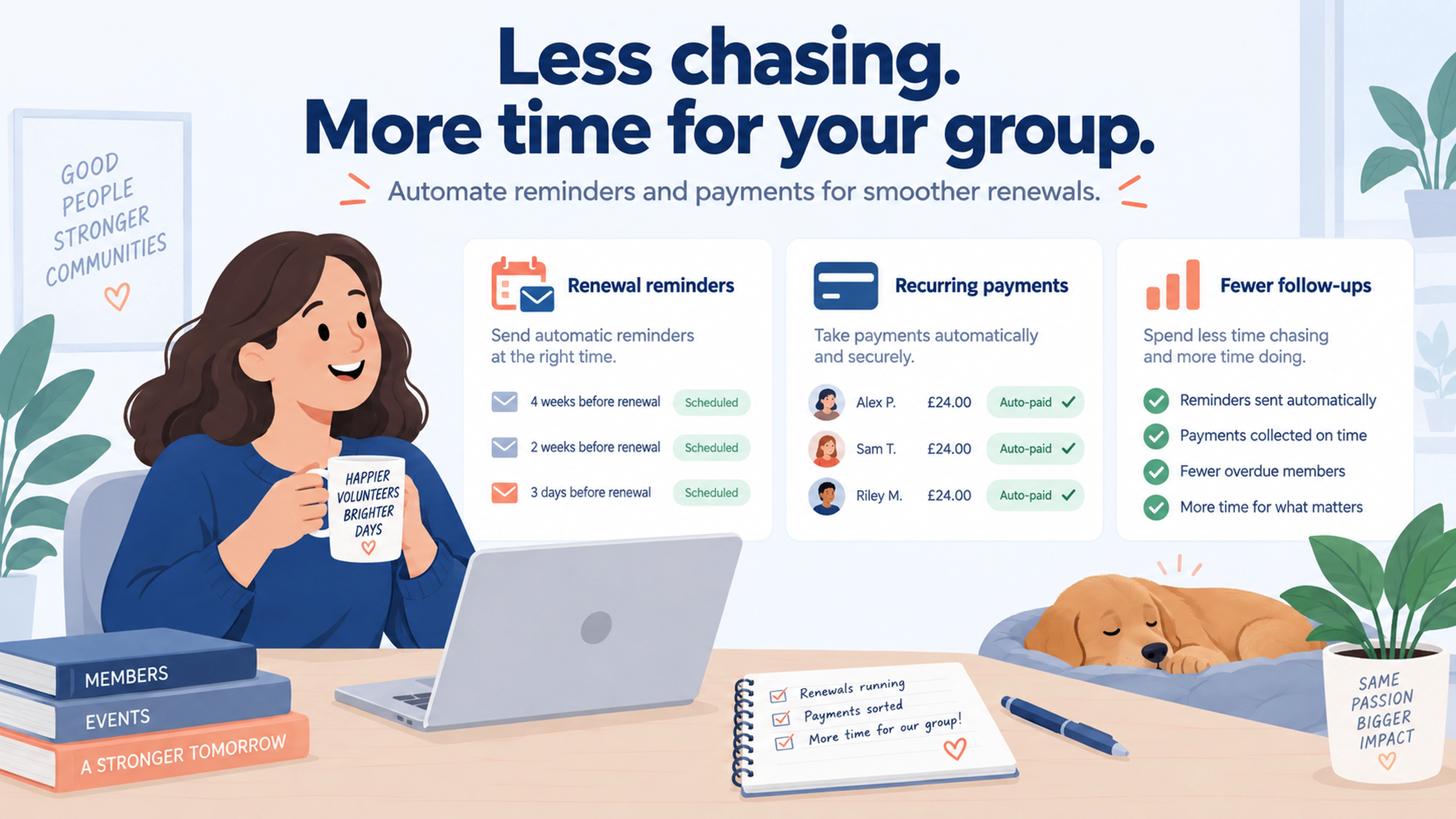
Automation reduces the repeated work of remembering who needs a message and writing it again. The setup should distinguish members who must renew manually from members who have recurring payments.
Remind members who need to take action
Join It’s Type A renewal reminders are tied to a membership’s expiration date. They include a link to a pre-filled renewal checkout.
You can choose the relevant membership types, customize the message and send a test. New reminders start as drafts, so check that the intended emails are active before expecting them to run.
This gives the membership secretary a repeatable process for routine renewal messages.
Keep members informed about recurring payments
Recurring billing can remove the need for members to make a fresh manual payment each renewal period.
Join It’s Type B reminders notify members ahead of a scheduled automatic payment. These require activation in Join It and configuration of the relevant trigger in the connected Stripe account.
Record that setup in the committee handover note so the next treasurer understands which members are billed automatically.
Keep someone responsible for exceptions
A payment can still fail, and a member may need personal help. Join It supports failed-payment email notifications, but your committee should still decide who reviews unresolved issues.
The aim is fewer repetitive tasks and clearer follow-up. Automation does not remove the need for an accountable volunteer.
Can your group keep using its existing tools?
You may be able to keep familiar tools while using Join It as the membership database. Start with the connections you need and check exactly what each one does.
Your website: You can link to the Join It member portal from your existing website. A direct link is a straightforward starting point; an embedded experience is a separate setup choice.
Mailchimp: Join It’s Mailchimp integration sends member information to selected audiences. Its documentation covers membership types, statuses and updates. Check the audience and field settings so the next volunteer knows how the connection works.
Other workflows: Join It also offers a Zapier integration. This uses a separate automation service, so assess the setup, ongoing ownership and any additional costs before adding it.
Browse the integration options with your current tools in mind. Check package requirements and avoid adding connections nobody on the committee can maintain.
What does this look like for a real volunteer-run organization?
8111 Clubhouse: a system the next volunteer can take over
The 8111 Clubhouse case study describes a volunteer-run membership program in Metro Atlanta. Membership Chair Danielle Scarborough manages the role alongside full-time work.
For a rotating committee, her experience of changing administrators is especially relevant:
“You're going to be changing admins and doing that switch was very simple, too.”
The published story also describes cleaning an inherited list of nearly 1,000 records down to more than 200 current memberships. That was data-cleanup work, not a software-driven increase in membership or a renewal-rate result.
The useful lesson is to give your successor both access and records they can understand. Software supports continuity, but the handover should also explain what has been checked and what still needs attention.
Winchester AAPC: a reported reduction in admin time
In a separate Winchester VA Local AAPC Chapter case study, Join It reports that the small volunteer team saved more than 20 administrative hours per quarter through automation.
The chapter also connected its membership work with tools including Mailchimp and Eventbrite. This is a published customer outcome, not a guaranteed saving for every group.
To assess your own results, record the time you currently spend sending reminders, updating lists and answering routine renewal questions. Compare the same tasks after a full renewal cycle, allowing for the initial setup work.
How should you choose the right platform for your group?
Choose the platform your current and future volunteers can operate confidently.
Run the checklist above with a treasurer or membership secretary, then ask another committee member to repeat the key tasks. Note where either person needs help.
Compare the proposed cost as well as the experience. Check administrator access, payment fees, essential features and any separate services your group needs. For Join It, review the current pricing and packages.
If your group also needs specialist facility bookings, complex accounting or other operational tools, include those requirements in the evaluation. Our guide to choosing membership software for clubs explores the wider selection process.
Frequently asked questions
What is the easiest membership software for a volunteer-run group?
Look for a platform that makes member records, renewals and administrator access straightforward for the people doing the work. Join It is an option for groups prioritizing those tasks. Test it with both the current volunteer and a possible successor before deciding.
Do I need technical skills to use Join It?
Everyday membership administration uses a dashboard rather than custom code. You will still need to understand your membership rules and review the setup. Documentation, setup videos and support can help with unfamiliar tasks or more involved connections.
Can a new membership secretary use the existing member database?
Yes. Join It supports inviting another administrator into the same organization with their own login and permissions. Confirm their access before removing the outgoing administrator, and keep the existing organization in place.
Will changing the committee automatically update Stripe access?
No. Review the connected Stripe account separately and follow Stripe’s process for any required ownership or team-access changes. Include other connected tools in the same review.
Does automated renewal mean every member is charged automatically?
No. Manual-renewal reminders and recurring billing are different workflows. Confirm how each membership type is configured and make sure the member-facing messages describe the correct process.
Can we avoid rebuilding our website?
Join It supports direct links from an existing website to its member portal or membership checkout. Check whether that simple approach meets your needs before choosing a more involved website integration.
Make the next membership handover easier
Your group should be able to change committee members without losing the knowledge needed to run memberships.
Book a Join It demo and bring your membership categories, renewal process and next AGM date. Ask to walk through the tasks you will use now, then show how the next volunteer can take them over.
.avif)
Guides from the Experts
Through our work with 4,000+ organizations - we’ve put together helpful guides to assist; regardless of where you are on your journey.
.webp)

A Complete Guide to Membership Organizations
Everything you need to know to manage and grow your membership business
.webp)
Maximize Membership Retention: 10 Proven Strategies
Tried and true strategies that not only win membership, but keep them

Build a Membership Website: A Step-by-Step Guide
Your one-stop resource for knowing all the features your modern membership website needs
Ready to start your free trial?
Our membership software is intuitive to use and even easier to test for yourself.